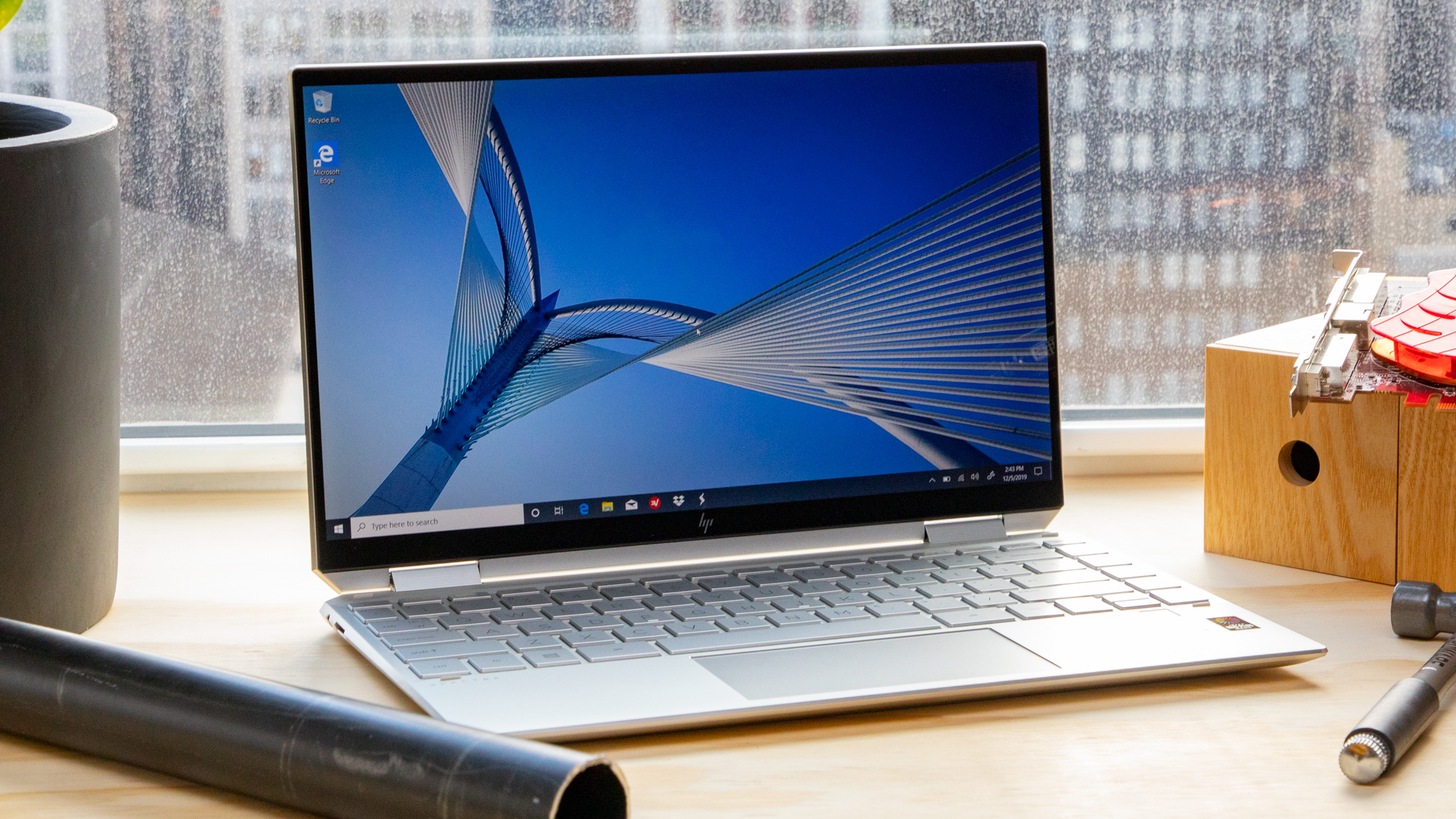
Yes, a laptop is fundamentally a type of personal computer (PC). While the term "PC" is often colloquially used to distinguish desktop Windows-based machines from Apple’s Mac line, the definition is technically inclusive of any computer designed for individual use. A laptop performs the same primary functions as a desktop, utilizing a central processing unit, memory, storage, and an operating system to execute tasks for a single user.
Defining the Personal Computer
The term "Personal Computer" emerged in the 1970s to describe machines that were compact and affordable enough to be owned and operated by a single individual, rather than shared across an entire department or enterprise. Before this era, computing was the domain of mainframes and minicomputers—massive, expensive systems requiring teams of technicians.
When a device is categorized as a personal computer, it satisfies three specific criteria:
- Accessibility: The hardware is intended for use by one person at a time.
- Autonomy: The system can perform a wide range of tasks—word processing, web browsing, data management, and media playback—without requiring a connection to a larger host server.
- Versatility: The user can install software or peripheral hardware to expand the machine's capabilities.
Whether it is a desktop tower sitting under a desk or a clamshell laptop sitting on a lap, both satisfy these technical requirements. The divergence in naming conventions—"desktop" versus "laptop"—refers to the form factor and portability rather than the underlying classification as a PC.
Why the Confusion Exists
The confusion regarding whether a laptop qualifies as a PC often stems from historical branding and marketing shifts rather than technical reality. In the 1980s and 1990s, the "IBM PC" (and its clones) became the gold standard for personal computing. Marketing teams began to use "PC" specifically to refer to computers running Microsoft DOS or Windows, effectively creating a brand identity that felt distinct from Apple’s "Macintosh."
As a result, many consumers grew up viewing "PC" as synonymous with "Windows Desktop." However, this is a marketing-driven distinction, not a functional one. A MacBook is a personal computer, a Chromebook is a personal computer, and a high-performance gaming laptop is a personal computer. They all share the same Von Neumann architecture—an instruction set, data processing units, and memory structures—that defines the personal computing experience.
Comparing Form Factors: Laptop vs. Desktop
While they are both PCs, the design philosophy behind laptops and desktops differs significantly to accommodate their primary use cases.
Thermal Management and Power
Desktops generally offer superior thermal management. With larger cases, desktops can house bigger cooling fans and heat sinks, allowing processors to run at higher clock speeds for longer durations without thermal throttling. Laptops, conversely, must prioritize energy efficiency. They are engineered to dissipate heat within a constrained volume, which often leads to internal components that are power-optimized rather than performance-maximized.
Modularity and Upgradability
The most significant practical difference for the end user is modularity. A traditional desktop PC is built for easy maintenance. Users can replace power supplies, add graphics cards, install additional storage drives, or swap out motherboards with relative ease. Laptops are increasingly designed with integrated components to minimize size. In many 2026-era ultra-portable laptops, the RAM is soldered directly to the motherboard, and the storage is sometimes non-standard, making end-user upgrades physically impossible.
| Feature | Desktop PC | Laptop PC |
|---|---|---|
| Portability | Static (Fixed location) | Portable (Battery powered) |
| Upgradability | High (Modular components) | Low (Often fixed/soldered) |
| Cooling | Robust (High airflow) | Limited (Compact dissipation) |
| Interface | External (Keyboard/Monitor) | Integrated (Built-in) |
| Power | AC Mains (Direct) | Internal Battery/AC Adapter |
The Convergence of Architecture
In the modern computing environment, the functional gap between a laptop and a desktop has narrowed. Because modern processors—such as those found in the Intel Core, AMD Ryzen, or Apple M-series families—are now so efficient, the mobile versions of these chips often mirror their desktop counterparts in terms of core count and feature sets.
A user performing data analysis, video editing, or software development often finds that a high-end laptop provides parity with a desktop PC. The shift toward cloud computing and high-speed wireless connectivity also means that the "local" power of the machine is becoming less relevant than the interface through which the user accesses their data. Whether that interface is a desktop monitor or a 14-inch laptop screen, the core experience remains that of a personal computer.
Identifying Your Specific Device Needs
Determining whether you need a laptop or a desktop depends entirely on your operational requirements rather than the label "PC."
When to Choose a Laptop
If your work requires mobility—frequent meetings, commuting, or the ability to work from various locations—a laptop is the only logical choice. With modern docking stations, a laptop can effectively become a desktop upon arrival at your desk. By connecting a single USB-C or Thunderbolt cable, the laptop can drive multiple monitors, provide wired internet, and connect to a full-sized mechanical keyboard.
When to Choose a Desktop
If your primary focus is heavy-duty rendering, intensive gaming with top-tier hardware, or long-term cost-efficiency through component replacement, a desktop remains the superior investment. Desktops have a lower cost-to-performance ratio because you are not paying for the engineering required to miniaturize the hardware or for the inclusion of a high-cycle battery.
Common Misconceptions About PC Classification
A frequent source of misinformation is the belief that "PC" implies a specific operating system. In reality, a "PC" simply describes the hardware platform.
- Macs are PCs: Apple computers are personal computers in every technical sense. They are built on x86 or ARM architecture, support multitasking, and are designed for individual users.
- Chromebooks are PCs: Although their operating system (ChromeOS) is restricted compared to Windows or Linux, the device itself is a personal computer.
- Tablets are borderline: Devices like the iPad or the Surface Go often blur the lines. While they function as personal computers, they are often categorized as "mobile devices" due to their touch-first operating systems. However, as these systems gain file-management capabilities and peripheral support, the distinction between a tablet and a "PC" continues to dissolve.
Maintenance and Troubleshooting
Whether you own a laptop or a desktop, the core troubleshooting steps remain largely identical because the logic of the OS is the same. If your system is running slowly, the first step is always to examine resource usage—CPU, memory, and disk utilization—via the Task Manager on Windows or Activity Monitor on macOS.
- Software Bloat: Both desktops and laptops suffer from background tasks slowing down performance. Uninstall unused applications and limit startup programs.
- Thermal Issues: If your laptop is running hot, ensure the intake and exhaust vents are free of dust. While desktops are easier to clean, laptops require a careful, gentle approach—usually compressed air—to avoid damaging the delicate fan blades.
- Driver Stability: Both forms of PCs rely on firmware and drivers. Always keep your graphics and chipset drivers updated to ensure the hardware is communicating correctly with the operating system.
FAQ: Frequently Asked Questions
Does "PC" only refer to computers running Windows? No. The term "PC" refers to the category of personal computing hardware. While Windows has used the term extensively in marketing, Macs, Linux-based machines, and ChromeOS devices are all personal computers. Using "PC" to refer exclusively to Windows is a cultural shorthand, not a technical definition.
Can a laptop run the same software as a desktop? Generally, yes. Most modern software is architecture-agnostic, meaning it will run on any device with a compatible processor. If you are using a Windows-based laptop and a Windows-based desktop, the software compatibility is 1:1. The main difference lies in performance; a complex rendering project may take longer on a laptop than on a high-spec desktop.
Are laptops more expensive than desktops? When comparing equivalent hardware, laptops are usually more expensive. The cost of miniaturizing components, engineering efficient cooling, and including a high-quality display and battery increases the price significantly over a desktop, which uses standard-sized components and does not include peripherals like a screen or keyboard in the base tower price.
Is it accurate to call a laptop a "PC"? Yes. In both technical documentation and common industry parlance, a laptop is a PC. If you are at a computer store or looking at a support manual, you will frequently see laptops listed under the "PC" or "Personal Computer" header.
Why does my IT department distinguish between "PC" and "Mac"? IT departments often use these terms as a simplified way to categorize support workflows. "PC" in a corporate context typically refers to Windows-managed enterprise machines, while "Mac" refers to Apple’s ecosystem. This is a management classification, not a fundamental technical one, used to simplify software deployment and security policies.
Final Recommendation
If you are currently deciding between buying a desktop or a laptop, ignore the terminology of "PC" versus "Laptop" and focus on your use-case workflow. Ask yourself where you will be performing your tasks 80% of the time. If that location is mobile, purchase a laptop and invest in a high-quality docking station to ensure you have the ergonomics of a desktop when you need them. If your work is anchored to a single desk and requires maximum power, heat dissipation, and upgrade potential, the desktop remains the industry standard. Both are PCs, and both are capable of serving the needs of a modern user in 2026.