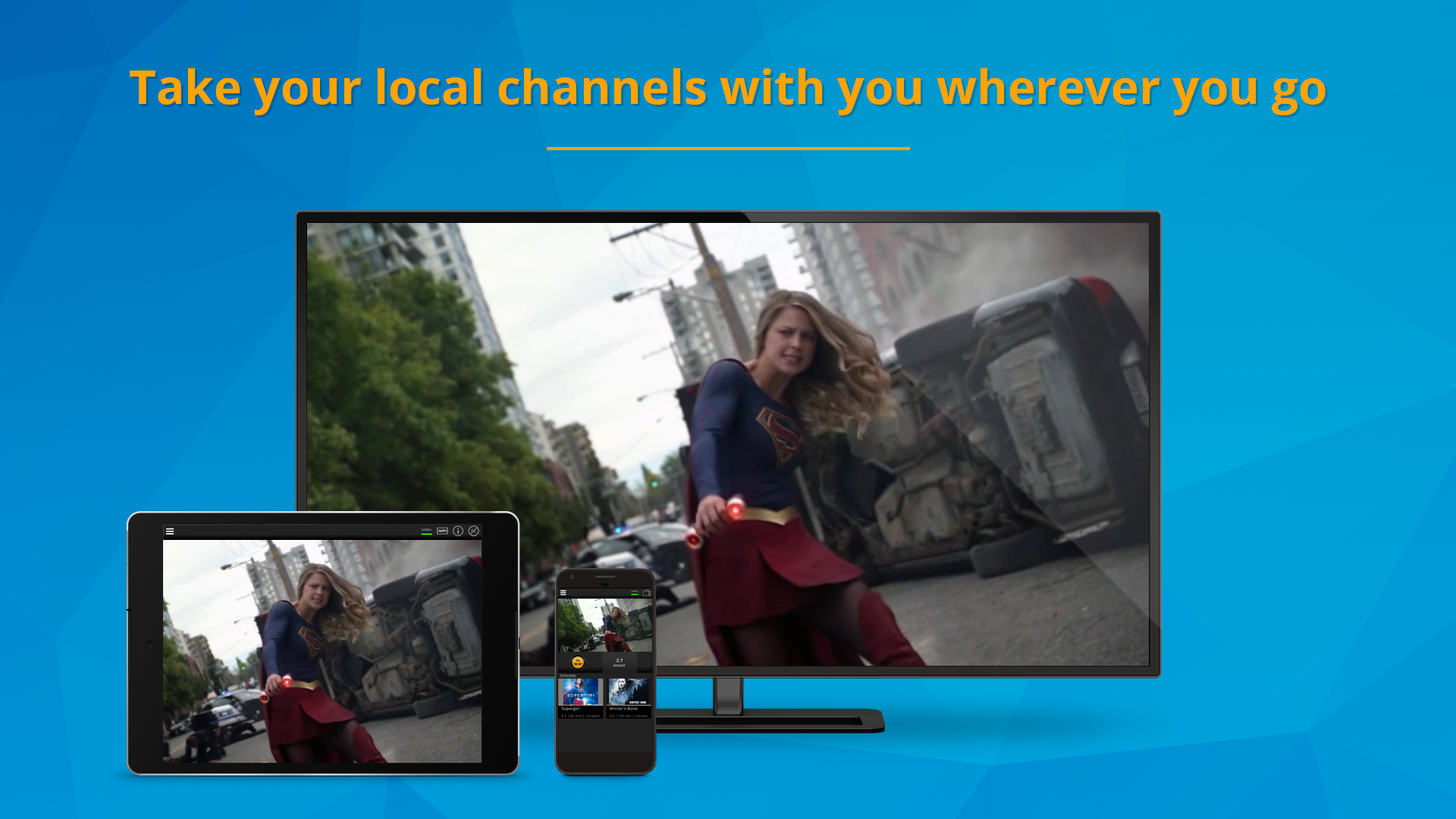
Combining AirTV hardware with the FreeCast streaming platform allows users to integrate live local broadcast channels—such as ABC, CBS, NBC, Fox, and PBS—directly into a unified digital program guide. By connecting an Over-the-Air (OTA) antenna to an AirTV tuner, the local signal is converted into a stream that the FreeCast app can access on various devices, effectively merging traditional broadcast television with modern streaming services.
The Evolution of Cord-Cutting: Why AirTV and FreeCast Matter
As of 2026, the streaming landscape has fragmented significantly, with viewers often forced to toggle between dozens of individual apps to find the content they want. This "app fatigue" has led to a resurgence in interest for aggregated solutions. FreeCast (formerly known as SelectTV) has positioned itself as a "SmartGuide" that brings together hundreds of free ad-supported streaming television (FAST) channels, premium subscriptions, and video-on-demand services. However, the one element often missing from these digital-first platforms is the local broadcast signal.
AirTV solves this problem by acting as a bridge. While many users associate AirTV exclusively with Sling TV, the hardware is a standalone network-connected tuner. When paired with FreeCast, it allows for a seamless experience where a user can scroll from a local news broadcast in their city directly to a global streaming movie channel without changing inputs on their television. This integration is vital for viewers who want to maintain access to local sports, weather, and emergency alerts while taking advantage of the cost savings associated with cord-cutting.
The synergy between these two entities represents a shift toward "hybrid viewing." Instead of choosing between an antenna and the internet, consumers are using hardware like the AirTV 2 or AirTV Anywhere to digitize their local airwaves. FreeCast then provides the sophisticated software interface necessary to organize these signals, providing a professional-grade Electronic Program Guide (EPG) that rivals high-end cable or satellite boxes.
Understanding the AirTV Hardware Lineup
To begin streaming local channels via FreeCast, you must first select the appropriate hardware. AirTV offers several models, but the most relevant for local channel integration are the network-connected tuners. Unlike the AirTV Mini, which is a streaming stick, the AirTV 2 and AirTV Anywhere are designed specifically to sit near your antenna and broadcast the signal over your home Wi-Fi or Ethernet network.
The AirTV 2 remains a popular entry-level choice in 2026. It features two tuners, which means you can watch one local channel while recording another, or stream to two different devices simultaneously. It is compact and requires an external USB hard drive if you wish to utilize Digital Video Recorder (DVR) functionalities. For many households, this is a sufficient and cost-effective way to bring local channels into the FreeCast ecosystem.
The AirTV Anywhere is the more robust sibling, featuring four tuners and a built-in 1TB hard drive. The four-tuner configuration is ideal for larger families or power users who want to record multiple programs at once without creating a "tuner conflict." Because the hard drive is internal, the setup is cleaner, and the performance for DVR playback is generally more stable. Both devices support 1080p HD streaming, ensuring that the high-quality signal captured by your antenna is not significantly degraded when it reaches your smartphone, tablet, or smart TV.
The Role of FreeCast in the Ecosystem
FreeCast serves as the software "brain" of the operation. While the AirTV hardware captures the signal, FreeCast provides the environment where that signal lives. The FreeCast platform is built on the philosophy of "media aggregation." In 2026, the service offers over 500 free channels and integrated access to paid services like Netflix, Disney+, and Paramount+.
By adding your AirTV local channels to FreeCast, you are effectively creating a personalized cable package. The FreeCast SmartGuide populates with your local affiliate data based on your zip code. This means when you open the FreeCast app on your Roku, Fire TV, or mobile device, the local channels appear at the top of your guide. This eliminates the need to switch TV inputs from "HDMI 1" to "Antenna," a common frustration for less tech-savvy family members.
Furthermore, FreeCast’s integration provides a layer of portability. Because the AirTV converts the antenna signal into an IP-based stream, FreeCast can theoretically allow you to access your home’s local channels even when you are away from home, provided your home upload speed is sufficient. This "place-shifting" technology is a hallmark of the AirTV/FreeCast partnership, making it an attractive option for frequent travelers or commuters.
Detailed Comparison: AirTV 2 vs. AirTV Anywhere
Choosing the right hardware depends on your household's viewing habits and budget. The following table highlights the technical differences as they stand in 2026.
| Feature | AirTV 2 | AirTV Anywhere |
|---|---|---|
| Number of Tuners | 2 | 4 |
| Internal Storage | None (Requires External USB) | 1TB Internal |
| Max Simultaneous Streams | 2 | 4 |
| Connectivity | Wi-Fi 802.11ac & Ethernet | Wi-Fi 802.11ac & Ethernet |
| Cooling | Passive | Active (Internal Fan) |
| DVR Capabilities | Supported via external drive | Built-in |
| Typical Use Case | Small households / Budget-conscious | Large families / Heavy DVR users |
Step-by-Step Configuration: Connecting AirTV to FreeCast
Setting up the system requires a specific sequence to ensure the FreeCast software correctly recognizes the AirTV hardware on your network.
- Antenna Placement and Connection: Connect your OTA antenna to the coaxial port on the back of the AirTV unit. For the best results, place your antenna near a window or in an attic. Use tools like AntennaWeb to identify the direction of your local broadcast towers.
- Power and Network: Plug the AirTV into a power outlet and connect it to your router via an Ethernet cable for the most stable connection. While Wi-Fi is supported, the high bandwidth required for HD video makes a wired connection preferable.
- Initial Hardware Setup: Before opening FreeCast, you may need to use the AirTV app to perform an initial channel scan. This ensures the hardware has locked onto the available frequencies in your area. Ensure the AirTV firmware is updated to the latest 2026 version.
- Linking to FreeCast: Open the FreeCast app on your primary device. Navigate to the "Settings" or "My Gear" section. Select "Connect Device" and choose "AirTV" from the list of compatible hardware.
- Synchronization: The FreeCast app will scan your local network for the AirTV unit. Once found, it will ask for permission to link. After linking, FreeCast will import the channel list discovered by the AirTV.
- Guide Customization: Once the sync is complete, navigate to the FreeCast SmartGuide. You should now see your local ABC, NBC, and other affiliates listed alongside the digital streaming channels.
Technical Requirements and Network Optimization
To ensure a buffer-free experience when streaming local channels through FreeCast, your home network must meet certain technical benchmarks. Local HD broadcasts can consume significant bandwidth, often ranging from 5 Mbps to 15 Mbps per stream depending on the resolution and compression.
First, your router should be capable of handling high-speed internal traffic. A Wi-Fi 6 or 6E router is recommended in 2026 to minimize interference and latency. If you are streaming to multiple devices simultaneously—for instance, one person watching the local news on a tablet while another watches a football game on the main TV—the cumulative load on the Wi-Fi network can be substantial.
Second, consider the upload speed of your internet connection if you plan to watch local channels outside your home. While downloading the stream at your remote location is important, your home network must "upload" that stream to the internet. A minimum upload speed of 10 Mbps is recommended for a single high-definition stream.
Third, antenna quality remains the foundation of the entire system. No amount of high-end software can compensate for a poor-quality signal. In 2026, many broadcasters have transitioned to ATSC 3.0 (NextGen TV), which offers 4K resolution and better signal penetration. Ensure your antenna is "4K Ready" and that your AirTV model is compatible with the latest broadcast standards in your specific market.
Cost Considerations and Value Proposition
The primary appeal of the AirTV and FreeCast combination is the elimination of monthly "Broadcast TV Fees" that cable providers often charge, which can exceed $25 per month in some regions.
- Hardware Costs: In 2026, an AirTV 2 typically retails between $80 and $100, while the AirTV Anywhere ranges from $150 to $180. An antenna can cost anywhere from $30 to $100 depending on its range and amplification.
- Subscription Costs: FreeCast offers a robust free tier, but their "Value Channels" package (which includes premium networks like REELZ, Hallmark, and others) usually requires a small monthly fee. However, the integration of local channels via AirTV does not typically require an ongoing subscription to FreeCast itself, though some advanced DVR cloud-syncing features might be part of a premium tier.
- Long-term Savings: When compared to a traditional cable package costing $120+ per month, the AirTV and FreeCast system pays for itself within the first few months.
It is important to note that while the hardware is a one-time purchase, the local channels are free over the air. You are essentially paying for the convenience of digitizing those channels and the sophisticated interface FreeCast provides.
Troubleshooting Common Integration Issues
Even with a streamlined setup, users may encounter technical hurdles. One common issue is the "Device Not Found" error during the linking process. This is usually caused by the AirTV and the device running the FreeCast app being on different subnets or frequency bands (e.g., one on 2.4GHz and the other on 5GHz). Ensuring both are on the same band or connected via Ethernet often resolves this.
Another frequent problem is channel pixelation. This is rarely a software issue with FreeCast and is almost always related to the antenna signal. Check your coaxial connections and ensure the antenna hasn't shifted. In some cases, LTE or 5G interference from nearby cell towers can disrupt OTA signals. Using a high-quality LTE filter can often clean up the reception.
If the Electronic Program Guide (EPG) is showing "To Be Announced" or incorrect timing, try re-syncing the AirTV within the FreeCast settings. This forces the software to pull fresh metadata for your specific zip code. Because broadcast schedules can change, especially during sports seasons, keeping the guide data current is essential for accurate DVR scheduling.
Frequently Asked Questions
Do I need a Sling TV subscription to use AirTV with FreeCast?
No, you do not need a Sling TV subscription. While AirTV is designed to work seamlessly with Sling, it is a standalone hardware device. FreeCast has built a dedicated integration that allows the hardware to communicate directly with the FreeCast app independently of other services.
Can I record local channels using this setup?
Yes, you can record local channels. If you use the AirTV Anywhere, you can utilize the internal 1TB hard drive. If you use the AirTV 2, you will need to attach a compatible external USB hard drive (typically 50 GB to 2 TB) to the back of the unit. These recordings can then be managed through the FreeCast interface.
Will this setup work with ATSC 3.0 NextGen TV?
As of 2026, hardware compatibility depends on the specific version of AirTV you own. Some older AirTV 2 units are limited to ATSC 1.0. If you live in a market that has fully transitioned to NextGen TV, ensure your hardware is the updated 2026 version designed to decode these newer signals.
Does FreeCast charge a monthly fee to access my own AirTV channels?
Generally, no. Accessing your local OTA channels via the AirTV hardware is a core feature of the FreeCast "SmartGuide" and does not typically require a monthly subscription. However, FreeCast offers optional paid tiers that include additional cable-style channels and expanded cloud features.
Can I watch my local channels on multiple TVs?
Yes. Since the AirTV sends the signal over your home network, any smart TV or streaming device (Roku, Fire Stick, Apple TV) running the FreeCast app can access the local channels. The number of simultaneous screens is limited by the number of tuners on your AirTV model (two for AirTV 2, four for AirTV Anywhere).
Practical Recommendation for New Users
For those looking to finalize their cord-cutting strategy in 2026, the combination of AirTV and FreeCast is a top-tier recommendation for its balance of cost and functionality. To get started, purchase the AirTV Anywhere if you have a family or plan on recording multiple shows; the internal hard drive and four-tuner capacity make it significantly more reliable for long-term use.
Before committing to any hardware, use a signal locator service to confirm that you can receive a strong signal from your local towers. Once the hardware is in place, spend time customizing the FreeCast SmartGuide by "favoriting" your most-watched local and streaming channels. This creates a highly efficient viewing experience that eliminates the clutter of unwanted content, providing a truly personalized television service.