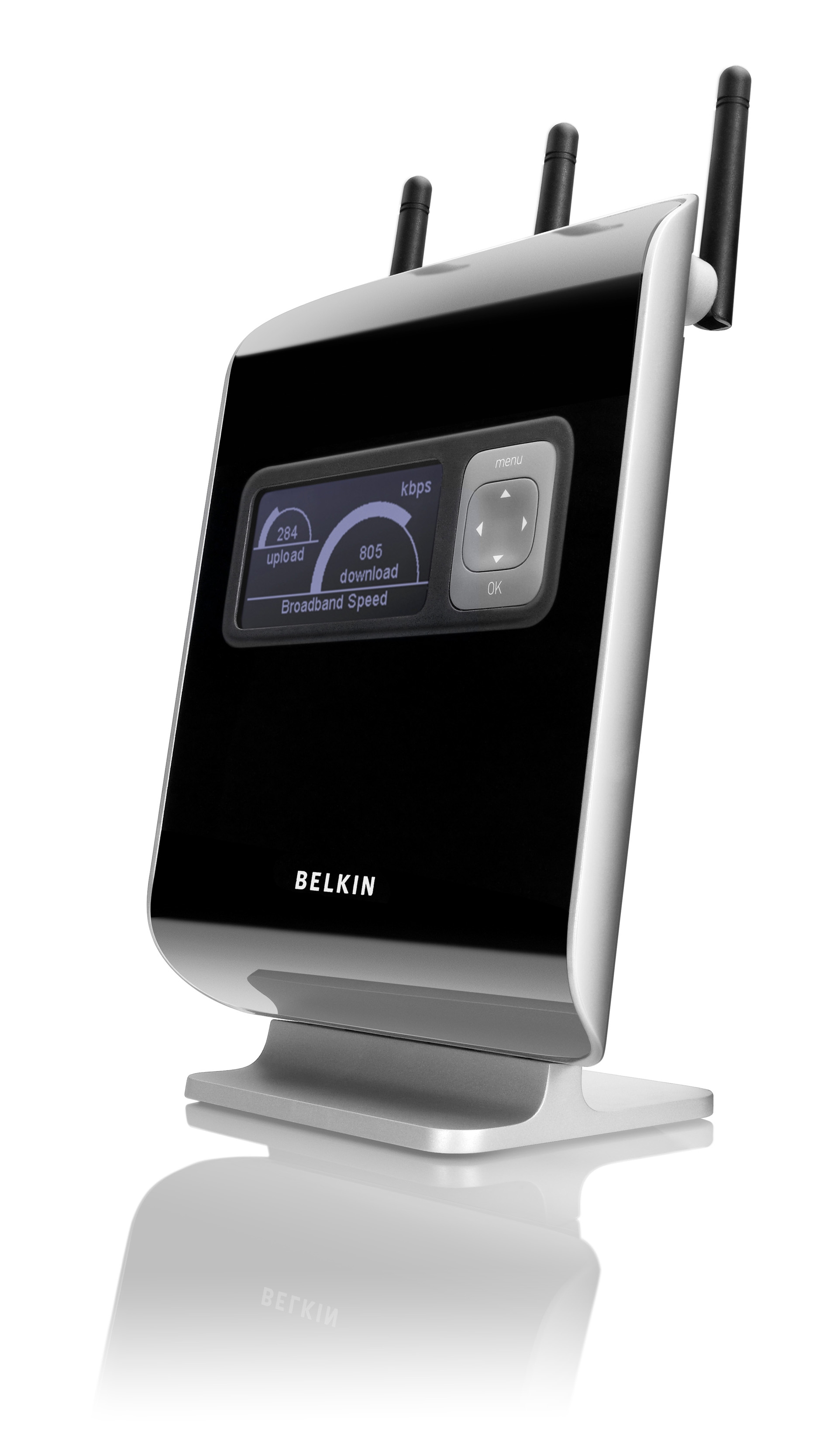
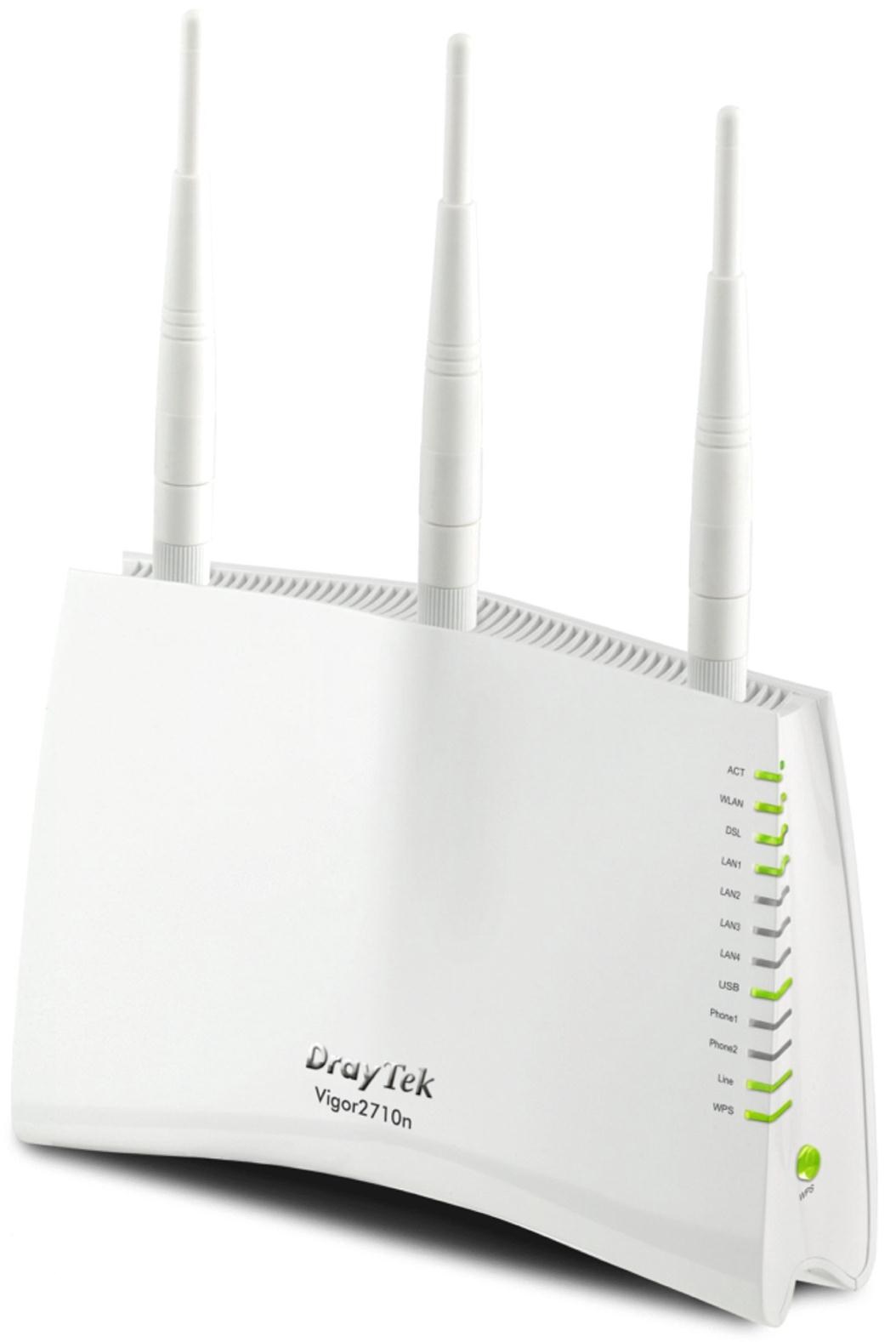
Choosing an 802.11n router in 2026 requires balancing extreme affordability and legacy compatibility against significant limitations in speed, security, and interference management. While superseded by Wi-Fi 6 and Wi-Fi 7, 802.11n remains a viable choice for low-bandwidth IoT networks, budget-constrained legacy environments, and simple secondary access points where basic connectivity outweighs high-performance demands.
Understanding the Role of 802.11n in 2026
The 802.11n standard, officially branded by the Wi-Fi Alliance as Wi-Fi 4, represented a quantum leap in wireless networking when it was first ratified. It was the first standard to introduce Multiple Input Multiple Output (MIMO) technology and the ability to operate across both the 2.4 GHz and 5 GHz frequency bands. In 2026, while the networking world has moved toward multi-gigabit speeds and the 6 GHz spectrum, 802.11n hardware remains surprisingly prevalent in the "Secondary Market" and "Internet of Things" (IoT) sectors.
The primary appeal of an 802.11n router today is cost and simplicity. For many smart home devices—such as light bulbs, thermostats, and basic sensors—the high-order modulation and wide channels of Wi-Fi 7 are unnecessary. These devices often rely on the 2.4 GHz band for its superior wall-penetration capabilities, which is a core strength of the 802.11n protocol. However, choosing to deploy or maintain an 802.11n network involves navigating specific technical trade-offs that can impact the overall health of a modern digital home or office.
Key 802.11n Router Choices
When evaluating 802.11n hardware, the "choices" are rarely about brand names—many of which have moved their flagship lines to newer standards—but rather about the internal radio configurations and spatial stream capabilities.
Single-Band vs. Dual-Band Configurations
The most fundamental choice is the frequency support. Single-band 802.11n routers operate exclusively on the 2.4 GHz band. This is the most crowded part of the wireless spectrum, shared with Bluetooth devices, microwave ovens, and legacy cordless phones.
Dual-band 802.11n routers, often labeled as "N600" or "N900," can operate on both 2.4 GHz and 5 GHz. In 2026, a dual-band choice is almost always preferable. The 5 GHz band offers more non-overlapping channels and is significantly less susceptible to the "noise" of a modern neighborhood. If you are using an 802.11n router for anything involving video streaming or low-latency tasks, the 5 GHz capability is a prerequisite rather than an option.
MIMO and Spatial Streams
The "N" speed rating (e.g., N150, N300, N450) is directly tied to the number of spatial streams the router supports via MIMO.
- N150 (1x1:1): One transmit antenna, one receive antenna, and one spatial stream. These are the most basic routers, suitable only for the lightest IoT traffic.
- N300 (2x2:2): Two spatial streams. This was the "sweet spot" for 802.11n and remains the most common configuration for budget hardware.
- N450/N600/N900: These configurations use three or four spatial streams and often combine the throughput of both the 2.4 GHz and 5 GHz bands to arrive at their "marketing" speed.
Hardware-Level Features: Fast Ethernet vs. Gigabit Ethernet
A common pitfall in older or extremely budget-friendly 802.11n routers is the inclusion of Fast Ethernet (100 Mbps) ports instead of Gigabit Ethernet (1000 Mbps). Even if the wireless "link speed" claims to be 300 Mbps or 450 Mbps, the router will be physically capped by its 100 Mbps WAN/LAN ports. In 2026, where even entry-level fiber connections often exceed 100 Mbps, this hardware bottleneck is a critical trade-off to consider.
Performance Trade-offs: Speed vs. Range
The physics of 802.11n involve a constant tug-of-war between how far a signal can travel and how much data it can carry.
The 2.4 GHz Advantage and Curse
The 2.4 GHz band used by 802.11n has longer wavelengths, allowing it to pass through walls, floors, and furniture more effectively than the higher-frequency 5 GHz or 6 GHz bands. If the goal is to provide a signal to a distant garage or a basement sensor, 802.11n on 2.4 GHz is often more "reliable" in terms of raw connectivity than a newer router's 5 GHz signal.
The trade-off is interference and congestion. In 2026, urban environments are saturated with 2.4 GHz signals. Because there are only three non-overlapping channels (1, 6, and 11) in most regions, your 802.11n router will likely be fighting for "airtime" with every neighbor's router. This leads to high latency (ping) and jitter, making the connection feel sluggish despite a "strong" signal bar.
Channel Bonding (20 MHz vs. 40 MHz)
802.11n introduced the ability to bond two 20 MHz channels into a single 40 MHz channel to double throughput. While this sounds beneficial, the trade-off is that a 40 MHz channel takes up a massive portion of the 2.4 GHz band. In a crowded area, using 40 MHz channels actually decreases performance because it increases the likelihood of collisions with neighboring networks. Most experienced network administrators force 802.11n routers to stay on 20 MHz in the 2.4 GHz band to maintain stability at the expense of peak speed.
The Security Trade-off: A Growing Risk in 2026
Security is perhaps the most significant trade-off when opting for legacy 802.11n hardware. Most 802.11n-era routers were designed for WPA2-AES (CCMP) security. While WPA2 remains relatively robust, it lacks the modern protections found in WPA3, which is standard on Wi-Fi 6 and 7 devices.
Lack of WPA3 Support
WPA3 provides individualized data encryption and better protection against "brute-force" dictionary attacks. Most 802.11n routers cannot be updated to support WPA3 due to hardware limitations in their processing units. If you are using an 802.11n router as your primary gateway, you are missing out on the "Simultaneous Authentication of Equals" (SAE) protocol, leaving your network more vulnerable to modern password-cracking techniques available in 2026.
Firmware and End-of-Life (EOL) Status
A substantial number of 802.11n routers on the market in 2026 are technically End-of-Life. This means the manufacturers no longer provide security patches or firmware updates. Using a router that hasn't received a security update in five or more years is a significant risk. Vulnerabilities like "KRACK" or "FragAttacks" may remain unpatched on older 802.11n hardware, providing an entry point for malicious actors into your local network.
Technical Comparison of 802.11n Configurations
| Feature | N150 (Entry) | N300 (Standard) | N900 (High-End Legacy) |
|---|---|---|---|
| Spatial Streams | 1x1 | 2x2 | 3x3 or 4x4 |
| Frequency Bands | 2.4 GHz Only | Usually 2.4 GHz | Dual-Band (2.4 & 5 GHz) |
| Max Theoretical Speed | 150 Mbps | 300 Mbps | 450 + 450 Mbps |
| Typical Real-World Speed | 40–60 Mbps | 80–120 Mbps | 150–250 Mbps (on 5 GHz) |
| Ethernet Port Speed | Fast Ethernet (100) | Fast or Gigabit | Gigabit Ethernet (1000) |
| Primary Use Case | Basic IoT Sensors | Small Apartments | Legacy Media Streaming |
Integrating 802.11n into a Modern Network
If you choose an 802.11n router in 2026, it is rarely as the "Main" router for a high-performance home. Instead, it is often used in one of three specialized roles.
1. The Isolated IoT Network
One of the most effective uses for an 802.11n router is as a dedicated access point for smart home devices. By connecting an 802.11n router to your main Wi-Fi 7 router via Ethernet, you can move all your "chatty" 2.4 GHz smart plugs and bulbs to the legacy router. This clears up airtime on your primary router for high-speed devices like laptops and VR headsets. The trade-off here is the complexity of managing two separate wireless networks and ensuring they are on different non-overlapping channels.
2. The Travel or Bridge Router
Because 802.11n chips are small and power-efficient, they are frequently found in "travel routers." These devices can capture a hotel's Wi-Fi signal and create a private sub-network for your devices. The trade-off is that hotel speeds in 2026 may actually exceed the N300 capabilities of the travel router, effectively slowing down your connection in exchange for the added layer of a private firewall.
3. The "Legacy Bridge" for Wired Devices
If you have an older desktop computer or a game console with an Ethernet port but no built-in Wi-Fi, an 802.11n router can be configured in "Bridge Mode." It acts as a wireless receiver, catching the Wi-Fi signal and passing it to the device via a cable. This is a cost-effective way to get an old PC online without buying a dedicated USB Wi-Fi adapter. The trade-off is the added latency introduced by the wireless-to-wired conversion on older hardware.
Common Pitfalls and Troubleshooting
When deploying 802.11n, users often encounter performance issues that aren't present in newer standards.
- The "Slowest Device" Rule: In 802.11n networks, a single legacy 802.11g or 802.11b device can significantly drag down the performance of the entire network. Older routers spend more "airtime" communicating with slow devices, leaving less time for N-standard devices.
- Physical Obstruction vs. Interference: Because 802.11n often relies on 2.4 GHz, users assume a "full signal" means a good connection. However, signal strength is different from signal quality. In 2026, signal quality is usually the bottleneck due to the sheer volume of surrounding electronics.
- Antenna Orientation: 802.11n relies on MIMO, which uses "multipath" signals (signals bouncing off walls). To maximize this, if your router has multiple antennas, they should be oriented at different angles (e.g., one vertical, one horizontal) to capture the best spatial diversity.
Frequently Asked Questions
Is an 802.11n router fast enough for 4K streaming?
In theory, yes. A 4K stream typically requires between 15 Mbps and 40 Mbps. An N300 or N900 router can handle this bandwidth. However, the trade-off is stability. Because 802.11n is more susceptible to interference, the stream may frequently buffer or drop to lower resolutions if a neighbor starts a heavy download or uses a microwave.
Can I use an 802.11n router with a Wi-Fi 6 laptop?
Yes, Wi-Fi is designed to be backward compatible. A Wi-Fi 6, 6E, or Wi-Fi 7 device will connect to an 802.11n router without issues. However, the device will be "downshifted" to 802.11n speeds and protocols, negating all the benefits of the newer technology in that specific device.
Should I disable the 5 GHz band on an 802.11n router?
Generally, no. If your router is dual-band, you should keep 5 GHz enabled. Most modern devices that support 5 GHz will benefit from the lack of interference on that band. Only disable it if you have a very specific set of IoT devices that get "confused" by seeing the same Network Name (SSID) on both bands.
Is WPA2 security on 802.11n routers still safe in 2026?
WPA2-AES is still considered "secure" for general home use, provided you use a long, complex password. However, it lacks the advanced protections of WPA3. For sensitive business data or high-security environments, upgrading to a WPA3-capable router is strongly recommended.
Why is my N300 router only showing 144 Mbps?
This is a common "trade-off" of channel width. To reach 300 Mbps, 802.11n requires a 40 MHz channel. If the router detects too much interference or is set to "20 MHz only" mode for stability, the maximum theoretical speed drops to approximately 144 Mbps or 150 Mbps.
Strategic Recommendation
If you are looking for a primary router for a home in 2026, avoid 802.11n-only models. The gap in security, throughput, and congestion management is too wide to bridge for modern usage. However, if you are looking for a $15-$20 solution to connect a dozen smart light bulbs, or if you need a temporary bridge for an old piece of laboratory equipment, an 802.11n router is a functional, cost-effective tool. When choosing one, prioritize Dual-Band N900 models with Gigabit Ethernet ports to ensure that you aren't bottlenecking your network more than the wireless standard already does.