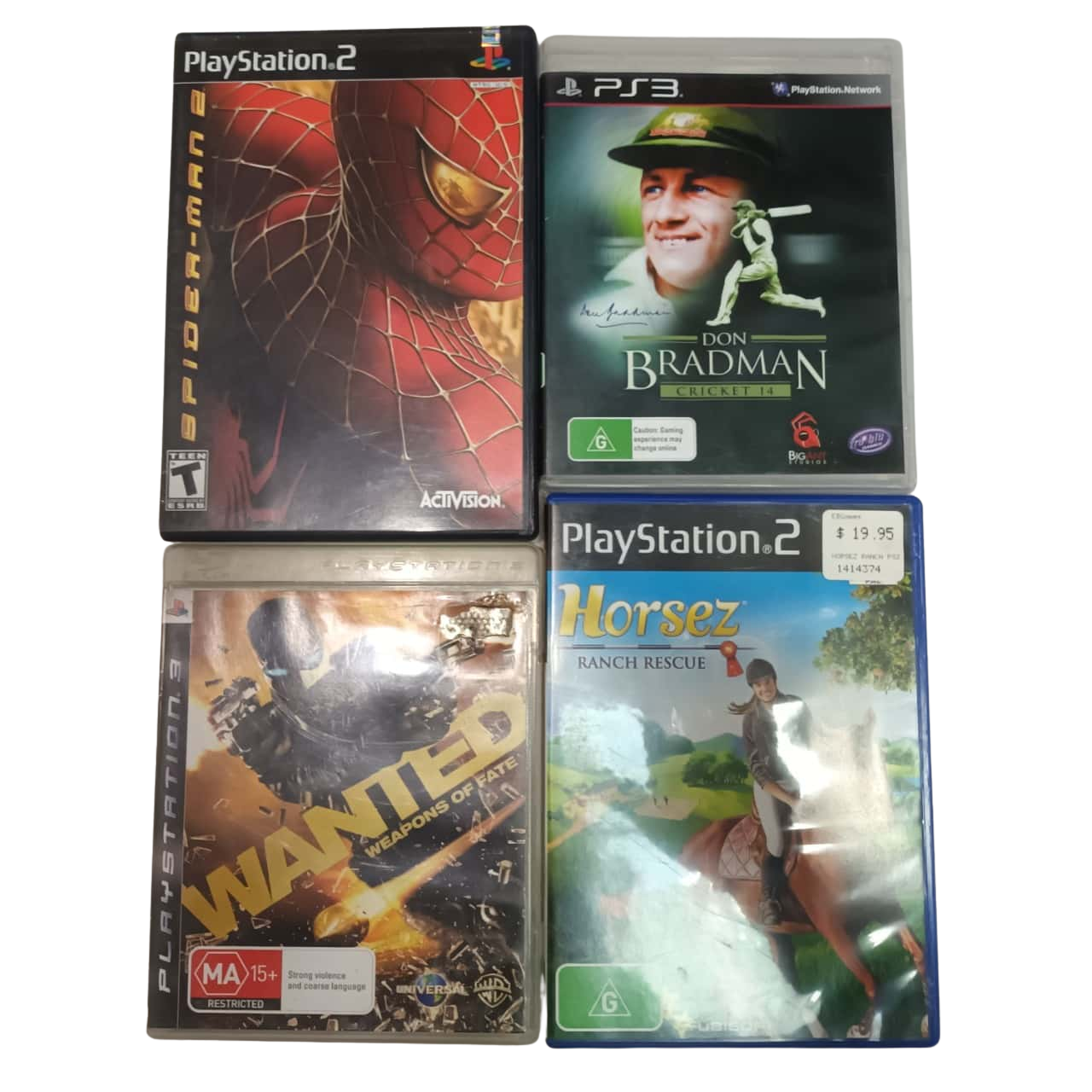
Whether you can play PlayStation 2 (PS2) games on a PlayStation 3 (PS3) depends entirely on the specific model of the console you own. Only the original "launch" 60GB and 20GB models released in 2006 featured built-in hardware support for PS2 discs. All subsequent PS3 models, including the Slim and Super Slim versions, lack this native capability, meaning they cannot play physical PS2 game discs directly.
Understanding PS3 Hardware Revisions
To understand why some consoles play legacy software while others do not, it is essential to look at the architectural changes Sony made during the PS3's lifespan. When the PS3 was first launched, Sony included the actual "Emotion Engine" CPU and "Graphics Synthesizer" GPU from the PlayStation 2 inside the console. This allowed the system to run PS2 software natively, essentially acting as both a PS3 and a PS2 in one chassis.
As manufacturing costs rose and demand for a more affordable console grew, Sony began stripping these components out. In the 80GB "Metal Gear Solid 4" bundle and subsequent models, Sony removed the physical PS2 hardware and attempted to use software emulation. However, even this software emulation was eventually removed entirely from the hardware production lines to further reduce costs and increase power efficiency. By the time the "Slim" redesign was released in 2009, the physical hardware required to read and process PS2 discs was no longer present in the system, and that design philosophy continued through the final "Super Slim" iteration.
Identifying Your PS3 Model
Before attempting to insert a PS2 disc into your console, you must verify your specific model number. The model number is printed on a sticker on the back or bottom of the unit, usually formatted as CECH-XXXX.
- CECHAxx / CECHBxx (60GB/20GB): These are the "original" models. They possess the necessary hardware to play most PS2 discs.
- CECHCxx / CECHExx (60GB/80GB): These featured "partial" hardware and software-based emulation. They offer high compatibility but are prone to overheating.
- CECHGxx and higher (including Slim/Super Slim): These models have no PS2 playback capability. If you insert a PS2 disc into these systems, the console will either fail to recognize the disc or display an error message stating that the format is not supported.
Why Disc Compatibility Is Not Universal
Even if you own one of the rare backwards-compatible models, you may find that not every game works perfectly. Compatibility is governed by the PS3's internal emulator. In the early hardware-based models, the success rate is very high, but in the models that relied on software emulation, some games may experience graphical glitches, audio synchronization issues, or occasional freezes.
Furthermore, these consoles are now nearly two decades old. The hardware inside them—specifically the capacitors and the laser assembly—is reaching the end of its typical lifespan. Playing PS2 games on these original models requires the system to work significantly harder than it does for native PS3 titles, which generates substantial internal heat. If you own a backwards-compatible model, it is highly recommended to keep the console well-ventilated and consider having the thermal paste professionally replaced if you intend to use it for extended periods.
Alternative Methods: The PlayStation Store
For the vast majority of PS3 owners who possess the Slim or Super Slim models, physical disc playback is impossible. However, the PlayStation Network (PSN) offered a library of "PS2 Classics" that were converted to run on any PS3 model via software emulation.
It is important to note that the store interface for the PS3 has seen significant limitations in recent years. While previously purchased titles remain accessible through your download history, the ability to purchase new content directly on the console has been restricted. You may need to manage your account funds via a web browser or a newer PlayStation console and then navigate to the "Download List" on your PS3 to initiate the installation of those specific digital titles. This is the only official, supported way to play PS2-era software on non-backwards-compatible PS3 hardware.
Comparison of PS2 Playability Across PS3 Models
| Model Type | Hardware Support | PS2 Disc Compatibility | Digital PS2 Classics |
|---|---|---|---|
| Launch (CECHA/B) | Full Hardware | Yes | Yes |
| Partial (CECHC/E) | Hybrid/Software | Yes | Yes |
| Slim (CECH-2xxx) | None | No | Yes |
| Super Slim (CECH-4xxx) | None | No | Yes |
Troubleshooting Common Issues
If you have a backwards-compatible model and a game is not running, there are a few standard steps to take:
- Disc Condition: PS2 discs use a different optical layer than Blu-ray discs. A disc that looks "fine" may have micro-scratches that the PS3 laser struggles to read, even if a dedicated PS2 console can handle them. Ensure the surface is clean and free of debris.
- System Updates: Ensure your console is updated to the latest firmware. While no recent updates have added new features, firmware stability is necessary for the emulator to function correctly.
- Region Locking: PS3 consoles are generally region-free for PS3 games, but this does not apply to PS2 games. A North American PS3 will not play a PAL (European) region PS2 disc. The console must match the region of the game disc.
- Display Settings: Some older PS2 games do not output well via HDMI on modern high-definition displays. If the screen is black or "out of range," navigate to the display settings in the XrossMediaBar (XMB) and ensure the console is set to output at 480p or 576p, which matches the native resolution of most PS2 titles.
Frequently Asked Questions
Can I use a PS2 controller on a PS3? While you can purchase third-party USB adapters to connect a PS2 controller to a PS3, they often lack the "PS" button required to exit games or access the system menu. Using an official DualShock 3 or a modern compatible controller is generally more practical.
Does a PS3 upscale PS2 games automatically? Yes, backwards-compatible models feature an "Upscaler" setting in the game menu. You can access this by pressing the PS button during gameplay. It allows you to smooth out edges or change the screen mode to fill your widescreen monitor, though the results vary depending on the game's original development.
Is there any way to make a Slim PS3 play physical PS2 discs? No. The physical hardware components required to read and interpret the PS2 disc format and the processor architecture required to run the game code were physically removed from the console. There is no software update or modification that can restore this function to the Slim or Super Slim models.
Will a digital PS2 game purchased on PSN work on a PS2 console? No. PS2 Classics purchased from the PlayStation Store are encrypted and packaged specifically for the PS3 architecture. They cannot be transferred to or played on an original PlayStation 2 console.
Why does my PS3 make loud fan noises when playing PS2 games? Playing PS2 games forces the PS3 to emulate a different processor architecture, which consumes more power and creates more heat than standard PS3 games. The internal fans will spin at higher RPMs to compensate. If the noise is excessive, it may indicate that the console’s internal dust buildup or dried thermal paste requires maintenance.
Final Recommendation
If you own a PS3 Slim or Super Slim, you cannot play your physical PS2 game discs. If you are desperate to play your original collection, the most reliable and cost-effective solution in 2026 is to source a functional original PlayStation 2 console or a model of the PS3 that specifically lists backwards compatibility (the CECHA or CECHB models). If you simply wish to play the games themselves, check your PS3 "Download List" to see if you have previously purchased any digital PS2 classics, as these are the only way to enjoy that library on the later, non-compatible hardware revisions.