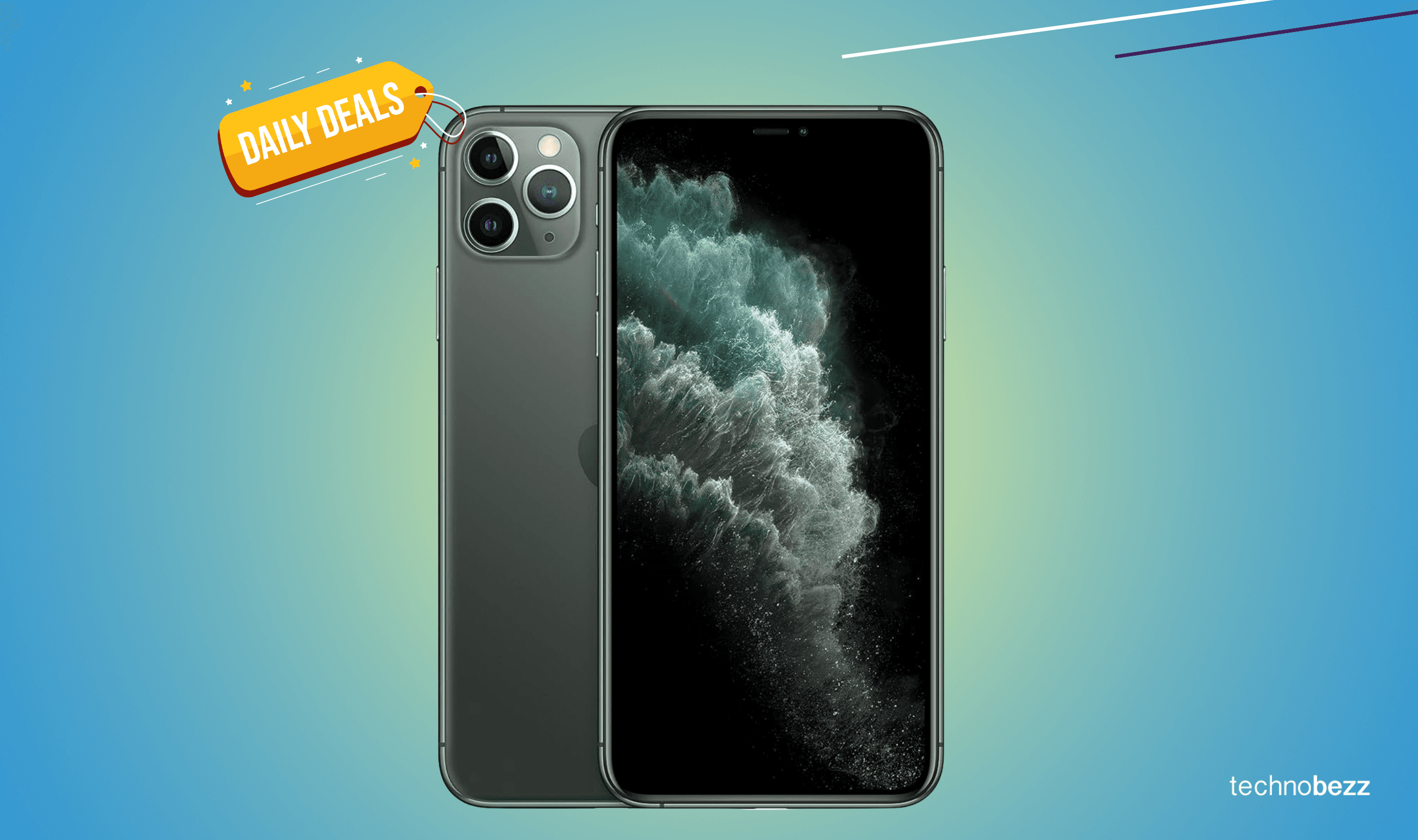
The iPhone 11 Pro Max remains a landmark device in mobile photography, featuring a triple-lens 12MP camera system that introduced Night Mode and Deep Fusion to the Apple ecosystem. Even in 2026, its ability to produce color-accurate, high-dynamic-range images makes it a reliable tool for social media and everyday photography.
The iPhone 11 Pro Max was the first "Pro" branded iPhone to fully embrace a specialized triple-camera array. While newer models have since introduced 48MP sensors and periscope zooms, the 11 Pro Max provides a foundational experience that many photographers still appreciate for its natural skin tones and consistent color science across all three lenses. This guide explores the technical specifications, software capabilities, and practical techniques required to master the visual output of this classic device.
The Triple-Lens Hardware Architecture
The core of the iPhone 11 Pro Max's visual appeal lies in its three distinct 12-megapixel rear sensors. Apple designed these lenses to work in unison, ensuring that when you switch from one to another, the white balance and exposure remain nearly identical—a feat that was revolutionary at its launch.
The Ultra Wide Lens (13mm)
The Ultra Wide lens features an f/2.4 aperture and a 120-degree field of view. In visual terms, this allows you to capture four times more scene than the standard wide lens. It is ideal for architectural photography, sweeping landscapes, and tight indoor spaces where you cannot physically step back any further. However, because it lacks optical image stabilization (OIS) and has a fixed focus, it performs best in well-lit environments.
The Wide Lens (26mm)
This is the primary sensor and the most versatile of the three. With an f/1.8 aperture and 100% Focus Pixels, it is the fastest lens for autofocusing and the most capable in low-light scenarios. It includes OIS, which compensates for hand tremors, resulting in sharper photos and smoother video. Most of the advanced processing features, such as Night Mode and Deep Fusion, prioritize this sensor.
The Telephoto Lens (52mm)
The Telephoto lens offers a 2x optical zoom with an f/2.0 aperture. It is the preferred choice for portraiture because the 52mm equivalent focal length mimics the human eye's perspective more closely than a wide lens, reducing facial distortion. Like the primary wide lens, the telephoto includes OIS, which is critical because camera shake is more apparent when zoomed in.
Advanced Image Processing: Deep Fusion and Smart HDR
Hardware is only half of the story. The A13 Bionic chip inside the iPhone 11 Pro Max handles massive amounts of data to enhance every "picture" you take. In 2026, we often take these computational steps for granted, but understanding them helps you know when the phone is doing its best work.
Deep Fusion: "The Sweater Mode"
Deep Fusion is an image processing system that uses the Neural Engine. It kicks in during medium-to-low light situations. Before you even press the shutter, the camera captures four short frames and four secondary frames. When you tap the button, it takes one long-exposure frame. The system then analyzes these images pixel by pixel, selecting the best elements of each to optimize for detail and noise reduction. It is famously nicknamed "Sweat Mode" because of how exceptionally well it renders textures like fabric and hair.
Smart HDR 2
Smart HDR 2 uses advanced algorithms to fine-tune highlight and shadow detail. If you are taking a picture of someone standing in front of a bright window, Smart HDR 2 works to ensure the person's face is properly exposed while preventing the window's light from "blowing out" into a white void. It provides a more balanced, "flat" look that serves as an excellent starting point for those who like to edit their photos later in apps like Lightroom or Darkroom.
Mastering Night Mode Photography
One of the most significant visual upgrades introduced with this model was Night Mode. Unlike older iPhones that relied on a harsh flash, the 11 Pro Max uses a long-exposure "stacking" method to pull light out of the darkness.
How Night Mode Operates
Night Mode engages automatically when the camera detects a low-light environment. You will see a yellow moon icon appear with a suggested exposure time (e.g., 1s, 3s, or 10s). The camera isn't actually taking one long photo; it is taking a series of photos and aligning them to eliminate the "noise" or graininess typical of dark shots.
Visual Stability
While the OIS helps, for the best visual results in Night Mode, you should keep the device as still as possible. In 2026, many mobile photographers still use the "tripod trick": if the iPhone 11 Pro Max detects it is perfectly still (such as on a tripod), it will allow for a maximum exposure of up to 30 seconds, enabling you to capture stars or light trails that are otherwise invisible to the naked eye.
Video Capabilities and Visual Fidelity
The "Pro" in 11 Pro Max also refers to its video prowess. It was one of the first consumer devices to offer "extended dynamic range" for video up to 4K at 60 frames per second (fps).
- 4K Resolution: Captures 3840 x 2160 pixels, providing enough detail for large-screen viewing.
- Cinematic Video Stabilization: Uses the edges of the sensor to "crop in" slightly and digitalize the movement, making handheld walking shots look like they were filmed on a gimbal.
- Audio Zoom: As you zoom in on a subject visually, the microphones focus their pickup pattern on that subject, reducing background noise and making the visual-audio connection more immersive.
Technical Specifications Comparison
To understand where the iPhone 11 Pro Max sits in the 2026 landscape, we can look at its core camera specifications relative to its intended use cases.
| Feature | Specification | Best Use Case |
|---|---|---|
| Primary Sensor | 12MP Wide, f/1.8, OIS | General photography, low light |
| Ultra Wide Sensor | 12MP, f/2.4, 120° FOV | Landscapes, architecture |
| Telephoto Sensor | 12MP, f/2.0, 2x Optical | Portraits, close-up details |
| Video Recording | 4K at 24, 30, or 60 fps | High-quality content creation |
| Front Camera | 12MP TrueDepth, f/2.2 | Selfies, 4K video, Slo-fies |
| Night Mode | Available on Wide/Telephoto | Dark environments, cityscapes |
| Flash | Brighter True Tone flash | Group shots in pitch black |
Practical Tips for Better Pictures in 2026
Even with older hardware, the quality of your visual output depends heavily on technique. The iPhone 11 Pro Max is capable of professional-grade results if you follow these standards.
1. Control Your Exposure
The iPhone's auto-exposure is good, but not perfect. When taking a picture, tap on the subject to set the focus, then slide your finger up or down on the sun icon. Lowering the exposure slightly often makes colors look richer and prevents highlights from being overexposed, especially in sunset photos.
2. Use the Telephoto for Portraits
Avoid using the 1x lens for close-up shots of people. The wide angle of the 1x lens can make noses appear larger and faces look distorted. Switching to the 2x Telephoto lens provides a more "flattering" compression that mimics professional portrait lenses.
3. Clean Your Lenses
This sounds simple, but the 11 Pro Max has three large, protruding glass elements. Fingerprint oils on the lens will cause "light streaks" or a hazy look in your pictures, particularly at night. A quick wipe with a microfiber cloth before shooting will significantly improve visual clarity.
4. Leverage Third-Party Apps
While the native Camera app is excellent, apps like Halide or Moment allow you to shoot in RAW format. This captures the raw data from the sensor without Apple's aggressive sharpening, giving you more flexibility in 2026's modern editing suites to recover details in the highlights and shadows.
Common Visual Limitations to Consider
While the iPhone 11 Pro Max is a powerhouse, it has limitations compared to modern 2026 flagship devices. Acknowledging these will help you avoid frustrating results.
- No Macro Mode: Unlike the iPhone 13 Pro and later, the 11 Pro Max cannot focus on objects just centimeters away. You must stay at least 4-5 inches back to maintain focus.
- Limited Zoom Range: With only a 2x optical zoom, attempting to take pictures of far-away subjects (like birds or stadium performers) will result in "digital zoom" graininess.
- Night Mode on Ultra Wide: The Ultra Wide lens on this model does not support Night Mode. Using the Ultra Wide in the dark will result in very noisy, dark images. Stick to the 1x lens for night shots.
Frequently Asked Questions
Can the iPhone 11 Pro Max still take good pictures in 2026?
Yes, the iPhone 11 Pro Max still takes excellent pictures in 2026, especially for social media and digital viewing. Its 12MP resolution is more than enough for Instagram or TikTok, and its color science remains among the most natural in the industry. While it lacks the extreme zoom and high-megapixel count of newer phones, its "Standard Wide" and "Portrait" photos remain competitive.
Does the iPhone 11 Pro Max support Apple ProRAW?
No, Apple ProRAW was introduced with the iPhone 12 Pro series. The iPhone 11 Pro Max uses standard JPEG or HEIC formats. However, you can still shoot in a "standard" RAW format using third-party applications from the App Store, which provides similar editing flexibility.
Why do my night photos look blurry on the 11 Pro Max?
Blurry night photos are usually caused by camera shake or subject movement. Since Night Mode requires the shutter to stay open for several seconds, any movement will cause blur. Ensure you hold the phone with both hands, tuck your elbows into your chest for stability, or use a tripod for the best visual results.
How does the front-facing camera perform for "pictures"?
The front-facing camera is a 12MP sensor that supports 4K video and "Slo-fies" (slow-motion selfies). It also features a wider field of view when rotated to landscape mode, making it great for group selfies. Its visual quality is consistent with the rear cameras, though it lacks the large sensor size required for deep natural bokeh.
What is the best setting for high-quality video?
For the highest visual fidelity, go to Settings > Camera > Record Video and select "4K at 60 fps." However, be aware that this will consume significantly more storage space. If you are filming for a cinematic look, "4K at 24 fps" provides a motion blur that more closely resembles traditional film.
Final Recommendations for Users
If you are using the iPhone 11 Pro Max in 2026, your focus should be on lighting and composition rather than pure hardware specs. This device excels in daylight and moderately lit environments where its Smart HDR 2 and Deep Fusion can work effectively. For portraiture, always opt for the 2x Telephoto lens to achieve the most professional look. If you find the images too "processed," consider using a third-party app to shoot in RAW. Despite its age, the iPhone 11 Pro Max remains a highly capable "visual" tool for anyone who understands how to work within its focal lengths and sensor limits.