Mastering Adobe Photoshop requires structured guidance, hands-on practice, and clear instruction, whether you are pivoting to a creative career, upskilling for marketing, or pursuing digital photography as an art form. Choosing the right online training program depends on your current skill level, budget, and learning style, with top options ranging from comprehensive university-backed certificates to focused, project-driven masterclasses.
Understanding the Landscape of Digital Image Editing Education
Adobe Photoshop remains the undisputed industry standard for raster graphics editing, digital painting, photo manipulation, and UI asset creation. Because the software is deep and continuously updated with AI-driven features like Generative Fill and advanced masking, learning it effectively requires more than casual video browsing. Modern online training programs bridge this gap by offering structured curricula, downloadable practice files, community support, and instructor feedback.
When evaluating online training platforms, prospective students must consider several critical factors. These include the frequency of curriculum updates to match software iterations, the availability of interactive assignments, certification value, and overall time commitment. Understanding these parameters ensures you invest your time and financial resources into a program that delivers tangible, portfolio-ready capabilities.
Essential Criteria for Selecting a Photoshop Course
Before committing to a specific curriculum, identifying your personal learning objectives is essential. Absolute beginners need foundational courses that explain the workspace, layers, smart objects, and non-destructive editing workflows. Intermediate and advanced users typically look for specialized masterclasses focusing on frequency separation, color grading, advanced compositing, or web design optimization.
Key Evaluation Factors
- Curriculum Depth: Does the course cover fundamental navigation, or does it dive straight into complex retouching and vector paths? Look for a balanced approach that builds foundational habits before introducing advanced techniques.
- Instructor Expertise: Are the instructors certified Adobe experts, professional photographers, or industry-recognized commercial artists with real-world production experience?
- Practical Application: Learning Photoshop is a tactile experience. Programs that include downloadable raw assets, practice worksheets, and portfolio-building projects provide significantly better retention than purely theoretical lectures.
- Support and Community: Access to active Q&A forums, instructor feedback, or peer review groups can make the difference between mastering a complex tool or abandoning it out of frustration.
1. Adobe Learn & Support (Official Tutorials)
For learners who prefer direct documentation and structured guidance straight from the source, the official Adobe Learn & Support platform serves as an indispensable starting point. Designed by the creators of the software, these tutorials cover everything from basic cropping and selections to advanced 3D rendering and generative AI integration.
The primary advantage of the official Adobe ecosystem is its absolute accuracy and immediate alignment with the latest software updates. Because Adobe updates its application frequently, these guides reflect current tool placements and interface changes without lag. While it lacks the formal community feedback of a structured bootcamp, it acts as a premier reference library for learners at all stages.
2. Udemy: Photoshop CC Masterclass by Ben Wilmore
Udemy hosts thousands of Photoshop courses, but Ben Wilmore’s Photoshop CC Masterclass stands out as a gold standard for comprehensive, start-to-finish skill development. Ben Wilmore is a veteran Photoshop Hall of Fame member and Adobe MAX speaker known for his methodical, jargon-free teaching style.
This program is structured logically, beginning with the absolute basics of pixel management and progressing into sophisticated channel blending and automation scripts. The course includes extensive practice files that allow users to follow along step-by-step. It is particularly well-suited for independent learners who thrive on self-paced video modules accompanied by clear visual demonstrations.
3. Coursera: Graphic Design Specialization (California Institute of the Arts)
For individuals seeking a formal academic structure integrated with career development, the Graphic Design Specialization offered by the California Institute of the Arts (CalArts) via Coursera is an exceptional choice. While not exclusively a Photoshop course, Photoshop serves as a primary tool throughout the multidisciplinary curriculum.
This program spans multiple courses covering fundamental design theory, typography, image making, and branding. It is ideal for career switchers who want to understand why visual choices are made, rather than just learning how to click buttons. The program concludes with a capstone project where learners apply their acquired skills to real-world design briefs.
4. Phlearn Pro (Aaron Nace)
If your primary interest lies in high-end photo retouching, digital manipulation, and creative compositing, Phlearn Pro offers some of the most engaging and thorough training available online. Led by professional photographer and educator Aaron Nace, Phlearn breaks down complex retouching workflows into digestible, highly entertaining video lessons.
Phlearn’s library covers specialized topics such as skin retouching, hair masking, color grading, and seamless object removal. Each tutorial is paired with raw image files so you can practice exact professional workflows. It is best suited for intermediate users and professional photographers looking to refine their post-processing speed and precision.
5. LinkedIn Learning: Photoshop 2026 Essential Training
LinkedIn Learning (formerly Lynda.com) provides robust, modular training led by industry veterans like Julieanne Kost. Photoshop Essential Training is meticulously organized into short, searchable chapters, making it easy to use both as a comprehensive foundational course and as a quick reference guide when troubleshooting specific tools.
A major benefit of LinkedIn Learning is professional integration. Upon completing a learning path, you can display verified certificates directly on your LinkedIn profile, signaling your proficiency to recruiters and hiring managers. The platform also offers exercise files and assessment quizzes to reinforce key concepts.
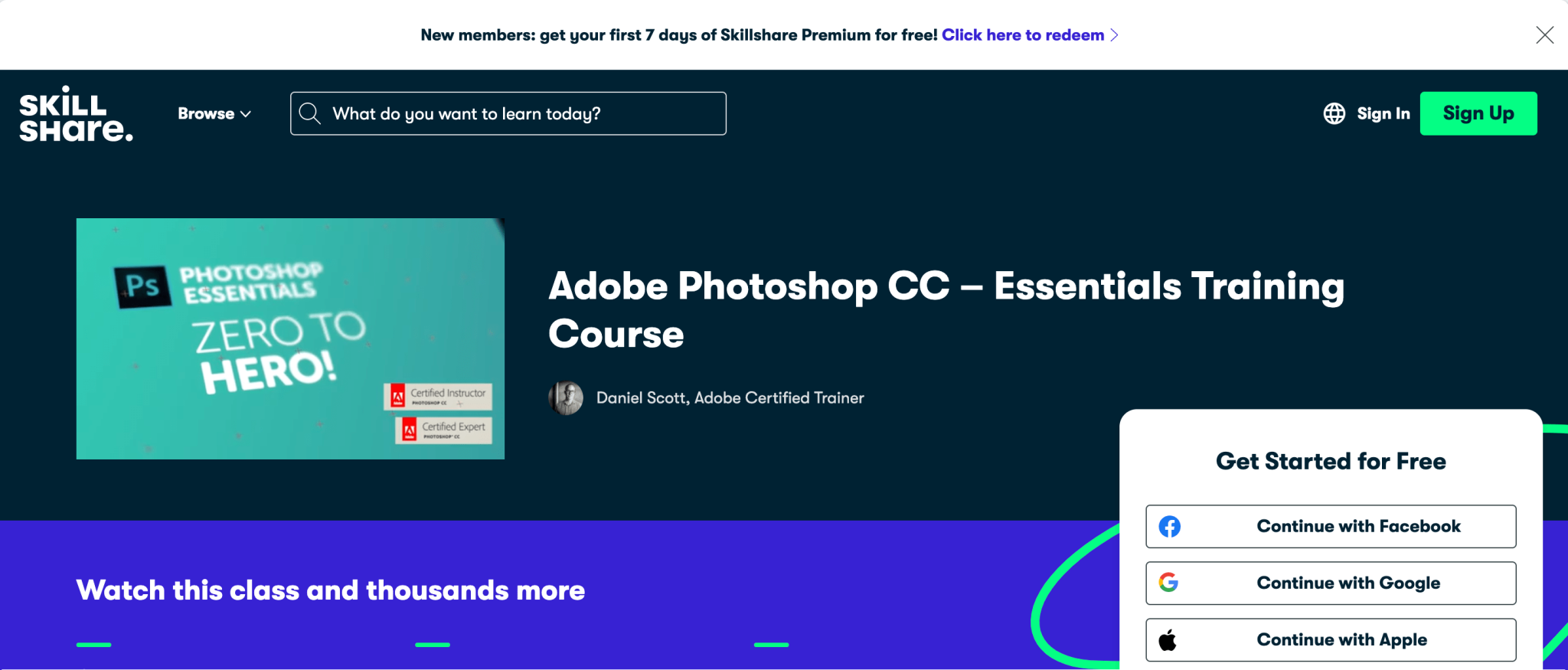
6. Skillshare: Photoshop for Beginners and Beyond (Dan Scott)
Skillshare relies on a community-driven, project-based model where instructors like Dan Scott guide students through creating tangible assets from scratch. Dan Scott’s series of Photoshop courses emphasizes practical workflows for graphic designers, digital illustrators, and social media content creators.
Instead of sitting through hours of abstract tool explanations, students build posters, manipulate portraits, and design digital assets immediately. This hands-on approach keeps engagement high and helps learners quickly build a starter portfolio. It is an ideal environment for creative hobbyists and freelancers looking for rapid, applied skill acquisition.
7. KelbyOne
Founded by industry icon Scott Kelby, KelbyOne is a specialized learning community tailored specifically for photographers, retouchers, and creative professionals. The platform offers thousands of streaming video lessons taught by leading experts in photography and post-processing.
KelbyOne courses dive deep into niche workflows, such as architectural blending, wedding photography batch processing, and advanced luminosity masking. Members also gain access to exclusive webinars, live Q&A sessions, and a supportive community of visual artists. It is an optimal choice for intermediate to advanced creators seeking specialized mastery over professional photographic workflows.
Comparison of Top Online Photoshop Training Programs
| Program Name | Best For | Primary Format | Skill Level | Pricing Model |
|---|---|---|---|---|
| Adobe Learn & Support | Official reference & quick tips | Text & short video | All levels | Free |
| Udemy (Ben Wilmore) | Comprehensive, self-paced mastery | On-demand video | Beginner to Intermediate | One-time purchase |
| Coursera (CalArts) | Academic design theory & career paths | Structured video & peer review | Beginner | Subscription / Audit free |
| Phlearn Pro | Advanced retouching & photo manipulation | Specialized video masterclasses | Intermediate to Advanced | Subscription or per-course |
| LinkedIn Learning | Modular learning & professional badges | Bite-sized video chapters | All levels | Subscription |
| Skillshare (Dan Scott) | Project-based, rapid creative skills | Hands-on video projects | Beginner | Subscription |
| KelbyOne | Professional photography post-processing | Expert-led streaming courses | Intermediate to Advanced | Subscription |
Common Mistakes to Avoid When Learning Photoshop
Many beginners struggle with Photoshop not because the software is impossible to learn, but because they approach it with inefficient habits. Avoiding these common pitfalls will accelerate your learning curve and yield professional results:
- Relying Solely on Destructive Editing: Making permanent changes directly to a background pixel layer limits your ability to revise work later. Always prioritize non-destructive workflows using smart objects, adjustment layers, and layer masks.
- Skipping the Fundamentals: Jumping straight into complex cinematic composites before understanding how selections, resolution, and color spaces work leads to frustration and inconsistent results.
- Ignoring Keyboard Shortcuts: Relying entirely on clicking menu items drastically slows down your production speed. Memorizing core shortcuts for brush resizing, zooming, and undoing actions is essential for efficiency.
- Over-processing Images: A common trap for beginners is overusing saturation, contrast, and clarity sliders. Developing a critical eye for subtle, balanced adjustments separates amateur work from professional production.
Frequently Asked Questions
Do I need a subscription to Adobe Photoshop to take these courses?
Yes, most comprehensive training programs require access to Adobe Photoshop CC to follow along with practice files. While some platforms provide trial versions or alternative exercise software, having an active Adobe Creative Cloud subscription ensures you can practice current tools and features.
How long does it take to become proficient in Photoshop?
Basic proficiency can be achieved within 4 to 6 weeks of consistent daily practice (approximately 3 to 5 hours per week). Reaching an advanced, professional level for commercial graphic design or high-end retouching typically requires several months of hands-on project experience.
Are free online tutorials enough, or should I pay for a structured program?
Free tutorials on platforms like YouTube or official Adobe documentation are excellent for learning specific techniques or troubleshooting. However, structured paid programs offer curated pathways, logical sequencing, downloadable raw assets, and community support that prevent gaps in your education.
Which program is best for complete beginners with zero design experience?
Udemy courses by instructors like Ben Wilmore or Skillshare courses by Dan Scott are exceptionally friendly for absolute beginners because they explain every interface element clearly and provide step-by-step guidance without assuming prior knowledge.
Can these online training programs help me get a job in graphic design?
Programs that offer formal certificates, such as Coursera’s CalArts specialization or LinkedIn Learning paths, help validate your skills to potential employers. However, in the creative industries, your portfolio of completed projects matters significantly more than any certificate.
Final Recommendation
To achieve the best results with online Photoshop training, align your choice with your immediate career or creative goals. If you want a comprehensive, structured foundation with lifetime access, invest in a dedicated masterclass on Udemy or a subscription to LinkedIn Learning. If you are focused strictly on professional photography and retouching, Phlearn Pro or KelbyOne will yield the fastest professional growth. Start with a single course, commit to completing every practical exercise file, and build a dedicated portfolio of your work to track your progress over time.