Asana is a flexible tool for CRM because its highly customizable project management architecture—centered on tasks, custom fields, and automation rules—allows teams to build a lightweight, centralized system for tracking leads, managing sales pipelines, and maintaining customer relationships without the overhead of enterprise-grade legacy software.
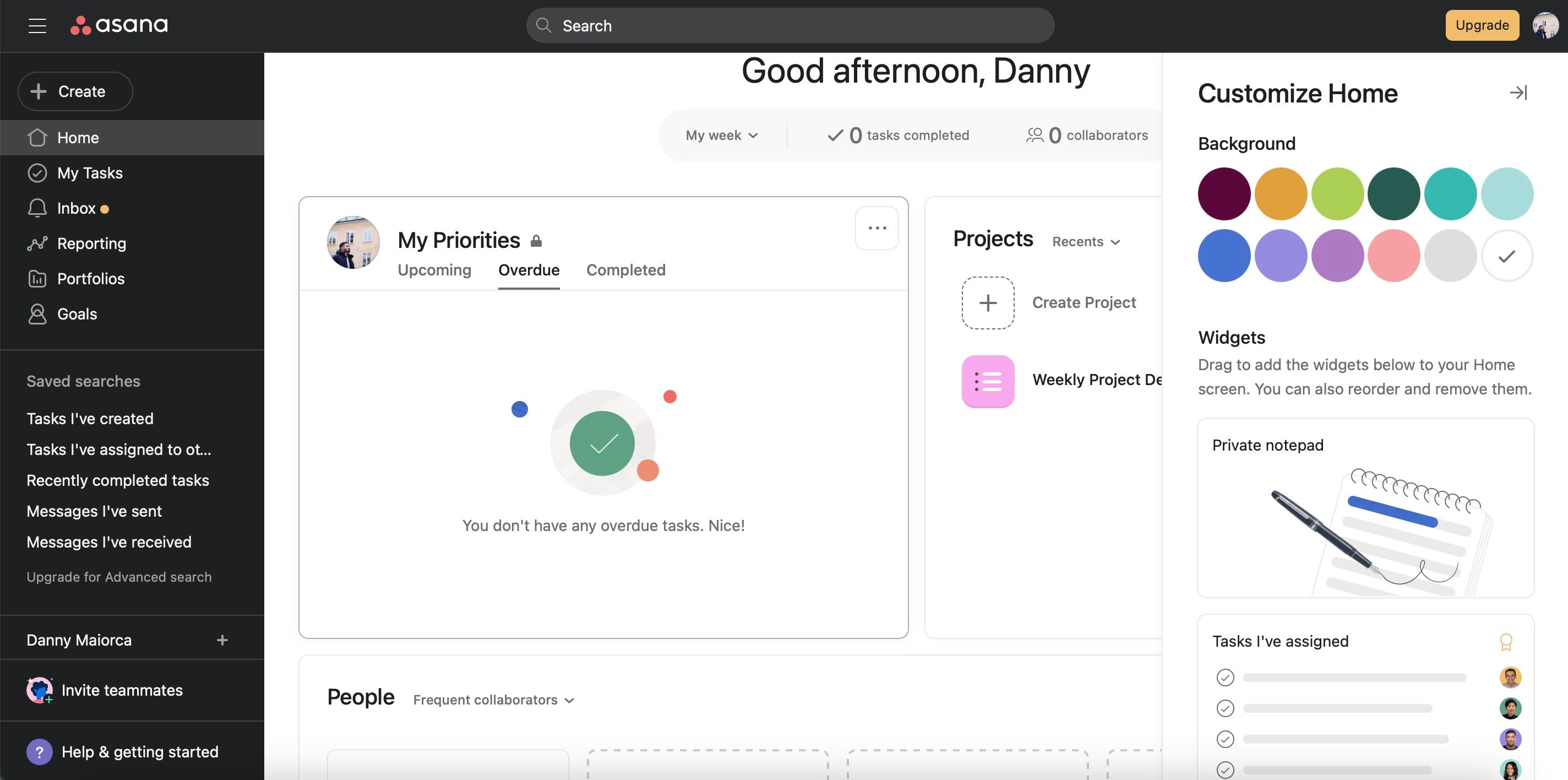
For many small-to-medium-sized businesses and specialized teams, the transition to a dedicated Customer Relationship Management (CRM) platform can be daunting. Legacy systems often require extensive training, involve complex integration layers, and come with high per-user subscription fees. Asana, while primarily designed as a work management platform, offers a modular environment that can be configured to track the customer journey from lead inquiry to post-sale support. By utilizing its core features—such as custom fields, boards, and project templates—organizations can create a bespoke environment that mirrors their unique sales processes.
Understanding the CRM Architecture within Asana
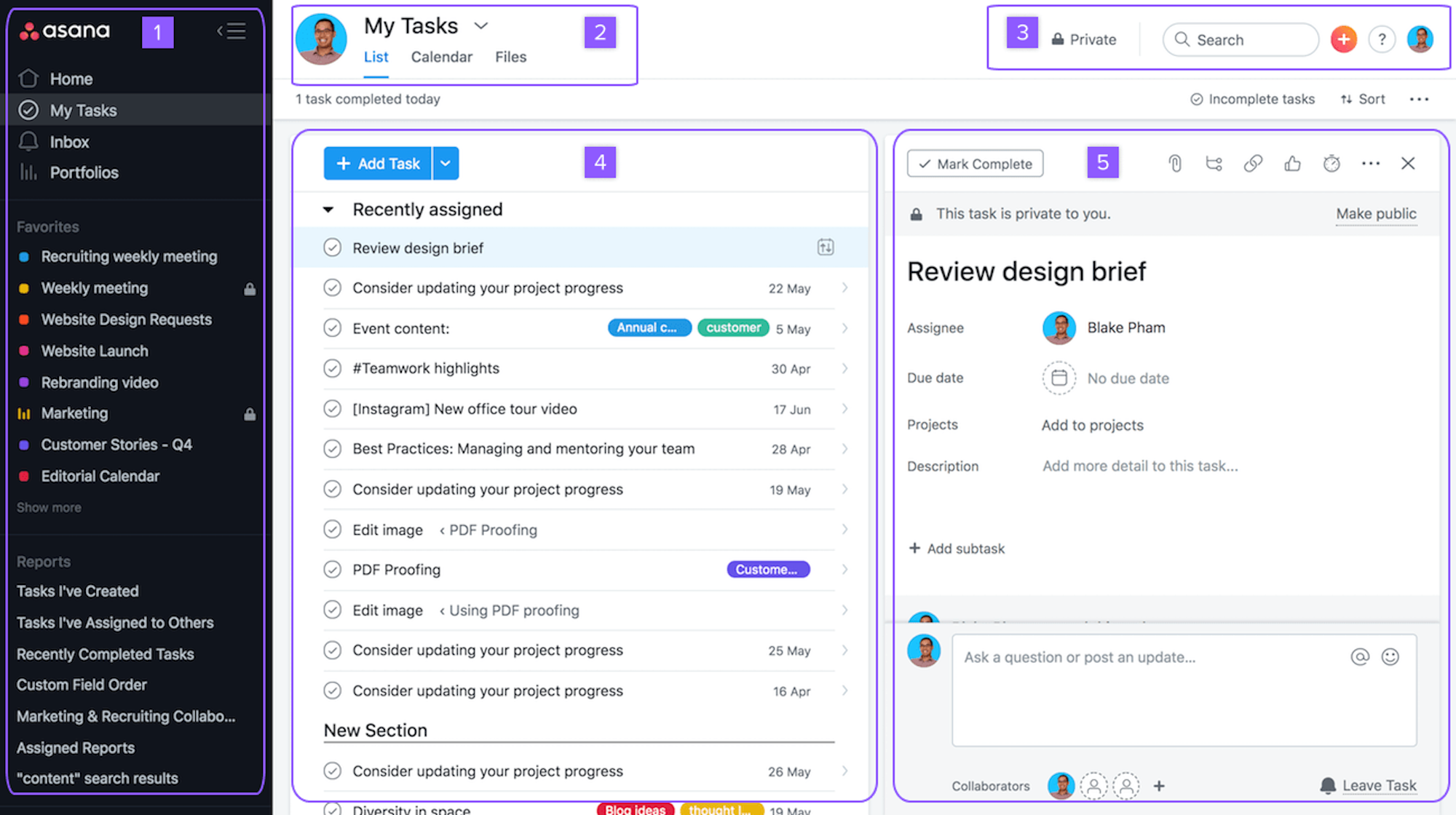
To effectively use Asana as a CRM, you must understand how its core entities translate into CRM concepts. Unlike a traditional CRM that comes with pre-built fields for "Company Name," "Lead Status," and "Expected Revenue," Asana requires you to build these structures using native functionality.
Mapping the Sales Pipeline
In Asana, the most effective way to represent a sales pipeline is through a Project using the Board view. Each column on the board represents a stage in your sales lifecycle:
- Incoming Leads: New inquiries or web form submissions.
- Qualification: Initial contact and discovery calls.
- Proposal/Quote: Sending documentation and pricing.
- Negotiation: Addressing concerns and adjusting terms.
- Closed Won/Lost: Finalization of the engagement.
By organizing leads as individual tasks within these columns, you create a visual representation of your sales velocity. Moving a lead from "Proposal" to "Negotiation" is as simple as dragging the task card, ensuring that team members can see at a glance where every prospect stands in the pipeline.
Custom Fields: The Backbone of Data Collection
Custom fields are essential for turning a generic task list into a functional CRM. You can define specific attributes for every lead, such as:
- Dropdown Fields: To track "Lead Source" (e.g., Website, Referral, Cold Outreach) or "Priority Level."
- Number Fields: To track "Estimated Deal Value" or "Contract Length."
- Date Fields: To track "Last Interaction Date" or "Follow-up Deadline."
By standardizing these fields, you ensure that every team member enters data consistently. This consistency is vital when it comes to reporting, as it allows you to filter and sort your projects based on high-value deals or specific lead origins.
Operational Requirements and Implementation
Before migrating your sales data into Asana, you must establish clear operational protocols. Asana is a "blank canvas" tool, meaning its flexibility is its greatest strength and its most significant risk; without strict guidelines, the system can quickly become cluttered and unmanageable.
Defining Team Roles and Permissions
One of the most important aspects of using Asana as a CRM is setting appropriate permissions. You must ensure that sensitive customer data is accessible only to the relevant team members. Use "Private" projects for high-value account planning or sensitive negotiation data, while keeping general pipeline projects visible to the wider sales team for collaboration.
Establishing Workflow Automation
Automation is where Asana differentiates itself from a simple spreadsheet. By using the "Rules" feature, you can significantly reduce manual overhead:
- Auto-Assigning Leads: When a lead is moved to the "Qualification" column, you can trigger a rule that automatically assigns the task to a specific sales representative.
- Status Reminders: If a task remains in the "Negotiation" column for more than five days, a rule can trigger an automated notification to the account manager to prompt a follow-up.
- Task Dependencies: If a contract review is required, you can create a dependency where the "Contract Signed" step cannot be completed until the legal department finishes the "Legal Review" task.
Comparison of CRM Solutions
When determining if Asana is the right fit for your organization, it is helpful to compare it against dedicated CRM platforms.
| Feature | Asana (as CRM) | Dedicated CRM (e.g., Salesforce, HubSpot) |
|---|---|---|
| Setup Complexity | Low; highly modular | High; involves database logic |
| Cost | Part of existing subscription | High per-user license fees |
| Reporting | Basic dashboarding | Advanced analytics and AI insights |
| Automation | Simple triggers and rules | Complex, multi-step workflows |
| Data Storage | Text/Document-based | Structured relational database |
As shown in the table, Asana is ideal for teams that need high visibility and collaborative capabilities without the complex analytical requirements of a large enterprise. However, if your sales process relies on deep integration with external accounting software, AI-driven lead scoring, or massive lead volumes (thousands of records), a dedicated CRM becomes necessary.
Best Practices for Lead Management
To keep your Asana CRM performant as of 2026, maintain a "clean" project environment.
- Archiving vs. Deleting: Never delete closed deals. Use the "Archive" function to move closed tasks to a secondary, historical project. This keeps your active board lean while preserving the data for future reporting or cross-selling initiatives.
- Standardized Naming Conventions: Implement a strict naming structure for tasks, such as "[Company Name] - [Point of Contact]". This prevents confusion when multiple leads originate from the same organization.
- Communication Logs: Utilize the subtask feature to log every touchpoint. Treat the subtasks as a historical journal: "Call - 05/12/26," "Email - 05/14/26," "Meeting - 05/15/26." This provides a comprehensive record of the customer relationship in one place.
Troubleshooting and Common Pitfalls
Even with a flexible system, users often encounter common issues when scaling their Asana-based CRM.
The "Notification Overload" Problem
As a sales lead progresses, the volume of subtasks and comments can create excessive notifications. Encourage your team to use "Notification Settings" to filter alerts to only those that require immediate action, rather than every comment on a high-traffic account.
Data Fragmentation
The most common mistake is creating "siloed" projects. If you have one project for "Active Leads" and another for "Client Onboarding," the data becomes fragmented. To solve this, utilize Asana's "Portfolios" feature. Portfolios allow you to aggregate data from multiple projects into a single view, giving managers a bird's-eye view of both the active sales pipeline and current client health simultaneously.
Scalability Limits
Asana is not a relational database. If you find your team spending more time manually updating fields than actually selling, it is a sign that you have outgrown the tool. If you reach a point where you need to perform complex queries—such as "How many leads from LinkedIn in Q3 converted to deals over $10,000?"—it is time to consider integrating Asana with a dedicated BI (Business Intelligence) tool or migrating to a formal CRM.
Frequently Asked Questions
Can Asana track customer lifetime value (CLV)? While Asana is not designed for financial modeling, you can track revenue metrics by using a numeric custom field for deal values. By exporting the project to a CSV or using an integration like the Asana-to-Google Sheets connector, you can perform external calculations to determine CLV.
How do I handle inbound lead capture into Asana? You can use Asana Forms to create a landing page for lead inquiries. When a potential customer fills out the form, their input is automatically converted into a new task in your "Incoming Leads" project, complete with the relevant custom fields already populated.
Is Asana secure enough for sensitive customer data? Asana complies with standard SOC 2 Type II reporting and GDPR requirements. However, you should review your internal permissions regularly to ensure that project access is restricted to authorized personnel only.
What is the difference between an Asana Portfolio and a Project? A project is a container for tasks, such as a sales pipeline. A Portfolio is a container for multiple projects, allowing you to monitor the high-level progress and status of several different sales initiatives or customer groups in one dashboard.
Can I automate email follow-ups from Asana? Asana does not have a native "send email" function based on rules. You would need to use an integration tool like Zapier or Make to connect Asana triggers to your email platform (such as Gmail or Outlook) to send automated follow-up emails.
Next Steps for Implementation
If you have decided that the flexibility of Asana meets your current CRM needs, your first step should be to audit your current sales process. Document every step a customer takes, from initial contact to contract close. Once your process is documented, build your Asana project using the Board view, define your custom fields, and create your initial automation rules.
Begin by moving a small portion of your pipeline into the new system as a pilot test. Gather feedback from your sales team regarding the usability of the fields and the effectiveness of the automation. By iterating on this framework, you will create a highly efficient, custom-built CRM that aligns perfectly with your team’s specific operational needs in 2026.