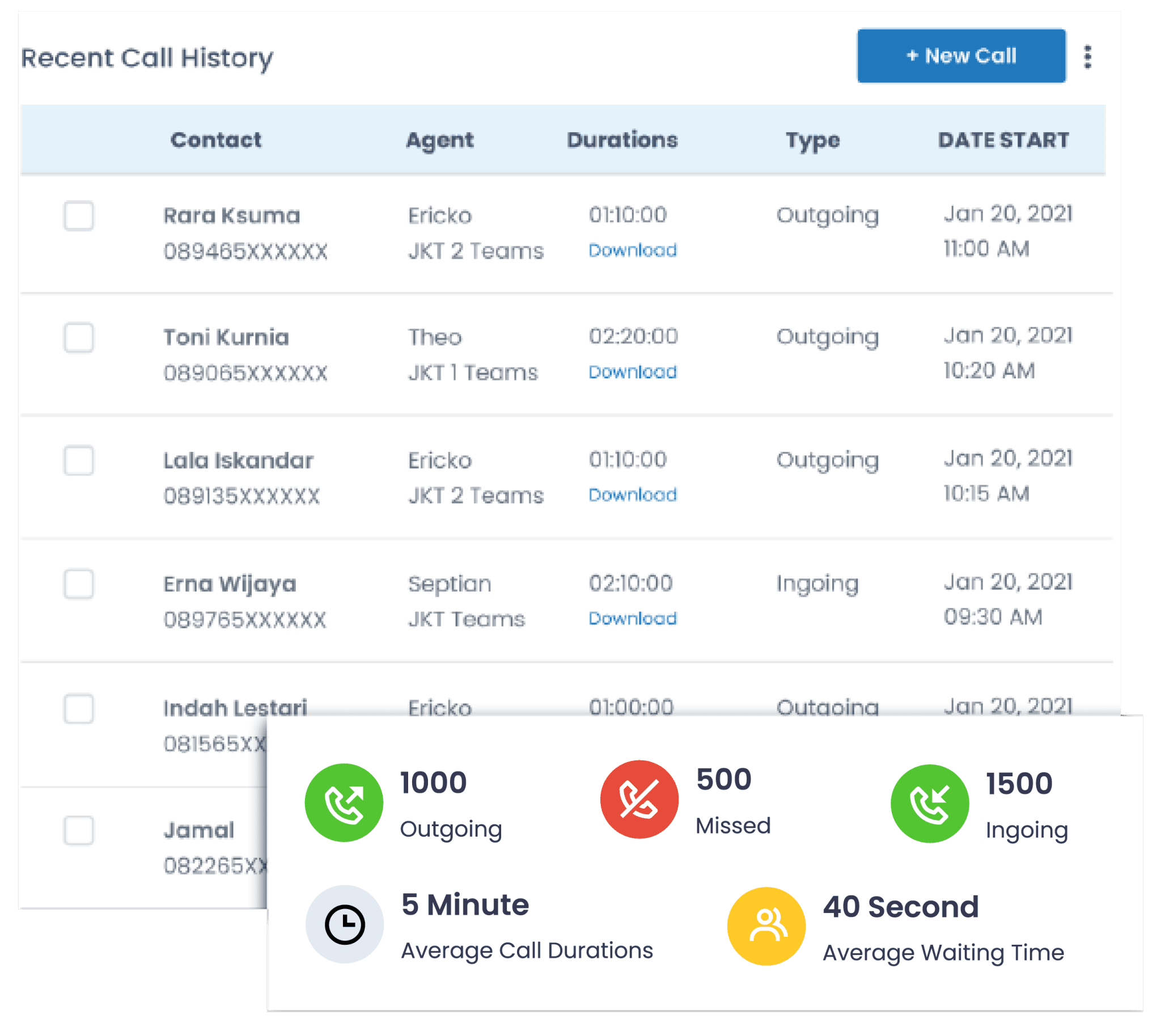
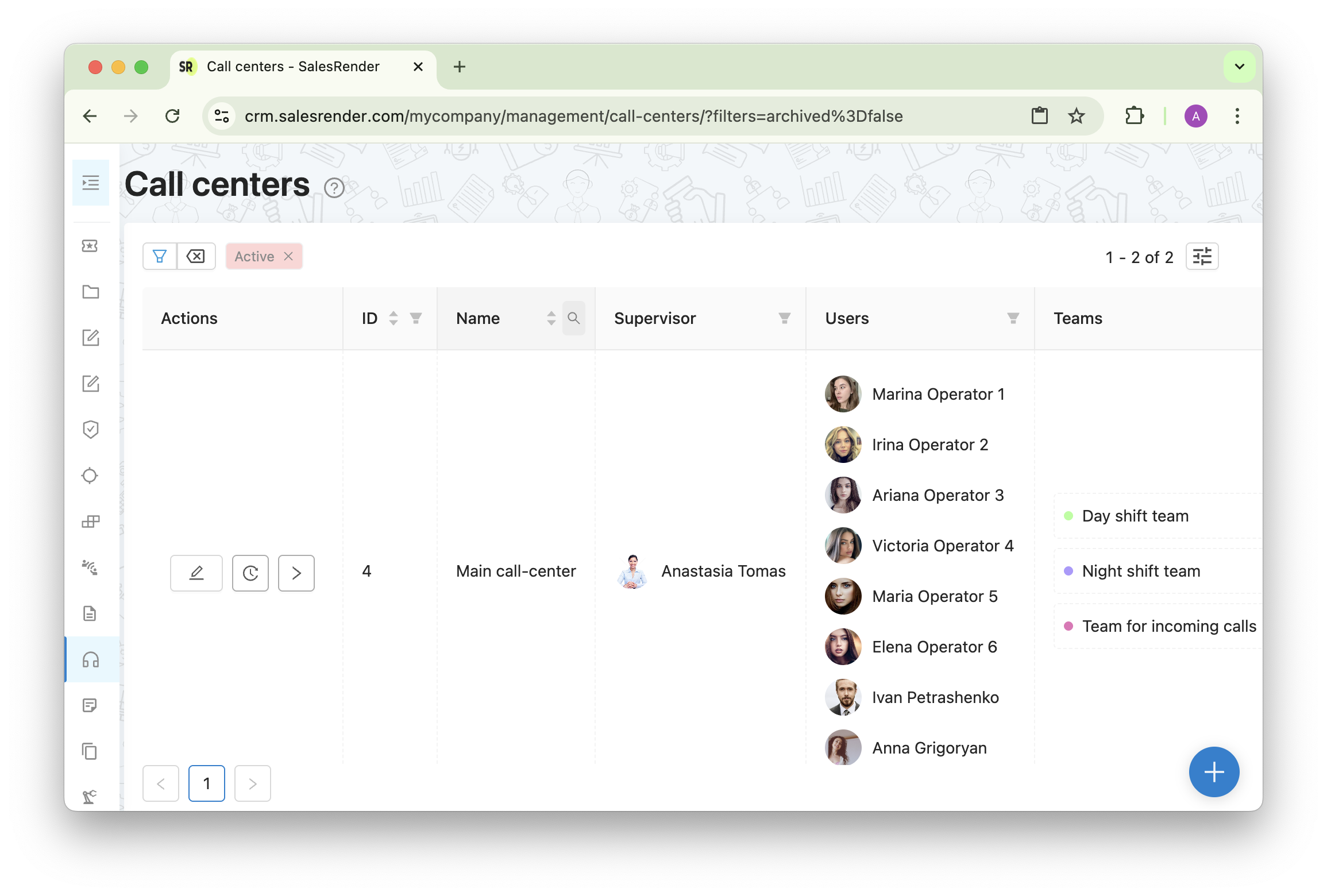
Agile CRM enables businesses to manage calls smoothly by integrating a robust telephony system directly into its sales and marketing platform. This integration allows users to make, receive, record, and automate calls without leaving the CRM. By leveraging features like click-to-call, automated voicemails, and screen pops, teams can maintain high productivity while ensuring every interaction is logged for future reference.
Understanding Agile CRM’s Integrated Telephony System
In 2026, the necessity for a unified communication platform has never been greater. Agile CRM addresses this by offering a built-in call center module that functions as an all-in-one hub for customer interactions. Rather than toggling between a standalone softphone application and a database, agents operate within a single interface. This eliminates the "context switching" that often leads to data entry errors and decreased efficiency.
The core of Agile CRM’s telephony effectiveness lies in its ability to sync voice communication with contact records. When a call is initiated or received, the system recognizes the phone number and automatically links the activity to the corresponding contact profile. This ensures that a complete chronological history of every touchpoint is available to any team member who accesses the record.
For small and medium-sized businesses (SMBs), this functionality provides the enterprise-level capability of a sophisticated call center without the prohibitive costs of high-end hardware. Because the system is cloud-based, it supports remote and distributed teams, allowing agents to manage calls smoothly from any location with a stable internet connection.
Key Features for Streamlined Call Management
To understand how Agile CRM facilitates smooth call management, it is essential to look at the specific tools provided within its telephony suite. These features are designed to reduce manual labor and provide agents with the information they need at the exact moment they need it.
Click-to-Call Functionality
The most fundamental feature is click-to-call. Agents can initiate a phone call by simply clicking a phone number within a contact's profile or a task list. This removes the need for manual dialing, which is prone to errors. Over hundreds of calls per week, the seconds saved per dial translate into significant hours of regained productivity for the sales or support team.
Intelligent Screen Pops
One of the most effective ways to manage calls smoothly is to provide context before the agent even says "hello." When an incoming call arrives, Agile CRM generates a "screen pop"—a notification that displays the caller’s identity and key details from their CRM record. This allows the agent to greet the customer by name and immediately understand their recent purchase history, open support tickets, or pending deals, creating a personalized and professional experience.
Automated Voicemail Drop
Leaving voicemails is a time-consuming part of outbound calling. Agile CRM allows agents to record a standard voicemail message in advance. If a call goes to voicemail, the agent can click a single button to "drop" the pre-recorded message and immediately move on to the next lead. The system handles the delivery of the message while the agent is already engaged in their next task.
Call Scripts and Guided Conversations
To maintain consistency across the team, Agile CRM provides a call script builder. These scripts can be customized based on the campaign or the stage of the buyer’s journey. Having a script visible on the screen during the call helps newer agents stay on track and ensures that all mandatory information is collected or conveyed, which is particularly vital in regulated industries.
Essential Prerequisites for Setting Up Agile CRM Telephony
Before a business can start managing calls smoothly within Agile CRM, several technical and administrative prerequisites must be met. The system does not act as a standalone phone carrier; instead, it acts as a controller for a Voice over Internet Protocol (VoIP) gateway.
| Prerequisite | Requirement Details | Purpose |
|---|---|---|
| VoIP Gateway | Integration with Twilio, RingCentral, or similar | Provides the actual telecommunications infrastructure and signal. |
| Purchased Numbers | Provisioned via the VoIP provider | Enables inbound and outbound calling capabilities for specific regions. |
| Bandwidth | Minimum 100 kbps per concurrent call | Ensures high-quality voice transmission without jitter or lag. |
| Hardware | USB or Bluetooth Headset (Noise-canceling) | Critical for audio clarity and hands-free operation within the CRM. |
| User Permissions | CRM Admin access for telephony setup | Required to configure the API keys and assign numbers to specific agents. |
Integrating with VoIP Providers
Agile CRM's primary engine for voice and SMS is Twilio. Users must set up a separate Twilio account, obtain their Account SID and Auth Token, and enter these into the Agile CRM settings. While other integrations like RingCentral or Google Voice are possible depending on the specific setup, Twilio remains the most deeply integrated partner. This partnership allows Agile CRM to offer features like call recording storage and multi-country number provisioning directly through the API connection.
Advanced Automation: Beyond Simple Dialing
Managing calls smoothly is not just about the call itself; it is about what happens before and after the conversation. Agile CRM excels at automating these peripheral tasks.
Post-Call Workflows
Once a call ends, the "post-call" phase begins. Agile CRM allows users to trigger automated workflows based on the call outcome. For example, if an agent marks a call as "Interested," the CRM can automatically:
- Apply a specific tag to the contact.
- Send a follow-up email with a brochure.
- Schedule a follow-up task for the agent in three days.
- Move the contact to a new stage in the sales pipeline.
By automating these steps, the agent is freed from manual data entry, ensuring that no lead falls through the cracks due to administrative oversight.
Call Recording and Quality Assurance
For managers, smooth call management involves monitoring and improving team performance. Agile CRM can record calls (subject to local legal compliance) and store them directly within the contact’s timeline. This is an invaluable resource for training, as managers can review successful calls to identify best practices or troubleshoot problematic interactions. In 2026, many teams use these recordings in conjunction with AI transcription services to perform sentiment analysis and keyword tracking.
Compliance and Legal Considerations
When using call center software, businesses must adhere to strict regulatory frameworks. Managing calls smoothly also means managing them legally.
- TCPA (Telephone Consumer Protection Act): In the United States, businesses must ensure they are not calling numbers on the Do Not Call (DNC) registry and that they have the necessary consent for automated dialing.
- GDPR and Privacy: For businesses operating in the EU, recording calls requires explicit consent and a clear policy on how that data is stored and used. Agile CRM provides settings to enable or disable recording, but the responsibility for compliance rests with the organization.
- Recording Laws (One-Party vs. Two-Party Consent): Depending on the jurisdiction, you may be required to notify the caller that the conversation is being recorded. High-performing teams often include this notification as part of their automated IVR (Interactive Voice Response) greeting.
Overcoming Common Challenges in CRM Telephony
Even with sophisticated software, technical hurdles can arise. Achieving smooth call management requires proactive maintenance and troubleshooting.
1. Call Quality and Latency: Voice quality is often a function of local network conditions rather than the CRM itself. Using a wired Ethernet connection instead of Wi-Fi and implementing Quality of Service (QoS) settings on the office router can prioritize voice traffic and eliminate "robotic" sounding audio or dropped calls.
2. Browser Permissions: Since Agile CRM is a browser-based application, it requires permission to access the computer’s microphone. A common issue is a blocked microphone icon in the browser’s address bar, which prevents the call from connecting. Ensuring all agents know how to manage browser permissions is a key step in a smooth rollout.
3. Data Silos: If agents forget to log the "disposition" (the outcome) of a call, the automation triggers won't fire. Standardizing the call wrap-up process through training ensures that the CRM remains the "single source of truth" for the organization.
Comparing Agile CRM to Standalone Call Center Software
While Agile CRM is powerful, it is important to distinguish it from dedicated enterprise call center platforms like Genesys or Five9. Agile CRM is designed for teams that need their communication tools tightly coupled with their sales data.
Dedicated call center software often includes advanced features like predictive dialers (which dial multiple numbers at once and connect the first one that answers) or complex multi-level IVRs. Agile CRM focuses more on the individual agent's efficiency and the customer's journey within the database. For most SMBs, the integrated approach of Agile CRM is preferable because it avoids the complexity of syncing two different massive databases.
Practical Implementation Steps for 2026
To begin managing calls smoothly with Agile CRM today, follow this progression:
- Audit Your Current Process: Identify where agents spend the most time (e.g., manual dialing, looking up customer history).
- Select a VoIP Gateway: For the most seamless experience with Agile, Twilio is the recommended choice. Ensure you have a budget for per-minute rates and monthly number rentals.
- Configure Gateway Settings: Enter your API credentials into Agile CRM's "Settings" > "Telephony" section.
- Define Call Dispositions: Create a standardized list of outcomes (e.g., No Answer, Busy, Demo Scheduled) to ensure uniform data collection.
- Train Your Staff: Conduct a hands-on session focusing on the "Screen Pop" and "Voicemail Drop" features, as these offer the most immediate impact on daily productivity.
- Monitor and Iterate: Use the telephony reports in Agile CRM to track call volume, duration, and outcomes. Adjust your scripts and workflows based on these insights.
Frequently Asked Questions
Can I use my existing business phone number with Agile CRM?
Yes, in most cases, you can port your existing phone number to a supported VoIP provider like Twilio or RingCentral. Once the number is hosted on the gateway that connects to Agile CRM, you can use it for both inbound and outbound calls through the CRM interface. This ensures brand consistency for your customers.
Does Agile CRM support international calling?
Yes, Agile CRM supports international calling as long as your integrated VoIP provider supports the destination countries. You will need to ensure that your account has the appropriate permissions and balance to cover international rates. Additionally, you should purchase local numbers in the regions you are targeting to improve pick-up rates.
Is call recording included in the base price of Agile CRM?
Agile CRM provides the functionality to trigger and store recordings, but the cost of the actual recording process is typically billed by your VoIP provider (e.g., Twilio charges a small fee per minute for recording and storage). It is important to review your provider's pricing structure to understand the total cost of ownership for call recording features.
Do I need a specific type of computer to manage calls smoothly?
Since Agile CRM is a cloud-based application, it works on most modern computers with a standard web browser (Chrome or Firefox are generally recommended for the best telephony performance). The most critical hardware component is a high-quality USB headset, as built-in laptop microphones and speakers often pick up too much background noise and echo.
Can I receive calls on my mobile phone through Agile CRM?
Agile CRM offers a mobile app that allows you to access contact data and initiate calls. For receiving calls, you can configure your telephony settings to forward incoming calls to your mobile number if you are away from your desk. This ensures that you can manage calls smoothly even when you are not in the office.
Practical Recommendation
For organizations looking to optimize their communication, the first step is to consolidate your data. If your sales team is currently using personal cell phones or unlinked desk phones, you are losing valuable data and efficiency every day. Start by integrating Twilio with Agile CRM and enabling click-to-call for a small pilot group. Once the time savings and data accuracy improvements are documented, you can roll out the full suite of automation tools, such as voicemail drops and post-call workflows, to the rest of the organization.