In 7 Days to Die, the bicycle is the first and most accessible motorized vehicle you can acquire to traverse the desolate landscape of Navezgane or randomly generated worlds. Repairing a bicycle requires placing the damaged vehicle in your inventory or hotbar, ensuring you have a Repair Kit in your possession, and selecting the repair option. This maintenance mechanic keeps your primary early-game transportation functional, saving valuable stamina and time as you scavenge for survival.
Surviving the zombie apocalypse in 7 Days to Die demands efficient mobility. Walking or running everywhere drains your food and water meters at an unsustainable rate, leaving you vulnerable to wandering hordes and feral predators. The bicycle changes the pacing of the game entirely, allowing you to cover vast distances quickly, transport heavier loot loads back to your base, and escape sticky situations before nightfall. However, running into obstacles, colliding with zombies, or taking environmental damage will degrade the bicycle's structural integrity. Understanding how to properly maintain, repair, and upgrade your bicycle is a fundamental survival skill for any intermediate or advanced player.
Understanding the Bicycle Mechanics in 7 Days to Die
The bicycle is classified as a vehicle in 7 Days to Die, sitting at the lowest tier of mechanized transport above walking and below the motorcycle, 4x4 truck, and gyrocopter. Unlike later-game vehicles that require small engines, car batteries, and specific mechanical parts for assembly, the bicycle is relatively cheap to build and maintain.
When you craft or find a bicycle, it comes with a maximum durability pool. Every time you crash into a boulder, drive through barbed wire, or get struck by aggressive zombies, that durability meter ticks downward. If a vehicle's durability reaches zero, it becomes entirely inoperable until fixed. Furthermore, vehicles left unprotected in the open world can be attacked by zombies or other players on multiplayer servers, making regular condition checks a mandatory part of your daily base routine.
Unlike handheld tools or firearms, which can often be repaired using primitive resources like wood, stone, or iron pipes depending on the tier, vehicles require a standardized maintenance item. You cannot simply hit a bicycle with a claw hammer and raw iron to fix its frame. Instead, the game engine treats vehicles as complex mechanical assemblies that require dedicated consumable items for restoration.
Prerequisites and Required Items for Bicycle Repair
Before you can fix a damaged bicycle, you must secure the correct materials and meet basic inventory requirements. Attempting to repair a vehicle without the proper components will leave you stranded in the wasteland.
The Repair Kit
The singular item required to restore vehicle durability in 7 Days to Die is the Repair Kit. This is a craftable or lootable utility item that works across all vehicles in the game, from the bicycle up to the 4x4 truck.
- Loot Sources: Repair kits can be found inside working stiffs crates, utility carts, garage storage containers, and automotive loot piles.
- Trader Purchases: Various traders scattered across the wasteland frequently stock repair kits in their secret stash or general inventory slots, making them easy to acquire if you have spare tokens.
- Crafting Requirements: To craft repair kits yourself, you generally need to invest points into specific crafting skills or find the appropriate schematic depending on the game version and active overhaul configurations. They typically require mechanical parts, forged iron, and duct tape.
Inventory Management
To execute the repair action, the bicycle must be physically picked up and placed into your character's backpack inventory or hotbar. You cannot repair a bicycle while you are actively riding it or while it is deployed on the ground as a world entity.
- Approach your deployed bicycle.
- Hold down the interaction key (default is usually
E) to open the radial menu. - Select the "Pick Up" hand icon to store the bicycle in your inventory.
- Open your inventory screen (
Ior tab menu). - Ensure you have at least one Repair Kit in your backpack.
Step-by-Step Guide to Repairing Your Bicycle
Once you have successfully retrieved your bicycle into your inventory and secured a repair kit, the physical restoration process takes only a few seconds. Follow these sequential steps to get back on the road:
- Locate the Bicycle in Your Inventory: Open your character inventory window and find the bicycle icon. It will display a colored durability bar beneath the item graphic, indicating its current condition.
- Verify Repair Kit Availability: Confirm that a Repair Kit is present in your general backpack slots. The game will automatically pull the repair kit from your inventory during the action.
- Access the Item Context Menu: Right-click on the bicycle icon (or use the controller equivalent on console platforms) to open the contextual dropdown menu associated with the item.
- Select the Repair Option: Click on the Repair command within the menu. You will notice the durability bar instantly snap back toward maximum capacity, and one Repair Kit will be consumed from your inventory stack.
- Redeploy the Bicycle: Drag the repaired bicycle from your inventory onto your active hotbar, or right-click it and select "Place" to drop it back onto the terrain. You can now mount the bicycle and resume your journey.
| Vehicle Type | Repair Item Needed | Crafting Complexity | Speed Tier |
|---|---|---|---|
| Bicycle | Repair Kit | Low (Mechanical Parts, Forged Iron) | Slow / Stamina-saving |
| Minibike | Repair Kit | Medium (Small Engine, Batteries) | Moderate |
| Motorcycle | Repair Kit | High (Advanced parts, Engines) | Fast |
| 4x4 Truck | Repair Kit | Very High (Multiple chassis parts) | Maximum Cargo |
Preventing Damage and Maximizing Bicycle Lifespan
Prevention is always more resource-efficient than repair, especially in the early game when mechanical parts and repair kits are scarce. Because repair kits require valuable resources or hard-earned dukes to purchase from traders, minimizing unnecessary wear and tear on your bicycle will preserve your progression momentum.
Navigating Hazardous Terrain
The wasteland is littered with structural hazards that eat away at vehicle durability. Avoid riding your bicycle directly through:
- Barbed Wire Fences: These inflict heavy damage to both tires and vehicle frames on contact.
- Debris Piles and Boulders: High-speed collisions with immovable environmental objects chip away at your durability bar rapidly. Stick to paved roads, dirt paths, and open fields whenever possible.
- Water Bodies: While shallow water slows you down significantly, submerging vehicles in deep water can complicate retrieval and expose you to aquatic zombie threats.
Combating Zombie Encounters
Zombies are naturally attracted to the sound and movement of vehicles. If you ride directly into a wandering horde or a sleeper group, undead enemies will attack the bicycle while you are mounted or trying to dismount.
- Maintain Distance: Use the bicycle's superior speed to kite zombies or bypass POIs (Points of Interest) entirely rather than plowing through dense crowds.
- Secure Your Ride: When entering a building to loot, never leave your bicycle sitting unprotected on the street where a stray zombie or a feral screamer can bash it to pieces. Pick it up and carry it inside your inventory, or store it in a secure perimeter.
Troubleshooting Common Bicycle Issues
Players frequently encounter specific friction points regarding vehicle mechanics in 7 Days to Die. Reviewing these common scenarios will help you diagnose problems quickly without losing progress.
The Repair Option is Grayed Out
If you right-click the bicycle and find that the repair option cannot be selected, check the following conditions:
- Missing Repair Kits: You likely do not have a Repair Kit in your inventory. Check your storage chests or visit a trader.
- Full Durability: If the bicycle is already at 100% health, the game will not allow you to use a repair kit on it.
- Incorrect Placement: Ensure the bicycle is in your backpack, not deployed on the ground. You cannot repair active world objects directly through the inventory interface.
Lost or Stuck Bicycles
Sometimes physics glitches, server restarts, or harsh terrain can cause a bicycle to clip through the world or vanish.
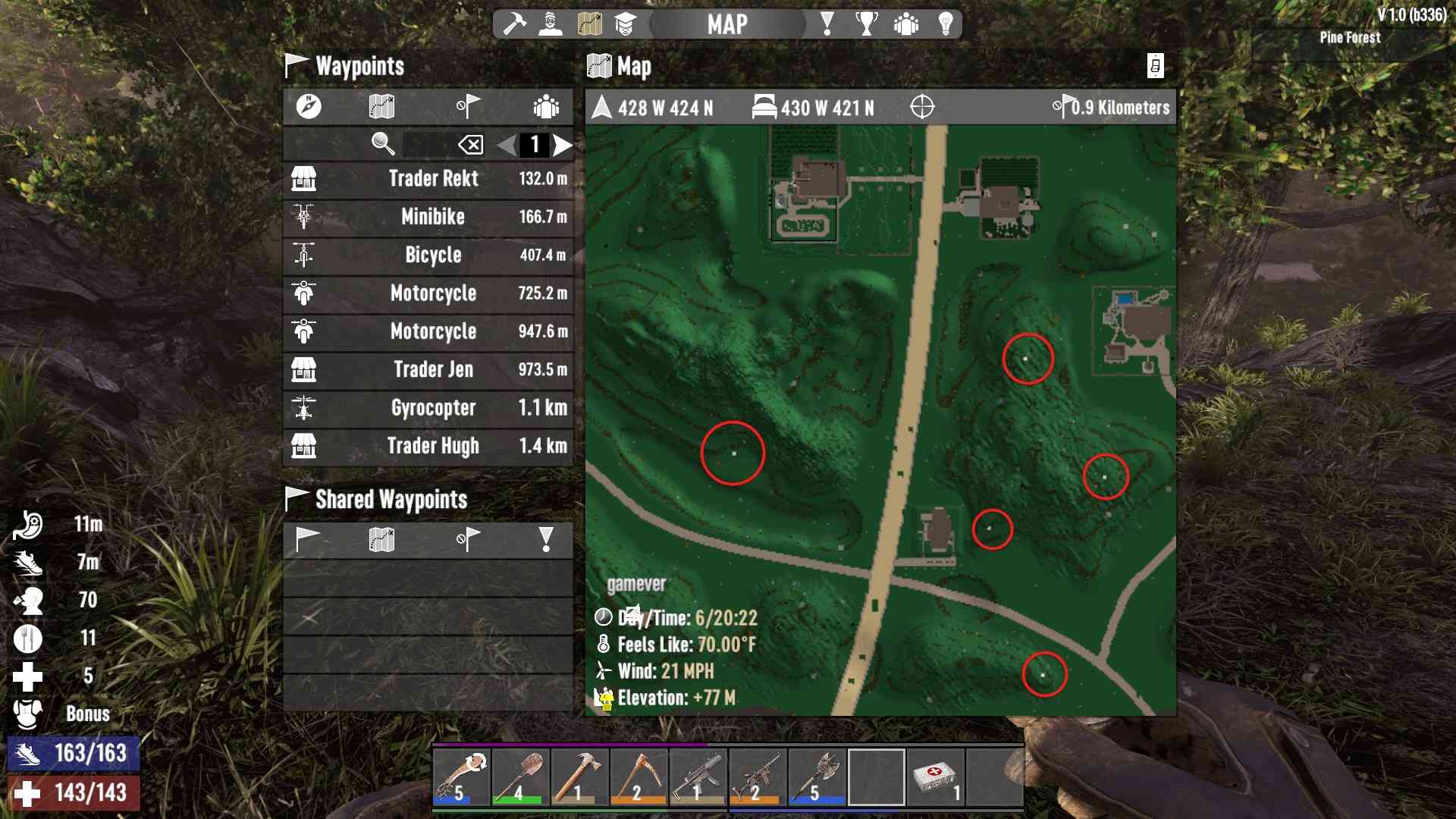
- Check the Map: Vehicles often leave a waypoint icon on your compass and map screen. Look for the bicycle icon.
- Relogging: On multiplayer servers or single-player sessions, logging out and back in can force erratic physics entities to respawn safely on solid ground.
- Crafting a Replacement: If a bicycle is permanently destroyed by an explosion or falls through the infinite void of the map geometry, your best option is to utilize your workstation to craft a new frame, handlebars, and wheels using basic forged iron and mechanical parts.
Frequently Asked Questions
Can I repair a bicycle without repair kits?
No, 7 Days to Die requires a standard Repair Kit to restore durability to any vehicle, including the bicycle. Primitive tools like stone axes or claw hammers will not work on motorized or mechanical transport items.
Where is the best place to find repair kits early in the game?
Early-game players should search garage cabinets, gas station utility carts, and Working Stiffs tool crates. Alternatively, saving up trading tokens to buy them directly from Trader Joel, Trader Bob, or other regional traders is a reliable method.
Do bicycles break permanently if durability hits zero?
No. A bicycle whose durability reaches zero becomes completely unusable and cannot be ridden, but it is not deleted from the game world. You can still pick it up, place it in your inventory, and use a repair kit to restore it to full working condition.
How do I unlock the ability to craft a bicycle?
You must invest skill points into the Intellect attribute tree and advance the Grease Monkey perk. Higher levels of this perk reduce crafting costs and eventually allow you to craft higher-tier vehicles like minibikes and motorcycles.
Can other players steal or damage my bicycle on multiplayer servers?
Yes, on PvP (Player versus Player) servers, other players can attack, damage, or steal an unsecured bicycle left out in the open. Always pick up your vehicle and store it in your inventory or inside a locked base container when logging off.
To ensure uninterrupted survival and smooth exploration across the wasteland, prioritize stocking up on mechanical parts and repair kits early on. Keep your bicycle safe from environmental hazards and zombie attacks, pick it up whenever you clear buildings, and maintain its durability regularly to stay ahead of the horde.