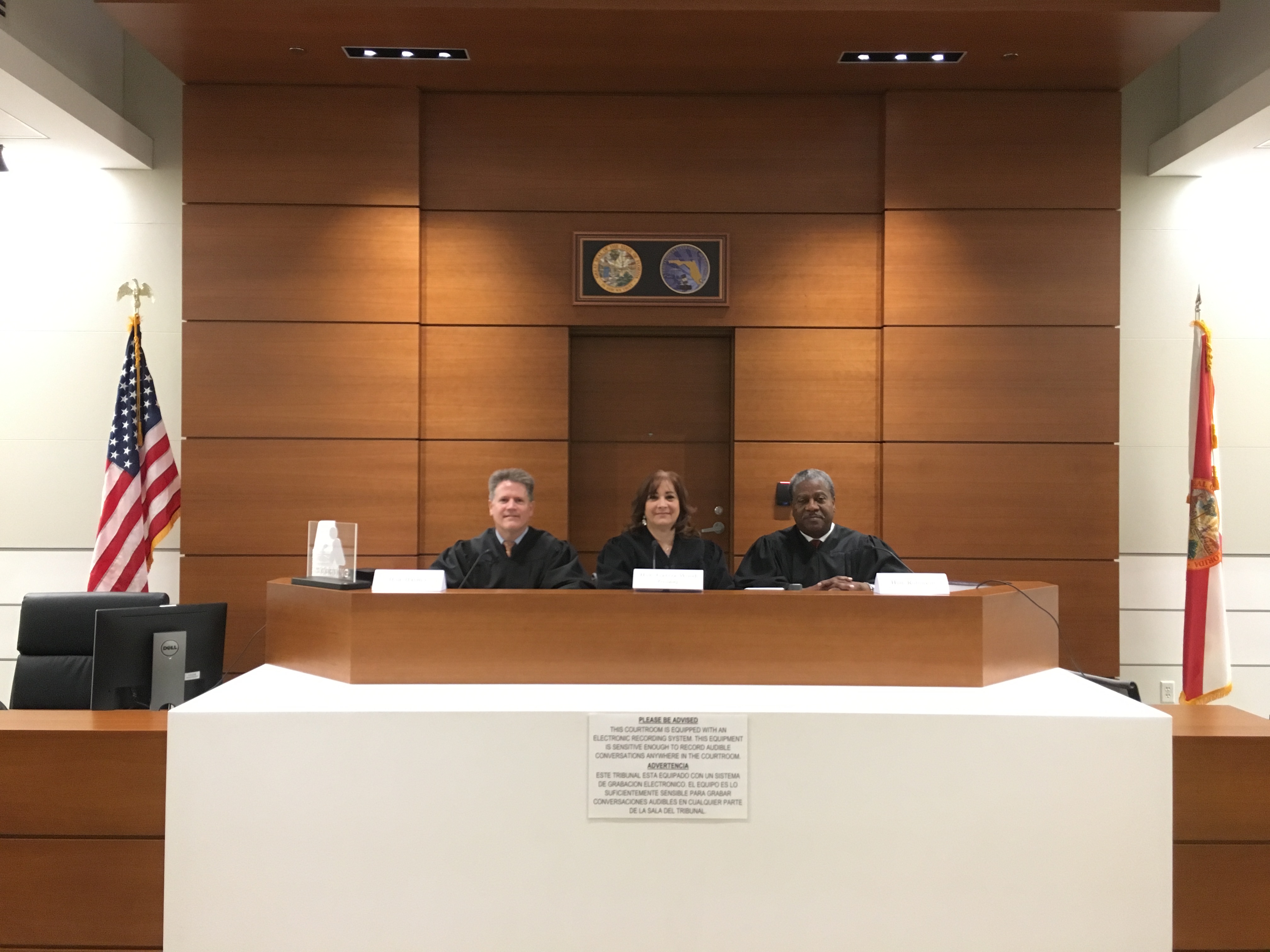
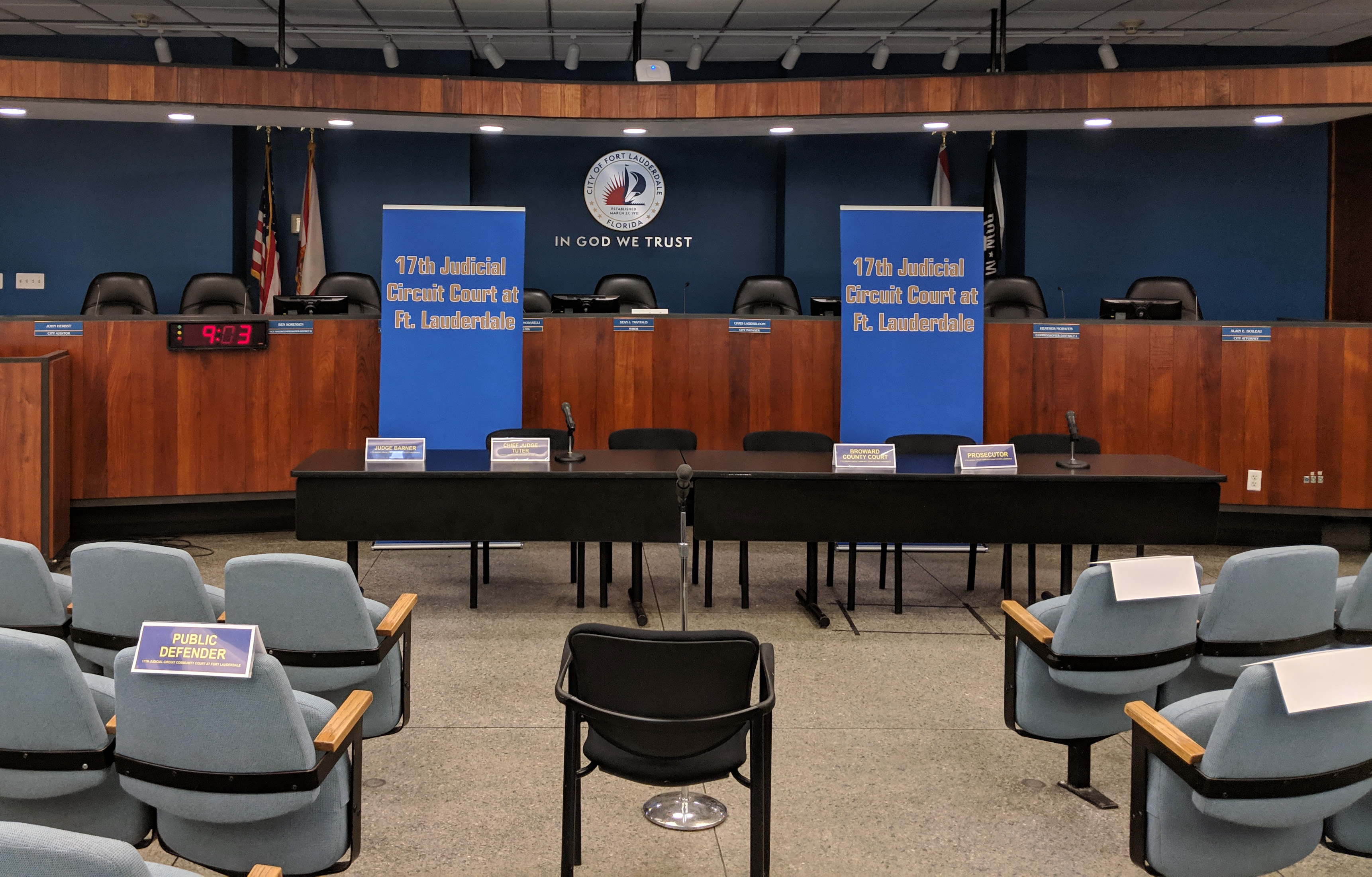
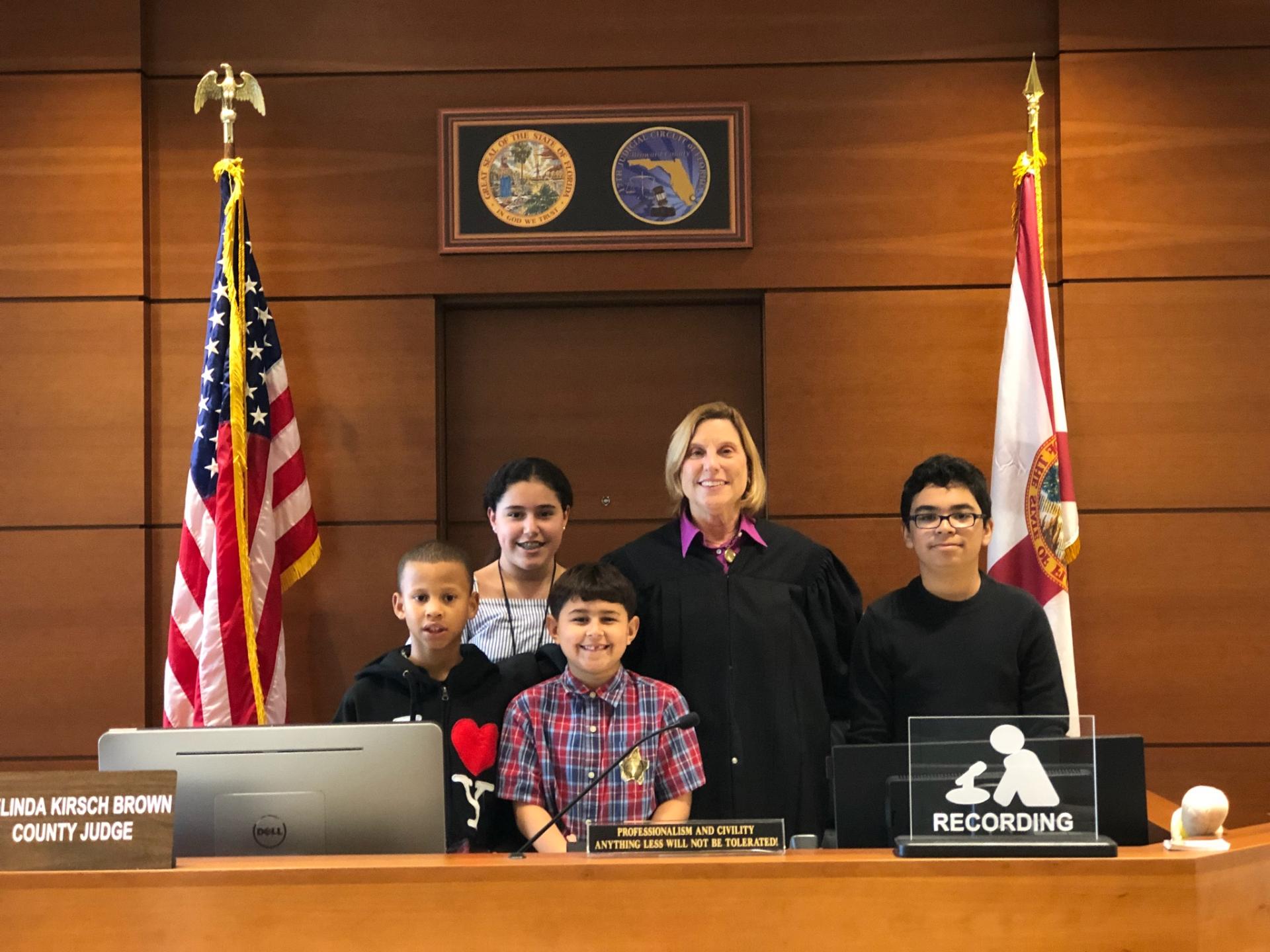
Accessing court calendars and securing hearing dates within the 17th Judicial Circuit—which serves Broward County, Florida—relies heavily on integrated digital docket management tools and electronic calendar reservation platforms. Understanding how to navigate the 17th judicial circuit online scheduling infrastructure is essential for attorneys, pro se litigants, and case managers aiming to secure timely judicial attention while avoiding administrative procedural defaults.
Overview of the 17th Judicial Circuit and Digital Docketing
The 17th Judicial Circuit of Florida handles a substantial volume of civil, criminal, family, probate, and juvenile matters within Broward County. To manage this massive influx of litigation efficiently, the court system utilizes specialized online scheduling applications. These platforms connect directly with the court’s case management database, allowing authorized users to view real-time judicial availability, reserve motion calendar slots, coordinate special set hearings, and cancel unneeded reservations without placing calls to judicial assistants.
Transitioning from traditional paper-based scheduling or telephone requests to an automated web interface brings predictability and transparency to the litigation timeline. However, these systems enforce strict administrative rules. Understanding the underlying architecture of these digital calendars helps court users prevent scheduling conflicts, comply with local administrative orders, and maintain compliance with the Florida Rules of Civil Procedure.
Jurisdictional Scope and Governing Administrative Orders
Before attempting to reserve time on any judge’s calendar within the 17th Judicial Circuit, users must recognize that scheduling rules vary significantly across divisions. The circuit encompasses several distinct divisions, including:
- Circuit Civil: Handles complex civil litigation, foreclosure actions, and general civil claims exceeding designated monetary thresholds.
- County Civil: Manages landlord-tenant disputes, small claims, and civil claims up to statutory limits.
- Family Division: Processes dissolutions of marriage, child support, paternity, and domestic violence injunctions.
- Probate and Guardianship: Oversees estate administration, trust litigation, and incapacitated persons' guardianships.
- Juvenile and Criminal: Manages delinquency, dependency, and misdemeanor or felony criminal matters, which often follow separate, prosecution-driven or clerk-managed scheduling protocols rather than open attorney self-scheduling.
Each division operates under specific Administrative Orders (AOs) issued by the Chief Judge of the 17th Judicial Circuit. These orders dictate mandatory meet-and-confer requirements, allowable hearing lengths for uniform motion calendars (UMC), and strict protocols for noticing hearings. Relying on default browser bookmarks without verifying current division-specific administrative memorandums risks improper notice and the potential striking of scheduled matters.
Prerequisites and User Account Management
To utilize the online scheduling tools provided by the 17th Judicial Circuit, users must satisfy specific technical and administrative prerequisites.
Registration and Verification
While certain public-facing calendar inquiries allow anonymous viewing of court dockets, scheduling hearings typically requires a verified user account. Attorneys registered with The Florida Bar use their Bar membership credentials or established judicial portal profiles to gain access. Pro se litigants (individuals representing themselves without an attorney) must follow specialized clerk-assisted registration pathways or utilize designated self-help portal interfaces to secure scheduling permissions.
System Requirements and Browser Compatibility
The scheduling portals interface with complex county server environments. Users should ensure they access the portals using modern, standards-compliant web browsers such as Google Chrome, Mozilla Firefox, Microsoft Edge, or Apple Safari. Pop-up blockers must be disabled or configured to permit windows generated by the court domain, as confirmation receipts, calendar invites, and error prompts frequently utilize modal windows or secure PDF generation routines.
Step-by-Step Guide to Scheduling Hearings Online
Navigating the web-based reservation interface requires methodical execution. While exact user interface layouts may undergo periodic updates, the foundational workflow remains consistent across the circuit's civil and family divisions.
1. Pre-Scheduling Consultation and Coordination
Under the local rules of the 17th Judicial Circuit, moving parties are almost universally required to attempt coordination with opposing counsel or unrepresented parties prior to selecting a hearing time.
- Review the division's specific instructions regarding required good-faith conference attempts.
- Propose multiple dates and times available on the target judge's online calendar.
- Document all communication efforts; should a dispute arise regarding scheduling bad faith, the court may require email logs or correspondence transcripts.
2. Accessing the Portal and Selecting the Judge
Navigate to the official Broward County Clerk of Courts or the 17th Judicial Circuit Administrative Office of the Courts portal.
- Log in using secure credentials.
- Select the appropriate division (e.g., Civil, Family, Probate).
- Locate the specific judge assigned to the case. Each judge maintains a unique profile page outlining specific standing orders, preferred hearing procedures (such as Zoom or in-person mandates), and direct links to their calendar availability.
3. Choosing the Hearing Type: UMC versus Special Set
Judges in the 17th Judicial Circuit typically divide their schedules into two primary categories:
| Hearing Type | Typical Duration | Permissible Subject Matter | Notice Requirements |
|---|---|---|---|
| Uniform Motion Calendar (UMC) | 5 to 10 minutes | Non-evidentiary motions, simple discovery disputes, status updates | Strict adherence to local notice windows (typically 5–7 business days minimum) |
| Special Set | 15 minutes to multi-hour blocks | Evidentiary hearings, summary judgment motions, complex injunctions | Extended notice periods; often requires pre-marking exhibits and submitting binders |
4. Securing and Confirming the Slot
Once an open slot is identified that aligns with all parties' availability:
- Input the correct Case Number (formatted in standard Florida court format, e.g., CACE-23-000000).
- Enter the exact title of the motion as filed with the Clerk of Courts.
- Complete the reservation transaction. The system will generate a confirmation code, transaction timestamp, and a downloadable or printable Notice of Hearing template pre-populated with the reservation data.
Essential Protocols for Uniform Motion Calendar (UMC) Scheduling
The Uniform Motion Calendar is designed for brief, non-evidentiary matters that can be resolved quickly. Abusing the UMC framework by scheduling complex, multi-witness evidentiary hearings in back-to-back 5-minute slots is a frequent cause of judicial admonishment and cancelled hearings.
- Time Limits: Respect the hard stop enforced by the court's schedule. If a motion cannot be meaningfully argued within the allotted 5 or 10 minutes, the moving party must request a special set hearing.
- Cancellation Procedures: If a matter settles or is withdrawn prior to the hearing, the scheduling party must immediately log into the online portal to cancel the reservation. This frees up the slot for other litigants and maintains judicial efficiency. Failing to cancel dead time on the docket can result in sanctions or administrative fines.
Special Set Scheduling and Judicial Preference Guidelines
Special set hearings demand rigorous preparation and adherence to individual judicial preferences. Unlike UMC slots, which can often be booked directly through open calendar grids, certain judges require special set motions to be submitted in writing to the judicial assistant or require a preliminary case management conference before a multi-hour block is released on the web portal.
- Standing Orders: Always review the specific judge's webpage for unique standing orders regarding proposed orders, memoranda of law submission deadlines, and digital exhibit uploads (such as through platforms like CourtMAP or local evidence portals).
- Zoom vs. In-Person Mandates: The 17th Judicial Circuit maintains hybrid operational capabilities. Verify whether the scheduled hearing is designated for remote video conferencing or mandatory physical appearance in a Broward County courtroom.
Troubleshooting Common Online Scheduling Obstacles
Litigants and paralegals frequently encounter specific technical and procedural roadblocks when attempting to utilize the 17th judicial circuit online scheduling tools.
Case Number Recognition Errors
If the portal rejects a valid case number, verify that the prefix matches the division accurately (e.g., mixing up CACE for Circuit Civil with COCE for County Civil). Furthermore, newly filed cases may take 24 to 48 hours to propagate from the Clerk's primary database into the secondary scheduling application.
Calendar Lockouts and Fully Booked Judges
Judges with heavily congested dockets may show zero available slots on the online portal. When this occurs, check whether the division utilizes a rotating calendar system or if the judicial assistant must be contacted via email with a formal motion copy to request emergency or overflow docket placement. Never attempt to circumvent scheduling locks by booking under incorrect motion types or mismatched case styles.
Authentication Failures
If login credentials fail, ensure that your Florida Bar profile status is active or that your specialized portal account has not expired due to inactivity. Clearing browser cache and cookies or switching to an alternate secure network connection often resolves persistent session timeouts.
Frequently Asked Questions
Can pro se litigants use the 17th Judicial Circuit online scheduling system?
Yes, unrepresented litigants can access designated scheduling tools or seek assistance through the clerk's office or self-help centers to secure hearing times, though procedures vary compared to attorney-managed portals.
What should I do if a scheduled hearing time must be changed?
You must coordinate with opposing counsel to find a new mutually agreeable time, cancel the existing reservation through the online portal immediately to release the slot, and secure a new reservation before filing an amended notice of hearing.
Are all Broward County court divisions accessible through the same scheduling portal?
While centralized gateway pages exist, individual divisions—such as criminal, traffic, and specialized juvenile dockets—often utilize distinct backend sub-systems managed directly by the clerk or specialized court units rather than general civil self-scheduling grids.
How far in advance are UMC slots typically released?
Slots are populated according to each judge's administrative schedule, usually rolling out weeks or months in advance. If no slots are visible, the current scheduling block may be fully subscribed, requiring regular monitoring for cancellations or coordination with the judicial assistant.
What is the penalty for failing to cancel an unneeded hearing slot?
Failing to cancel unused calendar time wastes valuable judicial resources. Judges may issue orders to show cause, impose monetary sanctions, or restrict an attorney or party's future ability to utilize self-scheduling portals.
Practical Next Steps
Before initiating any scheduling action within the 17th Judicial Circuit, verify that your pleadings are properly filed and stamped by the Broward County Clerk of Courts. Cross-reference the assigned judge's specific web page for unlisted standing orders, confirm all parties' calendar availability via a documented meet-and-confer process, and ensure your notice of hearing accurately reflects the remote or in-person requirements generated during the online reservation process.