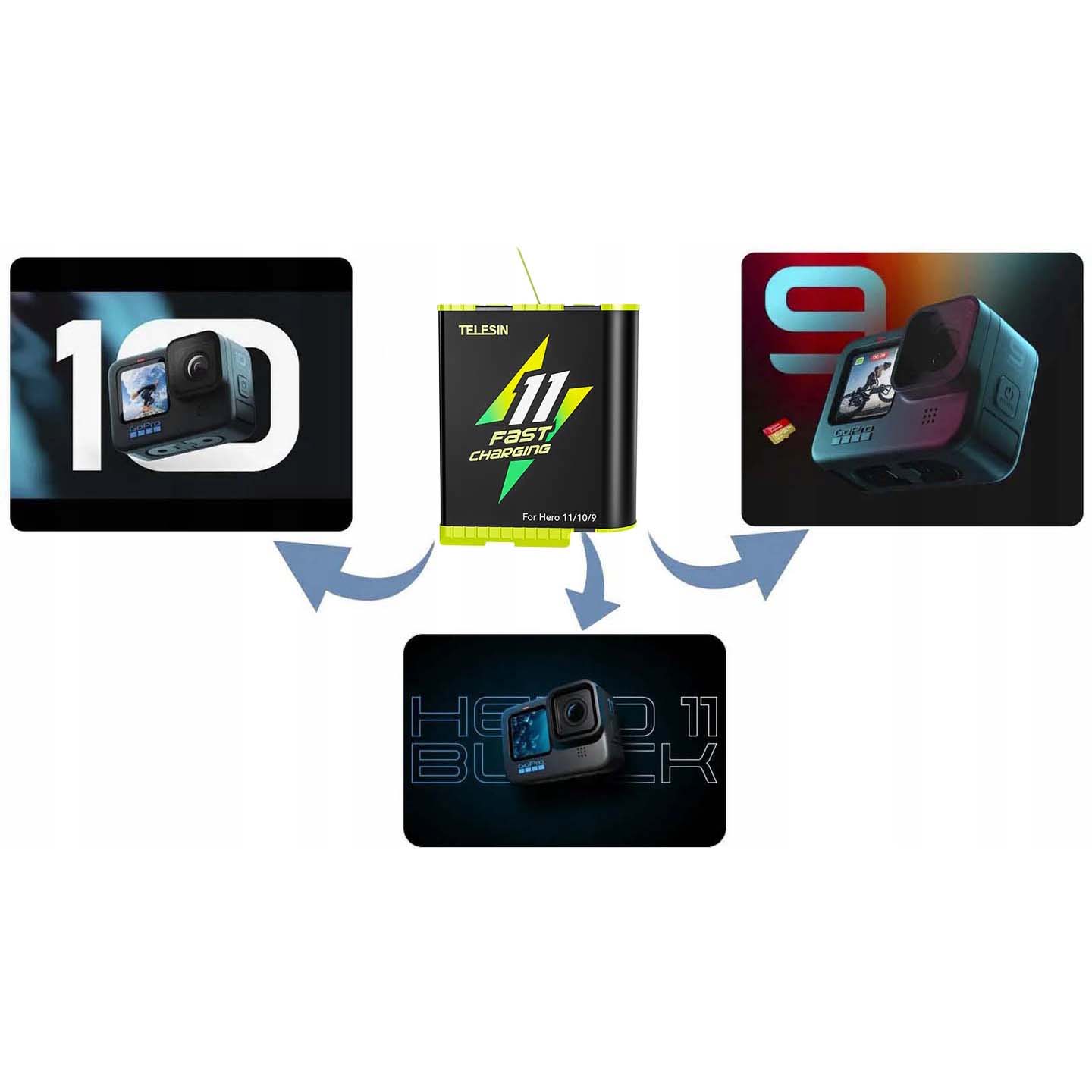
Charging your GoPro Hero 5 requires a consistent 5V 1A power source via a high-quality USB-C cable to maintain battery health and ensure fast, reliable power delivery. To charge safely, always use a reputable power adapter, avoid extreme temperatures, and remove the battery from the camera if you notice any signs of swelling or overheating.
The GoPro Hero 5 Black, released in late 2016, marked a significant shift in the company’s hardware ecosystem by transitioning to USB-C connectivity. Understanding the mechanics of how this camera handles power is essential for maintaining its longevity. Because the device relies on lithium-ion battery technology, the way you charge it directly dictates how many cycles the battery can endure before its capacity noticeably degrades.
Understanding the Power Requirements of the GoPro Hero 5
The GoPro Hero 5 Black is designed to operate optimally with a specific power input. The internal charging circuitry is calibrated to receive power through the USB-C port, which acts as both the data transfer gateway and the power intake.
Voltage and Current Specifications
The camera requires a standard USB power input of 5 volts (V) and at least 1 ampere (A) of current. While many modern chargers (such as those for newer smartphones or laptops) support higher voltages like 9V or 12V via Power Delivery (PD) protocols, the Hero 5’s internal management system will automatically step this down to a safe, compatible rate. However, using a charger that provides less than 1A may result in extremely slow charging speeds or the camera failing to recognize the power source entirely.
Choosing the Right Power Source
When selecting an adapter, prioritize quality over convenience. A high-quality wall adapter, such as those provided by reputable mobile phone manufacturers or specialized camera accessory brands, is significantly safer than cheap, third-party chargers found in bargain bins.
Cheap chargers often lack adequate surge protection or voltage regulation. Fluctuations in electrical current can damage the delicate PMIC (Power Management Integrated Circuit) inside your GoPro. Always look for certifications such as the UL (Underwriters Laboratories) mark, CE, or FCC, which indicate that the device has passed standardized safety testing.
Step-by-Step Charging Procedure
To ensure the safety of both the camera and the user, following a disciplined charging workflow is recommended.
1. Inspecting the Battery and Ports
Before plugging the device in, perform a brief visual inspection. Look inside the battery compartment to ensure there is no debris, moisture, or corrosion on the gold contacts. Similarly, inspect the USB-C port on the camera. If you notice dust or lint inside the port, use a blast of compressed air to remove it rather than poking it with a metal object, which could bridge the connections and cause a short circuit.
2. The Connection Process
Connect your USB-C cable to the power adapter first, and then connect the cable to the GoPro. This sequence reduces the likelihood of a power spike traveling through the cable before the charger has had a chance to regulate its output.
3. Monitoring the Charging Status
The Hero 5 features an LED indicator located on the front of the camera, near the lens, and another on the back. When the camera is charging, the red LED will illuminate. Once the battery reaches 100% capacity, the LED will turn off. It is important to note that the camera does not need to be turned on to charge, but charging will occur regardless of the camera's power state.
Best Practices for Battery Health and Safety
Lithium-ion batteries are sensitive to their environment. Ignoring basic safety protocols can lead to decreased battery life or, in extreme cases, thermal runaway.
Temperature Sensitivity
Never charge your GoPro Hero 5 in environments where temperatures exceed 104°F (40°C) or fall below 32°F (0°C). Extreme heat can cause the electrolyte inside the battery to break down, while charging in freezing temperatures can cause metallic lithium to plate the anode, potentially creating internal shorts. If the camera has been sitting in a hot car or a cold storage area, allow it to reach room temperature before connecting it to a power source.
Avoiding Constant "Top-Off" Charging
While modern batteries do not have a "memory effect" in the traditional sense, keeping a battery pinned at 100% capacity for extended periods can accelerate chemical aging. If you are not planning to use your GoPro for a long duration, it is best to store the battery at approximately 50% charge rather than leaving it fully charged or completely depleted.
Recognizing Warning Signs
If your GoPro battery appears puffy, distorted, or is leaking fluid, discontinue use immediately. Do not attempt to charge a damaged battery. Dispose of it according to your local hazardous waste regulations, usually by taking it to an electronic recycling center.
Comparison of Charging Methods
Choosing the right equipment depends on your specific use case, whether you are in the field or at your workstation.
| Charging Method | Efficiency | Best Use Case | Risk Level |
|---|---|---|---|
| Wall Adapter (5V/1A+) | High | Standard home/office use | Low |
| Computer USB Port | Low | Data transfer/field charging | Low |
| Portable Power Bank | Medium | Travel/Remote recording | Low (if certified) |
| Dual Battery Charger | Highest | Professional/Long-day shoots | Low |
Why the Dual Battery Charger is Superior
For users who rely on their GoPro Hero 5 for extended recording sessions, a dedicated dual battery charger is a superior investment. These units are engineered specifically for the GoPro battery chemistry, allowing for sequential or simultaneous charging without putting strain on the camera's internal USB port. By using an external charger, you protect the camera’s port from mechanical wear and tear, which is a common failure point for older GoPro models.
Troubleshooting Common Charging Issues
Even with careful usage, you may occasionally run into issues where the camera refuses to charge.
The "No Light" Problem
If you plug in your GoPro and the red LED does not turn on, verify your hardware first. Swap the USB-C cable for another known-working cable to rule out a damaged wire. Next, try a different power adapter. If the camera still shows no signs of life, remove the battery and attempt to power the camera directly from the wall adapter (without the battery inserted). If the camera powers on, the issue lies with the battery itself rather than the camera.
Slow Charging Speeds
If you find that your GoPro takes significantly longer than the standard 2-3 hours to reach a full charge, the culprit is almost always the power supply. Many desktop computer USB ports or keyboard USB hubs do not output the full 1A of power required for efficient charging. Always plug your camera into a dedicated wall block for the fastest results.
Overheating During Charging
It is normal for the camera to get slightly warm while charging, but it should never become hot to the touch. If the device becomes uncomfortably hot, disconnect it immediately and check for firmware updates. In some instances, older firmware versions had poor thermal management protocols that were improved in later releases.
Frequently Asked Questions
Is it safe to leave my GoPro Hero 5 plugged in overnight?
Yes, it is generally safe. The GoPro Hero 5 has an internal battery management system that stops the flow of electricity once the battery reaches 100%. However, for optimal battery longevity, it is best practice to unplug the device once it has finished charging.
Can I charge my GoPro with a laptop USB port?
You can, but it is not the most efficient method. Most laptop USB-A ports provide only 0.5A to 0.9A, which is less than the camera's ideal charging current. This will result in much longer charge times and may not charge the battery to its full potential if the camera is also being used.
Should I take the battery out while charging?
If you are using the GoPro via an external USB wall charger, you do not need to remove the battery. The camera is designed to bypass the battery once it is fully charged. However, removing the battery is a good practice if you are using the camera as a stationary webcam or dashcam for hours at a time, as this prevents unnecessary heat buildup.
What should I do if my GoPro Hero 5 won't hold a charge?
If your camera charges but drains rapidly, your battery has likely reached the end of its chemical lifespan. Lithium-ion batteries typically lose significant capacity after 300 to 500 charge cycles. Replacing the battery with an official or high-quality third-party replacement is the only effective solution for this issue.
Is it okay to use a fast-charger from a modern smartphone?
Yes. The GoPro Hero 5 will communicate with a modern fast-charger. If the charger is high-wattage, the GoPro will simply draw the 1A (or slightly more) that it needs. It will not "overpower" or damage the camera, provided the charger is compliant with USB standards.
Recommendation
For the most reliable and efficient charging experience, invest in a dedicated external dual-battery charger. This not only protects your camera's USB-C port from accidental damage but also allows you to keep a spare battery ready at all times. Always use a wall-based power adapter with at least a 1A output, and keep your charging environment cool and dry. By treating your battery as a consumable component that requires careful maintenance, you will maximize the service life of your GoPro Hero 5.