Choosing a 55 inch TV for gaming requires balancing display technology, native refresh rates, HDMI 2.1 bandwidth capabilities, and input lag to ensure responsive, high-fidelity gameplay. A 55-inch display represents the sweet spot for modern living rooms and dedicated gaming dens, offering an immersive canvas without overwhelming average spatial footprints.
When searching for the ideal gaming television, players must look past traditional picture quality metrics designed for passive movie-watching. Modern video game consoles like the PlayStation 5 and Xbox Series X, alongside high-end gaming PCs, demand advanced hardware features. These include variable refresh rate (VRR) support, auto low latency mode (ALLM), ultra-fast pixel response times, and multiple high-bandwidth ports capable of transmitting uncompressed 4K video at 120 frames per second. Evaluating these parameters carefully prevents motion blur, input delay, and screen tearing, directly elevating your competitive edge and visual immersion.
Understanding Core Gaming TV Specifications
Before evaluating specific display panels or brand lineups, you must understand the technical specifications that govern modern gaming performance. A television can boast breathtaking color reproduction and deep contrast ratios, but if its input lag is high or its interface lacks high-speed data transfer, the gaming experience will suffer immensely.
Refresh Rates and HDMI 2.1 Bandwidth
The transition to HDMI 2.1 marked a massive leap forward for console and PC gaming on televisions. Older HDMI 2.0 ports capped 4K resolution output at 60Hz. HDMI 2.1 expands this bandwidth up to 48Gbps, enabling native 4K gaming at 120Hz. This capability allows fast-paced genres like first-person shooters, racing simulators, and fighting games to render motion with exceptional fluidity.
A native 120Hz refresh rate means the display panel can refresh its image 120 times per second, cutting frame times in half compared to traditional 60Hz displays. To utilize this bandwidth fully, both your playback source and your HDMI cable must also support HDMI 2.1 specifications.
Variable Refresh Rate (VRR) and Low Latency
Screen tearing occurs when the video card or console outputs frames at a rate that does not synchronize with the TV's fixed refresh rate. Variable Refresh Rate technologies—including HDMI VRR, AMD FreeSync, and NVIDIA G-Sync Compatibility—dynamically adjust the display's refresh rate to match the frame rate output of the console or PC in real time. This eliminates tearing and minimizes stutter without introducing prohibitive input lag.
Simultaneously, Auto Low Latency Mode (ALLM) allows the television to detect when a game is launched and automatically switch to a dedicated Game Mode, bypassing complex image-processing pipelines that cause input delay.
Display Technologies: OLED vs. QLED vs. Mini-LED
At the 55-inch size class, manufacturers deploy three primary display technologies. Each offers distinct advantages and trade-offs regarding brightness, contrast, and response times.
OLED (Organic Light Emitting Diode)
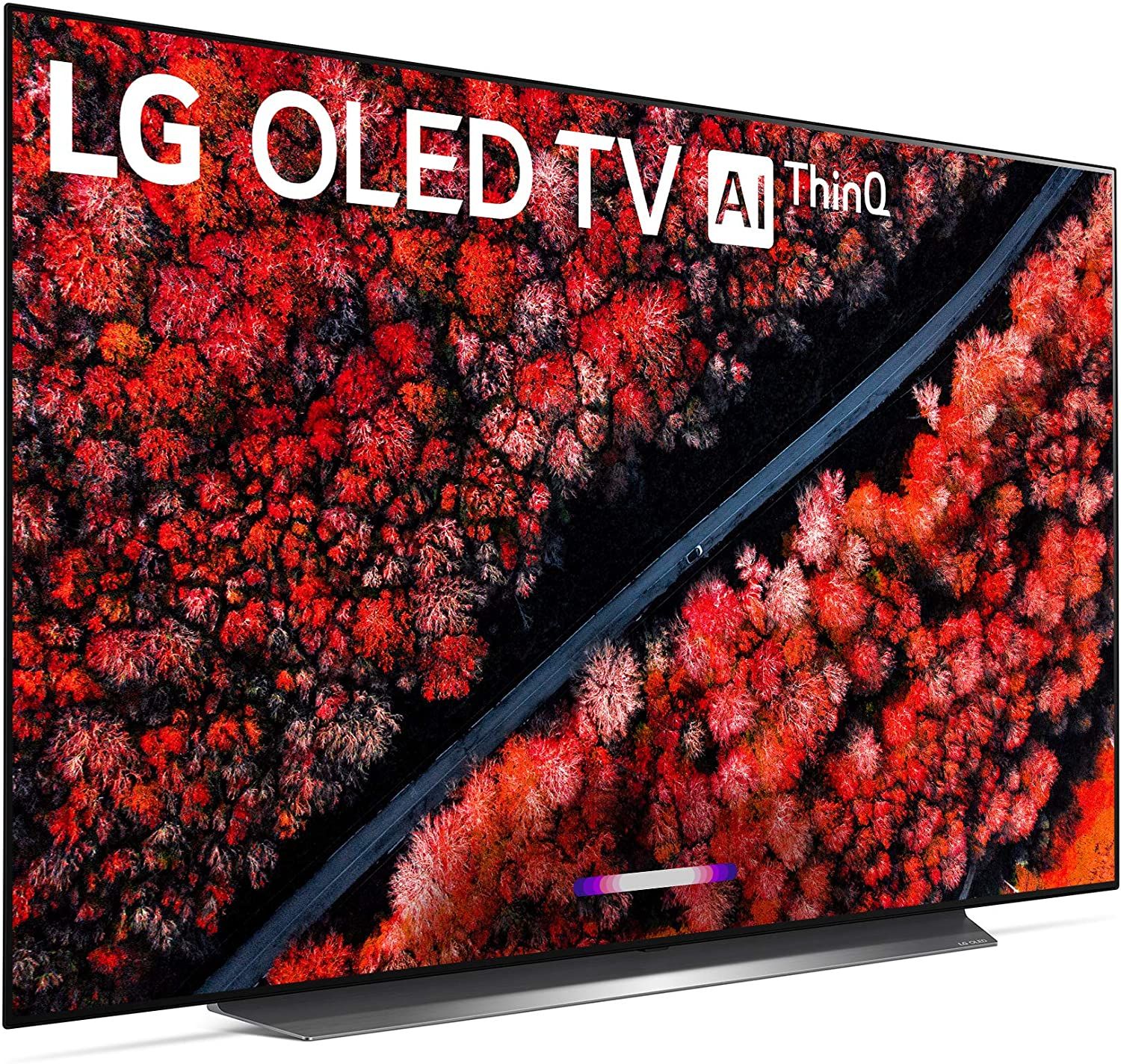
OLED panels feature self-emissive pixels that can turn completely off, delivering infinite contrast ratios and true absolute blacks. Because there is no backlight bleed or blooming, OLED TVs provide phenomenal HDR (High Dynamic Range) performance in dark or moderately lit rooms. Furthermore, OLED displays boast near-instantaneous pixel response times—often under 0.1 milliseconds—which virtually eliminates ghosting behind fast-moving objects.
The primary considerations for OLED are peak brightness limits compared to high-end LED displays and the theoretical risk of permanent image retention, though modern pixel-orbiting and auto-dimming features mitigate this risk significantly during normal gaming sessions.
QLED (Quantum Dot LED)
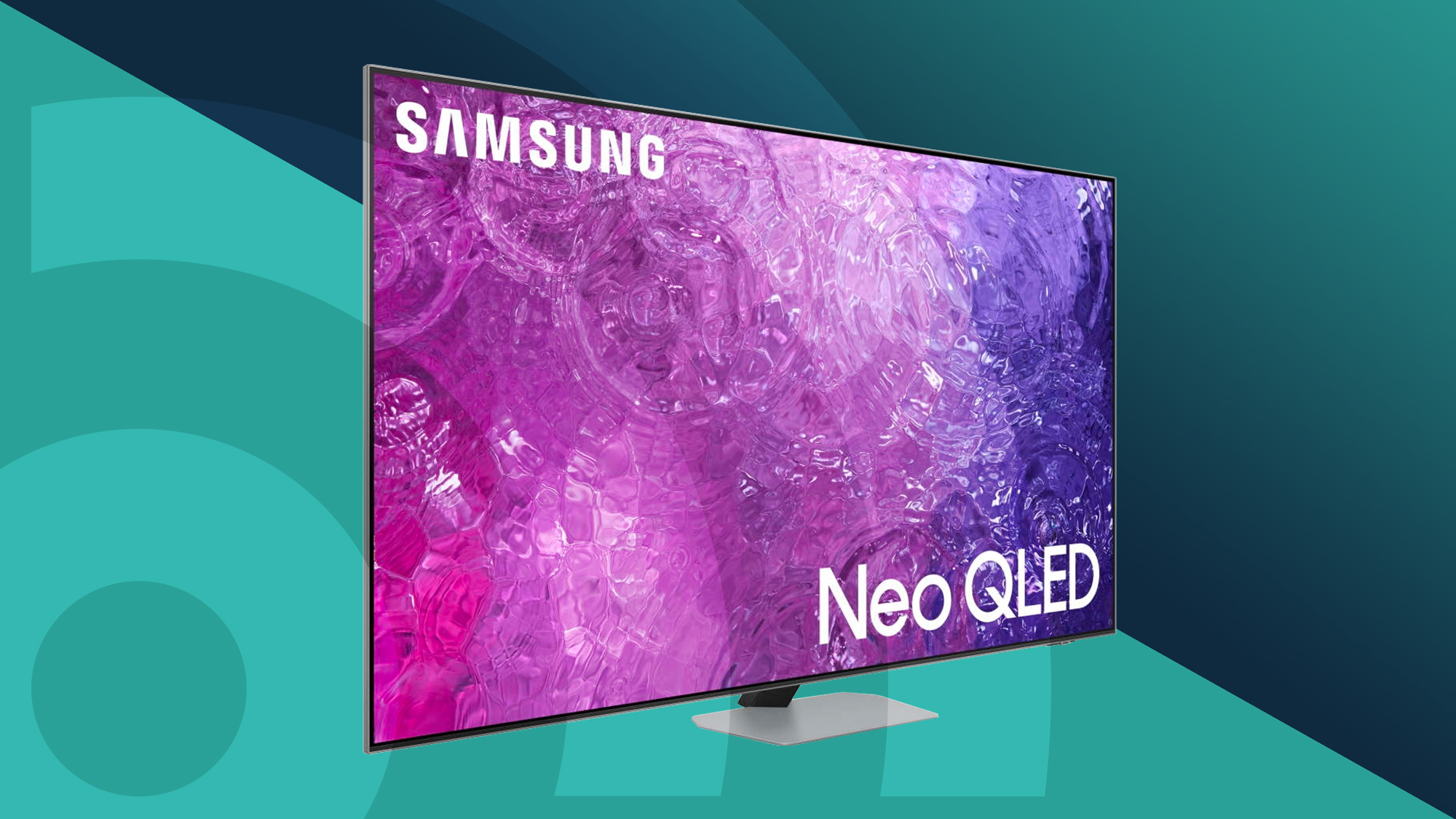
QLED televisions use a quantum dot filter layer over an LED backlight to enrich color vibrancy and boost peak brightness. These displays excel in bright, sunlit rooms where OLED panels might struggle to overcome ambient glare. QLED sets often support high peak luminance, which makes bright highlights in HDR games pop with realistic intensity. While standard backlit QLEDs can suffer from light blooming around bright objects on dark backgrounds, they represent a durable, high-performing, and cost-effective option for mixed-use living spaces.
Mini-LED
Mini-LED technology is an evolution of traditional LED backlighting. By shrinking the LEDs to a fraction of their original size and packing thousands of them behind the LCD panel, manufacturers create hundreds or thousands of local dimming zones. This precise control over backlighting minimizes blooming while approaching the deep contrast levels of OLEDs, all while maintaining exceptional peak brightness outputs. Mini-LED 55-inch TVs represent the pinnacle of LED-based gaming performance, particularly for bright environments.
Feature Comparison of Leading 55-Inch Gaming Display Types
| Display Technology | Contrast Ratio | Peak Brightness | Pixel Response Time | Best Environment | Risk of Burn-in |
|---|---|---|---|---|---|
| OLED | Infinite (Perfect Blacks) | Moderate to High | Instant (~0.1ms) | Controlled / Dark Rooms | Low to Moderate |
| QLED | Moderate to High | High to Very High | Fast (2ms - 6ms) | Bright Living Rooms | None |
| Mini-LED | High to Very High | Exceptionally High | Fast (2ms - 5ms) | Bright or Mixed Rooms | None |
Key Features to Demand in a 55-Inch Gaming TV
When shopping for a 55-inch display, you should verify that candidate models incorporate specific hardware inclusions and software suites designed to optimize the gaming pipeline.
Input Lag Measurements
Input lag refers to the time it takes for an action on your controller or keyboard to translate into a visible reaction on the screen. For competitive gaming, look for televisions that exhibit an input lag of under 10 milliseconds when operating at 4K/120Hz. At 60Hz, an input lag under 15 milliseconds remains acceptable for casual titles. Ensure you always activate the TV's designated "Game Mode," as standard picture modes apply heavy motion smoothing and noise reduction filters that dramatically increase input lag.
Port Configuration and HDMI 2.1 Availability
Check the exact number of HDMI 2.1 ports on the chassis. Many mid-tier televisions feature four HDMI ports, but only two of them support full bandwidth HDMI 2.1 (with the other two capped at HDMI 2.0 speeds). If you own both a PlayStation 5 and an Xbox Series X, alongside a soundbar or eARC audio receiver, having at least two HDMI 2.1 ports is essential to avoid constant cable swapping.
Dedicated Gaming Hubs and Overlays
Modern gaming televisions often feature dedicated user interfaces—such as Game Bars—that display real-time telemetry. These overlays allow you to monitor active refresh rates, toggle VRR on or off, adjust shadow enhancement sliders to reveal campers hiding in dark corners, and change aspect ratios for ultra-wide PC gaming without digging through deep system menus.
Frequently Asked Questions
Is 55 inches too big for a gaming setup?
A 55-inch television offers an immersive field of view that fills your peripheral vision without requiring you to move your head constantly. For a 55-inch screen, the recommended viewing distance is generally between 5.5 and 7 feet. If your seating distance falls within this range, 55 inches is widely considered the optimal size for modern console and PC gaming.
Do I need HDMI 2.1 if I only play Nintendo Switch?
No. The Nintendo Switch outputs a maximum resolution of 1080p docked (and 720p handheld) at 60Hz. It does not utilize high-bandwidth features like 4K resolution, 120Hz frame rates, or variable refresh rates. However, if you plan to upgrade to a current-generation console or PC in the future, investing in an HDMI 2.1-compatible TV future-proofs your setup.
What is the difference between FreeSync and G-Sync for TVs?
Both AMD FreeSync and NVIDIA G-Sync are adaptive synchronization technologies that eliminate screen tearing and stutter. FreeSync is natively supported by the Xbox Series X/S and AMD graphics cards, while G-Sync is standard on NVIDIA GeForce graphics cards. Many modern gaming TVs are certified as both G-Sync Compatible and FreeSync Premium, ensuring seamless operation regardless of your gaming hardware platform.
Can burn-in happen during long gaming sessions on an OLED TV?
Permanent burn-in is caused by cumulative, static image elements—like persistent HUDs, health bars, or mini-maps—displayed at high brightness over thousands of hours. While modern OLED TVs incorporate sophisticated mitigation features like pixel shifting, static logo luminance limiters, and automatic screen refresh cycles, gamers who play the exact same game with static UI elements for six to eight hours daily should consider QLED or Mini-LED alternatives to eliminate the risk entirely.
Why is my TV screen flickering when VRR is enabled?
VRR flicker is a known phenomenon caused by sudden frame-rate fluctuations during loading screens, menu transitions, or unstable game optimization. When the frame rate drops rapidly outside the display's native VRR operating window, gamma levels shift slightly across the panel, resulting in subtle luminance pulsing. This can often be minimized by updating your TV's firmware, adjusting the game's graphics settings to stabilize frame pacing, or using the LFC (Low Framerate Compensation) features built into modern consoles.
Practical Next Steps and Buying Recommendation
To secure the best 55-inch TV for your specific gaming habits, start by auditing your primary hardware and room lighting conditions. If your gaming space features large windows and uncontrolled ambient light, prioritize a high-brightness QLED or Mini-LED model that can combat glare while delivering vibrant HDR highlights. Conversely, if you game primarily in a controlled bedroom or media room with dimmed lighting, invest in an OLED panel to experience absolute black levels and instantaneous pixel response times.
Verify that your chosen model features at least two HDMI 2.1 ports, confirms support for both Dolby Vision gaming (if using an Xbox Series X) and standard HDR10, and reports an input lag under 10ms at 120Hz. Review independent hardware testing benchmarks rather than manufacturer specifications alone to confirm sustained performance, and ensure your entertainment console has adequate ventilation to accommodate modern high-performance display electronics.