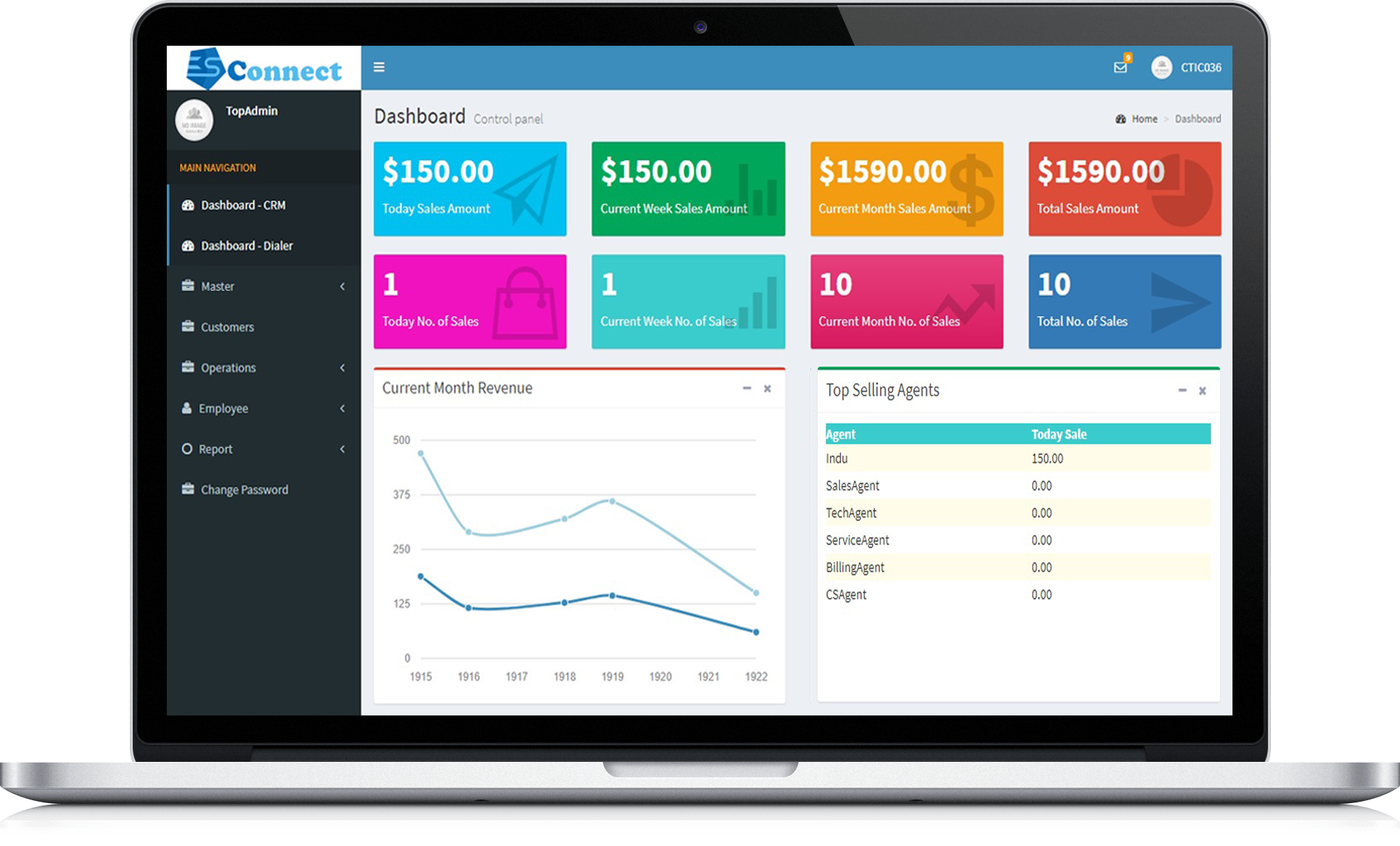
Choosing Customer Relationship Management (CRM) software for business-to-business (B2B) sales requires evaluating five core factors: complex pipeline customization, multi-stakeholder account mapping, robust integration ecosystems, deep analytics with accurate forecasting, and enterprise-grade security and compliance. Balancing these elements ensures alignment with long sales cycles and multiple decision-makers.
Evaluating and selecting CRM software is one of the most consequential technology investments a B2B organization can make. Unlike consumer-facing or transactional business-to-consumer (B2C) sales, B2B commercial environments are characterized by longer sales cycles, higher contract values, multiple buying committee members, and intricate approval workflows. A generic CRM configured for transactional retail will quickly bottleneck an enterprise sales team, leading to dropped leads, inaccurate revenue forecasts, and frustrated representatives. Navigating this procurement process requires moving beyond superficial feature checklists to examine how a platform handles the operational realities of complex, multi-touch business sales.
1. Complex Pipeline Customization and Multi-Stage Management
B2B sales rarely follow a simple linear path from initial contact to closed-won. Deals often stall, require proof-of-concept phases, undergo legal and procurement reviews, and involve multiple subsidiary stages. Therefore, the first key factor in choosing CRM software is its capacity for complex pipeline customization.
Tailoring Stages to the Sales Methodology
A capable B2B CRM must allow sales leadership to define and modify pipeline stages that reflect their specific go-to-market motion—whether that is MEDDPICC, Challenger, or SPIN selling. Software that forces a rigid, out-of-the-box pipeline will create friction, as sales reps will find workarounds outside the system to manage unique deal requirements. Look for platforms that support multiple independent pipelines if your organization sells distinct product lines or operates across different geographic markets with disparate sales motions.
Automation and Gatekeeping Rules
Customization extends beyond visual stages to the underlying logic. The system should allow administrators to enforce mandatory fields or gatekeeper criteria before a deal can advance to the next stage. For example, moving a deal to the "Proposal Sent" stage might automatically require an attached document and a verified budget figure. This level of process automation maintains data hygiene across large teams without adding manual administrative burdens to sales representatives.
2. Multi-Stakeholder Account Mapping and Organization Hierarchies
In B2B sales, you rarely sell to a single individual; you sell to buying committees comprising economic buyers, technical evaluators, legal counsel, and end-users. Evaluating how a CRM handles account hierarchies and relationship mapping is vital for enterprise success.
Parent-Child Account Structures
Your chosen CRM must seamlessly manage complex corporate structures, linking subsidiary companies to parent organizations. If your enterprise sells software to a global conglomerate, your sales reps need visibility into existing contracts, open tickets, and ongoing negotiations across all business units of that single client. Lacking robust account hierarchy management leads to fragmented outreach, cross-selling conflicts, and a disjointed customer experience.
Contact Roles and Influence Tracking
Beyond company structures, the platform should enable detailed mapping of individual stakeholders within an account. Representatives must be able to categorize contacts by their role in the buying decision—such as decision-maker, influencer, blocker, or champion. Tracking these nuances over multi-month sales cycles ensures that if a key champion leaves the target organization, the sales team immediately identifies the vulnerability and maps out a new relationship within the buying committee.
3. Integration Ecosystem and Data Synchronization
A B2B sales CRM cannot operate in a vacuum. Modern sales stacks rely on a multitude of specialized tools, ranging from email outreach and video conferencing platforms to enterprise resource planning (ERP) systems and customer success software.
Native Integrations Versus API Flexibility
When vetting CRM options, audit the platform's app marketplace for native integrations with your existing tech stack. Essential integrations typically include email and calendar suites, marketing automation platforms, LinkedIn Sales Navigator, and billing or quoting software. Beyond pre-built integrations, examine the platform's API capabilities and webhooks. Developer-friendly documentation and reliable uptime ensure your engineering team can build custom data flows without breaking synchronization during peak sales periods.
Real-Time Bidirectional Syncing
Data latency is a primary driver of sales inefficiency. If a customer updates their billing address in the ERP system or opens a marketing email, that information must reflect in the CRM instantly. Ensure the software provides reliable bidirectional synchronization to eliminate data silos between sales, marketing, and customer support departments.
4. Advanced Analytics, Reporting, and Predictive Forecasting
Accurate pipeline visibility allows executive leadership to make informed decisions regarding hiring, resource allocation, and revenue projections. B2B sales cycles demand sophisticated reporting tools that go far beyond basic closed-won dashboards.
Custom Dashboards and Cohort Analysis
Sales managers need the flexibility to build custom reports based on specific parameters, such as sales rep activity ratios, conversion rates by industry segment, average sales cycle length, and win/loss reasons. Cohort analysis helps sales leaders understand how leads generated from specific campaigns perform over twelve-to-eighteen-month horizons.
AI-Driven Forecasting and Deal Scoring
Modern CRM platforms increasingly incorporate artificial intelligence to assist with forecasting. While treating predictive metrics with cautious verification is wise, AI-driven deal scoring can help reps prioritize accounts exhibiting high-intent behaviors. Look for features that analyze historical win rates, email engagement, and meeting frequencies to flag stalled deals before they slip out of the quarter.
| CRM Evaluation Criterion | Focus Area for B2B Sales | Key Verification Metric |
|---|---|---|
| Pipeline Flexibility | Multi-stage deal customization and methodology alignment | Support for multiple parallel pipelines and mandatory stage-gate rules |
| Account Mapping | Parent-child hierarchies and buying committee roles | Ability to track enterprise org charts and stakeholder influence levels |
| Integration Stack | Connectivity with marketing, ERP, and communication tools | Quality of bidirectional APIs and native marketplace extensions |
| Analytics & Reporting | Long-cycle forecasting and historical trend analysis | Custom report builders, cohort analysis, and predictive deal scoring |
| Security & Compliance | Data privacy and role-based access control (RBAC) | SOC 2 Type II compliance, GDPR alignment, and granular permission sets |
5. Security, Compliance, and Granular Access Control
Enterprise B2B sales involve handling sensitive proprietary data, financial records, and confidential customer details. Security and compliance cannot be treated as an afterthought during software selection.
Role-Based Access Control (RBAC)
A robust CRM must offer granular permission settings. Sales representatives should only view accounts and deals assigned to them or their immediate team, while regional directors require broader visibility, and executive leadership needs macro-level reporting access. Setting up strict role-based access controls protects client data and prevents accidental or malicious data tampering.
Regulatory Standards and Data Residency
Depending on your industry and geographic footprint, your CRM must comply with major regulatory frameworks such as the General Data Protection Regulation (GDPR), the California Consumer Privacy Act (CCPA), or industry-specific standards like HIPAA. Furthermore, enterprise buyers should verify where the vendor hosts their data and whether they offer data residency options to meet corporate governance requirements.
Implementation Pitfalls to Avoid
Even the most sophisticated B2B CRM will fail if implementation is mishandled. Organizations frequently stumble by attempting to mirror broken analog processes directly into digital software, a mistake often summarized as "paving the cow path." Before configuring the CRM, map out and streamline your ideal sales workflow.
Another common pitfall is neglecting user adoption. Sales representatives resist software that adds administrative friction without tangible personal benefit. Involve front-line sales reps early in the evaluation process to gather feedback on user interface intuitiveness and mobile accessibility. A CRM that functions poorly on mobile devices or requires excessive manual data entry will suffer from low adoption rates, resulting in incomplete pipeline data that renders executive analytics unreliable.
Finally, establish a clear change management plan with dedicated internal ownership. Software administration requires ongoing maintenance, regular data hygiene audits, and continuous training for new hires. Allocating internal resources to manage the platform post-launch ensures the technology scales alongside your growing B2B sales organization.
Frequently Asked Questions
How long does a typical B2B CRM implementation take?
Implementation timelines vary widely depending on data migration complexity and organizational size. A straightforward deployment for a mid-sized team can take four to eight weeks, while complex enterprise implementations involving custom ERP integrations and multi-tier data migration often require three to six months of planning, execution, and testing.
Should we choose an all-in-one suite or a best-of-breed CRM?
All-in-one platforms provide cohesive user experiences and simpler maintenance because sales, marketing, and support tools share a unified database. However, best-of-breed architectures allow organizations to select specialized software for each department, connecting them via robust integrations. B2B companies with highly specialized needs often favor best-of-breed setups, provided their integration infrastructure is mature.
How do we handle data migration from legacy systems?
Data migration requires a rigorous audit of your existing database before transfer. Cleanse historical records by removing duplicate accounts, archiving inactive contacts, and standardizing data fields (such as industry categories and lead sources). Migrating dirty data into a new CRM guarantees immediate adoption friction and inaccurate initial reports.
What is the typical cost structure for B2B CRM software?
CRM pricing generally operates on a per-user, per-month subscription model, often tiered by feature availability (e.g., professional, enterprise, and unlimited editions). Additional costs may include implementation consulting fees, custom API development, data storage add-ons, and specialized training programs. Always request a transparent breakdown of total cost of ownership over a three-year horizon.
How can we ensure high user adoption among sales representatives?
User adoption improves significantly when the CRM automates repetitive tasks—such as logging emails, scheduling follow-ups, and updating call notes—rather than creating extra data-entry work. Involve sales reps in testing user interfaces, provide comprehensive training, and tie system usage directly to transparent performance metrics and coaching opportunities.