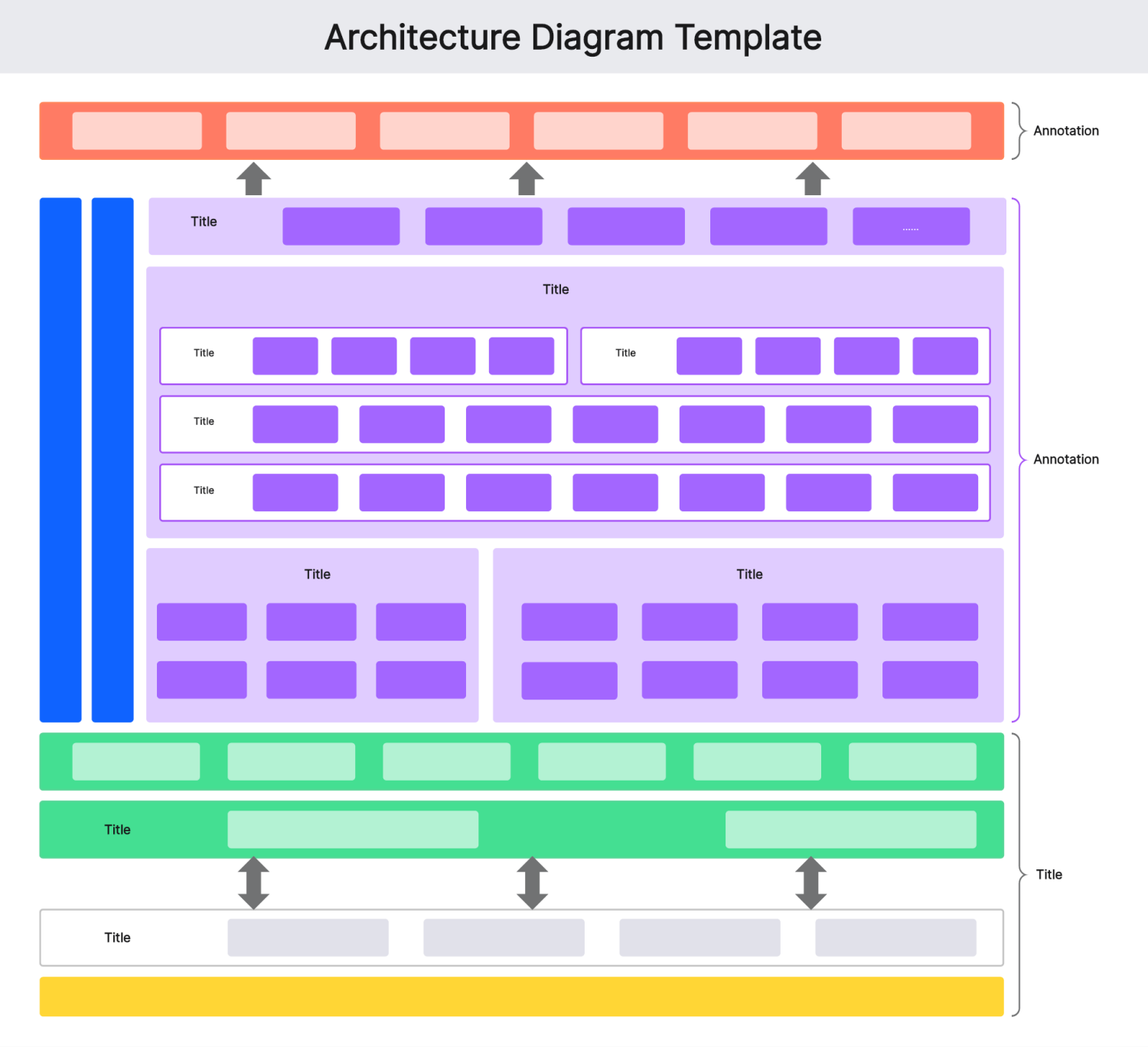
A software architecture document (SAD) serves as a high-level blueprint for a software system, providing a structured overview of the system’s design, components, and interactions. It captures critical technical decisions and explains how the system meets its functional requirements while satisfying non-functional goals like scalability, security, and maintainability.
Building complex systems in 2026 requires more than just clean code; it demands a shared understanding of how moving parts fit together. Whether you are leading a microservices migration or launching a new cloud-native application, a well-structured software architecture document example acts as the "source of truth" for developers, stakeholders, and operations teams. This guide explores the essential components of a SAD and provides a detailed example template to help you document your system effectively.
Why a Software Architecture Document is Essential in 2026
In the current landscape of distributed systems, serverless architectures, and AI-integrated platforms, the complexity of software has reached an all-time high. Without a formal architecture document, teams often suffer from "architectural drift," where the actual implementation diverges significantly from the intended design. This leads to increased technical debt and difficulty in onboarding new engineers.
Stakeholder Communication
A software architecture document is not just for developers. It serves as a communication bridge between different stakeholders. Business owners need to understand how the architecture supports business goals, such as time-to-market or cost-efficiency. Security officers need to verify data protection layers, and DevOps engineers need to understand the deployment topology. By providing a centralized document, you ensure that all parties have a consistent view of the system.
Risk Mitigation and Decision Tracking
One of the most valuable aspects of a SAD is the recording of architectural decisions. In 2026, many organizations use Architecture Decision Records (ADRs) within their SADs to document why a specific technology or pattern was chosen. This historical context is vital when a system needs to be scaled or refactored three years down the line. It prevents "re-solving" problems that were already addressed and helps teams avoid repeating past mistakes.
Guiding the Implementation
For the development team, the SAD provides the constraints and guidelines necessary to build components that are compatible with the rest of the system. It defines the communication protocols (e.g., gRPC, REST, or message queues), the data schemas, and the error-handling strategies. This clarity reduces friction during integration phases and ensures that the final product remains cohesive.
The Standard Framework: The 4+1 View Model
Most effective software architecture document examples follow the 4+1 View Model, originally proposed by Philippe Kruchten. This model organizes the documentation into different perspectives to cater to different stakeholders.
- Logical View: Focuses on the functional requirements—what the system provides to users. It uses class diagrams or component diagrams to show the internal structure.
- Process View: Addresses non-functional requirements such as performance and availability. It illustrates how processes communicate and handles concurrency.
- Development View: Describes the software's static organization in its development environment. This includes package structures, libraries used, and the build system.
- Physical View (Deployment View): Maps the software onto the hardware. It shows the distribution of components across servers, containers, or cloud regions.
- Scenarios (The +1): This view uses use cases or user stories to validate the other four views. It demonstrates how the architecture handles specific tasks.
A Detailed Software Architecture Document Example Template
To create a professional SAD, you can follow this structured template. This example assumes you are documenting a modern, containerized web application.
1. Introduction and Project Overview
This section sets the stage. It should define the scope of the document and identify the target audience.
- Project Name: E-Commerce Pro 2026
- Version: 1.2
- Date: October 14, 2026
- Primary Objective: To build a high-performance, multi-tenant e-commerce platform capable of handling 50,000 concurrent transactions per second.
2. Architectural Goals and Constraints
This is arguably the most important section. It defines the "rules of the game."
- Scalability: The system must support horizontal scaling via Kubernetes.
- Availability: Target 99.99% uptime (High Availability).
- Security: All data at rest must be encrypted using AES-256; all traffic must use TLS 1.3.
- Budgetary Constraints: Monthly cloud infrastructure costs must not exceed $15,000 during standard operation.
- Technology Stack: Primary language is Go for services, React for the frontend, and PostgreSQL for persistence.
3. Logical View: Component Breakdown
Describe the major modules of the system. In a microservices architecture, this would list the individual services.
- Identity Service: Handles OIDC/OAuth2 authentication and user profiles.
- Catalog Service: Manages product listings, categories, and inventory status.
- Order Management Service: Processes checkouts and coordinates with payment gateways.
- Notification Engine: An asynchronous worker service that sends emails and SMS notifications via Amazon SES.
4. Data View: Persistence and Flow
Explain how data is stored and how it moves through the system.
- Primary Database: A distributed PostgreSQL cluster (using Citus) for relational data.
- Caching Layer: Redis clusters used for session management and catalog lookups to reduce DB load.
- Event Bus: Apache Kafka used for inter-service communication (e.g., the Order service notifies the Inventory service of a sale).
5. Deployment View: Infrastructure Architecture
Provide a diagram or detailed description of the hosting environment.
- Cloud Provider: AWS (Regions: us-east-1 and eu-central-1).
- Orchestration: Amazon EKS (Elastic Kubernetes Service).
- Edge Layer: CloudFront for CDN and AWS WAF (Web Application Firewall) for DDoS protection.
- Monitoring: Prometheus and Grafana for metrics; OpenTelemetry for distributed tracing.
Comparison of Documentation Types
It is common to confuse a Software Architecture Document with other technical artifacts. The table below clarifies the distinctions.
| Feature | Software Architecture Document (SAD) | Software Requirements Specification (SRS) | Technical Design Document (TDD) |
|---|---|---|---|
| Primary Goal | High-level system structure and decisions. | Detailed functional and user requirements. | Low-level implementation details (classes, methods). |
| Target Audience | Architects, Leads, Stakeholders. | Clients, Product Managers, Devs. | Developers and QA Engineers. |
| Detail Level | Conceptual and Structural. | Behavioral and User-centric. | Code-level and Algorithmic. |
| Update Frequency | Moderate (when big changes occur). | Low (after requirements are frozen). | High (changes with every feature). |
| Scope | Entire System or Major Subsystem. | The "What" of the application. | A specific feature or module. |
Best Practices for Maintaining the Document
A software architecture document is only useful if it is accurate. In fast-moving environments, documentation often becomes obsolete within months. To prevent this, consider the following strategies:
Treat Documentation as Code
Store your SAD in the same version control system (like GitHub or GitLab) as your source code. Use Markdown for the text so that it can be easily edited, reviewed via Pull Requests, and versioned. When a developer changes an architectural pattern in the code, they should be required to update the corresponding section in the SAD as part of the PR.
Use C4 Models for Diagrams
Standardizing your diagrams is crucial. The C4 Model (Context, Containers, Components, and Code) is a popular hierarchical approach to visualizing software architecture.
- Level 1 (System Context): Shows the system in the world (users and other systems).
- Level 2 (Containers): Shows the high-level technology choices (e.g., a web app, a database, a mobile app).
- Level 3 (Components): Zooms into a container to show internal components.
- Level 4 (Code): Optional level showing class diagrams or code-level details.
By using a tool like Structurizr or Mermaid.js, you can generate these diagrams from text, making them easier to maintain than static images created in Visio or Lucidchart.
Integrate Architecture Decision Records (ADRs)
Instead of just describing the final state, document the journey. An ADR captures:
- Title: The decision (e.g., "Use Kafka for Order Events").
- Status: Proposed, Accepted, Superceded.
- Context: What problem were we trying to solve?
- Decision: What did we choose?
- Consequences: What are the pros and cons of this choice?
This practice is essential for long-term maintenance, especially in 2026 where "Why did we do this?" is a frequent question during audits or migrations.
Common Pitfalls to Avoid
When creating your software architecture document example, watch out for these common mistakes:
- Too Much Detail: Do not try to document every single class or function. That belongs in the code comments or a Technical Design Document. Keep the SAD focused on the "Significant" elements.
- Outdated Diagrams: An incorrect diagram is worse than no diagram at all. Ensure your diagrams are automatically updated or strictly reviewed.
- Ignoring Non-Functional Requirements: Many architects focus solely on how the data flows (functional) and forget to document how the system recovers from a crash or how it handles a 10x spike in traffic (non-functional).
- Passive Voice and Jargon: Use clear, active language. Instead of saying "The database is contacted by the service," say "The Order Service queries the PostgreSQL database via a REST API."
External Resources for Further Learning
For those looking to dive deeper into the standards and patterns mentioned here, the following resources are highly recommended:
- ISO/IEC/IEEE 42010:2011 - The international standard for architecture description of software and systems.
- The C4 Model Official Site - A detailed breakdown of the hierarchical diagramming technique.
- The Arc42 Template - A popular, lean architecture template used extensively in professional software engineering.
Frequently Asked Questions
What is the difference between a SAD and a System Design Document?
While the terms are often used interchangeably, a SAD typically focuses on the structural patterns, high-level components, and long-term technical decisions of the entire system. A System Design Document (SDD) is often more focused on the physical implementation, such as specific hardware configurations or detailed API endpoint specifications.
Who is responsible for writing the software architecture document?
The Primary Software Architect or Technical Lead usually owns the document. However, in modern agile teams, the responsibility is often shared. Senior developers contribute to specific views (like the Development or Process view), while DevOps engineers might manage the Deployment view.
How long should a software architecture document be?
There is no fixed page count, but for a medium-sized project, a SAD is typically 15 to 40 pages long. The goal is clarity, not length. If the document is too long, nobody will read it; if it is too short, it won't provide enough value for decision-making.
Should I include source code in the SAD?
Generally, no. You might include short snippets of configuration (like a Kubernetes YAML snippet or a JSON schema) to illustrate a point, but actual business logic should remain in the codebase. The SAD should point to the code, not replicate it.
Can I use AI to generate my software architecture document?
In 2026, many architects use AI tools to draft the initial structure or generate diagrams from descriptions. However, the human architect must verify the technical accuracy of every claim. AI can help with the "writing," but the "architecting" requires human understanding of business constraints and trade-offs.
Next Steps for Your Project
To begin creating your own software architecture document, start by identifying your primary architectural goals (e.g., "We must be cloud-agnostic" or "We must support sub-100ms latency"). Once these goals are clear, select a template—like the arc42 or the 4+1 model—and begin filling in the Logical and Physical views.
Remember that documentation is a living process. Start small, document the most critical components first, and establish a culture where the SAD is updated alongside the code. This investment in documentation will pay dividends in reduced onboarding time and more stable system evolution.