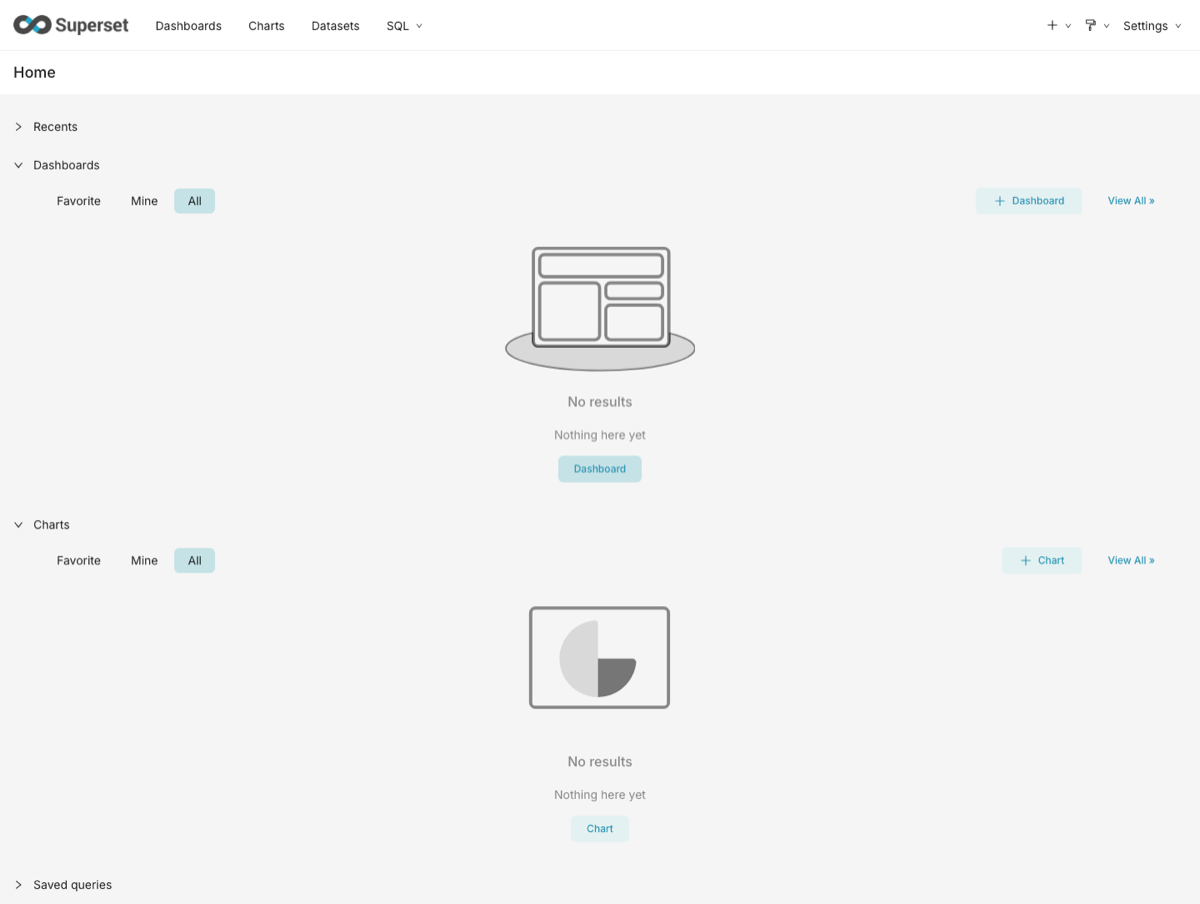
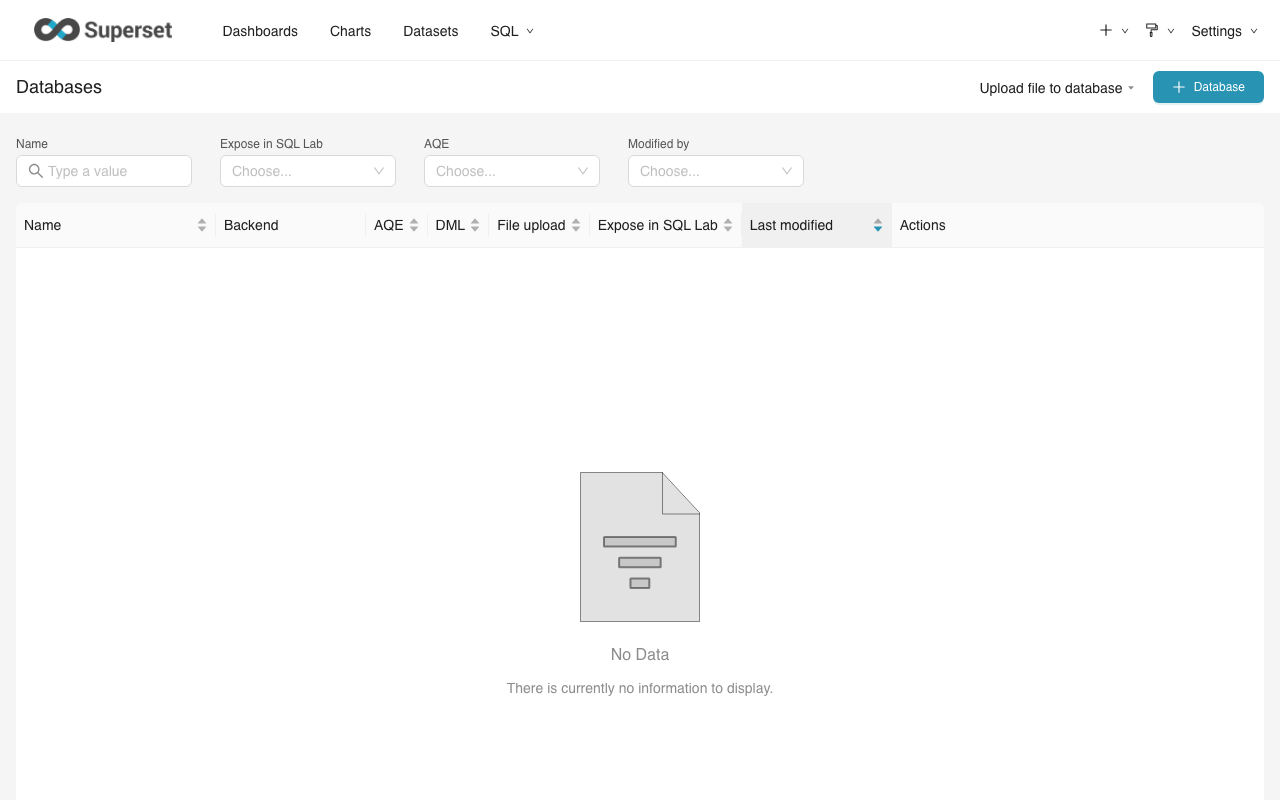
The Apache Superset Cookbook serves as a definitive technical manual for data engineers and analysts seeking to master the leading open-source data exploration and visualization platform. This guide provides structured "recipes" for successfully deploying Superset, connecting it to modern data warehouses, and building enterprise-grade dashboards that facilitate data-driven decision-making across complex organizations.
Understanding the Scope of the Apache Superset Cookbook
The Apache Superset Cookbook is more than a mere instruction manual; it is a strategic framework for transforming raw data into actionable insights. In 2026, as data volumes continue to expand, the need for a scalable, cloud-native business intelligence (BI) tool has never been greater. Apache Superset addresses this by providing a lightweight yet powerful interface that integrates seamlessly with virtually any SQL-based data source.
The primary value of the "cookbook" approach lies in its modularity. Instead of forcing users to read through hundreds of pages of theory, it presents specific solutions to common problems. Whether you are struggling with asynchronous query execution using Celery or trying to configure Row Level Security (RLS) for a multi-tenant environment, the cookbook format provides immediate, actionable steps.
While the original printed and PDF versions of these guides (such as those published by Packt) established the foundation for many users, the ecosystem has evolved. Today’s practitioners use these resources to understand the core architecture—SQLAlchemy URI structures, the Jinja2 templating engine, and the D3/ECharts visualization libraries—while adapting them to the latest stable releases of the Apache software.
Essential Prerequisites and System Requirements
Before attempting the installation procedures detailed in any practical guide, ensuring your environment meets the necessary technical specifications is critical. Apache Superset is a Python-based application that relies on several backend components to function at scale.
Hardware Recommendations
For a production-grade deployment in 2026, the following hardware specifications are recommended:
- CPU: Minimum 4 cores (8+ recommended for high concurrency).
- RAM: 16GB minimum. Superset’s web workers and the underlying metadata database require significant memory to handle complex query results.
- Storage: 50GB of SSD space for logs, metadata, and caching.
Software Dependencies
Superset requires a robust stack of supporting software. Understanding these dependencies is the first "recipe" in any successful implementation:
- Python: Version 3.9 or higher is generally required for the latest features.
- Metadata Database: PostgreSQL is the gold standard for storing Superset’s internal state (users, dashboards, and slices), though MySQL is also supported.
- Message Broker: Redis or RabbitMQ is essential for handling long-running queries through Celery workers.
- Caching Layer: Redis is the preferred choice for caching query results and metadata to improve dashboard load times.
Step-by-Step Installation: From Docker to Production
A practical guide to Apache Superset must cover the various ways the software can be deployed. While local installation via Python's pip is possible for testing, containerization has become the industry standard.
The Docker Compose Method
The fastest way to get started is using Docker Compose. This method orchestrates the web server, the worker, the beat (for alerts/reports), and the database automatically.
- Clone the Repository: Fetch the latest stable branch from the official Apache Superset GitHub repository.
- Initialize Environment: Create a
.envfile to define yourSUPERSET_SECRET_KEYand database credentials. - Launch Containers: Use
docker-compose -f docker-compose-non-dev.yml upto pull the images and start the services. - Run Migrations: Initialize the metadata database and create your admin user using the
superset db upgradeandsuperset fab create-admincommands.
Kubernetes Deployment (Helm)
For enterprise environments, deploying Superset via Helm charts on a Kubernetes cluster offers the highest level of availability. This method allows for horizontal scaling of web workers and provides better resource management. A practical guide focuses on configuring the values.yaml file to ensure that persistent volume claims (PVCs) are correctly mapped for the metadata database to prevent data loss during pod restarts.
Connecting Data Sources and Navigating SQL Lab
Once installed, the primary task is connecting Superset to your data. Superset uses SQLAlchemy to interface with databases, which means it can talk to almost anything with a functional Python driver.
Database Connection Strings
The "Cookbook" method emphasizes the importance of the Connection URI. Common examples include:
- PostgreSQL:
postgresql://username:password@host:port/database - BigQuery:
bigquery://project-id/dataset-id(requires a service account JSON key). - Snowflake:
snowflake://user:password@account/database/schema?warehouse=wh&role=role
Mastering SQL Lab
SQL Lab is the integrated development environment (IDE) within Superset. It allows users to write complex SQL queries, explore schemas, and preview results before creating a visualization. A key feature to master here is the Jinja2 templating. This allows you to inject dynamic variables into your SQL, such as {{ current_username() }} or {{ from_dttm }}, enabling highly personalized and time-sensitive data exploration.
Building Visualizations: The Semantic Layer
The true power of Apache Superset is found in its visualization engine. However, a common mistake for beginners is jumping straight to charts without properly configuring the Semantic Layer.
The Semantic Layer is a "virtual" data modeling layer where you define:
- Calculated Columns: SQL snippets that create new attributes (e.g.,
CAST(revenue AS FLOAT) * 0.1for tax). - Metrics: Aggregations that can be reused across different charts (e.g.,
SUM(sales)orCOUNT(DISTINCT user_id)). - Certifications: Marking specific datasets as "verified" to ensure users are pulling from the "single source of truth."
By spending time in the Semantic Layer, you ensure that your dashboards remain consistent. If a business logic change occurs (e.g., how "active users" are defined), you only need to update the metric in one place for it to reflect across all dashboards.
Comparison of Apache Superset with Leading Alternatives
When choosing a BI tool, it is helpful to see how Superset stacks up against commercial giants. The following table highlights key differences based on 2026 industry standards.
| Feature | Apache Superset | Tableau | Power BI |
|---|---|---|---|
| Licensing | Open Source (Apache 2.0) | Proprietary (Per User) | Proprietary (Per User/Capacity) |
| Cloud Native | Built for Kubernetes/Docker | Server or Online versions | Azure-centric |
| Data Source Limits | Virtually Unlimited (SQL-based) | High, but some connectors cost extra | High, best within Microsoft ecosystem |
| Customization | Full (Custom Visualization Plugins) | Moderate (Extensions API) | Moderate (Custom Visuals SDK) |
| Security | RBAC, RLS, OAuth, OpenID | Advanced Proprietary Security | Active Directory Integration |
| Learning Curve | Moderate (SQL knowledge helpful) | Moderate (Desktop app focus) | Low to Moderate (Excel-like) |
Advanced Configuration: Security and Performance
A practical guide must address the complexities of production environments, specifically security and performance.
Role-Based Access Control (RBAC)
Superset comes with a powerful security model based on Flask AppBuilder. You can create granular roles that restrict access to specific databases, datasets, or even individual menus. For example, you might create a "Marketing" role that allows users to view dashboards but prevents them from editing SQL queries or seeing sensitive financial data.
Performance via Caching
To prevent every dashboard refresh from hitting your data warehouse—which can be expensive and slow—Superset utilizes a caching layer. By configuring CACHE_CONFIG in the superset_config.py file, you can store query results in Redis for a specified duration. In 2026, many organizations use "warm caches," where common queries are pre-computed during off-peak hours to ensure sub-second dashboard load times during the workday.
Common Troubleshooting and Best Practices
Even with a detailed cookbook, technical hurdles are inevitable. Here are the most frequent issues encountered during installation and use:
- Database Driver Issues: If you cannot connect to a database, it is usually because the specific Python driver (like
psycopg2for Postgres orpyhivefor Presto) is not installed in the Superset container. Always check yourrequirements-local.txtfile. - Secret Key Errors: In recent versions, Superset will not start without a unique
SUPERSET_SECRET_KEY. Never use the default value in production. - Celery Worker Timeouts: If long-running queries are failing, you may need to increase the timeout settings in both Superset and your reverse proxy (like Nginx or Apache).
Best Practices for Dashboard Design
- Limit the number of charts: A dashboard with 30 charts will be slow and overwhelming. Aim for 5-10 high-impact visualizations.
- Use Global Filters: Ensure your dashboard uses the "Filter Box" or "Native Filters" so users can slice data across all charts simultaneously.
- Document your Data: Use the "Description" fields for datasets and metrics to explain what the data represents to non-technical users.
Frequently Asked Questions
Is the Apache Superset Cookbook available as a free PDF?
While some community-created guides and official documentation are available for free online, professional books like the "Apache Superset Cookbook" by Packt are generally paid resources. Many libraries and corporate subscriptions (like O'Reilly Online Learning) provide access to these titles in digital formats. Always ensure you are accessing content through legitimate, authorized channels to receive the most accurate and safe technical information.
Can Apache Superset connect to non-SQL data sources?
Directly, Superset requires a SQLAlchemy-compatible driver, which typically means a SQL interface. However, for non-SQL sources like MongoDB or NoSQL databases, you can use "bridging" technologies like Apache Drill, Dremio, or Rockset. These tools provide a SQL layer over non-relational data, allowing Superset to query them as if they were standard relational databases.
How does Superset handle large datasets?
Superset is designed to be a "thin" layer. It does not ingest the data itself; rather, it sends the SQL query to the underlying database and only retrieves the result set. Therefore, Superset can handle petabytes of data as long as the underlying data warehouse (like Snowflake, BigQuery, or ClickHouse) is capable of processing the query efficiently.
Is Apache Superset better than Power BI for small businesses?
For a small business with limited technical staff, Power BI may be easier to set up initially due to its "out-of-the-box" nature. However, for businesses that prioritize data sovereignty, avoid vendor lock-in, and want a tool that grows with their cloud infrastructure without escalating per-user licensing fees, Apache Superset is often the superior long-term choice.
Can I run Apache Superset on Windows?
Running Superset directly on Windows is not recommended and is not officially supported for production. The most effective way to run Superset on a Windows machine is via Docker Desktop or by using the Windows Subsystem for Linux (WSL2). This allows you to run the software in its native Linux environment while remaining on your Windows OS.
Recommendation for Next Actions
If you are just beginning your journey with Apache Superset, your first step should be to set up a local development environment using Docker. This allows you to explore the interface and the SQL Lab without the risks associated with a live server. Once you are comfortable, prioritize the configuration of the Semantic Layer. Building a solid foundation of certified metrics and calculated columns will save hundreds of hours of troubleshooting and data inconsistency issues in the future. For those needing a deep dive into specific enterprise configurations, acquiring a formal guide like the Apache Superset Cookbook remains a wise investment for your technical library.