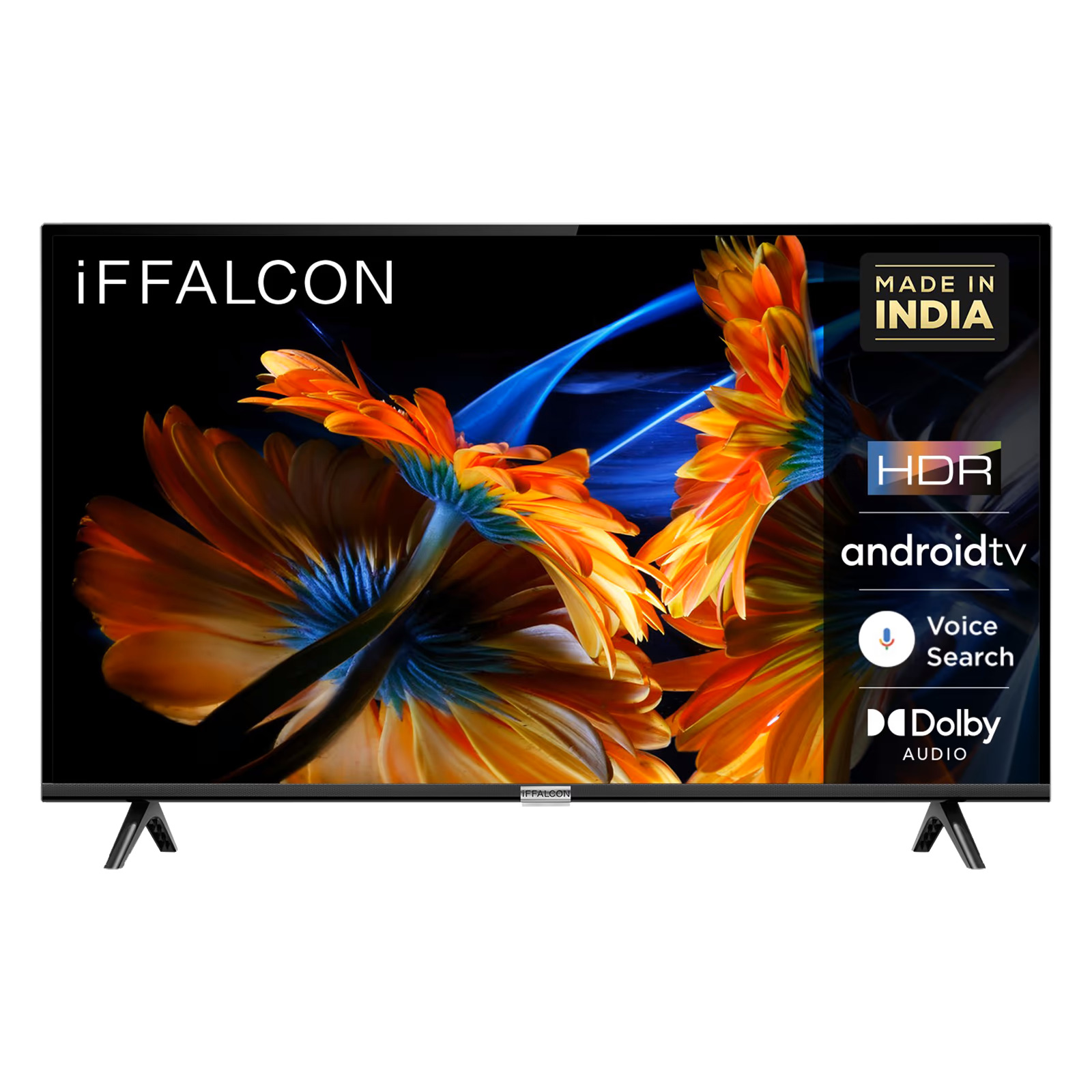
Finding the right 32-inch smart television involves balancing compact dimensions, modern streaming capabilities, panel resolution, and cost to match specific viewing environments, user demographics, and spatial limitations.
The 32-inch smart television category occupies a distinct, highly practical niche in the modern consumer electronics landscape. While mega-screen displays dominating living room entertainment centers command the spotlight, compact 32-inch displays serve as the dependable workhorses of home secondary spaces. Whether outfitting a cozy bedroom, a high-traffic kitchen, a compact college dorm room, or a dedicated home office, these smaller screens provide access to robust streaming ecosystems without overwhelming limited space.
Navigating the market requires cutting through marketing noise to evaluate panel resolutions, smart operating systems, audio output, and port availability. This analysis examines five standout 32-inch smart TV deals available on the market, detailing their core specifications, operational strengths, and the precise user profiles they are designed to serve.
Understanding the 32-Inch Smart TV Market in 2026
The market for compact televisions has evolved significantly over the past several years. No longer relegated to "dumb" displays requiring external streaming sticks, almost every modern 32-inch television features built-in Wi-Fi and a smart operating system. However, buyers must navigate two primary resolution tiers: 720p (HD Ready) and 1080p (Full HD).
At 32 inches, the visual difference between 720p and 1080p depends heavily on viewing distance. For a kitchen counter or a garage workbench where viewers sit several feet away, an HD panel is often entirely adequate. For a bedroom desk setup or a small dorm room where the viewer sits arm's length from the screen, a Full HD 1080p panel delivers noticeably sharper text, clearer interface icons, and finer details in high-definition video streams.
Furthermore, smart platform integration is a critical differentiator. Operating systems like Roku TV, Amazon Fire TV, Google TV, and WebOS each offer unique user interfaces, app ecosystems, and voice-control integration. Matching the right software platform to a user's existing smart home ecosystem—such as Alexa or Google Assistant compatibility—ensures seamless, frustration-free daily operation.
1. The Best Value Streamer: Roku TV Powered Displays
Roku-powered 32-inch displays—manufactured by brands like TCL, RCA, and Westinghouse—consistently rank among the most popular options for everyday consumers seeking simplicity and broad app availability.
Core Features and Performance
These models typically feature a 720p HD resolution paired with direct-lit LED backlighting. While peak brightness and contrast ratios are modest compared to high-end QLED panels, the real strength lies in the Roku operating system. The interface is famously clutter-free, organizing live television inputs and streaming applications into a single, straightforward grid.
Who It Serves Best
This category of television serves budget-conscious cord-cutters, elderly users, and guest room hosts.
- Seniors and Tech-Averse Users: The simple remote control, characterized by a physical volume rocker and distinct app shortcut buttons, makes navigation intuitive for individuals who find complex smart interfaces overwhelming.
- Guest Rooms: Because guests can easily log into their own streaming subscriptions—and the TV automatically wipes credentials or simplifies guest mode setup—it is an ideal set-and-forget solution for hospitality spaces.
- Budget Shoppers: Delivering reliable access to Netflix, Prime Video, Disney+, and free ad-supported streaming television (FAST) channels like The Roku Channel without requiring additional hardware purchases, it represents peak cost-efficiency.
2. The Smart Home Hub: Amazon Fire TV 32-Inch Models
Amazon’s Fire TV ecosystem integrates tightly with Alexa voice controls, making these sets a favorite for smart home enthusiasts who want hands-free navigation.
Core Features and Performance
Available in both 720p and 1080p variants (such as the Amazon Omni or Fire TV 2-Series), these displays come bundled with the Alexa Voice Remote. Users can press the microphone button to launch apps, search for specific titles, check the weather, or control compatible smart home devices like smart bulbs and security cameras directly from the screen.
Who It Serves Best
This option is tailored for smart home enthusiasts, multi-tasking kitchen cooks, and apartment dwellers.
- Kitchen Cooks: When hands are messy with food preparation, voice-activated search via Alexa allows users to pause video tutorials, adjust volume, or search for recipes without touching the remote.
- Smart Home Integrators: Individuals deeply embedded in the Amazon Alexa ecosystem can view live feeds from Ring video doorbells or security cameras directly on the TV screen via picture-in-picture or simple voice commands.
- Apartment Dwellers: The inclusion of advanced audio profiles and compact stands makes it easy to position on narrow dressers or kitchen counters.
3. The Productivity & Media Hybrid: Samsung 32-Inch Smart Monitors and TVs
For users who need a device that transitions seamlessly between personal computing and media consumption, Samsung’s high-end 32-inch smart display offerings—such as the M7 or specialized smart TV lines—bridge the gap between monitor and television.
Core Features and Performance
Unlike standard budget televisions, these models frequently boast full 4K or crisp Full HD 1080p resolutions, VA or IPS panels with superior color accuracy, and Tizen OS. They include features like Samsung DeX support, remote PC access, Microsoft 365 integration, and USB-C connectivity, allowing users to plug in a laptop with a single cable that simultaneously delivers video and power.
Who It Serves Best
This category is built specifically for remote workers, college students, and studio apartment residents.
- Remote Workers and Students: Dual-purpose functionality allows a user to write essays or crunch spreadsheets during the day using PC inputs, and instantly switch to streaming apps like Apple TV+, Max, or YouTube in the evening without changing hardware.
- Minimalists: By eliminating the need for a separate computer monitor and television in a cramped studio apartment or dorm, it saves valuable desk and floor space.
4. The Casual Bedroom Display: Insignia / Toshiba Fire TV Edition
Retailer-exclusive brands like Insignia (Best Buy) offer highly competitive entry-level 32-inch smart TVs designed for reliable, low-maintenance bedroom viewing.
Core Features and Performance
These units focus on the fundamentals: a decent LED panel, multiple HDMI ports (often including HDMI ARC for easy soundbar connection), dual-band Wi-Fi, and a standard Fire TV interface. DTS Virtual:X audio processing provides a slight boost to dialogue clarity, which is particularly beneficial when watching dialogue-heavy shows at low volumes late at night.
Who It Serves Best
This choice serves nighttime media consumers, kids' bedrooms, and secondary bedroom viewers.
- Late-Night Viewers: Improved dialogue clarity ensures that whispers and quiet conversations can be heard clearly without requiring explosive action-sequence volumes that might wake others in the house.
- Parents and Children: Durable construction, straightforward parental controls, and easy integration with kid-friendly streaming profiles make it a safe addition to a child's bedroom or playroom.
5. The Premium Compact: LG 32-Inch WebOS Smart TVs
LG brings its proprietary WebOS platform and advanced image-processing capabilities to the smaller screen size, catering to buyers who refuse to sacrifice picture quality for a compact footprint.
Core Features and Performance
Utilizing LG’s α (Alpha) processor technology, these sets upscale standard-definition and compressed streaming content remarkably well, reducing digital noise and artifacting. WebOS is renowned for its smooth pointer-based navigation (via the optional Magic Remote) and comprehensive app support, including cloud gaming services like GeForce NOW.
Who It Serves Best
This model targets gamers, design-conscious buyers, and audiovisual enthusiasts.
- Casual Gamers: With low input lag and cloud gaming integration, users can stream console-grade games directly to the TV without owning a physical PlayStation or Xbox console.
- Aesthetics-Focused Buyers: Sleek bezels and tidy cable management solutions fit cleanly into modern minimalist interior designs where electronics are expected to look refined.
Feature Comparison Matrix
To help evaluate these options at a glance, the following table compares key specifications across the primary 32-inch smart TV categories:
| TV Category / Platform | Typical Resolution | Primary Smart OS | Standout Feature | Best Suited For |
|---|---|---|---|---|
| Roku-Powered Displays | 720p HD | Roku TV | Ultra-simple interface | Seniors, guest rooms, budget buyers |
| Amazon Fire TV Models | 720p / 1080p | Fire TV | Alexa voice control integration | Kitchens, smart home users |
| Samsung Smart Hybrids | 1080p / 4K | Tizen OS | USB-C, PC/Office integration | Remote workers, students, minimalists |
| Insignia / Toshiba Editions | 720p / 1080p | Fire TV | DTS Virtual:X dialogue clarity | Late-night bedroom viewing |
| LG WebOS Models | 1080p | WebOS | Advanced upscaling, cloud gaming | Gamers, design-focused spaces |
Key Considerations Before Buying a 32-Inch Smart TV
Purchasing a compact television requires evaluating several technical and environmental factors to ensure the hardware meets daily expectations.
1. Audio Quality in Compact Chassis
Because 32-inch televisions feature slim profiles, manufacturers install small, downward-firing speakers that often struggle to deliver rich bass or room-filling sound. Buyers placing these TVs in larger bedrooms or noisy kitchens should budget for a modest budget soundbar or Bluetooth speaker, or prioritize models featuring dedicated dialogue enhancement software.
2. Connectivity and Port Availability
Check the rear and side panels for sufficient HDMI ports. If you plan to connect a streaming box, a gaming console, and a soundbar simultaneously, a minimum of two—preferably three—HDMI ports is essential. Additionally, verify whether the set includes an optical audio output or HDMI ARC (Audio Return Channel) for external sound accessories.
3. Viewing Distance and Ergonomics
At 32 inches, optimal viewing distance typically ranges from 4 to 6 feet. Ensure the stand width matches your furniture; while some models feature wide-set feet that require a broad surface, others utilize a centralized pedestal stand that fits comfortably on narrow dressers, kitchen carts, or office desks.
Frequently Asked Questions
Are 32-inch smart TVs available in 4K resolution?
True 4K resolution in a 32-inch screen size is extremely rare and generally limited to specialized commercial monitors or high-end hybrid displays rather than standard consumer televisions. At a 32-inch diagonal, the human eye cannot resolve the added pixel density of 4K at normal viewing distances, making Full HD (1080p) or HD (720p) more than sufficient for standard video streaming.
Can a 32-inch smart TV double as a computer monitor?
Yes, most modern 32-inch smart TVs can function as a computer monitor by connecting via an HDMI cable. However, standard TVs may have lower pixel density and higher input lag compared to dedicated PC monitors. Models that explicitly function as smart monitors—featuring higher resolutions and specialized display scaling—provide a much sharper text display for office work.
Do 32-inch smart TVs require a cable box or external antenna?
No external cable box or antenna is required to watch content if you rely solely on streaming apps like Netflix, YouTube, or Hulu. However, if you wish to watch local broadcast television channels over the air, you will need to plug a digital HDTV antenna into the TV's coaxial antenna input.
How do I mount a 32-inch smart TV to a wall?
Most 32-inch smart TVs utilize standard VESA mounting patterns (typically 100x100mm or 200x200mm). You will need to purchase a compatible VESA wall mount, locate a wall stud using a stud finder, and follow the manufacturer's installation instructions to secure the mount safely before attaching the television.
Which smart TV operating system is easiest for elderly family members?
Roku TV is widely considered the most user-friendly operating system for seniors. Its straightforward grid layout, customizable input labels, and uncluttered home screen minimize confusion compared to ad-heavy or deeply nested interfaces found on other platforms.
Conclusion and Final Recommendation
Selecting the ideal 32-inch smart TV deal depends entirely on your intended environment and daily usage habits. If you prioritize ease of use and budget efficiency for a guest room or casual viewing space, a Roku-powered display delivers unmatched simplicity. If you manage a smart home or need a hands-free kitchen companion, an Amazon Fire TV model offers excellent voice integration. For those balancing professional work and evening entertainment, investing in a hybrid smart monitor provides superior resolution and productivity features. Assess your spatial constraints, check port configurations, and match the software ecosystem to your household preferences to secure a display that delivers long-term value.