Finding a high-quality gaming headset for under $100 in 2026 is entirely achievable, as manufacturers have increasingly integrated premium features like spatial audio, durable build materials, and refined microphone technology into entry-level and mid-range tiers. This selection focuses on headsets that offer the best balance of comfort, sound fidelity, and cross-platform compatibility for players who prioritize value without sacrificing the essential competitive edge.
Understanding Value in the Budget Audio Market
The sub-$100 market segment has undergone a significant transformation. Historically, this price bracket was associated with fragile plastic and subpar audio drivers. However, as of 2026, the intense competition between audio brands has forced a baseline standard of quality. To identify the right headset, you must prioritize your specific needs: are you a competitive player requiring clear communication, or a narrative gamer looking for immersive soundscapes?
When shopping in this range, you will typically find wired 3.5mm options that offer the most reliable latency-free experience, alongside wireless variants that utilize 2.4GHz USB dongles. While wireless technology under $100 often requires a compromise in battery life or microphone quality compared to premium models, modern advancements have made these trade-offs increasingly negligible for the average user.
Key Factors for Evaluating Budget Gaming Headsets
Before selecting a headset, evaluate the following technical criteria to ensure the hardware aligns with your gaming environment:
- Connectivity: Wired headsets (3.5mm) offer universal compatibility with consoles, PCs, and mobile devices. Wireless models typically provide more convenience but are often locked to specific platforms depending on their USB dongle compatibility.
- Microphone Quality: For multiplayer games, look for headsets with noise-cancellation features. Many modern budget headsets now include detachable or flip-to-mute boom microphones that offer decent vocal clarity for Discord or in-game chat.
- Build Material: Look for reinforced steel headbands or high-density polycarbonate. The point of failure for most headsets is the hinge; metallic or reinforced plastic construction is essential for long-term durability.
- Software Integration: Some manufacturers allow you to customize EQ settings via desktop software. While this is primarily a PC feature, many headsets save these presets to the device, allowing you to carry your preferred audio profile to a console.
10 Recommended Gaming Headsets Under $100
The following headsets represent the current industry standards for performance, reliability, and value. Each selection has been evaluated for sustained performance in competitive environments.
| Headset Model | Primary Connectivity | Notable Feature | Ideal For |
|---|---|---|---|
| HyperX Cloud II | Wired (3.5mm/USB) | Legendary Comfort | Marathon Sessions |
| Razer BlackShark V2 X | Wired (3.5mm) | Passive Noise Isolation | Competitive Shooters |
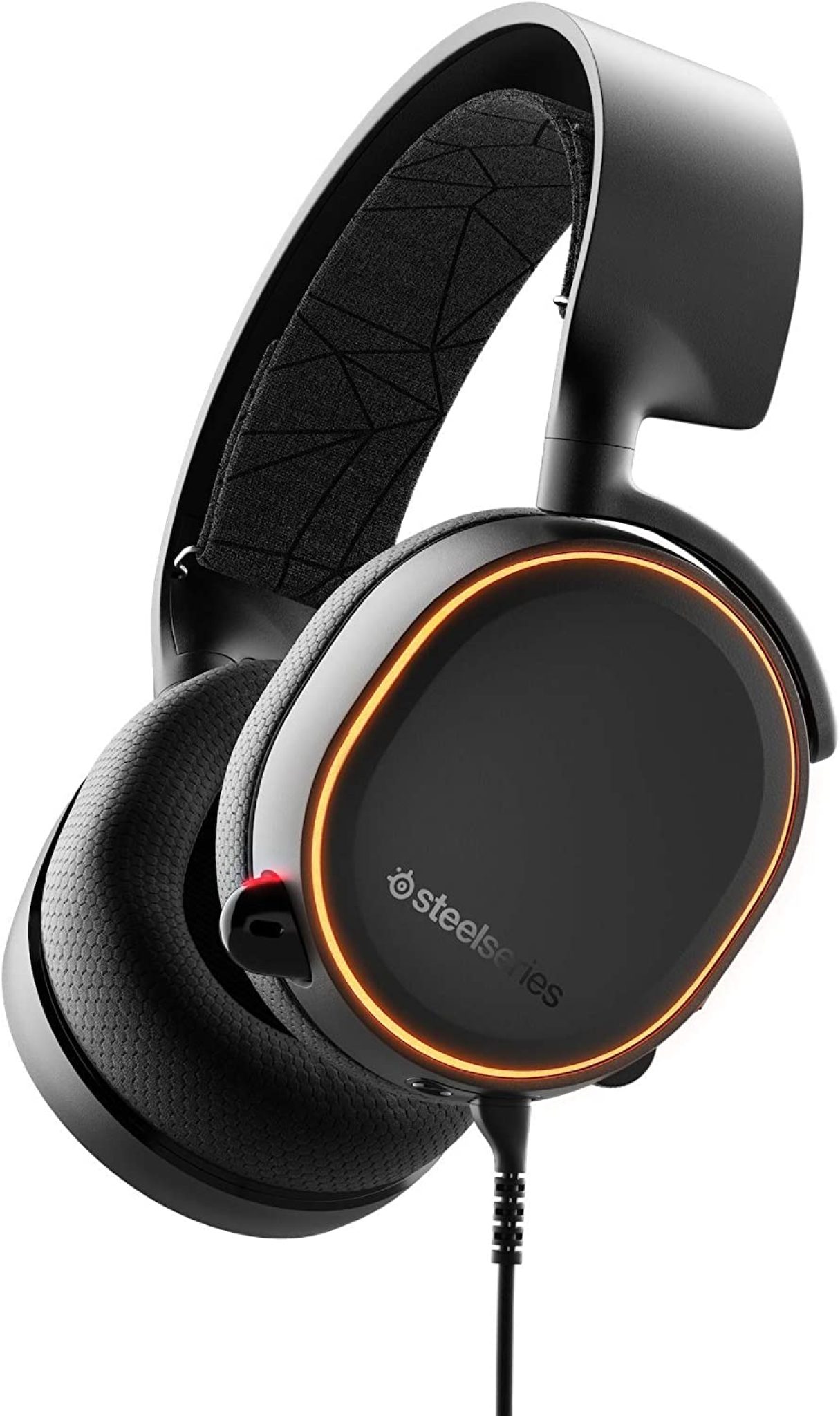
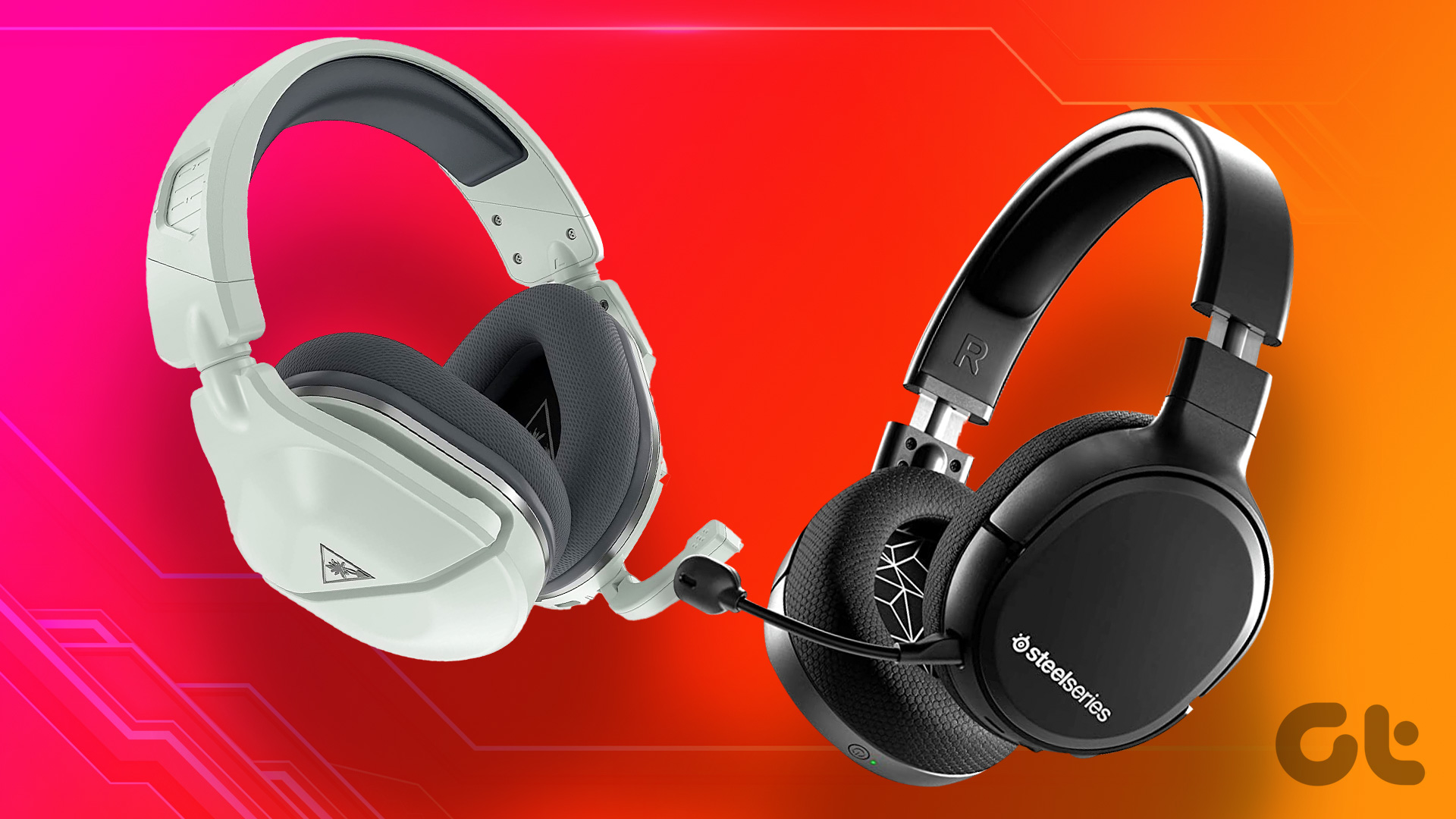
| SteelSeries Arctis Nova 1 | Wired (3.5mm) | Lightweight Design | All-Day Wear |
| Logitech G435 Lightspeed | Wireless (2.4GHz) | Ultra-lightweight | Small Head Sizes |
| Corsair HS65 Surround | Wired (USB/3.5mm) | Dolby Audio 7.1 | Immersive Gaming |
| Turtle Beach Stealth 600 (Gen 2/3) | Wireless | Superhuman Hearing | Tactical Shooters |
| Sennheiser GSP 300 | Wired (3.5mm) | Studio-grade Mic | Clear Communications |
| Razer Barracuda X | Wireless/Wired | Hybrid Connectivity | Versatile/Mobile |
| SteelSeries Arctis Nova 3 | Wired (USB-C) | RGB Customization | Aesthetic Focus |
| HyperX Cloud Stinger 2 | Wired (3.5mm) | Swivel-to-Mute | Entry-level Budget |
Deep Dive: Performance and Limitations
Wired Versatility (HyperX, Razer, SteelSeries)
Wired headsets remain the gold standard for audio fidelity under $100. Because these models do not require batteries or complex wireless chips, the entire manufacturing budget is directed toward the drivers and the headband. The HyperX Cloud II, for instance, remains a staple due to its memory foam ear cushions and robust aluminum frame, which have maintained relevance despite being an older design.
The Wireless Reality
In the sub-$100 wireless category, such as the Logitech G435 or Razer Barracuda X, manufacturers often emphasize convenience. The trade-off is usually build quality—wireless headsets in this range tend to use more lightweight, flexible plastics to minimize weight, which can feel less "premium" than their wired counterparts. Furthermore, you will encounter shorter battery lives (typically 18–30 hours) and less sophisticated noise-cancellation algorithms.
Microphone Performance
If you participate in competitive team-based games, the microphone is your most critical component. Sennheiser (EPOS) designs generally feature the best microphone capsules in this price tier. If you prioritize voice clarity over deep bass, look for models with dedicated noise-suppression software or larger boom arm structures, which position the mic closer to your mouth.
Prerequisite Considerations for Setup
To get the most out of your purchase, ensure your host system supports the headset's connection method. If you are using a PC with separate audio and microphone jacks, ensure your chosen headset includes a "splitter" cable, which is common with 3.5mm wired models. For USB-based headsets, verify that your machine has available ports, as these headsets will not work with standard 3.5mm controllers or mobile devices unless they are specifically listed as multi-platform.
When setting up your headset, always perform a microphone test in your preferred software (such as Discord or Teamspeak). Check the levels in your OS sound settings to ensure the input volume is not peaking. If your headset includes surround sound software, configure it immediately; sometimes this feature is disabled by default to save system resources.
Common Mistakes to Avoid
- Overlooking Clamp Force: Some headsets have a high "clamp force," which can cause headaches during long sessions. Always check user feedback regarding comfort if you wear glasses.
- Neglecting Firmware Updates: If you buy a wireless headset, check the manufacturer's website for firmware updates. These updates often address connection stability and battery management.
- Prioritizing Features Over Fit: RGB lighting and 7.1 virtual surround sound are flashy, but they don't matter if the headset is uncomfortable after one hour. Always prioritize ergonomics.
- Assuming Universal Console Compatibility: A USB headset that works on PC may not function on a PlayStation or Xbox due to specific driver requirements. Always verify the platform compatibility listed on the box.
Frequently Asked Questions
Does a more expensive headset sound significantly better than these? There is a point of diminishing returns in audio equipment. While headsets over $200 often feature superior construction materials (such as magnesium or higher-grade aluminum) and refined wireless protocols, the core audio performance—the accuracy of the drivers—is often quite similar to the top-tier $100 models.
Why do most budget headsets use wired connections? Wired connections are cheaper to produce and offer zero latency, which is critical for gaming. They also remove the need for a battery, which is the most expensive and volatile component to include in a budget-friendly wireless headset.
Should I use virtual 7.1 surround sound? Virtual surround sound can enhance immersion in atmospheric, single-player games by expanding the soundstage. However, in competitive shooters where directional audio (footsteps) is paramount, many pros prefer a standard stereo mix to avoid sound processing that might muddy the audio cues.
How long should I expect a budget headset to last? With daily use, you should expect 1.5 to 3 years of life. The most common points of failure are the cable connectors or the synthetic leather ear pads, which tend to peel after consistent exposure to heat and moisture.
Can I replace the ear pads? Many of the headsets listed above, particularly the HyperX and SteelSeries models, feature modular or easily removable ear pads. Replacing these with aftermarket cooling-gel or fabric pads is a common way to extend the lifespan and comfort of your headset.
Final Recommendation
If you want the most reliable, "set it and forget it" experience, the HyperX Cloud II remains the most recommended choice for its comfort and durability. If you absolutely require a wireless experience for a clean desk setup, the Logitech G435 or Razer Barracuda X offer the best balance of performance and convenience. For those who prioritize voice communication quality, look toward the Sennheiser/EPOS GSP 300. Before finalizing your purchase, confirm which platform you intend to play on most frequently to ensure the connector type matches your setup requirements.