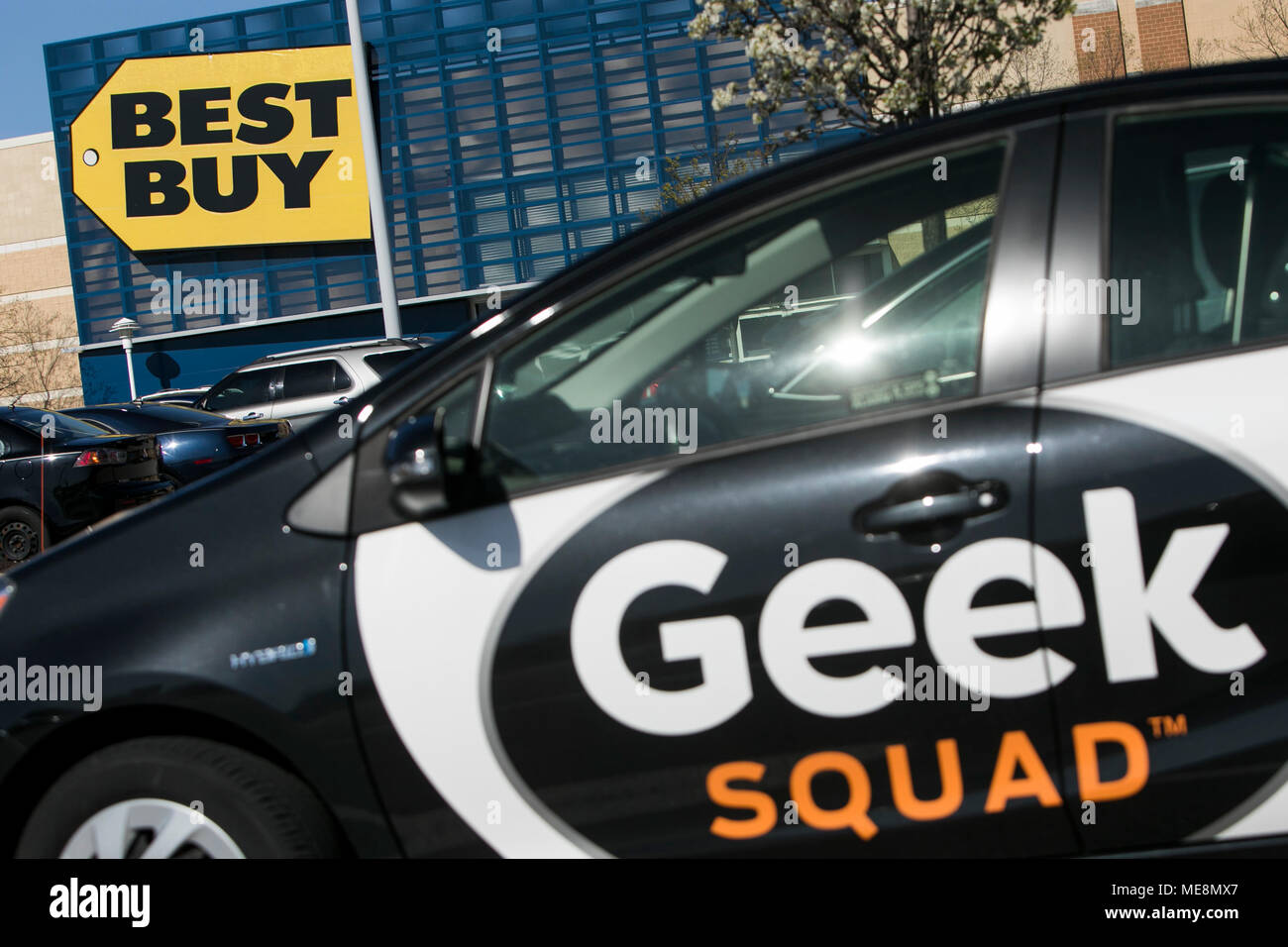
Best Buy Geek Squad is the specialized technical support and repair division of Best Buy, offering 24/7 assistance for a wide array of electronics and appliances. Whether through in-store consultations, on-site home visits, or remote online support, it serves as a comprehensive solution for troubleshooting, installation, and long-term device maintenance for consumers and small businesses.
The landscape of consumer electronics has grown increasingly complex by 2026. With the proliferation of interconnected smart home ecosystems, advanced artificial intelligence integrated into personal computing, and sophisticated home theater setups, the need for professional technical assistance is higher than ever. Best Buy Geek Squad has evolved from a simple computer repair service into a multi-faceted support engine that covers everything from the kitchen to the car.
The Evolution of Geek Squad: From Startup to Tech Giant
Founded in 1994 by Robert Stephens with just $200 and a bicycle, Geek Squad was built on the premise of making technical support accessible and approachable. When Best Buy acquired the company in 2002, it transformed the brand into a household name. In 2026, the "Agent" culture remains a core part of the identity, characterized by the iconic black-and-white vehicles and the specialized uniforms that signal a blend of professionalism and technical expertise.
The service has transitioned significantly over the decades. What began as a focus on Windows OS troubleshooting and hardware upgrades has expanded into a massive logistics and service operation. Today, Geek Squad operates as the backbone of Best Buy’s post-purchase experience. This evolution was driven by the shift toward "Total" membership models, where technical support is no longer a one-off transaction but a continuous relationship between the consumer and the service provider.
Core Services Offered by Geek Squad in 2026
To understand the value of Geek Squad, one must look at the breadth of their service catalog. They do not merely fix broken screens; they manage the entire lifecycle of a product, from delivery and installation to repair and eventual recycling.
Computing and Mobile Devices
Computing remains the primary pillar of Geek Squad’s operations. Agents handle a variety of hardware and software issues for both Windows and macOS environments. This includes:
- Virus and Malware Removal: Advanced diagnostic tools are used to scrub systems of persistent threats, which have become more sophisticated in the 2026 cybersecurity landscape.
- Hardware Upgrades: Installation of high-speed NVMe drives, RAM expansion, and GPU upgrades for gaming rigs.
- Data Recovery: When a drive fails, Geek Squad utilizes specialized clean-room environments for "Level 3" data recovery efforts, attempting to salvage irreplaceable photos and documents.
- Mobile Repair: As an authorized service provider for major brands like Apple and Samsung, Geek Squad performs screen replacements and battery swaps using genuine manufacturer parts, ensuring warranties remain intact.
Home Theater and Audio
The complexity of modern home cinema—incorporating 8K displays, Dolby Atmos spatial audio, and wireless integration—often requires professional calibration. Geek Squad "Double Agents" specialize in in-home setups, including:
- Professional Mounting: Ensuring large-format displays are securely fastened to various wall types, including masonry and drywall.
- Wire Concealment: Routing cables behind walls to maintain a clean aesthetic.
- System Calibration: Adjusting color profiles and sound stages to match the unique acoustics and lighting of a customer’s room.
Major Appliances and Smart Home
In 2026, appliances are rarely "dumb" devices. Refrigerators, washing machines, and HVAC systems are now part of the Internet of Things (IoT). Geek Squad provides:
- Diagnostic Repairs: Troubleshooting mechanical failures in major appliances.
- Smart Home Integration: Setting up mesh Wi-Fi networks to ensure that smart doorbells, cameras, and thermostats remain connected without dead zones.
- Matter and Thread Support: Assisting users in bridging different ecosystems (like Apple Home, Google Home, and Amazon Alexa) using the latest industry standards.
Understanding My Best Buy Memberships
The way consumers access Geek Squad changed fundamentally with the introduction of the "My Best Buy Total" membership. As of 2026, this remains the primary vehicle for obtaining value from Geek Squad services.
My Best Buy Total vs. Standalone Services
While you can still pay for individual services (a "la carte"), the costs are often prohibitive compared to the membership. My Best Buy Total typically includes:
- 24/7 Tech Support: Unlimited access to remote support and in-store "Precinct" consultations for all technology in your home, regardless of where it was purchased.
- Up to Two Years of Product Protection: On most new Best Buy purchases, including AppleCare+ for Apple products, provided the membership remains active.
- Discounted Labor: Significant price reductions on in-home services, such as TV mounting or appliance installation.
For a household with multiple devices, the membership acts as a form of "tech insurance." However, for a user who only owns a single laptop and rarely encounters issues, the annual fee might exceed the cost of a one-time repair.
Pricing Structure and Cost Analysis
Cost is the most frequent barrier to entry for Geek Squad services. Because Best Buy positions Geek Squad as a premium service, their rates are generally higher than local independent repair shops.
| Service Category | Typical Standalone Cost (2026) | My Best Buy Total Benefit |
|---|---|---|
| In-Store Diagnostic | $39.99 - $99.99 | Included (No Charge) |
| Virus Removal | $149.99 | Included (No Charge) |
| TV Mounting (Standard) | $199.99 - $249.99 | Discounted (approx. 20% off) |
| Data Recovery (Level 1) | $200.00+ | Discounted |
| Appliance Installation | $150.00 - $300.00 | Often Included with Purchase |
| Emergency In-Home Visit | $99.99 (Service Fee) | Reduced Service Fee |
Note: Prices are estimates based on 2026 market trends and may vary by location and specific device complexity.
The value proposition of Geek Squad is heavily weighted toward the membership. If a consumer requires more than two major services in a year, the membership effectively pays for itself.
The Repair Process: What to Expect
When a device fails, the Geek Squad workflow is designed for transparency, though it can sometimes be time-consuming depending on part availability.
- The Consultation: Users book an appointment online or via the Best Buy app. For computing issues, an Agent at the "Precinct" performs an initial diagnostic to determine if the issue is software or hardware-based.
- The Quotation: If the device is not covered by a protection plan or membership, a firm quote is provided. Geek Squad typically requires authorization for the full amount before the work begins.
- The Repair: Minor repairs are done on-site at the store. More complex issues, such as motherboard failures or advanced data recovery, require the device to be shipped to a regional "Service Center."
- Communication: In 2026, the tracking system is highly digitized. Customers receive SMS or app-based updates as the device moves through "Diagnostic," "Parts Pending," and "Testing" phases.
- Final Verification: Before the device is returned, Agents perform a "Functionality Check" to ensure the original problem is resolved and no new issues have been introduced.
Evaluating the Pros and Cons
Like any massive service organization, Geek Squad has distinct advantages and drawbacks that potential clients should weigh carefully.
Advantages
- Convenience and Accessibility: With hundreds of locations across North America, it is often the most accessible repair option for people living outside major metropolitan hubs.
- Authorized Repairs: Being an authorized service provider for brands like Apple, Samsung, and Sony means they use genuine parts and follow manufacturer-sanctioned repair protocols.
- Accountability: Because they are part of a major corporation, there is a clear escalation path if a repair goes wrong, unlike some independent shops where "all sales are final."
- Comprehensive Coverage: It is one of the few places where you can get your car's remote start fixed and your laptop’s RAM upgraded in the same building.
Disadvantages
- Variable Expertise: While many Agents are highly skilled and carry certifications like CompTIA A+, the quality of service can vary between locations. Entry-level Agents may rely heavily on automated diagnostic scripts.
- Turnaround Times: If a device must be sent to a central service center, you might be without your technology for one to two weeks.
- Sales Pressure: Agents are often encouraged to promote the "Total" membership, which can feel intrusive to a customer who just wants a quick fix.
- Cost: Without a membership, Geek Squad is frequently the most expensive option in the market for basic tasks like OS reinstallation or component swaps.
Geek Squad vs. Local Repair Shops vs. Manufacturer Support
Choosing Geek Squad often depends on the specific device and the user's technical comfort level.
- Geek Squad vs. Local Shops: Local shops are often faster and cheaper for simple hardware fixes (like a cracked screen on an older phone). However, they may use third-party parts that can void warranties or result in lower display quality. Geek Squad offers the peace of mind of manufacturer-backed parts.
- Geek Squad vs. Manufacturer (e.g., Apple Store/Dell Support): If you are under a standard one-year manufacturer warranty, going directly to the source is often best. However, Geek Squad's "Total" membership often provides longer-term coverage and covers accidental damage (drops/spills) which standard warranties do not.
- Geek Squad vs. DIY: With the "Right to Repair" movement making more progress in 2026, some users may choose to fix their own devices. Geek Squad remains relevant for those who do not have the specialized tools or the time to risk a DIY mistake on a $2,000 device.
FAQs
1. Do I have to buy my device at Best Buy to use Geek Squad?
No, Geek Squad provides support and repair services for technology regardless of where it was purchased. If you have a "My Best Buy Total" membership, you can bring in a laptop bought directly from a manufacturer or another retailer, and the Agents will still provide diagnostic and troubleshooting services under your membership benefits. However, the "Product Protection" (hardware insurance) only applies to items purchased at Best Buy.
2. Is Geek Squad remote support safe?
Yes, Geek Squad uses secure, encrypted remote-access software to assist with software-related issues. During a remote session, you can see everything the Agent is doing on your screen, and you can terminate the connection at any time. This is a highly efficient way to handle printer setups, software installations, or email troubleshooting without leaving your home.
3. What is the difference between Geek Squad Protection (GSP) and My Best Buy Total?
Geek Squad Protection (GSP) is an individual extended warranty purchased for a specific product (e.g., a 5-year plan for a refrigerator). It covers hardware failure and, in some cases, accidental damage. My Best Buy Total is an annual membership that provides 24/7 tech support for all your devices and includes protection plans for new items purchased at Best Buy as long as the membership is active. Think of GSP as a one-time insurance policy for one item, and Total as a subscription service for your entire tech lifestyle.
4. Can Geek Squad fix appliances they don't sell?
Generally, yes. Geek Squad Agents are trained on a wide variety of major brands and models. However, their ability to perform hardware repairs on obscure or niche brands may be limited by the availability of replacement parts. It is always best to check their online scheduling tool, which allows you to input your specific brand and model to see if service is available in your area.
5. How long does a typical computer repair take?
The timeline varies based on the issue. In-store software fixes or simple hardware swaps (like a battery or RAM) can often be completed within 24 to 48 hours. If the device requires a "Depot Repair" (being sent to a central service center), the process typically takes 7 to 14 business days. Availability of parts is the most significant factor in 2026 turnaround times.
The Quick Verdict: Is It Worth It?
The verdict on Best Buy Geek Squad depends entirely on your "tech footprint."
Geek Squad is worth it if:
- You are not tech-savvy and find yourself frustrated by software updates, Wi-Fi issues, or device setups.
- You have a large household with multiple computers, gaming consoles, and smart home devices.
- You value the "one-stop shop" convenience and the security of using an authorized service provider.
- You plan on purchasing several large items from Best Buy within a year, making the "Total" membership financially advantageous.
Geek Squad is likely not worth it if:
- You are a DIY enthusiast who can troubleshoot software and perform basic hardware repairs.
- You only own a single device and rarely encounter technical difficulties.
- You are on a tight budget and have access to a reputable, highly-rated local independent repair shop.
Ultimately, Geek Squad in 2026 serves as a premium "concierge" service for technology. It excels at removing the friction from modern digital life, but that convenience comes at a price that is best justified through their comprehensive membership model rather than individual, one-off repairs.