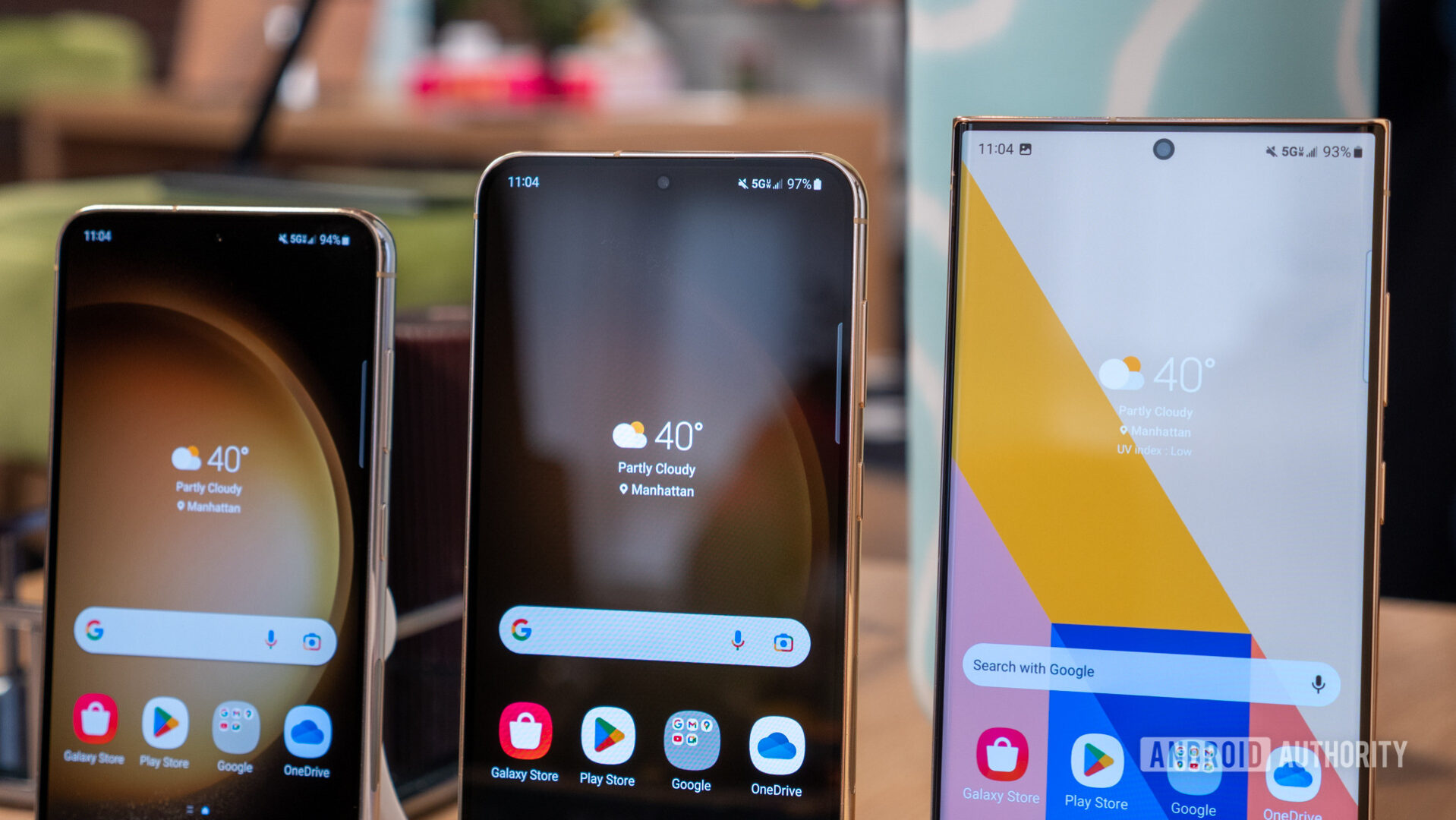
For owners of the Samsung Galaxy S23, S23+, and S23 Ultra, software updates are generally worth installing as soon as they become available. These updates deliver critical security patches, resolve identified software bugs, and occasionally introduce optimized system performance or refined UI features that keep the device stable and secure against emerging digital threats.
Understanding the Lifecycle of the Samsung Galaxy S23
Released in early 2023, the Samsung Galaxy S23 series entered the market as a flagship contender, notable for its Snapdragon 8 Gen 2 for Galaxy chipset and high-quality build. As of 2026, the device is three years into its lifecycle. Samsung initially promised four generations of Android OS upgrades and five years of security updates for this series. This commitment remains a core component of the "worth" calculation for users today.
By 2026, the S23 has transitioned from a cutting-edge flagship to a mature, highly capable daily driver. Software updates in the third and fourth years of a device's life are less about radical interface overhauls and more about maintaining the delicate balance between system efficiency and battery longevity. When you receive a notification for an update, you are usually receiving a package that includes the latest Google-mandated security definitions alongside Samsung’s own One UI optimizations.
Why Security Updates Are Non-Negotiable
The most significant argument for installing any update on a Samsung device is security. In 2026, mobile devices serve as the central repository for personal, financial, and professional data. Vulnerabilities in the Android kernel or within Samsung's proprietary software layers (One UI) are discovered regularly by security researchers.
These vulnerabilities can potentially allow unauthorized parties to gain elevated permissions, access private data, or intercept communications. When Samsung pushes a security patch, it closes these "holes." Refusing to install these updates leaves your device exposed to exploits that have already been publicized. For any user who uses their S23 for mobile banking, email, or managing sensitive work accounts, delaying these updates is a significant security risk that outweighs any potential, albeit rare, minor software glitch.
Evaluating Performance and Battery Impact
A common hesitation regarding software updates—particularly as a phone ages—is the fear that an update will "slow down" the device or degrade battery life. This phenomenon, often referred to as "planned obsolescence" in tech discourse, is rarely the intentional goal of an update. However, system updates can occasionally introduce compatibility issues with older app versions or temporary indexing overhead that impacts battery life in the first 48 hours following an install.
In 2026, the Galaxy S23 hardware remains powerful enough to handle modern software comfortably. When Samsung pushes updates, they are optimized for the S23’s specific architecture. While older devices might struggle with newer, more demanding One UI features, the S23 series was built with enough headroom to accommodate these changes. If you find your phone running warm or consuming battery faster immediately after an update, this is typically due to background system processes re-optimizing the file system—a process that usually stabilizes within a few days.
Comparing Risks: Installing vs. Ignoring Updates
| Feature | Updating Immediately | Ignoring Updates |
|---|---|---|
| Security Status | Protected against latest exploits | Vulnerable to known threats |
| System Stability | Patched against known bugs | Susceptible to recurring crashes |
| New Features | Access to latest UI/UX tools | Stagnant functionality |
| Compatibility | Best support for new apps | Risk of app incompatibility |
| Device Longevity | Aligned with manufacturer support | Potential for software rot |
Identifying When to Delay an Installation
While the general recommendation is to update, there are specific, logical instances where a brief delay is advisable. If you rely on your phone for a critical event, such as a business presentation or international travel where you need guaranteed stability, it is wise to wait until you are in a stable environment with a reliable Wi-Fi connection and time to troubleshoot if necessary.
Furthermore, if tech forums and official community channels report widespread, device-breaking issues (such as boot loops or severe battery drain) immediately following a specific rollout, it is acceptable to wait a few days. Samsung typically responds to these reports quickly with hotfixes. Checking reputable tech news outlets or Samsung community forums can provide the necessary context to determine if a specific version number is currently experiencing "teething issues."
Best Practices for Updating Your Galaxy S23
To minimize the risks associated with software updates, follow these standard technical procedures:
- Back Up Your Data: Always use Samsung Cloud or Google Drive to back up your photos, contacts, and app data. Even though modern updates are highly reliable, the process involves writing to the system partition, which carries an inherent risk of data corruption.
- Ensure Sufficient Charge: Never attempt an update with less than 50% battery life, or ideally, keep the device plugged into a charger. A power failure during an update installation can lead to a "bricked" device, requiring a factory reset or professional service.
- Use Stable Wi-Fi: Updates are often several gigabytes in size. Using cellular data can be expensive and potentially unstable, leading to a corrupted download file.
- Clear Cache Partition (Optional): If you notice persistent stuttering or battery drain after a major OS update, performing a "Wipe Cache Partition" from the recovery menu can clear out old system logs that may be causing conflicts. Note that this does not delete your personal data.
Navigating System Version Compatibility
As of 2026, the Samsung Galaxy S23 has likely reached a point where it is receiving fewer "feature-rich" updates compared to newer models. Samsung prioritizes its latest flagship for experimental features, while the S23 series receives the more stable, refined versions of the operating system. This is actually a benefit; you are receiving software that has been battle-tested on newer hardware, making it inherently more stable for your device.
Understanding the difference between a "Security Patch" and a "System Update" is also key. Security patches are minor, focused, and rarely change how the phone works. System updates, which may include new versions of One UI or Android, are more significant. It is these larger updates where you should be most diligent about backing up your device, as they involve deeper changes to the OS environment.
Frequently Asked Questions
Will updates make my Samsung S23 battery life worse? Generally, no. While battery life can fluctuate immediately after an update while the system re-indexes, it typically returns to normal or improves over time as Samsung optimizes background processes. If your battery life remains poor after a week, it may be a sign of a hardware issue or a rogue app rather than the update itself.
Should I wait to install a major Android OS update? It is standard practice to wait 48 to 72 hours after a major version release. This allows early adopters to uncover any significant bugs. If no widespread complaints appear in community forums, the update is safe to install.
What happens if I stop updating my Galaxy S23? If you stop updating, your phone will continue to function, but it will become increasingly vulnerable to security threats. Additionally, you will eventually find that new versions of popular apps (such as banking or communication tools) will cease to support your older software version, eventually limiting your ability to use the device.
Can I undo an update if I don't like it? Rolling back a software update on a Samsung device is technically difficult and generally not recommended for the average user. It often requires wiping the device entirely and using specialized software tools to flash older firmware. This can void warranties and carries a high risk of failure.
Final Recommendation
The Samsung Galaxy S23 remains a robust device in 2026. Installing system and security updates is the most effective way to protect your personal information and ensure the device remains compatible with the modern app ecosystem. Unless there are verified, widespread reports of catastrophic bugs, you should enable automatic updates or check for them periodically to keep your device secure and functional.