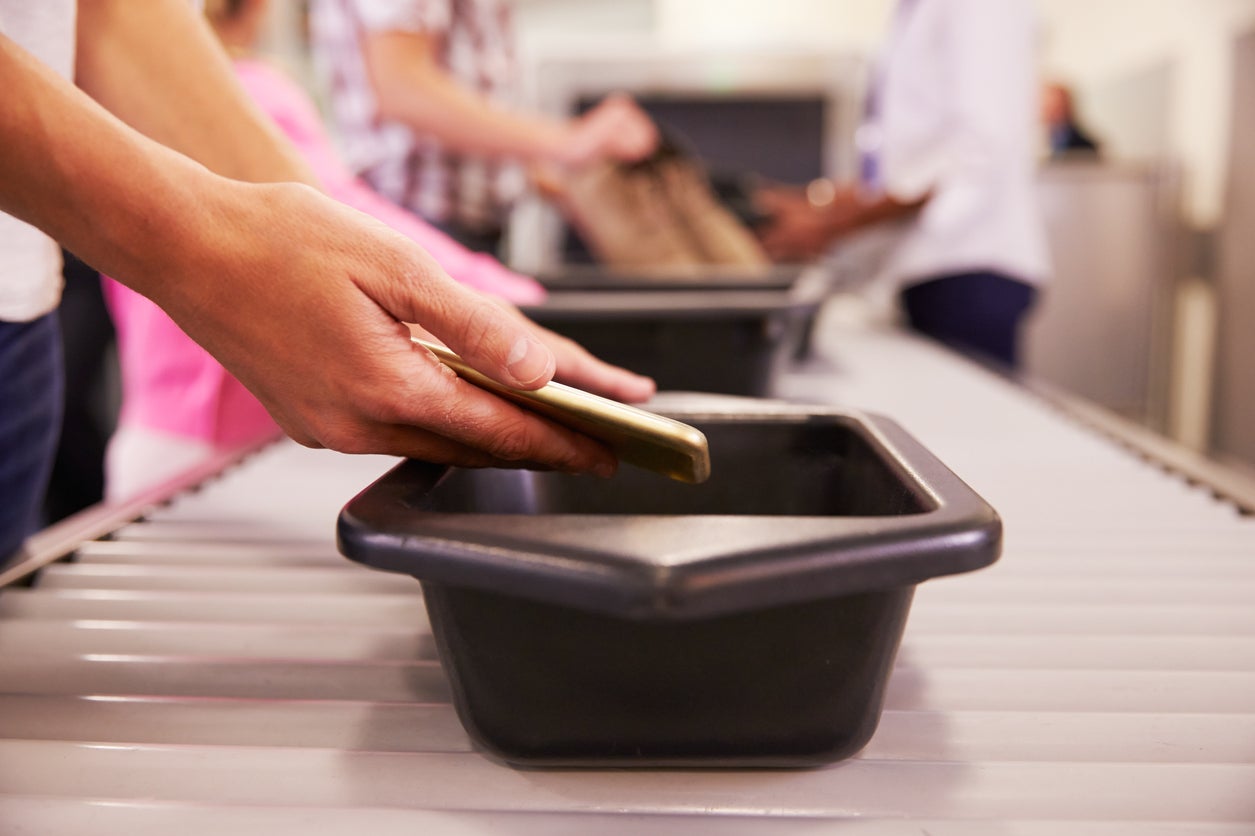
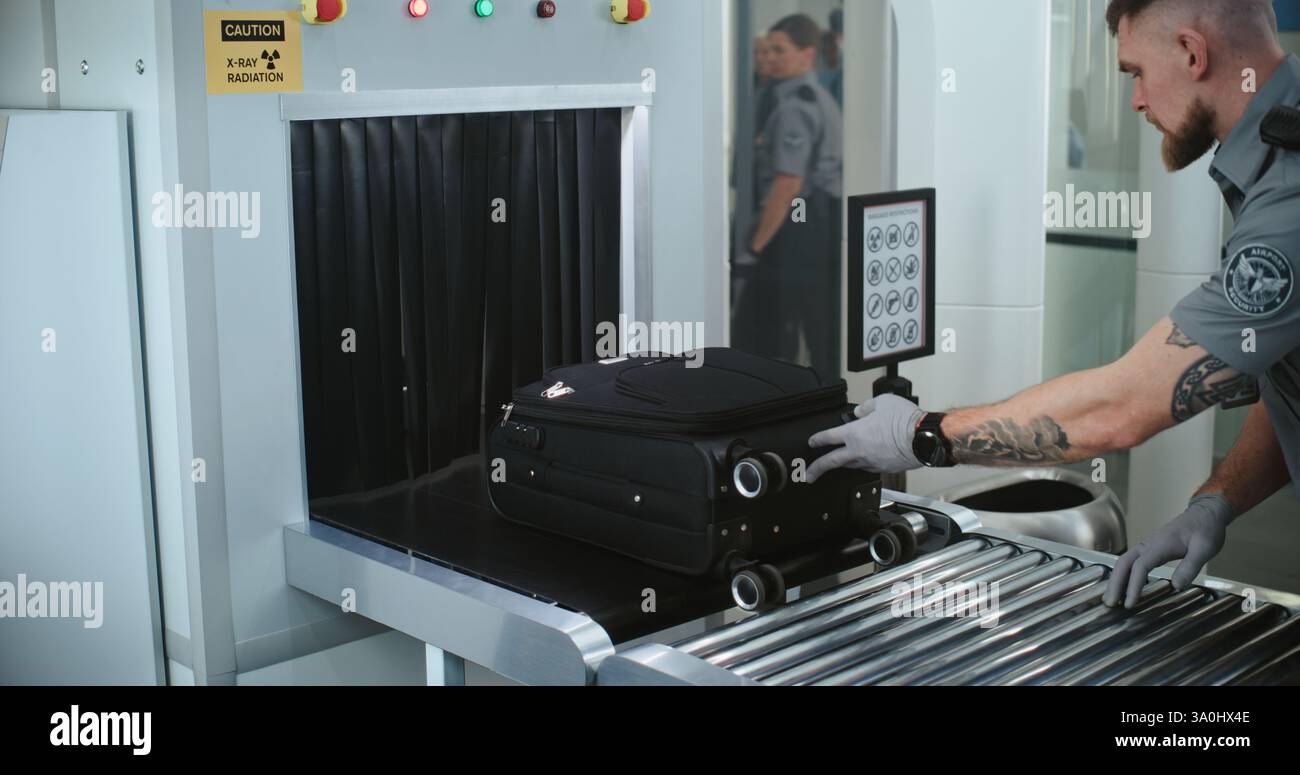
Airport security trays are the specialized, high-density containers used at aviation checkpoints to transport a passenger’s personal belongings through X-ray or Computed Tomography (CT) scanning systems. In 2026, these trays remain a critical interface in the security process, facilitating the organized screening of electronics, liquids, and loose items while protecting both the screening equipment and the passenger's property.
While the fundamental purpose of the security tray hasn't changed, the technology surrounding it has evolved significantly. From automated return systems to antimicrobial materials, the humble plastic bin is now a data-integrated component of the modern "smart" security lane. Understanding how to use these trays efficiently can significantly reduce your transit time through the terminal.
The Evolution of Airport Security Trays
For decades, the airport security tray was a simple plastic tub, often stacked haphazardly at the end of a roller belt. However, the surge in passenger volumes and the heightening of security protocols necessitated a more industrial approach.
By 2026, most major international hubs have transitioned to Automated Tray Return Systems (ATRS). These systems eliminate the need for security officers to manually carry stacks of heavy bins back to the start of the line. Instead, trays are circulated via a motorized conveyor belt located beneath the main screening line. When a passenger finishes unpacking their items, the empty tray is "swallowed" by the system and whisked back to the front of the queue.
Material Science and Design
Modern trays are typically manufactured from High-Density Polyethylene (HDPE) or reinforced polypropylene. These materials are chosen for their durability, impact resistance, and "X-ray transparency." A tray must be strong enough to hold heavy laptops and bags but chemically composed so as not to interfere with the imaging software's ability to detect threats. In many jurisdictions, trays now feature RFID (Radio Frequency Identification) tags, allowing the security system to link a specific tray to a specific passenger’s boarding pass or facial recognition profile.
What Goes in the Tray? Current 2026 Requirements
As of 2026, the requirements for what must be placed in a security tray vary depending on the type of scanner the airport utilizes. The global transition toward CT (Computed Tomography) scanners has simplified the process in many locations, but traditional X-ray lanes still exist.
CT Scanner Lanes (The Modern Standard)
If the checkpoint uses 3D CT scanners, the rules are generally more relaxed. These machines create a high-resolution 3D image that can be rotated 360 degrees by the operator.
- Electronics: Laptops, tablets, and cameras can often remain inside your carry-on bag, provided the bag is placed flat in the tray.
- Liquids: In airports that have fully upgraded their technology, the "3-1-1" liquid rule is being phased out, allowing larger containers to remain in the bag.
- Outerwear: Heavy jackets and bulky sweaters must still be removed and placed in a dedicated tray to ensure no items are concealed in the folds of the fabric.
Traditional X-Ray Lanes
In secondary airports or older terminals still using 2D X-ray technology, the tray requirements remain strict:
- Laptops and Large Electronics: These must be placed in a tray by themselves with nothing covering them. This prevents the dense components of the battery and motherboard from "shielding" other items.
- Liquids: Your clear quart-sized bag of liquids must be removed from your luggage and placed visibly in the tray.
- Pocket Items: Everything from keys and coins to mobile phones and wallets must be emptied into the tray.
The "Nothing in Pockets" Rule
Regardless of the scanner type, security agencies in 2026 strictly enforce the "empty pockets" rule. Even non-metallic items like tissues or paper boarding passes can trigger an alarm on a Body Scanner (Millimeter Wave Scanner), leading to a manual pat-down. Placing these items in the security tray before you step through the scanner is the most efficient way to avoid delays.
The Hygiene Challenge: Managing Germs on Shared Surfaces
A significant concern for travelers is the cleanliness of airport security trays. Historically, multiple scientific studies—including the well-cited 2018 study by the University of Nottingham—have identified security trays as having higher levels of respiratory viruses than even airport toilets.
Improvements in 2026 Hygiene Standards
In response to global health awareness, the aviation industry has implemented several safeguards:
- Antimicrobial Coatings: Many trays are now manufactured with silver-ion or other antimicrobial additives embedded directly into the plastic. These additives work to inhibit the growth of bacteria and viruses on the tray's surface.
- UV-C Disinfection Tunnels: Advanced ATRS lanes now include a "sterilization zone" where trays pass through a tunnel of high-intensity UV-C light on their return journey to the front of the line. This process kills a vast majority of surface pathogens in seconds.
- Manual Sanitization: In airports without automated UV systems, protocol now mandates regular deep-cleaning cycles using hospital-grade disinfectants.
Personal Hygiene Tips for Travelers
Despite these industrial improvements, passengers should still take personal precautions:
- Use Washable Pouches: Instead of throwing your loose keys and phone directly into the tray, place them in a small, washable pouch first.
- The Shoe Strategy: If you are required to remove your shoes, keep your socks on. Never walk through a security checkpoint barefoot, as the floors are high-traffic zones.
- Sanitize After Screening: The most effective intervention is to use hand sanitizer immediately after you have collected your items from the trays and repacked your bags.
Technical Comparison: Manual vs. Automated Tray Systems
The efficiency of a security checkpoint is often dictated by the "tray logic" used by the airport. The following table compares the two primary systems in operation in 2026.
| Feature | Manual Tray Handling | Automated Tray Return (ATRS) |
|---|---|---|
| Throughput | Approx. 150 passengers per hour | Up to 300+ passengers per hour |
| Tray Retrieval | Staff must manually carry stacks back | Continuous under-floor conveyor return |
| Sanitization | Periodic manual wiping | Integrated UV-C light sterilization |
| Tracking | Usually none; visual identification | RFID-linked to passenger profile |
| Space Requirement | Low; fits in narrow corridors | High; requires multi-level conveyor belts |
| Error Rate | Higher risk of tray "traffic jams" | Sensors manage spacing and flow |
The Logistics of Tray Management
Airports are massive logistical hubs, and managing the "tray fleet" is a science in itself. A single busy terminal may require a fleet of 2,000 to 5,000 trays to ensure that the line never stops moving.
Tray Starvation
"Tray starvation" occurs when the trays are stuck at the "reclaim" end of the security lane faster than they can be returned to the "divest" (start) end. This is the leading cause of sudden pauses in security lines. In 2026, smart sensors monitor the density of trays at both ends of the lane. If the supply at the front drops below a certain threshold, the system automatically accelerates the return conveyor.
Diversion Lanes
Modern tray systems also feature "diversion rollers." If an X-ray operator sees a suspicious item, they press a button that redirects that specific tray to a separate "secondary screening" area. This allows the main line of trays to keep moving, ensuring that one bag with a forgotten water bottle doesn't halt the progress of fifty other passengers.
Best Practices for Using Security Trays Efficiently
To move through security like a pro in 2026, follow these expert guidelines:
- The "Two-Tray" Maximum: Aim to use no more than two trays. The more trays you use, the more items you have to track and collect at the high-pressure "reclaim" end.
- Heavy Items First: Place heavy bags or items in the tray first. This provides a stable base and prevents the tray from tipping or shifting on the rollers.
- Protect Your Electronics: Place your laptop in the center of the tray, not touching the edges. This minimizes the vibration it receives as it passes through the heavy lead-curtains of the scanner.
- Small Items in Bags: Never place small, loose items like coins, jewelry, or SD cards directly into the tray. They can easily slide under the dividers or get caught in the conveyor mechanics. Always put them inside a pocket of your carry-on or a dedicated small bag.
- Clear the Exit: Once your tray emerges from the scanner, pick it up and move to the "repacking benches." Do not attempt to put your belt back on or repack your laptop while standing at the conveyor belt; this causes a bottleneck for everyone behind you.
Frequently Asked Questions (FAQ)
Can I bring my own tray or bin for security?
No. Security trays must be standardized to fit the specific dimensions and weight-sensor tolerances of the airport's X-ray and conveyor systems. Using an unauthorized container could jam the machine or trigger an emergency stop. However, you can use "TSA-approved" mesh bags or clear organizers inside the airport's trays to keep your items together.
Are airport security trays cleaned every day?
In 2026, most major airports have automated UV-C disinfection systems that sanitize trays every time they circulate. For airports without these systems, trays are typically deep-cleaned on a scheduled basis (daily or weekly), depending on the airport's health and safety protocols. Passengers are always encouraged to use hand sanitizer after handling trays.
Why do I sometimes have to put my shoes in a tray and sometimes on the floor?
This depends on the specific X-ray machine’s sensitivity. Some machines are calibrated to scan items better when they are at a certain height (inside a tray), while others prefer the shoes to be placed directly on the conveyor belt to avoid "shadows" created by the tray’s plastic rim. Always follow the specific instructions of the officer at the lane.
What happens if a tray is damaged or broken?
Damaged trays are pulled from circulation immediately. A cracked tray can snag on the conveyor belts or lead-curtains, causing a mechanical failure that could shut down a security lane for hours. Most airports have a "quarantine" bin where staff place trays that have lost their RFID tags or suffered structural damage.
Does the tray affect the X-ray image?
Trays are designed to be "radiopaque-light," meaning they are mostly transparent to X-rays. However, the edges and the base are slightly denser to provide structural integrity. Software algorithms in 2026 are programmed to "subtract" the tray's known density from the image, leaving only the passenger's belongings for the operator to inspect.
Future Outlook: The End of the Tray?
While we are seeing improvements in "walk-through" screening technology that can scan bags while they are still on a passenger's back, the security tray is likely to remain a staple of aviation for the foreseeable future. The tray provides a necessary "buffer" that protects fragile items and ensures that loose objects do not become projectiles or mechanical obstructions within the screening hardware.
As we move deeper into 2026 and beyond, expect trays to become even "smarter," perhaps featuring integrated weight scales to detect overweight carry-ons or digital displays that provide personalized instructions to the passenger based on their destination's specific customs requirements.
Next Action: Before your next flight, audit your "security routine." Invest in a small "electronics pouch" to hold your chargers, phone, and watch. By keeping these small items contained, you can empty your pockets into a single pouch, drop it into the security tray, and reclaim it in seconds—minimizing your contact with the tray surface and speeding up the line for everyone.