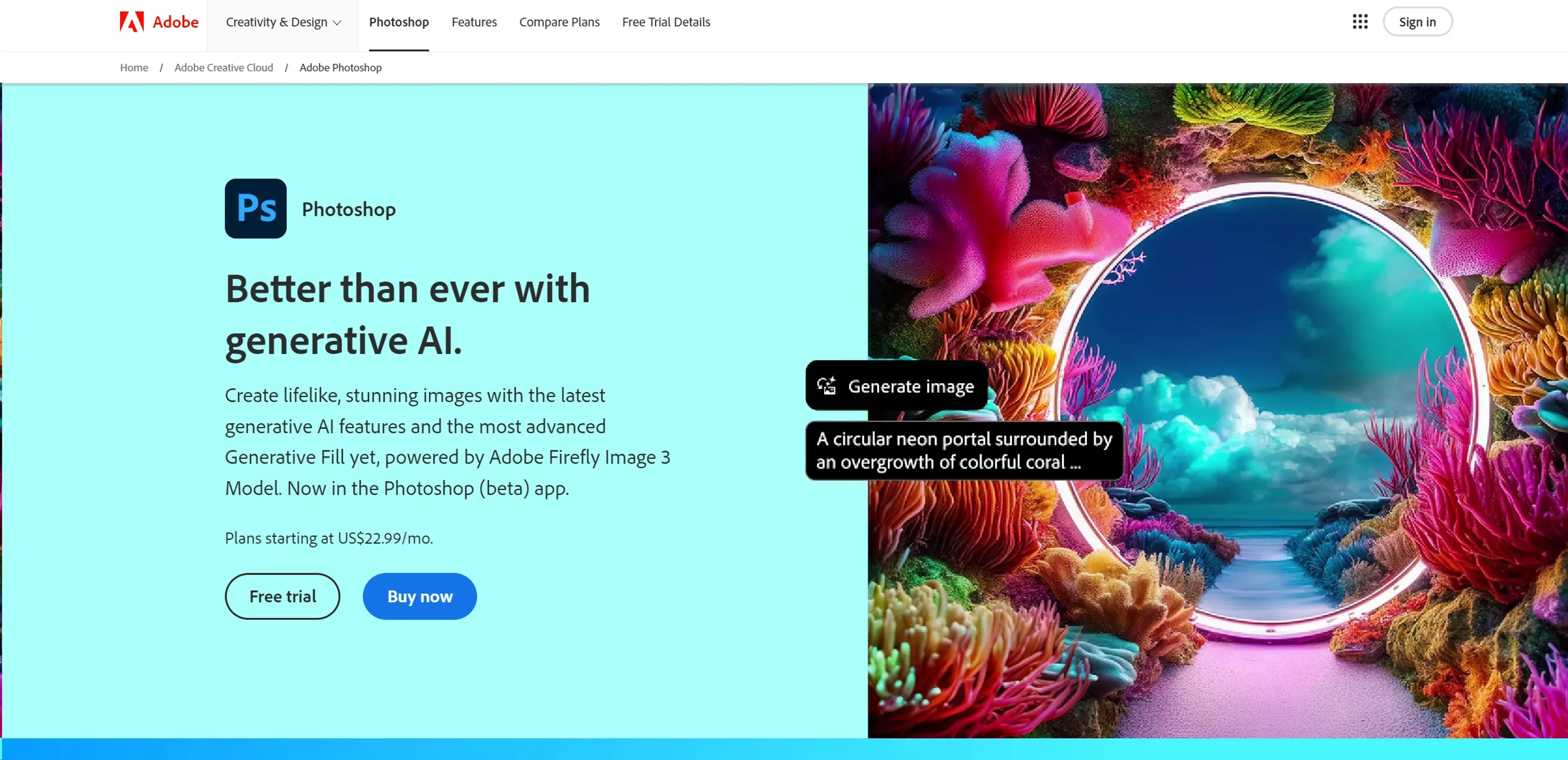
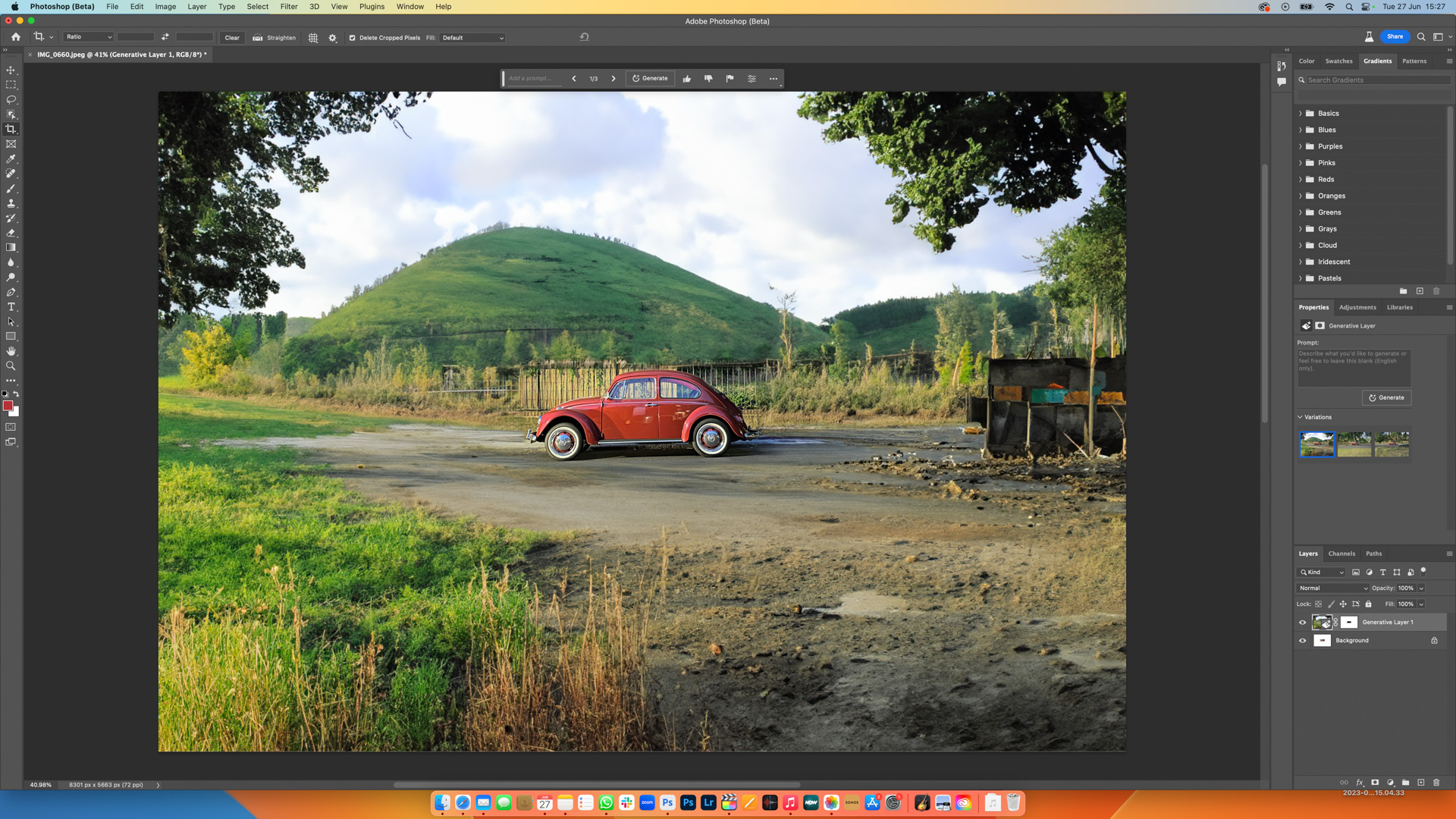
Finding a reliable Adobe Photoshop substitute involves identifying software that matches your specific creative needs, whether you are a professional photographer, a digital illustrator, or a social media manager. While Photoshop remains the industry benchmark, high-quality alternatives like Affinity Photo, GIMP, and Photopea now offer comparable power, better pricing models, and specialized tools for varied skill levels and budgets.
For over three decades, Adobe Photoshop has dominated the raster graphics editing market. However, as we move through 2026, the landscape has shifted. Subscription fatigue, the demand for more specialized workflows, and the rise of high-performance web-based tools have driven users to seek alternatives. The "best" substitute is no longer a single program but a choice based on whether you need professional-grade RAW processing, open-source flexibility, or quick, AI-assisted design templates.
Why the Search for a Photoshop Alternative has Intensified
The transition from a perpetual license model to the Creative Cloud subscription model was a turning point for many creatives. In 2026, the cumulative cost of a multi-year subscription is a significant consideration for freelancers and small businesses. Beyond cost, Photoshop's "everything-but-the-kitchen-sink" approach can lead to a bloated interface and heavy system resource requirements that not every user needs.
Many users are looking for a substitute that offers a "cleaner" experience focused on a specific niche. For example, a photographer may find that Photoshop includes too many graphic design tools they never use, while a digital painter might find the brush engine less intuitive than specialized illustration software. Additionally, the integration of heavy AI features in recent years has polarized the community; some users prefer more traditional control without the mandatory cloud-processing overhead often associated with Adobe's Firefly ecosystem.
Professional-Grade Desktop Substitutes
If your career depends on pixel-perfect accuracy, non-destructive editing, and complex layer management, you require a professional-grade desktop application. These tools are designed to handle massive file sizes and offer the technical depth required for high-end print and digital output.
Affinity Photo 2: The Leading Contender
As of 2026, Serif’s Affinity Photo 2 remains the most formidable direct competitor to Photoshop. It was built from the ground up on modern hardware architecture, which often results in faster performance on Apple Silicon and high-end Windows machines compared to Adobe’s older codebase.
- Pricing Model: Unlike Adobe, Affinity Photo uses a one-time purchase model. This is its strongest selling point for those looking to escape monthly fees.
- Workflow Compatibility: It supports PSD files (including smart objects) and offers a familiar interface, making the transition relatively painless for long-time Adobe users.
- Live Editing: One of its standout features is "Live Filters." While Photoshop often requires you to commit to a filter or use a Smart Object, Affinity allows you to apply many effects as layers that can be toggled and adjusted in real-time without the same performance lag.
Capture One: The Photographer’s Choice
For professional photographers, particularly those working in fashion or commercial advertising, Capture One is often preferred over Photoshop and Lightroom. While it lacks some of Photoshop’s heavy-duty compositing features, its color science and tethering capabilities are superior.
- Color Grading: The color editor in Capture One provides much more granular control over specific hues and saturations than Photoshop’s standard Hue/Saturation adjustment layers.
- Tethered Shooting: It is the industry standard for studio photographers who need to see their images instantly on a large monitor as they are being shot.
- Performance: It is optimized for RAW file processing, making it a "substitute" specifically for the photographic aspect of the Adobe ecosystem.
Free and Open-Source Alternatives
For students, hobbyists, or those operating on a zero-dollar software budget, the open-source community provides powerful tools that, while sometimes having a steeper learning curve, offer incredible depth without the price tag.
GIMP (GNU Image Manipulation Program)
GIMP has been the primary open-source alternative for decades. In 2026, with the stability of version 3.0 and beyond, GIMP has finally addressed many of the UI/UX complaints that previously hindered its adoption.
- Customization: GIMP is highly extensible. If a feature is missing, there is likely a script or plugin (often written in Python) that can add it.
- Non-Destructive Editing: Historically a weak point, recent updates have integrated GEGL (Generic Graphics Library) more deeply, allowing for more non-destructive workflows.
- Portability: GIMP runs on Windows, macOS, and Linux, making it the go-to choice for users in the Linux ecosystem who cannot run Adobe products natively.
Krita: The Digital Artist’s Alternative
While GIMP is a general-purpose editor, Krita is specifically optimized for digital painting and 2D animation. If you use Photoshop primarily for drawing with a tablet, Krita is arguably a better tool than the original.
- Brush Engine: Krita’s brush stabilizers and diverse brush engines (pixel, smudge, sketch, shape) are designed for artists, not just photo retouchers.
- Animation Tools: It includes a full timeline and onion skinning for frame-by-frame animation, something Photoshop handles less elegantly.
- Resource Management: It is lightweight compared to Photoshop, allowing for larger canvas sizes on mid-range hardware.
Browser-Based and Lightweight Solutions
The rise of high-speed internet and advanced web technologies like WebAssembly has allowed for "Photoshop in a tab." These tools require no installation and are perfect for Chromebook users or those who need to edit on the go.
Photopea: The Browser-Based Clone
Photopea is a remarkable feat of web engineering. Its interface is intentionally designed to mirror Photoshop, meaning if you know where a tool is in Photoshop, you know where it is in Photopea.
- File Support: It can open and save PSD, AI, XD, and Sketch files.
- Accessibility: It is entirely free (supported by a single sidebar ad) and runs in any modern browser.
- Utility: For quick edits on a computer where you don't have admin rights to install software, it is the ultimate substitute.
Canva: The Designer's Shortcut
While not a 1:1 pixel editor, Canva has become the substitute for millions of users who previously used Photoshop for social media graphics and marketing materials. By 2026, Canva’s "Magic Studio" AI tools have automated many tasks that used to take hours in Photoshop, such as background removal and image expansion.
Comparison of Key Photoshop Substitutes
The following table compares the most prominent alternatives based on current 2026 metrics to help you determine which fits your hardware and financial constraints.
| Software | Primary Use Case | Pricing (2026 Est.) | Platform | Key Advantage |
|---|---|---|---|---|
| Affinity Photo 2 | Professional Editing | ~$70 (One-time) | Win, Mac, iPad | Speed & No Subscription |
| GIMP | General Purpose | Free | Win, Mac, Linux | Fully Open-Source |
| Krita | Digital Painting | Free | Win, Mac, Linux | Best Brush Engine |
| Photopea | Quick Web Edits | Free / Premium | Web Browser | No Install Required |
| Capture One | Photography/RAW | $299 or Sub | Win, Mac | Superior Color Science |
| Canva | Social Media/Design | Free / ~$120yr | Web, Mobile | Ease of Use/Templates |
Specialized Workflows and Niche Substitutes
Sometimes, you don't need a full "substitute" for all of Photoshop; you only need a substitute for one specific task. In 2026, the trend of "unbundling" Photoshop has led to highly specialized apps.
Pixlr for Quick Retouching
Pixlr provides an AI-heavy, simplified experience. It is ideal for users who want to apply high-end filters, remove backgrounds, or perform basic "beautification" without learning about layer masks or frequency separation. It is particularly popular among influencers who need fast turnaround for mobile-first content.
Pixelmator Pro for macOS Users
For those exclusively on the Mac ecosystem, Pixelmator Pro offers a deep integration with macOS features. It uses Core ML for its AI features, meaning it performs tasks like "ML Super Resolution" (upscaling images) incredibly fast using the Mac's Neural Engine. Its interface is much cleaner and more "Apple-like" than the cluttered panels of Photoshop.
Technical Considerations: Moving Your Assets
Switching software isn't just about learning new keyboard shortcuts; it's about your data. When choosing an Adobe Photoshop substitute, consider the following technical hurdles:
- PSD Compatibility: While most substitutes can open PSD files, complex files with nested smart objects, 3D layers, or specific Adobe fonts may not render perfectly. Affinity Photo has the highest fidelity in this area.
- Plugin Support: If you rely on plugins like Topaz Labs or Nik Collection, ensure your chosen substitute supports them. Affinity Photo supports many 64-bit Photoshop plugins, but GIMP requires specific workarounds.
- Color Management: Professionals must ensure their substitute supports CMYK color spaces for print. GIMP requires additional setup for this, whereas Affinity Photo and Capture One handle it natively.
- Hardware Acceleration: Modern substitutes rely heavily on the GPU. Check if the software supports OpenCL, Metal (for Mac), or CUDA (for NVIDIA) to ensure you are getting the performance you paid for.
Frequently Asked Questions
Can I open my old Photoshop (PSD) files in these alternatives?
Yes, most major substitutes like Affinity Photo, GIMP, and Photopea can open PSD files. However, specialized Adobe features like Layer Styles or certain Adjustment Layers might be rasterized or look slightly different. Affinity Photo provides the most accurate conversion for complex layered files.
Is GIMP as powerful as Photoshop?
In terms of raw tools, GIMP offers about 80-90% of what the average Photoshop user needs. However, it lacks some of Photoshop’s high-end automation, CMYK native support (without plugins), and the latest generative AI features integrated directly into the workspace. For standard photo manipulation, it is more than sufficient.
Are there any free substitutes that don't require an internet connection?
GIMP and Krita are the two best "offline" free substitutes. Once downloaded, they require no internet connection to function, unlike many modern Adobe apps that periodically "check in" with servers to verify subscriptions.
Do these substitutes have AI features like Generative Fill?
By 2026, most major alternatives have integrated AI. Canva has "Magic Edit," Affinity Photo has integrated AI-assisted selection and retouching tools, and Photopea offers several generative AI plugins. While Adobe’s Firefly is often more integrated, the gap is closing rapidly.
Which substitute is best for a complete beginner?
Canva is the easiest for those who have never edited an image before. If you want to learn traditional photo editing, Photopea is an excellent starting point because it is free, requires no installation, and teaches you the "Photoshop logic" that applies to most other professional programs.
Recommendations for Your Next Steps
Choosing the right Adobe Photoshop substitute depends on your specific goals as of 2026. If you are a professional looking to save money in the long run without sacrificing power, Affinity Photo 2 is the most logical choice. Its one-time payment and high performance make it a sustainable investment for a creative business.
If you are a student or a casual user, start with Photopea. It allows you to practice industry-standard workflows for free in your browser. Once you find you are hitting the limits of web-based software, you can transition to GIMP for more power or Krita if your focus shifts toward digital art. For those who purely need to produce marketing content quickly, Canva remains the most efficient tool for high-volume, template-based design.
Regardless of which tool you choose, the best way to transition is to commit to one project from start to finish in the new software. This forces you to find the new locations of familiar tools and helps overcome the initial "muscle memory" hurdles of leaving the Adobe ecosystem.