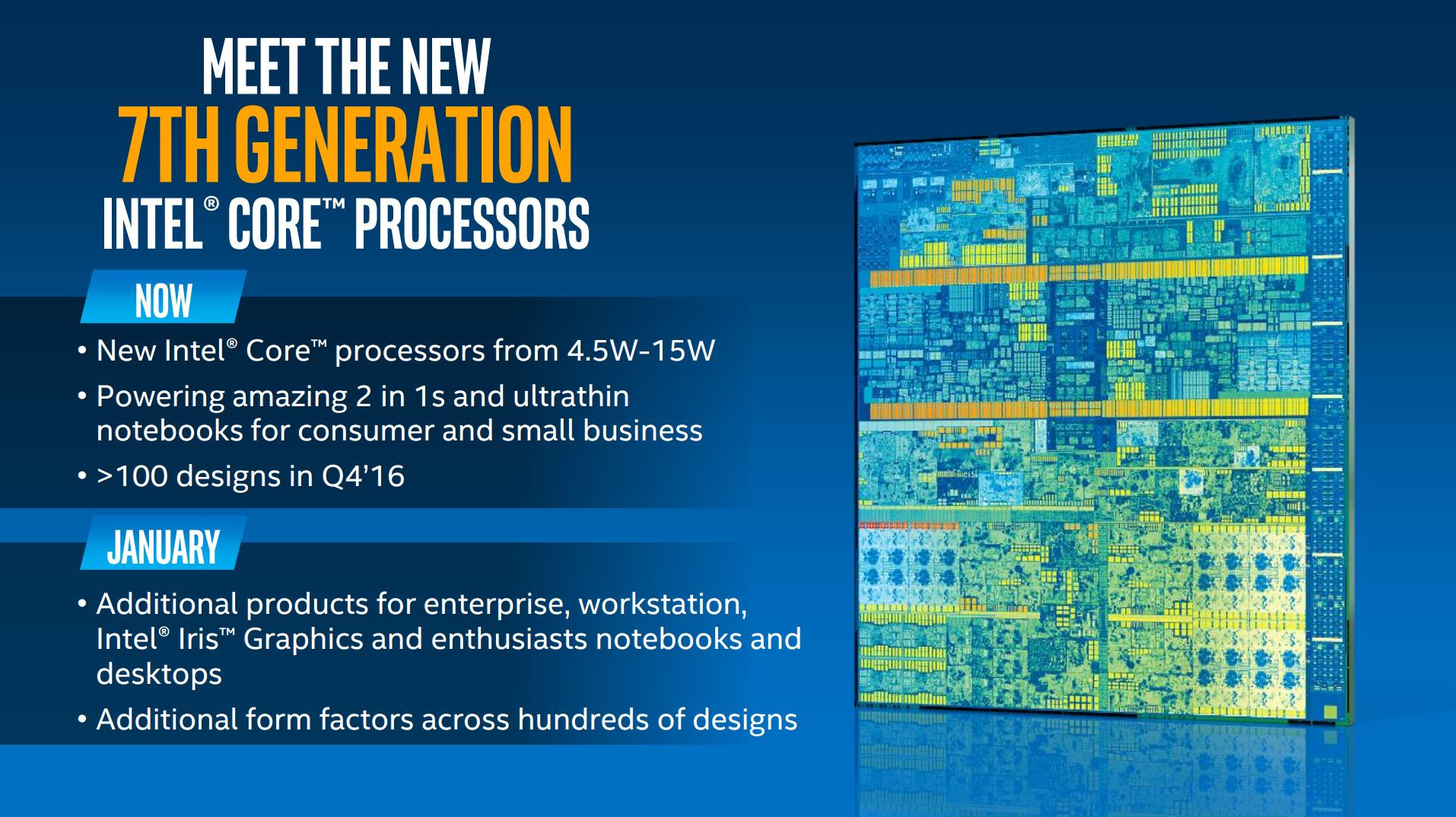
The 7th Generation Intel Core processors, architecturally known as Kaby Lake, followed a staggered release schedule. The initial mobile-focused U and Y-series chips were officially launched on August 30, 2016. This was followed by the broader release of desktop (S-series) and high-performance mobile (H-series) processors on January 3, 2017, during the Consumer Electronics Show (CES).
Understanding the Kaby Lake Launch Context
To understand the significance of the 7th Gen Intel Core launch date, one must look at the shift in Intel’s manufacturing philosophy at the time. Before Kaby Lake, Intel followed a "Tick-Tock" model—a "Tick" represented a shrink in process technology (e.g., moving from 22nm to 14nm), and a "Tock" represented a new microarchitecture on that same process.
Kaby Lake marked the definitive end of this cycle. It was the first "Optimization" step in the new Process-Architecture-Optimization model. While it utilized the same 14nm lithography introduced with 5th Gen Broadwell and refined in 6th Gen Skylake, Kaby Lake was built on what Intel called 14nm+. This refined process allowed for higher clock speeds and improved power efficiency without a fundamental change in the underlying architecture or a shrink in transistor size.
The Staggered Release: Why Mobile Came First
Intel’s decision to launch the 7th Gen mobile processors in August 2016, months before the desktop variants, was a strategic move aimed at the "Back to School" and holiday laptop markets. These early releases targeted ultra-thin notebooks and 2-in-1 devices, which prioritized power efficiency and integrated graphics performance.
The high-performance segment, including the enthusiast-grade "K" series desktop CPUs like the i7-7700K, had to wait until early 2017. This allowed Intel to refine the higher-voltage yields of the 14nm+ process, ensuring that the flagship desktop chips could reliably hit the higher boost frequencies that were the primary selling point of the 7th Generation.
Key Milestones in the 7th Gen Release Cycle
The rollout of Kaby Lake was not a single event but a series of coordinated releases across different market segments. Below is the chronological breakdown of how the 7th Generation reached the market:
- August 30, 2016 (Mobile Entry): Intel officially announced the first six Kaby Lake processors. These were low-power chips (Y-series and U-series) found in tablets and thin laptops. This launch focused heavily on 4K content consumption and battery life.
- January 3, 2017 (The Desktop and Pro Launch): At CES 2017, Intel filled out the stack. This included the desktop "S-series" processors, high-performance "H-series" laptop CPUs for gaming, and the introduction of the 200-series chipsets (such as Z270).
- Early 2017 (Xeon and Iris Plus): Shortly after the CES announcement, Intel released Xeon E3-1200 v6 processors based on Kaby Lake for workstations, as well as mobile chips featuring Iris Plus 640 and 650 graphics, which utilized extra eDRAM for better visual performance.
Technical Innovations of the 7th Gen Core Series
While often criticized at the time for being an incremental update rather than a revolutionary one, the 7th Generation introduced several technologies that became standard in the years that followed.
The 14nm+ Process Refinement
The "plus" in 14nm+ was more than marketing. Intel adjusted the transistor channel geometry, specifically the fin height and pitch. This allowed for a roughly 12% increase in drive current. For the end-user, this translated directly into higher clock speeds. For example, the i7-6700K (Skylake) had a base/boost of 4.0/4.2 GHz, whereas the i7-7700K (Kaby Lake) pushed those figures to 4.2/4.5 GHz within the same power envelope.
Advanced Media Engine
Perhaps the most significant functional upgrade in Kaby Lake was the dedicated hardware acceleration for video codecs. The 7th Gen featured an updated HEVC 10-bit and VP9 10-bit hardware decoder/encoder. In 2016 and 2017, 4K streaming was becoming mainstream. Without Kaby Lake’s dedicated hardware blocks, 4K Netflix playback would consume significant CPU power, leading to stuttering and high battery drain. Kaby Lake allowed 4K playback at very low power consumption, making it a "must-have" for media enthusiasts at the time.
Intel Speed Shift Technology v2
Building on the technology introduced in Skylake, Kaby Lake featured an improved version of Speed Shift. This allowed the CPU to take control of its own frequency switching (instead of waiting for instructions from the Operating System). Kaby Lake could reach its maximum clock speed in about 10 to 15 milliseconds, significantly faster than previous generations. This made the system feel much more responsive during "bursty" workloads like web browsing or photo editing.
Comparing 7th Gen to Surrounding Generations
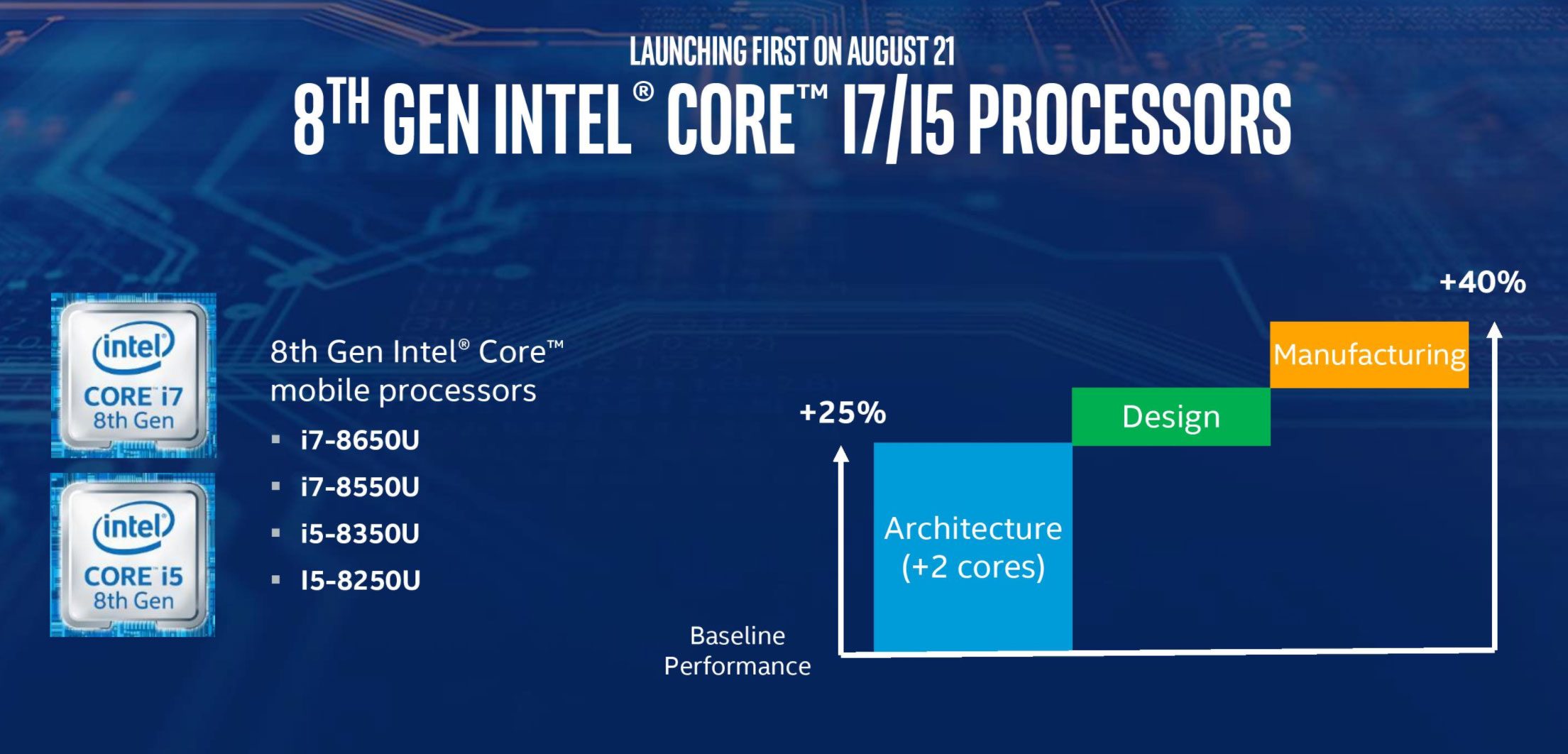
To see where the 7th Generation fits in the historical landscape, it is helpful to compare it to its predecessor (Skylake) and its successor (Coffee Lake). Coffee Lake represented a massive shift in core counts, making the 7th Gen the final era of Intel's "quad-core flagship" strategy for mainstream desktops.
| Feature | 6th Gen (Skylake) | 7th Gen (Kaby Lake) | 8th Gen (Coffee Lake) |
|---|---|---|---|
| Launch Date | Aug 2015 | Aug 2016 / Jan 2017 | Oct 2017 |
| Process Node | 14nm | 14nm+ | 14nm++ |
| Max Cores (Mainstream) | 4 Cores / 8 Threads | 4 Cores / 8 Threads | 6 Cores / 12 Threads |
| Max Boost (i7) | 4.2 GHz | 4.5 GHz | 4.7 GHz |
| Video Decoding | HEVC 8-bit | HEVC 10-bit / VP9 | HEVC 10-bit / VP9 |
| Memory Support | DDR4-2133 | DDR4-2400 | DDR4-2666 |
| Socket | LGA 1151 | LGA 1151 | LGA 1151 (v2) |
Socket and Chipset Compatibility
The 7th Gen Intel Core launch also brought the Intel 200-series chipsets. While Kaby Lake used the same LGA 1151 socket as the previous 6th Gen, there were specific nuances regarding compatibility that users had to navigate.
The 200-Series Chipsets (Z270, H270, B250)
The 200-series boards were designed specifically for Kaby Lake. They offered more high-speed I/O lanes compared to the 100-series and introduced official support for Intel Optane Memory. Optane was a caching technology intended to make slow mechanical hard drives behave more like SSDs.
Backward and Forward Compatibility
One of the benefits of the 7th Gen launch was that the processors were backward compatible with 100-series motherboards (like Z170 or H110), provided the motherboard manufacturer released a BIOS update. Conversely, 6th Gen Skylake processors could also function in the newer 200-series motherboards. This cross-compatibility made the 7th Gen a popular "drop-in" upgrade for users who had purchased early LGA 1151 systems in 2015.
Market Reception and the "Ryzen" Factor
The timing of the 7th Gen Intel Core launch is historically significant because of what happened shortly after. In March 2017, just two months after the full Kaby Lake desktop rollout, AMD launched its Ryzen architecture.
For years, Intel had dominated the market with 4-core, 8-thread flagship processors. When AMD introduced the Ryzen 7 1800X with 8 cores and 16 threads at a competitive price point, the value proposition of the 7th Gen i7-7700K was immediately challenged. This sudden shift in the competitive landscape led to a relatively short "reign" for the 7th Generation as the top-tier choice. By late 2017, Intel responded with the 8th Gen Coffee Lake, which increased core counts for the first time in nearly a decade for the mainstream segment.
The Current Status of 7th Gen Systems in 2026
As of 2026, the 7th Gen Intel Core processors are officially classified as legacy hardware. While they remain functional for basic tasks, their relevance has diminished significantly due to several factors:
Windows 11 Compatibility Issues
One of the most contentious points for 7th Gen owners was Microsoft’s decision to exclude them from the official Windows 11 support list. While 7th Gen chips support TPM 2.0 (either through a module or firmware), Microsoft set the official cutoff at the 8th Gen (with a few exceptions like the i7-7820HQ). In 2026, as Windows 10 has reached its end-of-life for security updates, 7th Gen users are forced to either use unsupported workarounds, switch to Linux, or upgrade their hardware to remain secure.
Performance in Modern Workloads
In the current era of 2026, software is increasingly optimized for high core counts and AVX-512 instructions, neither of which are strengths of the 7th Gen. The i7-7700K, once the king of gaming, now struggles with modern AAA titles that demand more than 8 threads for stable frame times. However, for specialized tasks like a home media server (Plex/Jellyfin), the Kaby Lake QuickSync engine remains remarkably capable at handling 4K transcodes.
Security and Patching
Over the years, 7th Gen processors were subject to various "speculative execution" vulnerabilities, such as Spectre and Meltdown. While software patches and microcode updates mitigated these risks, they often came with a slight performance penalty, particularly in I/O-intensive tasks. In 2026, most systems are fully patched, but the performance gap between 7th Gen and modern architectures has widened as a result.
FAQ: Common Questions About the 7th Gen Launch
When exactly did the i7-7700K launch?
The i7-7700K was officially released on January 3, 2017, during Intel’s presentation at CES. It became available at retail shortly thereafter. It featured a base clock of 4.2 GHz and a boost clock of 4.5 GHz, making it the fastest quad-core mainstream processor Intel had ever produced at that time.
Is the 7th Gen Intel Core still good for gaming in 2026?
It depends on the game. For eSports titles like League of Legends, CS:GO, or older library titles, a 7th Gen i7 is still perfectly adequate. However, for modern open-world games or titles released in the mid-2020s, the 4-core limitation results in significant stuttering and lower minimum 1% frame rates. Most modern gamers in 2026 have moved on to platforms with at least 6 or 8 performance cores.
Can I use a 7th Gen CPU in a Z170 motherboard?
Yes, you can. The 7th Gen (Kaby Lake) is physically and electrically compatible with 100-series motherboards. However, you must ensure that the motherboard BIOS has been updated to a version that recognizes the Kaby Lake architecture. If you try to boot a 7th Gen chip in a Z170 board with an original 2015 BIOS, the system will not POST (Power-On Self-Test).
What was the main difference between 6th Gen and 7th Gen?
The primary differences were higher clock speeds (enabled by the 14nm+ process), an improved media engine with full 4K HEVC 10-bit support, and the addition of Intel Optane Memory support. The core architecture (IPC or Instructions Per Clock) remained virtually identical to the 6th Gen Skylake.
Why did Intel launch mobile chips before desktop for the 7th Gen?
Intel prioritized mobile because the improvements in Kaby Lake—specifically the more efficient video engine and the refined 14nm+ process—offered immediate, tangible benefits for battery life and thin-and-light laptop designs. The desktop market, which was more focused on raw performance, required more time to finalize the higher-frequency bins for the "K" series processors.
Practical Recommendation: What to Do with 7th Gen Hardware Today
If you are still running a 7th Gen Intel Core system in 2026, you have reached a crossroads. Because these processors are no longer officially supported by the latest Windows operating systems and lack the core density required for modern multitasking, your best course of action depends on your technical needs:
- For General Office Work: If the machine is used for word processing and web browsing, it remains a capable tool. Consider moving to a lightweight Linux distribution to ensure continued security updates now that Windows 10 is deprecated.
- For Home Servers: 7th Gen chips are excellent for NAS (Network Attached Storage) or media server builds. The QuickSync engine's ability to decode 4K HEVC is still very efficient, making an old i5-7500 or i7-7700 a great candidate for a Plex server.
- For Gaming/Production: If you are an enthusiast, it is time to upgrade. The jump from the 7th Gen to current-generation hardware (such as 14th Gen or newer) provides a massive leap in performance, often exceeding 300% in multi-threaded workloads.