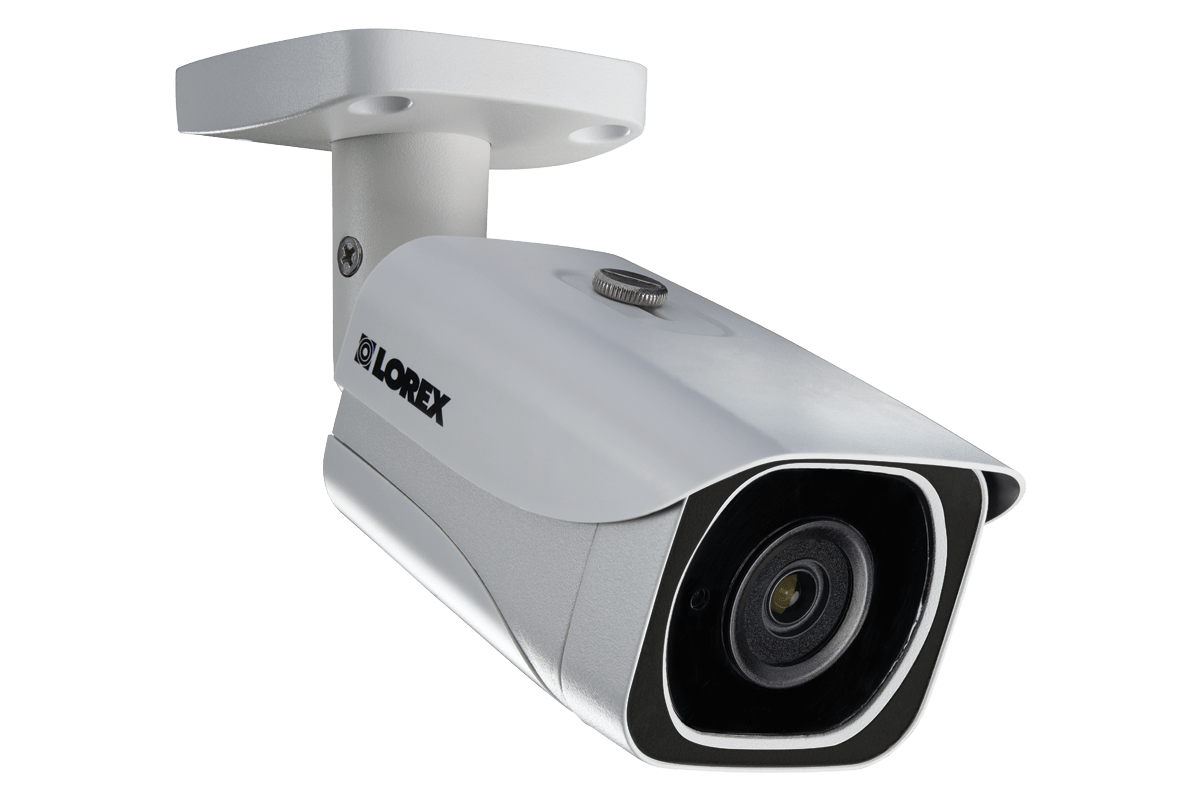
Selecting the best Wi-Fi security camera with cloud storage requires balancing high-definition video quality, reliable encryption standards, and user-friendly subscription models. For most households in 2026, the Google Nest Cam (battery) stands out as the primary recommendation due to its sophisticated person, animal, and vehicle detection, combined with seamless integration into the Google Home ecosystem and robust encrypted cloud archiving.
Understanding the Role of Cloud Storage in Home Security
Cloud storage has transformed home surveillance from a reactive tool to a proactive security solution. Unlike local storage, which relies on physical microSD cards or networked video recorders (NVRs) that can be damaged, stolen, or corrupted, cloud storage offloads your footage to remote servers. This ensures that even if an intruder destroys the camera, the evidence of their entry remains safely accessible via your account.
The primary benefit of a Wi-Fi camera with cloud integration is accessibility. Users can view live feeds or historical events from anywhere in the world using a smartphone or tablet. However, this convenience necessitates a stable high-speed internet connection. In 2026, as home bandwidth continues to increase, the reliance on cloud-only or cloud-hybrid systems has become the standard for consumer-grade security.
When evaluating cloud-based systems, it is essential to consider the "rolling" duration of storage. Most manufacturers offer tiered plans, typically ranging from 30 to 60 days of event history. Choosing a camera that provides intelligent filtering—such as distinguishing between a delivery driver and a swaying tree branch—prevents your cloud storage from being filled with irrelevant alerts.
Critical Technical Prerequisites
Before purchasing or installing a Wi-Fi security camera, your home network environment must be optimized to handle the data load. High-definition (1080p or 4K) video streams require consistent upload speeds. While many users focus on download speeds, home security cameras depend entirely on upload bandwidth to transmit footage to the cloud.
Network Requirements
- Upload Speed: A minimum of 2 Mbps per camera is recommended for 1080p streaming. If you intend to run four or more cameras, ensure your internet plan supports at least 10–15 Mbps upload.
- Wi-Fi Coverage: Cameras installed on exterior walls often suffer from signal attenuation. If your router is located in the center of the home, a Wi-Fi mesh system or a dedicated extender may be necessary to prevent "dead zones" that cause dropped connections.
- Bandwidth Management: Prioritize your security cameras within your router’s Quality of Service (QoS) settings to ensure that video uploads are not interrupted by heavy gaming or high-definition media streaming on other devices.
Features That Define Excellence
Not all cameras are created equal. When identifying the "best" device, you must look beyond hardware specifications and examine the software ecosystem that manages the cloud storage.
Intelligent Object Detection
In 2026, the most effective cameras utilize on-device or cloud-based AI to classify motion. A camera that alerts you every time a car drives past your street is more of a nuisance than a security feature. Look for systems that offer "Activity Zones"—specific areas of the camera's view that you define to trigger notifications—and "Person/Package Detection" to limit alerts to meaningful events.
Encryption and Privacy
Because your footage is being stored on a third-party server, security is paramount. Ensure the manufacturer employs end-to-end encryption (E2EE) and requires two-factor authentication (2FA) for account access. This prevents unauthorized individuals from intercepting your video data during transit or accessing your storage server without your explicit permission.
Weatherproofing and Durability
If you are placing the camera outdoors, the Ingress Protection (IP) rating is non-negotiable. An IP65 or IP66 rating indicates the device is dust-tight and protected against water jets, which is vital for enduring rain, snow, or extreme humidity.
Comparative Overview of Leading Solutions
When comparing cameras, the cost of the hardware is only one half of the equation; the recurring subscription cost for cloud storage is the other.
| Camera Model | Cloud Retention | Primary Advantage | Typical Subscription Cost (2026) |
|---|---|---|---|
| Google Nest Cam | 30–60 Days | Excellent AI/Integration | $8–$15/month |
| Arlo Pro Series | 30–60 Days | 4K Resolution Options | $10–$20/month |
| Ring Stick Up Cam | 30–180 Days | Ecosystem Compatibility | $5–$15/month |
| Eufy Security | 30 Days | No mandatory fee (Local+Cloud) | Optional $3–$10/month |
Note: Prices represent estimated retail subscription tiers as of 2026 and are subject to change based on the number of cameras and the depth of the history provided.
Navigating the Subscription Model
A common mistake users make is assuming that the cloud storage features are "free" for the life of the product. Most manufacturers have moved toward a subscription-based model. When you budget for your camera, you must include the annual cost of the cloud service.
If you choose a system with a paid subscription, carefully analyze what is included. Some providers allow you to save specific "clips" to a permanent vault, while others simply overwrite the oldest footage after the retention period expires. If you need to keep footage of a specific incident (e.g., a theft or a neighbor dispute), ensure the app has an easy "Download/Share" feature that allows you to move the clip to your local device or permanent cloud drive before it is purged by the system.
Installation Best Practices for Maximum Effectiveness
Placement is the most significant factor in whether a security camera serves its purpose.
- Height and Angle: Mount outdoor cameras between 8 and 10 feet high. This is high enough to be out of easy reach but low enough to capture clear facial features.
- Angle of View: Avoid aiming the camera directly at high-glare surfaces like windows or white reflective walls, as this can wash out the image.
- The "Blind Spot" Audit: Walk around your property and identify natural approaches to your home. Install your camera so it captures these corridors rather than wide, open spaces that offer less detail.
- Lighting: While many cameras have excellent night vision, installing them near existing outdoor light fixtures can significantly improve the clarity of the recording, potentially capturing color images at night rather than just black-and-white infrared.
Troubleshooting Common Connectivity Issues
Even with the best hardware, Wi-Fi cameras are subject to the limitations of wireless communication. If your camera is frequently offline, follow these diagnostic steps:
- Check Signal Strength: Within the manufacturer's app, look for the "RSSI" (Received Signal Strength Indicator). An RSSI value between -30 and -50 dBm is excellent; anything below -70 dBm will likely result in a poor connection.
- Power Cycles: Perform a hard reset by power-cycling the device. This forces the camera to re-handshake with your router, which often clears minor firmware stalls.
- Interference Check: If you have many devices on your 2.4GHz network, consider moving the camera to the 5GHz band if the model supports it, or upgrading your router to a Wi-Fi 7 or high-end Wi-Fi 6E model to better manage concurrent connections.
Professional Advice and Limitations
While high-quality Wi-Fi cameras provide significant security benefits, they should not be considered a substitute for comprehensive home security systems, such as monitored alarms or physical entry reinforcements. Wi-Fi cameras are vulnerable to signal jamming or power outages unless they are backed up by a battery and a cellular failover system. Furthermore, verify your local legal regulations regarding the recording of public spaces, such as sidewalks or neighbors' properties, as privacy laws vary significantly by jurisdiction. Always use these tools to protect your property while respecting the reasonable expectation of privacy for those around you.
Frequently Asked Questions
Can I use these cameras without paying for a cloud subscription?
Many cameras allow basic live-viewing functionality without a subscription. However, features like recorded event playback, advanced person/package detection, and cloud-archiving are typically gated behind monthly fees. Always check if the camera supports local storage (e.g., microSD) as an alternative if you prefer to avoid recurring costs.
What happens to my video if my Wi-Fi goes down?
Most cloud-based cameras will stop recording or transmitting to the cloud during an internet outage. Some higher-end models feature a small onboard buffer that saves footage to internal memory during a disruption, uploading it once the connection is restored, but this is not universal.
Is the footage private?
Reputable manufacturers use AES-128 or AES-256 encryption for cloud-stored footage. Ensure you enable multi-factor authentication (MFA) on your account. This prevents unauthorized users from accessing your camera feed even if they manage to discover your password.
Can I integrate these cameras with other smart home devices?
Yes. Most major brands support integrations with platforms like Amazon Alexa, Google Home, and Apple Home. This allows you to view your camera feed on a smart display or trigger events—such as turning on a smart light when motion is detected in the driveway.
How often should I check my camera settings?
It is good practice to review your notification and detection settings every three to six months. Software updates often add new AI features or performance improvements, and your home’s lighting conditions may change with the seasons, necessitating adjustments to your activity zones.
Final Recommendation
For the majority of residential users in 2026, the Google Nest Cam (battery) remains the top choice for its balance of intelligent event detection and reliable cloud-based archiving. Ensure that you have adequate Wi-Fi coverage at the installation point and have enabled all available privacy settings, including two-factor authentication, to maximize both the efficacy and security of your system.