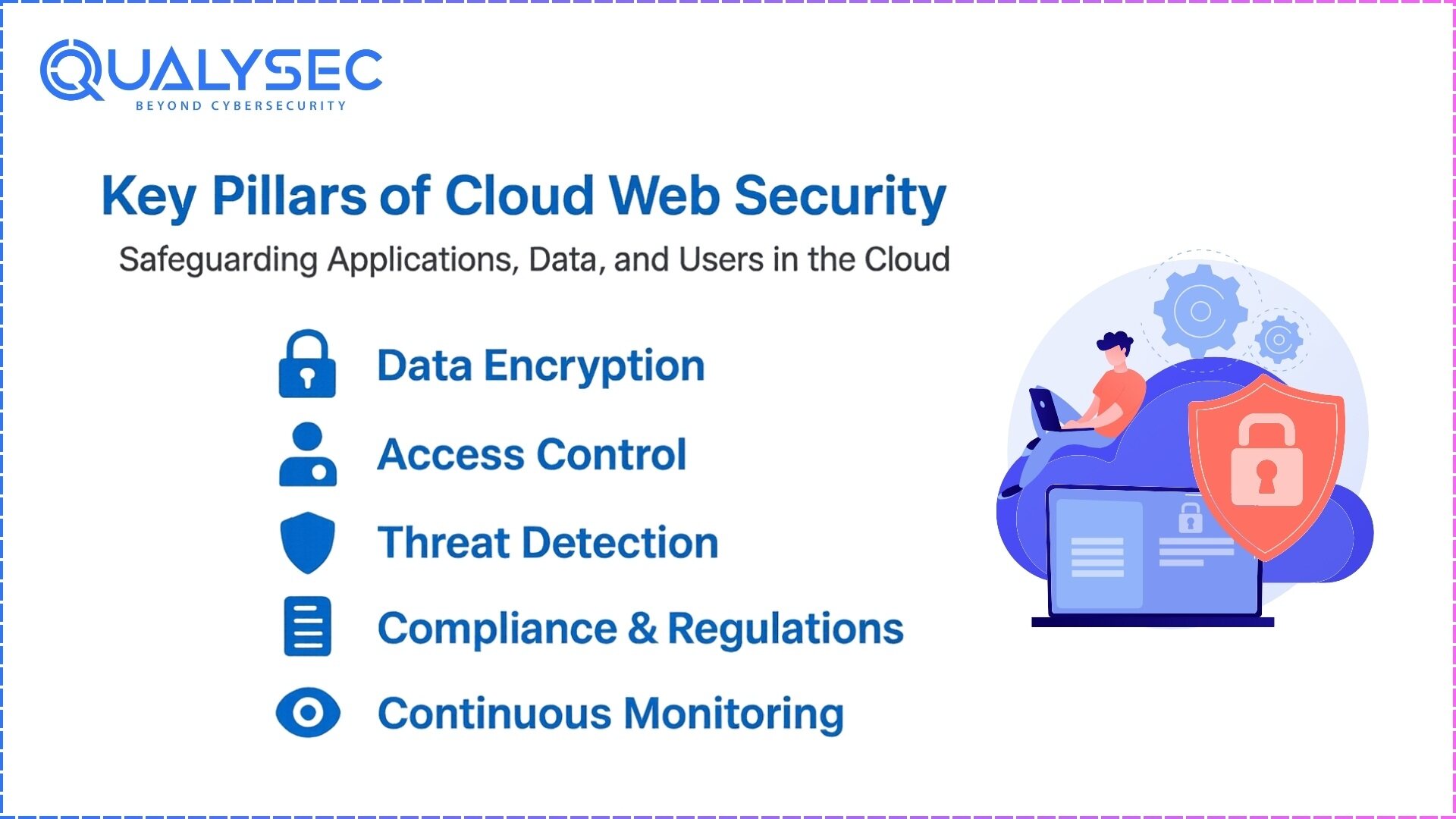
ASUS cloud web security, primarily delivered through the AiProtection suite powered by Trend Micro, provides a robust, subscription-free gateway defense layer for home and small office networks. By leveraging a real-time cloud-based reputation database, it blocks malicious websites, prevents intrusions, and isolates infected devices before threats can compromise local hardware or sensitive personal data.
Understanding the Architecture of ASUS Cloud Web Security
To understand how ASUS implements cloud web security, one must look at the synergy between the router's firmware (ASUSWRT) and the Trend Micro Smart Protection Network. Unlike traditional firewalls that rely solely on static, locally stored signatures, ASUS AiProtection utilizes a "hybrid-cloud" model. This approach ensures that the router remains lightweight and performant while benefiting from a global intelligence network that identifies thousands of new threats every hour.
In this architecture, the router acts as the enforcement point. When a device on your network attempts to access a URL or receive an incoming packet, the router checks the metadata against a local cache of known threats. If the data is not in the local cache, the router queries Trend Micro’s cloud servers in real-time. This cloud-based look-up identifies whether a site is a known phishing link, a source of malware, or a command-and-control server for botnets.
By 2026, this system has evolved to handle the complexities of Wi-Fi 7 environments, where higher speeds and lower latencies require even faster security processing. The "cloud" aspect is critical because the sheer volume of modern cyber threats—ranging from sophisticated ransomware to zero-day exploits—cannot be managed by the limited storage and processing power of a consumer-grade router alone.
The Core Pillars of AiProtection
ASUS classifies its cloud security features into several distinct categories. Understanding these pillars is essential for any administrator or home user looking to maximize their network's defensive posture.
Router Security Assessment
Before any external traffic is even filtered, the system performs a comprehensive scan of the router’s own configuration. It identifies weak passwords, open ports (such as Telnet or SSH), and disabled security features. In a practical sense, this serves as the "preventative medicine" of the network, ensuring that the gateway itself isn't the weakest link.
Malicious Site Blocking
This is the most frequently utilized feature of the cloud web security suite. It uses the Trend Micro Web Reputation Services (WRS) to filter traffic. When a user clicks a link in an email or a browser, the router intercepts the DNS request or the initial HTTP/HTTPS handshake. If the destination is flagged in the cloud database as malicious, the router terminates the connection and displays a warning page. This happens at the network level, meaning it protects smart TVs, IoT sensors, and game consoles that cannot run traditional antivirus software.
Two-Way Intrusion Prevention System (IPS)
The Two-Way IPS is a significant step up from standard NAT firewalls. It monitors both incoming and outgoing traffic for suspicious patterns.
- Inbound Protection: Blocks common internet-based attacks, such as Denial of Service (DoS) attacks and buffer overflow exploits targeting vulnerabilities in your connected devices.
- Outbound Protection: This is arguably more critical in the age of IoT. If a "smart" lightbulb or security camera is compromised, it will often try to "phone home" to a malicious server. The IPS detects these abnormal outgoing packets and severs the connection, effectively neutralizing the botnet's control over the device.
Infected Device Prevention and Blocking
If a device is already compromised before joining the network (for example, a work laptop brought home), AiProtection identifies the signature of the infection as it attempts to communicate with malicious external entities. The router then "quarantines" the device, preventing it from spreading the infection laterally to other devices on the same local network.
Technical Requirements and Hardware Compatibility
While most modern ASUS routers include some form of security, the "Pro" version of the cloud security suite is reserved for mid-to-high-end hardware. As of 2026, the distinction between AiProtection Pro and AiProtection Classic remains based on the router's processing power and memory.
| Feature | AiProtection Pro | AiProtection Classic |
|---|---|---|
| Intrusion Prevention System | Two-Way (Inbound/Outbound) | One-Way (Inbound Only) |
| Malicious Site Blocking | Yes | Yes |
| Infected Device Blocking | Yes | Yes |
| Content Filtering | Advanced (Category-based) | Basic (Keyword/URL) |
| Hardware Requirement | Quad-core CPU / 512MB+ RAM | Dual-core CPU / 256MB RAM |
| Subscription Cost | Free for Life | Free for Life |
The Pro version is typically found on the RT-BE (Wi-Fi 7), RT-AX (Wi-Fi 6/6E), and GT (ROG Gaming) series. The Classic version is found on entry-level models where the CPU overhead of deep packet inspection (DPI) would significantly impact throughput speeds.
Practical Setup and Configuration Steps
Implementing ASUS cloud web security is straightforward, but fine-tuning the settings is necessary for optimal protection without excessive "false positives."
- Access the Gateway: Open a web browser and navigate to
router.asus.comor the default IP (usually192.168.50.1). Log in with your administrative credentials. - Navigate to AiProtection: On the left-hand sidebar under the "General" tab, click on AiProtection.
- Enable Network Protection: Toggle the "Enable AiProtection" switch to ON. You will be prompted to agree to the Trend Micro End User License Agreement (EULA), as this allows the router to share anonymized metadata with the cloud for threat analysis.
- Configure Malicious Site Blocking: Ensure this is toggled on. There is no further configuration needed here, as the database updates automatically from the cloud.
- Set Up Two-Way IPS: Once enabled, the router will begin inspecting packets. If you notice a decrease in gaming performance or VPN throughput, you may need to monitor the "Security Log" to see if legitimate traffic is being flagged.
- Enable Infected Device Prevention: This should always remain on. If it triggers, you will receive a notification via the ASUS Router App, and the affected device will lose internet access until the threat is cleared.
Performance Impact: A Realistic Evaluation
A common concern with cloud-based web security is the potential for latency (ping) and a reduction in total bandwidth. Because the router must inspect packets at the hardware level, there is an inevitable "computational tax."
On Wi-Fi 6E and Wi-Fi 7 hardware in 2026, this impact is negligible for standard 1Gbps and 2.5Gbps connections. Modern Broadcom and MediaTek chipsets found in ASUS routers include dedicated hardware acceleration engines for packet inspection. However, on older Wi-Fi 5 (802.11ac) models, enabling Two-Way IPS can reduce maximum throughput by 10-15%.
Regarding latency, the cloud look-up only happens for the initial connection to a new domain. Once a site is verified as safe, it is cached locally. Therefore, gaming and real-time video conferencing are rarely affected by the cloud security layer, provided the router has sufficient RAM to maintain its reputation cache.
Privacy Considerations and Data Handling
Using a cloud-based security service requires a degree of trust. When you enable AiProtection, the router sends information about the websites you visit and the patterns of your traffic to Trend Micro's servers.
ASUS and Trend Micro state that this data is anonymized and used strictly for security analysis. However, for users with extreme privacy requirements, this may be a point of contention. It is important to note that the system does not "read" the contents of encrypted HTTPS traffic; rather, it looks at the SNI (Server Name Indication) in the handshake and the IP reputation. If privacy is a higher priority than automated security, users may opt to disable the cloud-based features and rely on manual DNS filtering or local firewalls.
Troubleshooting Common Issues
While the ASUS cloud security system is largely "set and forget," certain issues can arise during daily use.
- False Positives: Occasionally, a legitimate website or a specialized software update (like those for niche CAD software or private game servers) may be flagged as malicious. To resolve this, you must navigate to the AiProtection log and add the specific URL or IP to the Whitelist.
- Reduced Speeds: If you experience a sudden drop in speed after enabling these features, check the "CPU Load" in the router's dashboard. If one core is pinned at 100%, the router's processor is likely struggling with the volume of traffic. Disabling the IPS while keeping Malicious Site Blocking active is often a good compromise.
- Database Update Failures: The router needs to periodically check for new security signatures. If the system time on the router is incorrect (NTP sync failure), the SSL certificates for the cloud connection may fail, preventing updates. Always ensure your router’s time zone and NTP settings are accurate.
Comparison With Competitors
In the 2026 market, ASUS remains one of the few manufacturers offering high-level cloud security without a recurring monthly fee.
- Netgear Armor: Powered by Bitdefender, this is a highly capable suite but typically requires an annual subscription after an initial trial period.
- TP-Link HomeShield: While basic features are free, many of the advanced "Pro" features—similar to what ASUS offers for free—require a monthly subscription.
- Ubiquiti UniFi: Offers robust IDS/IPS, but it is not "cloud-assisted" in the same consumer-friendly way and requires more manual configuration by the user.
ASUS's value proposition is centered on the "Lifetime Free" model, making it a preferred choice for users who want enterprise-grade threat intelligence without ongoing operational costs.
FAQs
Does ASUS AiProtection slow down my internet speed?
On modern ASUS routers (Wi-Fi 6 and newer), the impact is minimal. The dedicated processors are designed to handle deep packet inspection at gigabit speeds. However, on older or entry-level models, enabling the full Two-Way IPS suite can result in a throughput reduction of approximately 10% to 20% depending on the number of active devices.
Is my browsing history sent to Trend Micro?
To function, the system must check the URLs you visit against Trend Micro’s reputation database. While the data is anonymized and used for threat identification, it does involve sending destination metadata to the cloud. Users who require absolute privacy often use a VPN, which bypasses the router's cloud security filtering.
Do I still need Antivirus software on my PC if I have an ASUS router with AiProtection?
Yes. AiProtection is a "network-level" defense. It is excellent at blocking malicious sites and preventing botnet communication, but it cannot scan files already on your computer, check USB drives for viruses, or protect you when you take your device to a different network (like a coffee shop or office). It should be viewed as one layer in a multi-layered security strategy.
Can I block specific apps like TikTok or YouTube using these cloud features?
Yes, the Content Filtering (Parental Controls) portion of the suite allows you to block specific categories of traffic (Streaming, Social Media, P2P) or specific applications. This uses the same cloud-based signature engine to identify the traffic patterns of those specific apps.
Will AiProtection work if my router is in Bridge Mode?
Generally, no. Most AiProtection features require the router to be in "Wireless Router Mode" where it acts as the gateway and manages NAT. If the ASUS device is used merely as an Access Point (AP) or in Bridge Mode, the primary ISP gateway is handling the traffic, and the ASUS security suite cannot inspect the packets.
How often does the cloud database update?
The cloud database is updated in real-time by Trend Micro. Your router does not need to download a massive file every day; instead, it queries the most current information whenever it encounters an unknown or suspicious connection.
Practical Recommendation
For the vast majority of users, enabling ASUS AiProtection is highly recommended. The benefit of having a network-level shield that protects "un-patchable" devices like smart appliances and older IoT hardware far outweighs the minor CPU overhead.
If you are a competitive gamer or a power user with a multi-gigabit fiber connection, start by enabling only Malicious Site Blocking. This provides the most significant security benefit with the least amount of latency. Monitor your performance for a week, and if the system remains stable, enable the Two-Way IPS for maximum protection. Always ensure your ASUSWRT firmware is updated to the latest version to ensure the connection between your hardware and the cloud security servers remains secure and efficient.