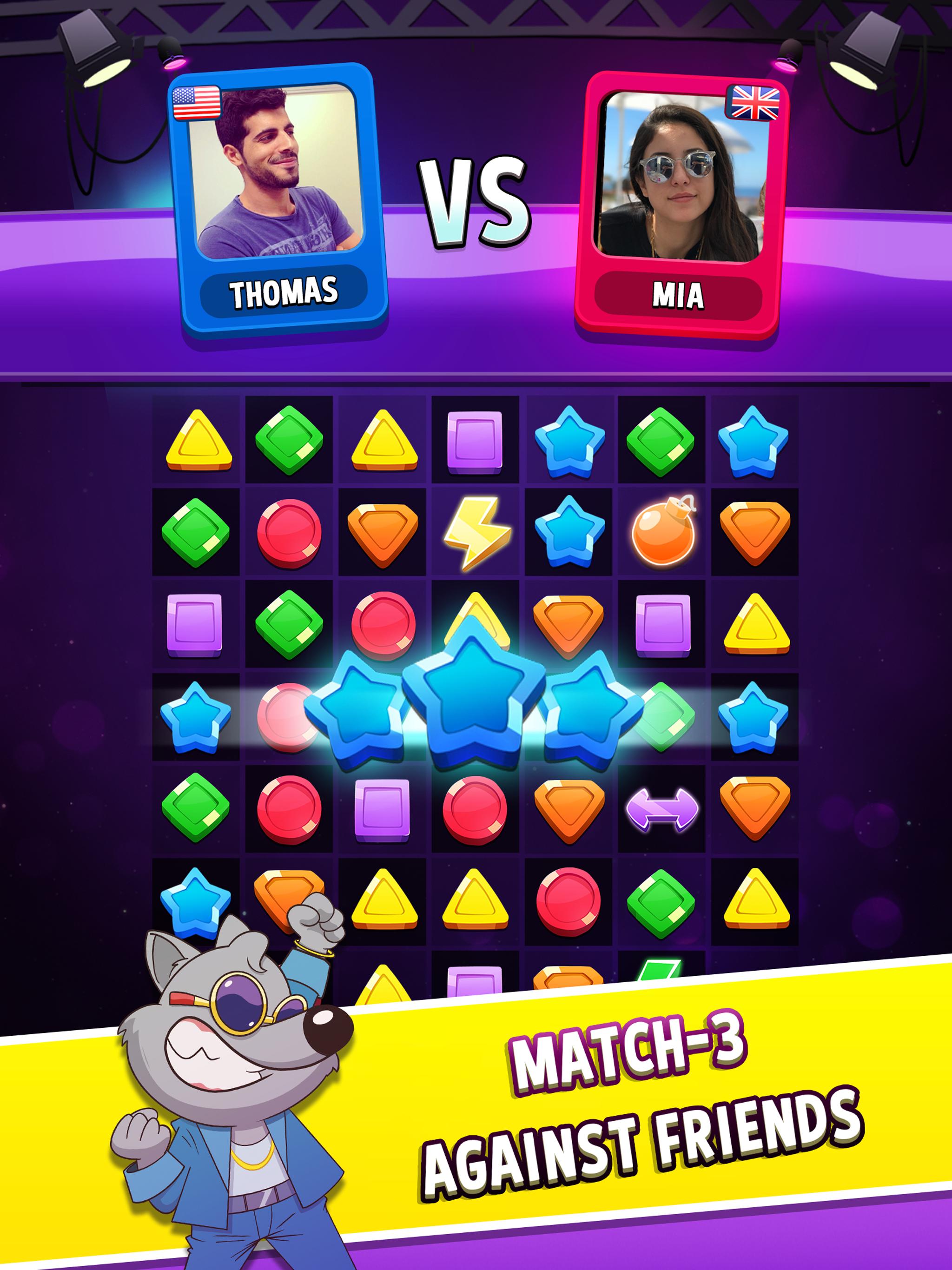
Playing match-3 games on an iPhone offers a quick way to unwind, train spatial recognition, and pass the time using touch-screen controls optimized for mobile devices. Finding and enjoying these puzzle games efficiently involves exploring App Store categories, utilizing cloud sync features, playing offline variants, using accessibility tools, and engaging with daily events to maximize progression without spending money.
Match-3 puzzle games remain a staple of mobile gaming, combining accessible mechanics with strategic depth. Since the launch of modern smartphones, the genre has evolved from simple tile-swapping grids into complex adventures featuring narrative elements, real-time player-versus-player (PvP) matches, and intricate resource management. For iPhone users, the iOS ecosystem provides unique advantages, including hardware optimization, seamless Apple ID progression syncing, and haptic feedback integration that enhances tactile satisfaction. Understanding how to navigate, play, and optimize match-3 titles on iOS ensures a smoother, more rewarding gaming experience.
1. Exploring the App Store Effectively
Finding the right match-3 game for your iPhone begins with understanding how Apple curates and organizes the App Store. Simply typing generic terms into the search bar often yields ad-driven clones rather than polished, high-quality titles.
To bypass saturated search results, use targeted filtering strategies:
- Browse Curated Collections: Apple's editorial team frequently highlights innovative puzzle games in the "Today" tab, often showcasing titles with unique physics engines or narrative twists.
- Filter by Developer: Look for established publishers known for long-term support and fair monetization models, such as King, Playrix, or PopCap, alongside independent developers who release ad-free or premium upfront titles.
- Examine Rating Distributions: Do not rely solely on the star average. Read recent reviews to check for sudden difficulty spikes, intrusive advertisements, or performance issues following recent iOS updates.
When evaluating a potential download, review the storage footprint and hardware requirements. Modern match-3 games often feature heavy particle effects, 3D character animations, and high-definition asset packs that demand sustained processing power, which can impact battery life on older iPhone models.
2. Managing Progress with iCloud and Cross-Device Sync
One of the primary frustrations in mobile gaming is losing progress due to a device upgrade, accidental deletion, or hardware failure. iPhones offer robust ecosystem integrations that protect your puzzle game data, provided you configure them correctly.
Most modern match-3 titles support multiple cloud backup methods:
- Apple Game Center: Automatically logs your achievements and leaderboard statuses, linking your high scores to your primary Apple ID.
- Third-Party Account Binding: Many major publishers allow you to link your game progress to an email address, Facebook account, or Apple Sign-In. This enables cross-platform play if you also use an iPad or a secondary device.
- iCloud Storage Management: Ensure your iPhone's iCloud settings allow game data to back up automatically. Navigate to your device settings, tap your name, select iCloud, and verify that the specific game or overall app data sync is toggled on.
Checking your backup status before performing major iOS system updates prevents catastrophic data loss, ensuring you never lose hundreds of hours of puzzle progression.
3. Optimizing Gameplay for Offline and Low-Data Environments
While many popular match-3 games require a persistent internet connection to display advertisements, process microtransactions, or sync leaderboards, several titles offer robust offline modes. This makes them ideal for flights, subway commutes, or areas with poor cellular coverage.
To ensure your iPhone is ready for offline match-3 sessions:
- Pre-load Content: Open your chosen game while connected to Wi-Fi to allow level assets and daily rewards to download fully before leaving network coverage.
- Disable Cellular Data for Specific Apps: If a game pesters you with constant ad banners or server verification prompts, you can restrict its data access in the iPhone's cellular settings. Go to Settings > Cellular, scroll to the specific game, and toggle the switch off.
- Understand Offline Limitations: Be aware that features like timed tournaments, daily bonus wheels, and cooperative guild events typically require an active internet handshake and will pause until you reconnect.
| Feature Type | Online Mode Requirements | Offline Mode Capabilities |
|---|---|---|
| Core Puzzle Levels | Optional for most single-player games | Fully playable for downloaded stages |
| Special Events & Tournaments | Required for live matchmaking and leaderboards | Unavailable until connection is restored |
| In-App Purchases | Required for transaction verification | Disabled |
| Cloud Save Syncing | Automatic background uploads | Stored locally until next connection |
4. Leveraging iOS Accessibility Features for Puzzle Mechanics
Match-3 games rely heavily on quick visual identification, color differentiation, and precise touch gestures. For players with visual impairments, motor difficulties, or sensory sensitivities, standard configurations can cause hand fatigue or frustration. The iPhone operating system provides powerful native accessibility tools that can be tailored to improve match-3 gameplay.
Consider applying these system-level adjustments:
- Display Accommodations: Navigate to Settings > Accessibility > Display & Text Size. Utilizing features like Color Filters can assist players with color blindness, ensuring that red, green, and blue tiles remain easily distinguishable from one another.
- Zoom and Magnification: If game boards feature excessively small tiles or intricate icons, enable the three-finger double-tap zoom gesture to inspect specific grid sections closely.
- Switch Control and Assistive Touch: For users with limited finger mobility, custom gestures can map complex multi-tile swaps or rapid tapping sequences to single external switches or simplified on-screen menus.
Additionally, checking the in-game settings menu of your chosen title often reveals secondary color-blind modes or high-contrast visual toggles designed specifically by developers to improve legibility.
5. Maximizing Free-to-Play Progression and Resource Management
The vast majority of mobile match-3 games utilize a free-to-play model powered by energy meters, limited lives, and optional microtransactions. Mastering these games without spending real money requires patience, strategic planning, and an understanding of how in-game economies function.
Implementing sustainable play habits protects your wallet while maintaining steady progression:
- Hoard Special Boosters: Resist the urge to use hammers, color bombs, and rainbow twists on standard levels. Save these powerful modifiers for notoriously difficult "hard" or "super hard" stages that feature restrictive move counts or complex obstacles.
- Manage Life Regeneration: Most games grant a maximum of five lives, regenerating one life every 30 minutes. Rather than burning through all your attempts in a single frustrating session, step away when you hit a wall to let your energy refill naturally.
- Participate in Limited-Time Events: Side events, treasure hunts, and weekend challenges frequently reward players with unlimited lives for 30 to 60 minutes or bundles of free gold. Time your sessions to coincide with these active modifiers to clear multiple difficult boards in succession.
Frequently Asked Questions
Can I play match-3 games on my iPhone without an internet connection?
Yes, many match-3 games can be played offline, provided the single-player levels are already downloaded to your device storage. However, features like live events, daily rewards, cloud synchronization, and video advertisements require an active Wi-Fi or cellular connection.
How do I stop match-3 games from draining my iPhone battery?
Match-3 games often feature high frame rates and particle effects that consume significant power. To conserve battery life, lower your iPhone's screen brightness, disable background app refresh for the game in your system settings, and check if the game offers a low-graphics or 30 frames-per-second (FPS) toggle in its internal menu.
Are match-3 games safe for children on iOS?
Most match-3 games carry mild age ratings, but many include in-app purchase prompts and third-party advertising. To ensure a safe experience for children, configure Apple's Screen Time settings to restrict in-app purchases and review the age ratings listed on the App Store product page before downloading.
What should I do if my match-3 game freezes or crashes on iOS?
First, force-close the app by swiping up from the bottom of your iPhone screen and pausing in the middle, then swiping the app card away. Next, check the App Store to ensure your game is updated to the latest version. If problems persist, restart your iPhone to clear temporary system cache files.
Do match-3 games support iPhone haptic feedback?
Many modern iOS puzzle games utilize the iPhone's Taptic Engine to provide subtle physical vibrations when matching tiles, clearing obstacles, or triggering special combinations. You can typically enable or disable this immersion feature within the audio or settings menu of the individual game.
Conclusion
Enjoying match-3 games on your iPhone involves more than simply downloading a popular title from the App Store. By leveraging curated discovery methods, securing your progress through cloud sync, utilizing offline capabilities during travel, adjusting iOS accessibility settings for comfort, and managing free-to-play resources strategically, you can build a stable, frustration-free puzzle gaming experience tailored to your mobile device.