To choose the best workflow software for your team, you must first audit your existing processes to identify bottlenecks. Subsequently, evaluate the tool’s integration capabilities with your current tech stack, assess its scalability for future growth, verify security and compliance standards, and conduct a thorough total cost of ownership (TCO) analysis.
Workflow software has evolved from simple task lists into sophisticated, AI-driven engines that orchestrate complex business logic. In 2026, the market is saturated with specialized solutions, making the selection process both critical and challenging. A poor choice leads to "shadow IT"—where employees use unauthorized tools because the official one is too cumbersome—while the right choice acts as a force multiplier for productivity. This guide explores five definitive strategies to ensure your team adopts a platform that enhances rather than hinders operations.
1. Audit Current Processes and Identify Core Pain Points
Before looking at software features, you must understand the "why" behind the search. Many organizations make the mistake of buying software to fix a broken process. However, digitizing a bad process only makes it fail faster. The first step in choosing workflow software is a comprehensive internal audit of how work currently moves from inception to completion.
Map the "As-Is" State
Document your current workflows without filters. Identify every stakeholder, every handoff, and every manual intervention. Are you relying on email threads for approvals? Is data being manually copied from one spreadsheet to another? Use process mapping techniques such as Value Stream Mapping to visualize these steps. By 2026 standards, teams often find that their biggest delays occur at the intersections between departments—for example, where Marketing hands off a lead to Sales.
Categorize Workflow Complexity
Not all workflows are created equal. You must determine if your needs are linear, branching, or ad-hoc:
- Linear Workflows: Standardized, repetitive tasks that follow a straight line (e.g., employee onboarding).
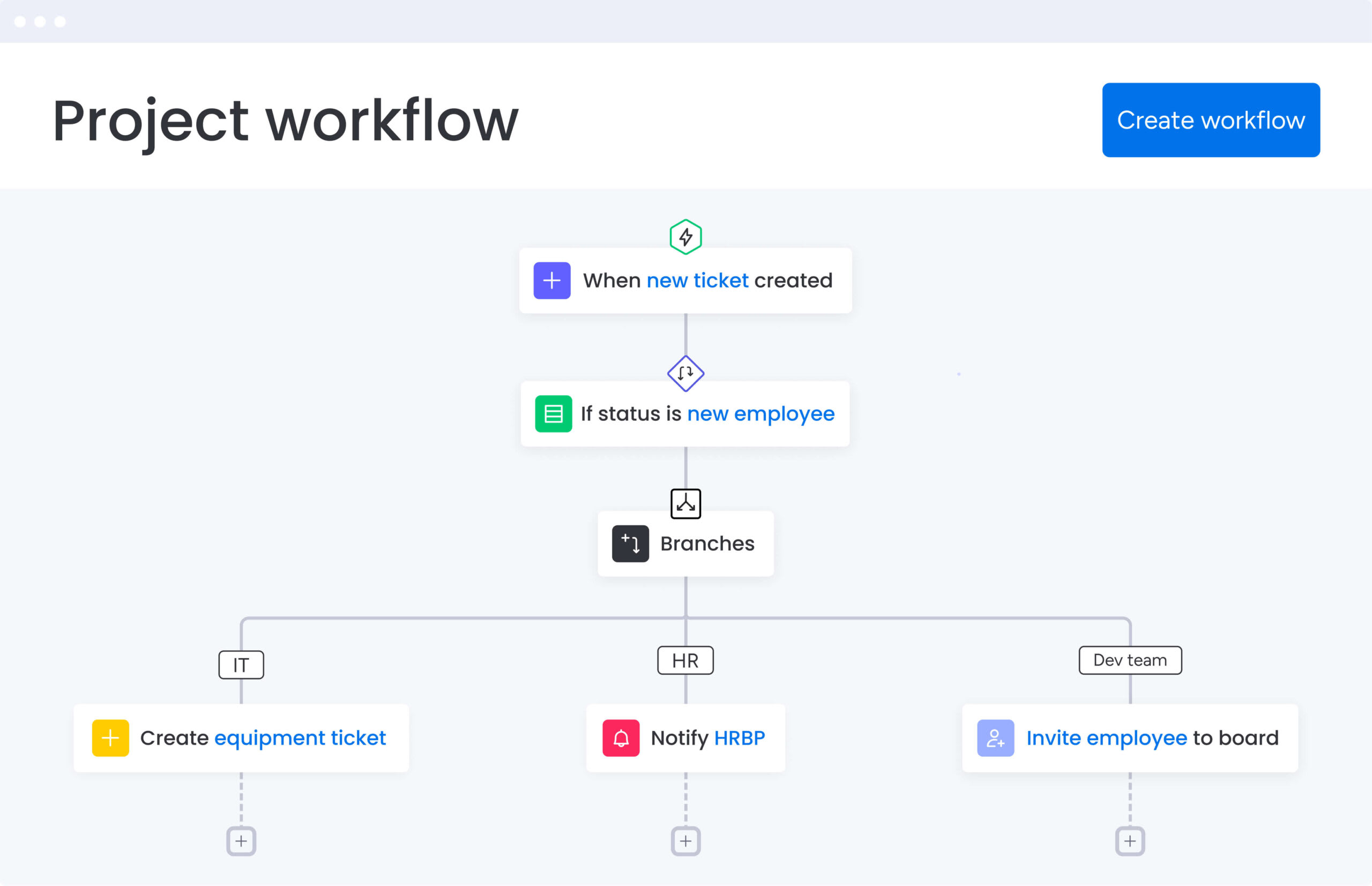
- Branching Workflows: Processes with multiple "if/then" scenarios (e.g., a multi-tier budget approval process based on dollar amounts).
- Ad-hoc Workflows: Highly flexible, project-based work that changes depending on the outcome of previous steps (e.g., creative design or R&D).
Define Success Metrics
What does "better" look like for your team? Is it a 20% reduction in project turnaround time? Is it 100% compliance with audit trails? Establishing these Key Performance Indicators (KPIs) early provides a benchmark against which you can measure potential software solutions during the trial phase.
2. Prioritize Integration and Ecosystem Interoperability
In the modern enterprise environment, no software exists in a vacuum. Your workflow tool must serve as a "connective tissue" between your existing applications. A tool that creates another data silo is a liability.
Native vs. Third-Party Integrations
Evaluate the "depth" of integrations. Many vendors claim to integrate with platforms like Salesforce, Microsoft 365, or Slack, but these integrations are often surface-level (e.g., merely sending a notification). In 2026, deep integration means bidirectional data sync. If a status changes in your workflow software, it should automatically update the corresponding record in your CRM or ERP system without manual triggers.
API Maturity and Low-Code Extensibility
For specialized requirements, native integrations may not suffice. Check the platform's API (Application Programming Interface) documentation. A robust, well-documented REST or GraphQL API allows your IT team or developers to build custom bridges. Furthermore, look for "low-code" or "no-code" automation builders within the software. These allow non-technical managers to create automated "recipes" (e.g., "When a new contract is signed in DocuSign, create a project folder in SharePoint and notify the account manager").
The Role of AI Agents
By 2026, the integration of autonomous AI agents has become a standard requirement. Your workflow software should be able to communicate with these agents to handle repetitive tasks like data entry, meeting scheduling, or initial document drafting. Ensure the software supports the common protocols used by modern Large Language Models (LLMs) and agentic frameworks.
3. Assess Scalability, User Experience, and Adoption Potential
The best software in the world is useless if your team refuses to use it. User adoption is the single most common point of failure in digital transformation projects.
UI/UX and Cognitive Load
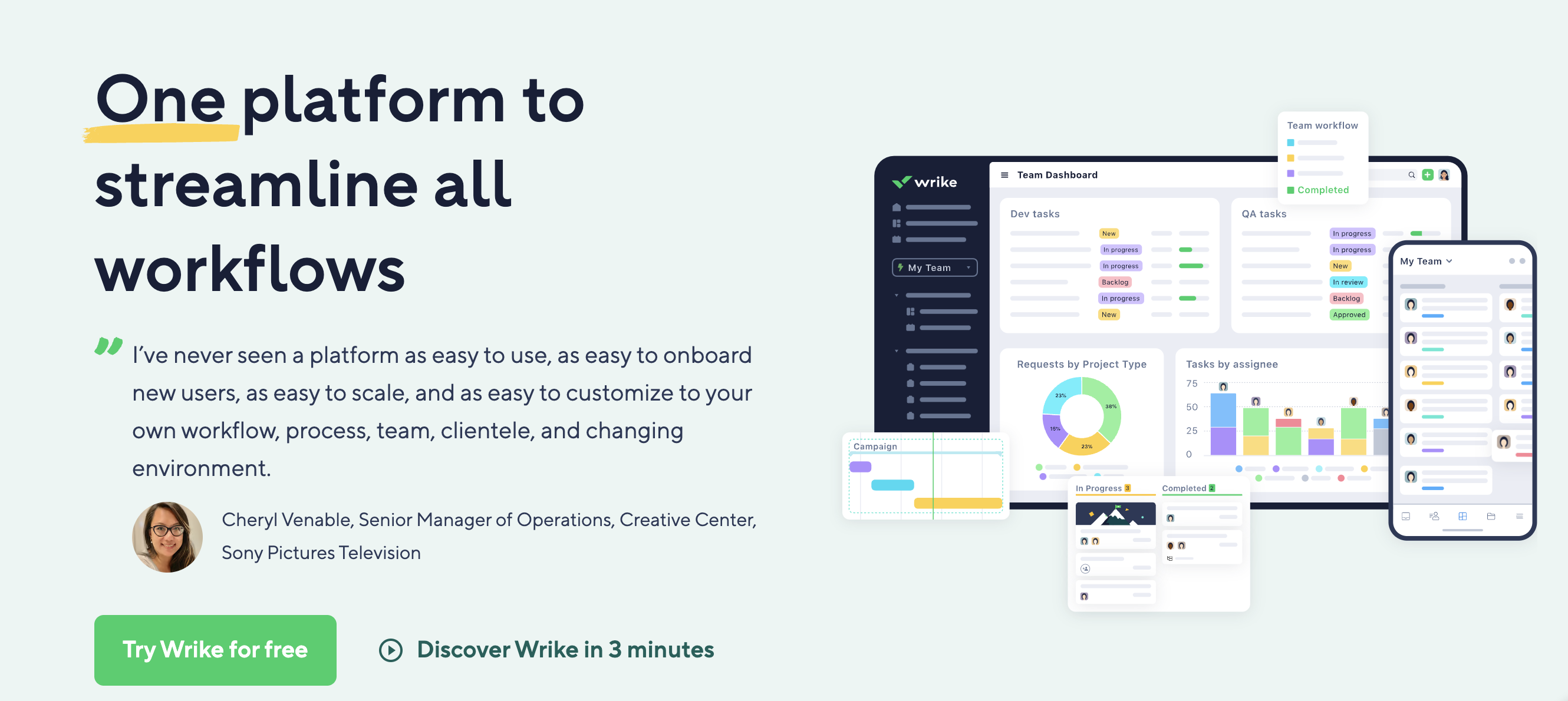
Evaluate the interface through the lens of a daily user. Is the design intuitive, or does it require a 40-page manual to navigate? High-performing teams in 2026 prioritize "low-friction" tools. This means minimizing the number of clicks required to complete a task. Features like drag-and-drop kanban boards, customizable dashboards, and "dark mode" are no longer luxuries; they are essential for reducing eye strain and cognitive fatigue during long workdays.
Mobile Accessibility and Remote Synergy
With the continued prevalence of hybrid and distributed work, the mobile experience must be parity with the desktop version. Can a field technician update a workflow status from their phone? Can an executive approve a request via a tablet while traveling? If the mobile app is just a stripped-down version of the web portal, it may hinder the speed of your workflows.
Scalability Tiers
Your team might be 20 people today, but what happens when it’s 200 or 2,000? Scalability isn't just about handling more users; it's about handling more complexity. Look for:
- Permission Granularity: Can you control exactly who sees what?
- Performance: Does the system slow down when managing thousands of active tasks?
- Global Infrastructure: Does the vendor have data centers in your required regions to ensure low latency?
4. Verify Security, Compliance, and Data Governance
As workflow software increasingly handles sensitive business intelligence, security cannot be an afterthought. This is particularly true in 2026, where cyber threats have become more automated and sophisticated.
Industry-Specific Certifications
Depending on your sector, your software must meet specific legal requirements. Failure to comply can result in massive fines and loss of reputation.
- General: SOC 2 Type II and ISO/IEC 27001 are the baseline for any enterprise SaaS.
- Healthcare: Must be HIPAA compliant.
- Finance: Needs to align with PCI-DSS or local banking regulations.
- Europe: Must strictly adhere to GDPR (General Data Protection Regulation) standards, including data residency options.
Administrative Control and Data Sovereignty
Check for Enterprise-Grade security features such as:
- Single Sign-On (SSO): Integration with providers like Okta or Azure AD.
- Multi-Factor Authentication (MFA): Essential for preventing unauthorized access.
- Audit Logs: A permanent record of every change made within the system, crucial for forensic analysis and compliance audits.
- Data Encryption: Ensure data is encrypted both "at rest" (on servers) and "in transit" (moving between the server and your computer).
AI Governance and Ethics
In 2026, many workflow tools use AI to suggest optimizations or summarize tasks. You must verify how your data is used to train these models. Ensure the vendor guarantees that your proprietary business data is not used to train public AI models, which could lead to data leakage to competitors.
5. Analyze Total Cost of Ownership (TCO) and ROI
The sticker price of a software subscription is rarely the true cost. To make a fiscally responsible decision, you must look at the long-term financial impact.
Hidden Costs of Implementation
Implementation can be more expensive than the license itself. Consider the following:
- Onboarding and Training: How many hours will your staff spend learning the new tool?
- Migration: What is the cost of moving data from your old system to the new one?
- Consulting Fees: Will you need to hire an external expert to configure complex workflows?
Pricing Model Comparison
Software vendors typically use one of three pricing models:
- Per User/Per Month: Standard for most SaaS, but can become expensive as you scale.
- Tiered Flat Fee: You pay for a "bucket" of users or features.
- Consumption-Based: You pay based on the number of "actions" or "automations" run per month.
Calculating Potential ROI
To justify the investment to stakeholders, quantify the expected return. If the software costs $10,000 per year but saves each of your 50 employees two hours of manual data entry per week, the labor cost savings far outweigh the subscription fee.
| Feature Category | Basic/SMB Needs | Enterprise Needs |
|---|---|---|
| User Management | Simple Admin roles | Role-Based Access Control (RBAC) & SSO |
| Automations | Max 500/month | Unlimited or high-volume API calls |
| Support | Email/Chat (24h response) | Dedicated Account Manager (2h response) |
| Security | Standard Encryption | SOC2, HIPAA, Data Residency |
| Analytics | Basic task completion | Predictive AI bottlenecks & Custom BI |
Common Pitfalls to Avoid During Selection
Choosing workflow software is as much about avoiding mistakes as it is about finding features. Many teams fall into the "Feature Creep" trap, where they choose the tool with the most buttons and settings, only to find it is too complex for their actual needs. This leads to "over-tooling," where the software adds more work than it saves.
Another mistake is ignoring the "Human Element." A top-down mandate to use a new tool without consulting the people who will use it every day often results in resistance. Conduct a pilot program with a small "champion group" to gather feedback before a company-wide rollout.
Finally, beware of "Vendor Lock-in." Ensure that your data is portable. If you decide to switch providers in three years, can you easily export your workflows and historical data in a standard format (like JSON or CSV), or is it trapped in a proprietary database?
Frequently Asked Questions
How long does it typically take to implement new workflow software?
For small teams using "out-of-the-box" features, implementation can take as little as one to two weeks. For larger enterprises requiring custom integrations, data migration, and extensive staff training, the process can take three to six months. Success depends heavily on having a dedicated project manager to oversee the transition.
Should we choose a "Best-of-Breed" tool or an "All-in-One" suite?
A "Best-of-Breed" tool (like a dedicated project management app) usually offers deeper features for specific tasks. An "All-in-One" suite (like an ERP with a workflow module) offers better native integration but may have shallower features. If your processes are highly specialized, Best-of-Breed is usually superior; if you want simplicity and unified billing, an All-in-One suite may suffice.
Is AI actually useful in workflow software, or is it just hype?
By 2026, AI has moved beyond hype into practical utility. AI in workflow software is used for "Auto-Assignment" (routing tasks to the person with the most capacity), "Predictive Delay Alerts" (warning you if a project is likely to miss a deadline based on historical trends), and "Natural Language Setup" (creating a workflow just by describing it in plain English).
How do we handle resistance from team members who like the old way?
Resistance is best managed through transparency and "WIIFM" (What's In It For Me). Show the team how the new software reduces their "work about work"—the emails, status updates, and meetings that take away from their actual tasks. Involving them in the selection process also creates a sense of ownership.
Can workflow software replace project management software?
The terms are often used interchangeably, but there is a nuance. Workflow software focuses on repetitive, standardized processes (e.g., "The Invoice Process"). Project management software is designed for unique, one-time endeavors (e.g., "Building a New Website"). Most modern tools in 2026 combine both functionalities.
Final Recommendation
To ensure long-term success, start with a limited pilot program. Select one department or one specific process—such as your internal "Content Approval" or "IT Ticketing"—and run it through your top software candidate for 30 days. This "real-world" test will reveal gaps in integrations or usability that no sales demo can show. Once the pilot proves the ROI and gains user buy-in, you can proceed with a confident, full-scale deployment.