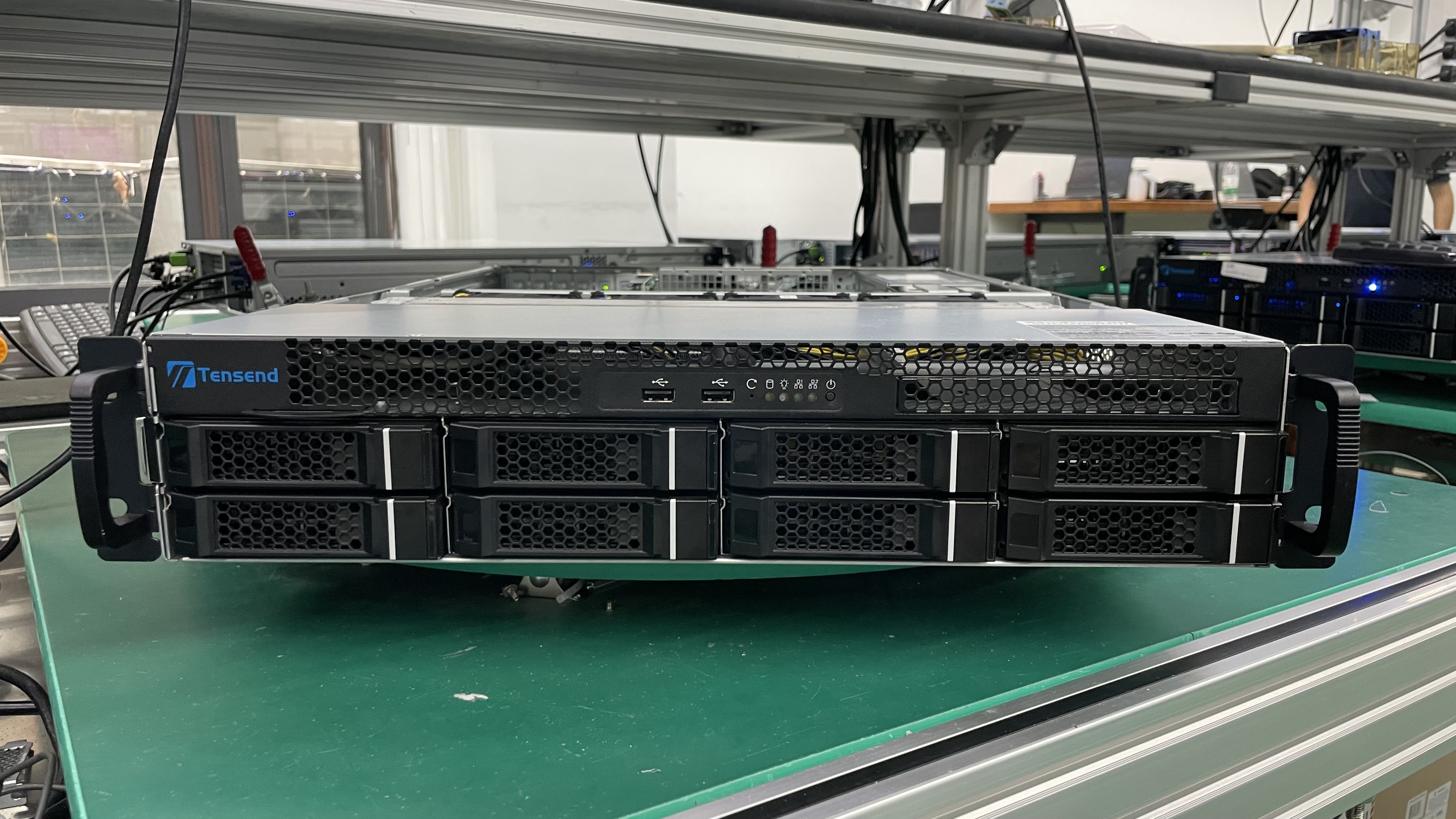
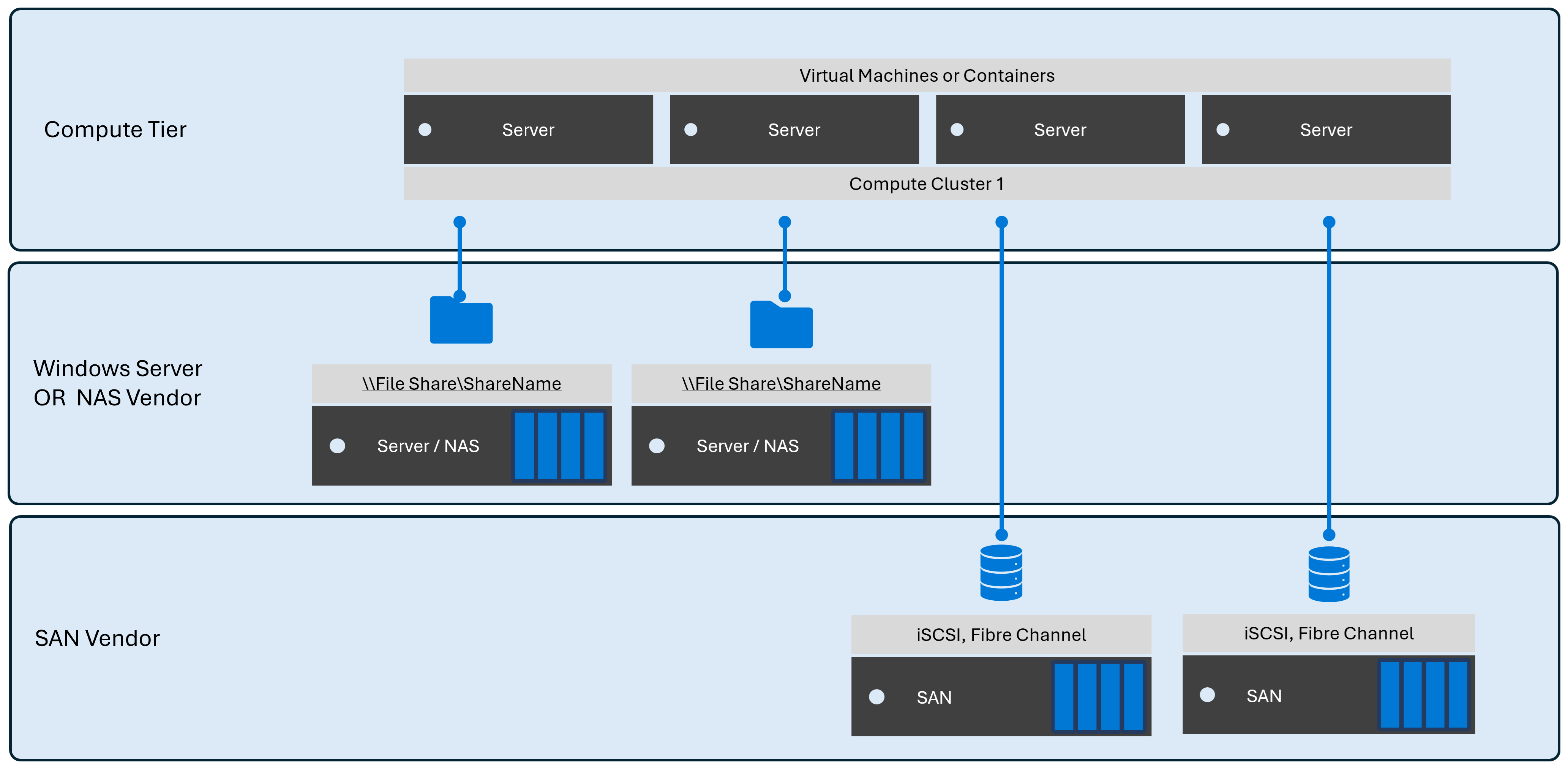
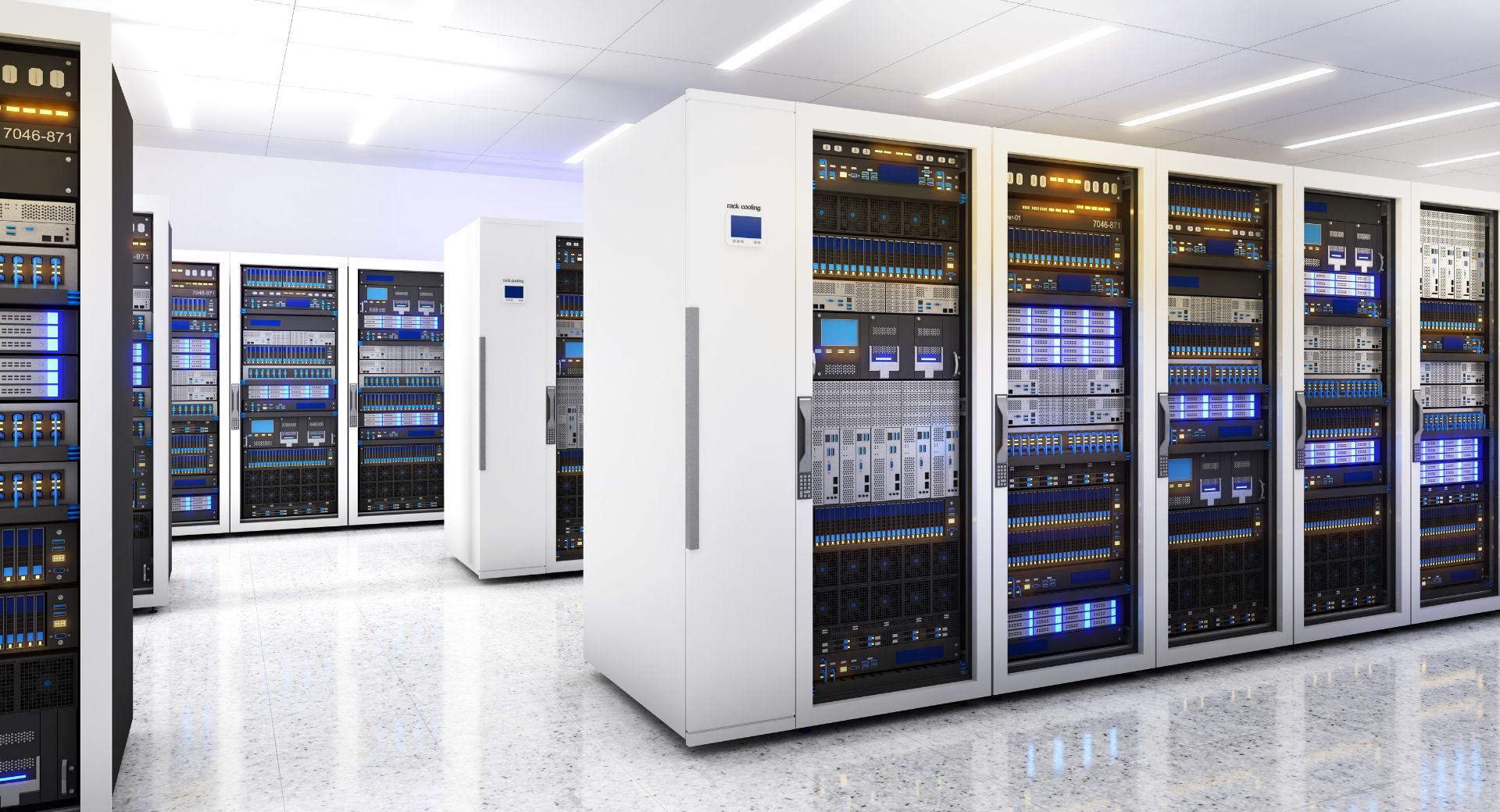
Alliant SF represents a specialized approach to high-density, server-class storage, engineered to address the rigorous demands of enterprise-grade data management. When organizations evaluate storage hardware, they prioritize reliability, throughput consistency, and endurance profiles that exceed consumer-grade specifications. By integrating optimized controllers with robust physical architecture, Alliant SF serves as a distinct solution for environments requiring predictable data availability, latency management, and sustained write performance under server-side workloads.
Defining Server-Class Storage Requirements
In the context of modern data centers, "server-class" storage is not merely a marketing term but a technical classification. Unlike consumer drives—which are optimized for intermittent bursts of activity and lighter read/write cycles—server-class solutions like Alliant SF are designed to function under constant, high-pressure environments.
The primary requirement for this tier of hardware is endurance. In a server, a storage device may be subject to heavy write amplification, which is the process where the actual amount of information written to the flash media is a multiple of the logical data from the host. Server-class hardware utilizes advanced wear-leveling algorithms and higher over-provisioning ratios to ensure that the physical NAND flash cells do not prematurely degrade.
Furthermore, data integrity remains a paramount concern. Server environments demand features such as Power Loss Protection (PLP). This ensures that if a sudden power fluctuation occurs, the drive has enough onboard energy, usually via capacitors, to move data from volatile buffers into non-volatile storage, preventing catastrophic data corruption or filesystem loss.
Architectural Advantages of Alliant SF
The Alliant SF series differentiates itself through a specific balance of hardware and firmware optimization. At its core, the architecture focuses on deterministic latency. In high-performance computing or database management, the variance in latency (known as "jitter") is often more detrimental than the raw throughput itself.
- Optimized Controller Logic: The controller serves as the "brain" of the storage device. Alliant SF utilizes controllers calibrated to handle high queue depths—a standard metric in server virtualization and multi-tenant environments where thousands of I/O operations occur concurrently.
- Thermal Management: Server-class units are built to withstand the airflow limitations often found in high-density rack configurations. By utilizing thermal-conductive housing and intelligent thermal throttling, these units maintain performance consistency even when ambient temperatures within the chassis rise.
- Command Queuing Efficiency: The device employs advanced command queuing protocols that allow the host operating system to optimize the order in which requests are processed. This reduces unnecessary physical head movement in magnetic media or optimizes page-erase cycles in flash-based storage.
Comparative Analysis: Consumer vs. Server-Class Hardware
To understand why Alliant SF is positioned as a server-class choice, it is helpful to compare it against standard consumer-grade alternatives. The following table highlights the operational distinctions that define this tier of hardware.
| Feature | Consumer-Grade Storage | Server-Class (Alliant SF) |
|---|---|---|
| Workload Profile | Intermittent (Client use) | 24/7 Continuous Operation |
| Endurance (TBW) | Low; designed for daily tasks | High; rated for heavy write cycles |
| Power Loss Protection | Minimal or absent | Integrated capacitor-based backup |
| Queue Depth Support | Optimized for single users | Scaled for high-concurrency environments |
| MTBF (Reliability) | Standard (approx. 1M hours) | Extended (1.5M+ hours) |
Integration and Deployment Considerations
Deploying Alliant SF within an existing server ecosystem requires attention to infrastructure prerequisites. Before integrating these drives, system administrators must verify that the host bus adapter (HBA) or RAID controller is compatible with the drive's firmware and communication protocol (e.g., SAS or NVMe).
Capacity Planning: Unlike desktop storage, server-class storage requires meticulous capacity planning. It is standard practice to maintain at least 15% to 20% of unallocated space on the physical media. This allows the internal controller to manage background garbage collection processes effectively without impacting application performance.
RAID Configuration: When using Alliant SF in a server-class RAID array, the choice of RAID level (e.g., RAID 1, 5, 6, or 10) significantly impacts the usable lifespan of the storage. RAID 10 is often recommended for database-heavy workloads because it eliminates the overhead of parity calculations, thereby reducing the write load on individual drives.
Managing Lifespan and Performance Monitoring
The health of Alliant SF hardware is monitored primarily through S.M.A.R.T. (Self-Monitoring, Analysis, and Reporting Technology) attributes. Unlike standard drives, server-class storage provides granular data regarding the percentage of the remaining drive life, the count of unexpected power-loss events, and the total data written in tebibytes (TiB).
System administrators should implement a proactive monitoring strategy using SNMP or native server-management dashboards. By setting thresholds for "percentage of life used," organizations can automate procurement cycles, replacing drives before they reach their projected end-of-life, thereby avoiding unplanned downtime.
Troubleshooting Common Operational Issues
Even the most robust server-class storage can encounter issues when deployed in complex environments. Understanding the symptoms is the first step toward effective resolution.
- Degraded Performance under Load: If performance drops during peak hours, first inspect the queue depth. If the queue depth is consistently exceeding the capabilities of the interface, consider offloading tasks to additional drives or optimizing the database indexing.
- Persistent Error Alerts: If a drive reports frequent interface errors, check the physical cabling (SAS cables) and the HBA firmware version. Outdated HBA drivers are a common cause of communication errors that look like storage failure but are actually protocol-level mismatches.
- Unexpected Thermal Throttling: Ensure that server chassis fans are operating at correct RPMs. Server-class hardware is dense; if the surrounding airflow is obstructed by cable management arms or insufficient spacing, the device will throttle its own performance to prevent permanent thermal damage.
Frequently Asked Questions
1. Is Alliant SF suitable for consumer high-end desktops? While Alliant SF will function in a high-end desktop, it is intentionally over-engineered for such use. You may find that consumer-grade gaming or creator drives offer higher peak read speeds for specific files, whereas Alliant SF provides superior stability and data longevity under constant, heavy-duty server loads.
2. Does Alliant SF require specific drivers? Generally, server-class storage utilizes standard AHCI, SAS, or NVMe protocols, which are natively supported by major server operating systems. However, the RAID controller or HBA used to connect the storage to the server may require specific vendor drivers to unlock all telemetry and reporting features.
3. Can I mix Alliant SF with other brands in the same RAID array? It is strongly recommended to use identical drives within a specific RAID group. Mixing drives with different firmware, throughput limits, or cache sizes can cause the RAID controller to default to the performance profile of the slowest, least capable drive, effectively wasting the potential of your Alliant SF units.
4. How does Power Loss Protection work in these units? PLP prevents "write holes" in RAID arrays. When power fails, the unit uses energy stored in high-performance capacitors to finish the current write command and move data from volatile DRAM cache to the NAND media. This ensures that the filesystem remains consistent upon system reboot.
5. How often should firmware be updated? Firmware updates for server-class storage should be performed during scheduled maintenance windows. Check the manufacturer's release notes for critical bug fixes related to data path integrity or thermal management before proceeding. Do not update firmware on drives currently involved in a rebuild or critical synchronization process.
Strategic Recommendation
For organizations scaling their infrastructure, the choice of storage must align with the risk profile of the application. If your workload involves databases, virtualization, or high-transaction applications, prioritizing the reliability features of Alliant SF is a prudent investment. When deploying, ensure that your RAID controllers are configured to leverage the drive's reporting capabilities fully and that you have a proactive monitoring system in place to track the wear-leveling metrics. By shifting from reactive drive replacement to a data-driven maintenance lifecycle, you can maximize the hardware's lifespan and ensure consistent service delivery.