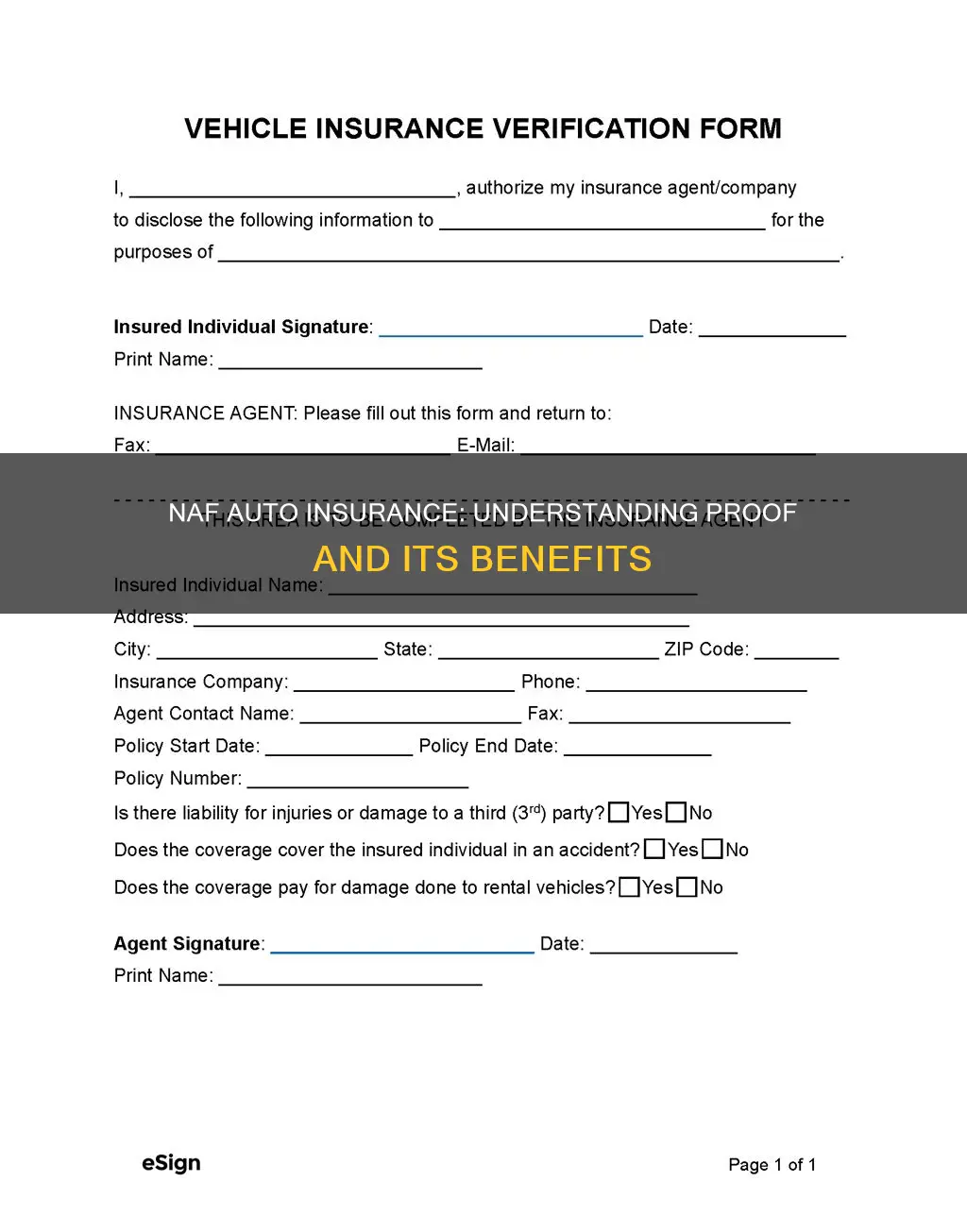
Obtaining temporary proof of auto insurance from AAA is a straightforward process that can be completed instantly through the AAA mobile app or your online member portal. Once your policy is active, you can download, print, or display a digital ID card that serves as legal evidence of coverage for law enforcement, DMV registration, or dealership requirements.
Understanding Temporary Proof of Insurance
In the insurance industry, "temporary proof" typically refers to one of two things: a digital version of your permanent insurance ID card or an insurance binder. As of 2026, the transition to paperless documentation is nearly universal, but the need for immediate verification remains critical. Whether you have just started a new policy, added a vehicle, or lost your physical cards, AAA provides several avenues to prove you are covered.
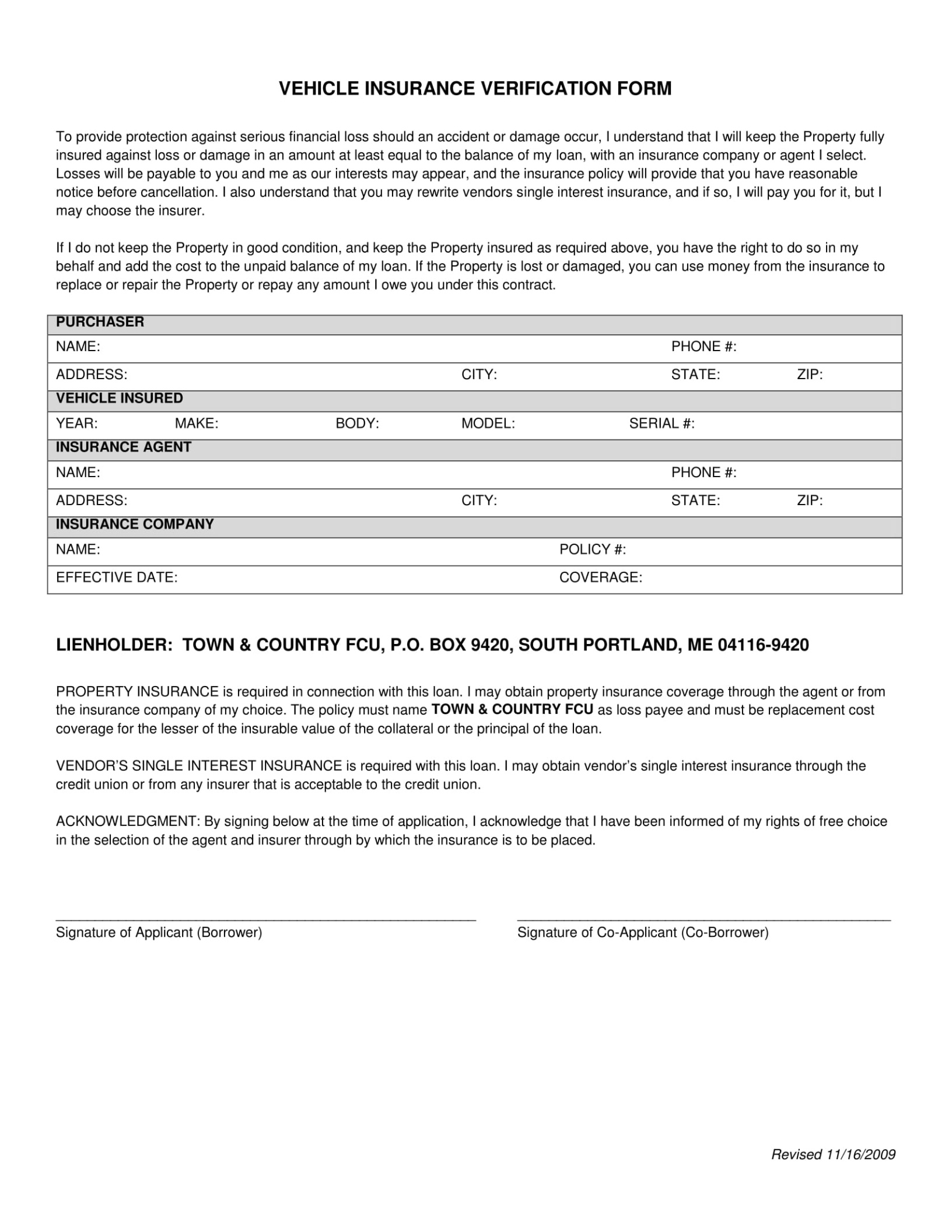
An insurance binder is a temporary legal agreement issued by an agent or company that provides proof of insurance until the formal policy is issued. While ID cards are more common for routine traffic stops, binders are frequently required by mortgage lenders or specialized vehicle financiers. For most AAA members, however, the "temporary proof" they seek is simply an immediate copy of their insurance identification card.
Methods to Access Your AAA Insurance ID Card Instantly
AAA is a federation of independent motor clubs, meaning the exact layout of your online portal may vary depending on whether you belong to AAA Northeast, AAA Carolinas, or the Auto Club Group. However, the core methods for retrieving proof of insurance remain consistent across the organization.
1. The AAA Mobile App
The most efficient way to carry proof of insurance in 2026 is through the AAA mobile app. Available on both iOS and Android, the app allows members to store a digital version of their ID card directly on their smartphone.
- Offline Access: Most versions of the AAA app allow you to "favorite" or save your ID card to the phone's local storage (or Apple/Google Wallet). This is vital for situations where you may be pulled over in an area with poor cellular reception.
- Real-Time Updates: If you change your coverage or add a new driver, the digital card updates faster than a mailed physical copy.
2. The Online Member Portal
If you prefer a hard copy, the AAA website provides a "Print ID Card" feature. To access this, you must log in to your specific regional AAA account. Once logged in, navigate to the "Insurance" tab and look for "Manage Policy." Most regional clubs provide a PDF version of the ID card that is identical to the one sent via mail.
3. Contacting Your Local Agent
For members who encounter technical difficulties or have unique coverage situations (such as a commercial vehicle or a classic car policy), calling a local AAA agent is the most reliable fallback. Agents can email a PDF of your ID card or a formal insurance binder within minutes. This is particularly useful if a dealership requires a specific document format that the automated system cannot generate.
Step-by-Step Guide: Accessing Proof via the Web Portal
Because AAA is regionally divided, you must first ensure you are on the correct website for your zip code.
- Visit the AAA Homepage: Go to the main AAA website.
- Enter Your Zip Code: The site will redirect you to your specific regional club (e.g., AAA Southern California or AAA Michigan).
- Log In: Enter your username and password. If you have not created an account, you will need your membership number and the policy number found on your declarations page.
- Navigate to Insurance: Click on the "Insurance" heading in the top navigation bar.
- Select "View/Print ID Cards": This option is typically listed under "Policy Actions" or "Account Summary."
- Download the PDF: Save the file to your device. This PDF is your temporary proof of insurance and is legally valid in almost all jurisdictions.
When Do You Need Temporary Proof?
There are three primary scenarios where immediate, temporary proof of insurance is non-negotiable.
At the Dealership
When purchasing a new or used vehicle, the dealership will not allow you to drive off the lot without proof that the vehicle is insured. If you are already a AAA member, your existing policy might provide a "grace period" for new purchases, but the dealer will still require a binder or a digital ID card showing the new vehicle's VIN (Vehicle Identification Number).
DMV or Tag Office Appointments
To register a vehicle or renew your license plates, state governments require valid proof of insurance. While many states now have electronic verification systems linked directly to insurance databases, having a printed or digital copy from AAA acts as a safeguard against system lags or data mismatches.
Traffic Stops and Accidents
If you are pulled over by law enforcement or involved in a collision, you must provide proof of financial responsibility. In 2026, nearly every state in the U.S. has passed legislation allowing drivers to show proof of insurance on a mobile device. However, keeping a printed "temporary" copy in the glovebox is still recommended to avoid handing an unlocked phone to an officer or dealing with a dead battery.
Comparison of AAA Proof of Insurance Methods
| Method | Speed | Format | Recommended For |
|---|---|---|---|
| AAA Mobile App | Instant | Digital (Wallet) | Traffic stops, daily use |
| Online Portal | 2–5 Minutes | PDF / Printed | DMV registrations, Dealerships |
| Email from Agent | 10–30 Minutes | PDF / Binder | Complex financing, New policies |
| Standard Mail | 7–10 Days | Paper Card | Long-term backup |
Legal Validity of Digital Proof in 2026
The legal landscape regarding "temporary" and "digital" insurance cards has matured significantly. The Property Casualty Insurers Association of America and other industry advocates have successfully pushed for digital ID card acceptance in 49 states and the District of Columbia.
However, there are technicalities to keep in mind:
- Privacy: Most state laws stipulate that providing a digital insurance card to an officer does not grant them consent to search other parts of your phone.
- Clarity: The digital image must be clear and legible. A blurry photo of a paper card may not be accepted; it should be the official digital version provided by the AAA app.
- International Travel: If you are driving into Canada or Mexico with AAA insurance (and have the appropriate endorsements), you should carry a physical, printed "Yellow Card" or the specific international proof provided by your agent, as digital acceptance varies outside the U.S.
Troubleshooting Common Issues
Sometimes, a member might find that their temporary proof is not appearing in the system. This usually happens for one of the following reasons:
Policy Processing Delay
If you just signed up for a policy minutes ago, there may be a short lag while the system generates your documents. If the ID card doesn't appear after 30 minutes, contact the AAA sales department to ensure the "Effective Date" was set correctly.
Regional Account Mismatches
If you moved from one state to another, your login for "AAA Northeast" will not work on the "AAA Auto Club Group" website. You must register a new online account for the region where your current policy is held.
Browser Compatibility
The AAA member portals often use pop-up windows to display PDF ID cards. If nothing happens when you click "Print," ensure that your browser's pop-up blocker is disabled for the AAA domain.
Why a "Binder" Might Be Better Than an ID Card
In some high-stakes transactions, a simple ID card isn't enough. An insurance binder is a one-page document that summarizes your coverage limits, deductibles, and the effective dates of the policy. If you are buying an expensive vehicle with a loan, the lienholder will often demand a binder because it includes more technical detail than a standard ID card. You can request this specifically from your AAA agent, and they can usually fax or email it directly to the lender's finance office.
Expert Tips for Managing Your Insurance Proof
- Screenshot the App: Even if you use the app, take a screenshot of your ID card. This ensures you have the image in your photo gallery even if the app crashes or you lose internet access.
- Check the VIN: Always verify that the VIN on your temporary proof matches the vehicle's dashboard exactly. A single typo can lead to a rejected registration or a citation.
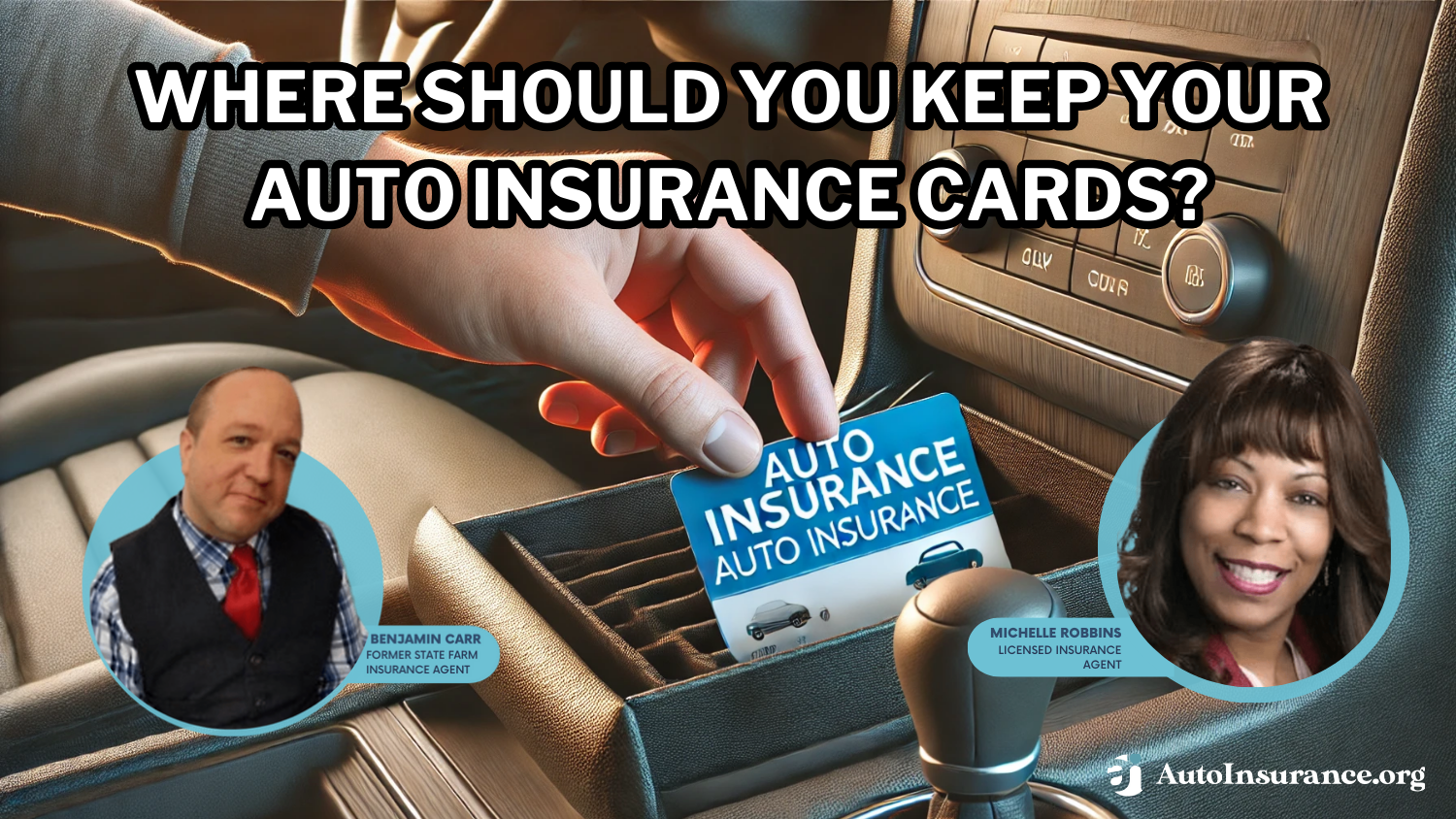
- Print a Backup: Despite the digital age, a paper copy never runs out of battery. Print the PDF from the AAA portal and keep it in your center console.
- Update Your Wallet: Every six months, when your policy renews, remember to delete the old card from your Apple or Google Wallet and add the new one.
Frequently Asked Questions
Can I use a screenshot of my AAA insurance card if I get pulled over?
Yes, in almost all U.S. states, a screenshot or digital PDF of your insurance card is legally acceptable. However, it is better to use the "Save to Wallet" feature in the AAA app, as it often includes a scannable barcode or QR code that helps officers verify the policy status more quickly.
How long does it take for AAA to update my temporary proof after a change?
Digital updates are usually processed within minutes of a policy change. If you add a new car to your policy over the phone, the new ID card should be available in your mobile app and online portal almost immediately, though you may need to log out and log back in to refresh the data.
Does a AAA temporary ID card expire?
A temporary ID card or binder typically has an expiration date that matches the end of your current policy term (usually six months or one year). If it is a "binder" issued for a new policy, it may expire in 30 to 60 days, by which time your permanent cards will have arrived in the mail.
What if I need proof of insurance on a weekend?
The AAA mobile app and online portal are available 24/7. You do not need to wait for a branch office to open to access your temporary proof. As long as your policy is active and your premiums are paid, the automated systems will generate your ID card.
Is the temporary proof from the app the same as the permanent card?
In terms of legal weight, yes. The information—policy number, coverage dates, and vehicle details—is identical. The only difference is the physical medium. Many AAA members never even open the envelope containing their paper cards, relying entirely on the digital version.
Final Recommendation
To ensure you are never without proof of insurance, download the AAA mobile app today and sign in to your account. Immediately save your digital ID card to your phone's native "Wallet" app. This provides the fastest, most reliable access to your insurance information in any situation, from the dealership floor to a roadside emergency. If you are heading to the DMV, print a physical backup from the online portal just to be safe.