Ghost apps are very real, but they are not supernatural entities. In the context of modern mobile technology, "ghost apps" refers to software designed to be hidden, disguised, or operate invisibly on a smartphone. These applications, often called vault apps, stealth apps, or disguised calculators, allow users to conceal photos, messages, and other applications behind a functional but misleading interface to ensure maximum privacy or secrecy.
In 2026, the digital landscape has made privacy a premium commodity. However, the term "ghost app" often carries a dual meaning. For some, it refers to the paranormal—apps that claim to communicate with spirits. For the vast majority of technical inquiries, however, ghost apps are a category of utility software used to hide information. This guide focuses on the technical reality of hidden software, its legitimate uses, its controversial applications, and how you can identify these "ghosts" on a device.
Defining the "Ghost App" Phenomenon
To understand whether ghost apps are real, we must first categorize them. The term is an umbrella for three distinct types of software. Understanding these distinctions is crucial for anyone trying to secure their own device or monitor the device of a minor or partner.
1. Disguised Utility Apps (The "Calculator" Vault)
These are the most common form of ghost apps. To a casual observer, the app icon looks like a standard calculator, a compass, or a notepad. When opened, it functions exactly like the utility it mimics. However, when a secret code or a specific sequence of buttons is pressed, the app reveals a hidden interface. This "ghost" layer often contains a private web browser, hidden photo galleries, or encrypted messaging folders.
2. Stealth Spyware and Monitoring Tools
These are "ghosts" in the sense that they are designed to be completely invisible to the user of the device. Once installed, they do not appear in the app drawer or the home screen. They run as background processes, often disguised under generic system names like "System Update" or "Sync Service." These are frequently used for parental monitoring or, more maliciously, as "stalkerware."
3. App Hiders and Launchers
Some apps act as a "ghost" environment rather than a single hidden folder. These are secondary launchers or "parallel space" apps. They allow a user to install a second instance of an app (like WhatsApp or Tinder) inside a hidden partition. The main phone interface shows no sign of the app’s existence, while the ghost environment remains accessible only via a password-protected gesture.
How Ghost Apps Function Internally
The technical architecture of a ghost app relies on two primary pillars: obfuscation and encryption.
Obfuscation is the art of making something difficult to find or understand. Ghost apps achieve this by using "shell" interfaces. For example, a developer might build a fully functional calculator using standard API calls. However, they override the logic of the "equals" button. If the user types "55+55" and hits equals, the app shows "110." But if the user types a specific 8-digit PIN and hits equals, the app triggers a conditional statement in the code that launches a different "Activity" (a screen in Android/iOS development), bypassing the calculator entirely.
Encryption is what happens behind the scenes. Simply hiding a photo doesn't make it a ghost app; it must also protect that data from being discovered by the phone's native file explorer. High-quality ghost apps use AES-256 encryption. When you move a photo into a vault app, the app moves the file to a private directory and encrypts the file headers. This ensures that even if someone plugs the phone into a computer, the files appear as unreadable "blobs" of data rather than viewable images.
Common Features of Stealth Software in 2026
As of 2026, the sophistication of these apps has reached a peak, driven by advancements in mobile operating system security. Modern ghost apps often include the following technical features:
| Feature | Description | Primary Use |
|---|---|---|
| Decoy Vaults | A "fake" hidden area opened with a secondary PIN. | Security if forced to reveal the password. |
| Intruder Selfies | Uses the front camera to snap a photo of anyone trying to guess the PIN. | Security/Monitoring. |
| Cloud Ghosting | Data is not stored on the device but in an encrypted, hidden cloud server. | Avoiding storage-based detection. |
| Icon Camouflage | The ability to change the app's icon to one of 20+ generic options. | Visual obfuscation. |
| Panic Gestures | Shaking the phone or flipping it face down instantly closes the hidden app. | Immediate privacy in social situations. |
Why People Use Ghost Apps
The existence of ghost apps is driven by a wide variety of human needs, ranging from the highly ethical to the deeply controversial.
Legitimate Privacy Needs
In an era of constant data breaches and "oversharing," many individuals use ghost apps to protect sensitive information. This might include photos of government IDs, private medical records, or login credentials that they do not want appearing in the general "Camera Roll" or "Recent Files" list. For journalists or activists operating in restrictive environments, ghost apps provide a necessary layer of protection for contacts and communication.
Parental Concerns and Teen Usage
Teenagers are often the most prolific users of ghost apps. Driven by a desire for autonomy, they use these apps to hide social media activity or photos from parental monitoring software. This has led to a "cat-and-mouse" game between app developers and parental control companies.
Infidelity and Secrecy
The more controversial use case involves individuals hiding evidence of extramarital affairs or secret communications. Because these apps can hide entire messaging platforms, they are often a primary tool for maintaining digital secrets in relationships.
How to Detect Ghost Apps on a Mobile Device
Because ghost apps are designed to be hidden, detecting them requires a systematic approach. You cannot simply look at the home screen. Here are the most effective technical methods for finding "ghost" software on Android and iOS devices.
1. Inspecting Battery and Data Usage
A ghost app might hide its icon, but it cannot hide its consumption of system resources. If a "Calculator" app has used 15% of the battery over the last 24 hours, it is clearly doing more than simple math.
- Android: Go to Settings > Battery > Battery Usage.
- iOS: Go to Settings > Battery. Look for apps with high background activity or generic icons.
2. Checking App Permissions
Ghost apps often require extensive permissions to function, such as access to the camera, microphone, and all files. A standard calculator should not need access to your contacts or location.
- Review the "Permission Manager" in your device settings. Any app with permissions that do not align with its stated purpose is a red flag.
3. Searching the App Store/Play Store Library
Even if an app is hidden or its icon is changed, the official app store knows what is installed on the device.
- Open the Google Play Store or Apple App Store.
- Go to "Managed Apps" or "Purchased."
- Search for keywords like "Vault," "Hide," or "Calculator." If the store shows "Open" next to an app you don't see on the home screen, it is likely a ghost app.
4. Reviewing Storage Allocation
Go to Settings > Storage. Look for apps that occupy a disproportionate amount of space. A simple utility app should be a few megabytes. If a "Compass" app is taking up 4GB of space, it is likely storing hidden video or photo files.
The Evolution of "Ghost" Messaging
In 2026, the concept of a ghost app has expanded into "ghost messaging." Traditional apps like WhatsApp and Telegram now have built-in "Secret Chat" or "Locked Folder" features. These operate as ghost apps within legitimate apps.
For instance, Apple's updated privacy features allow users to hide specific apps behind FaceID or move them into a "Hidden" folder in the App Library. This effectively turns the operating system itself into a ghost app provider. This shift means that third-party "Calculator Vaults" are becoming less common as manufacturers integrate these stealth features directly into the OS kernel to satisfy user demand for privacy.
Security Risks Associated with Ghost Apps
While ghost apps offer privacy, they also introduce significant security vulnerabilities. Users should be aware of the following risks:
- Malware Vector: Many free ghost apps available on third-party sites are actually "Trojan Horses." They offer to hide your data while simultaneously stealing it and sending it to remote servers.
- Data Loss: If a ghost app is uninstalled or if the user forgets the secret PIN, the encrypted data inside is often unrecoverable. Most of these apps do not have a "Forgot Password" feature for security reasons.
- Privacy Leaks: Ironically, many ghost apps have poor security standards. Researchers have found that some "Vault" apps store files in folders that are still accessible through a basic file manager if the user knows where to look.
Are Paranormal "Ghost Apps" Real?
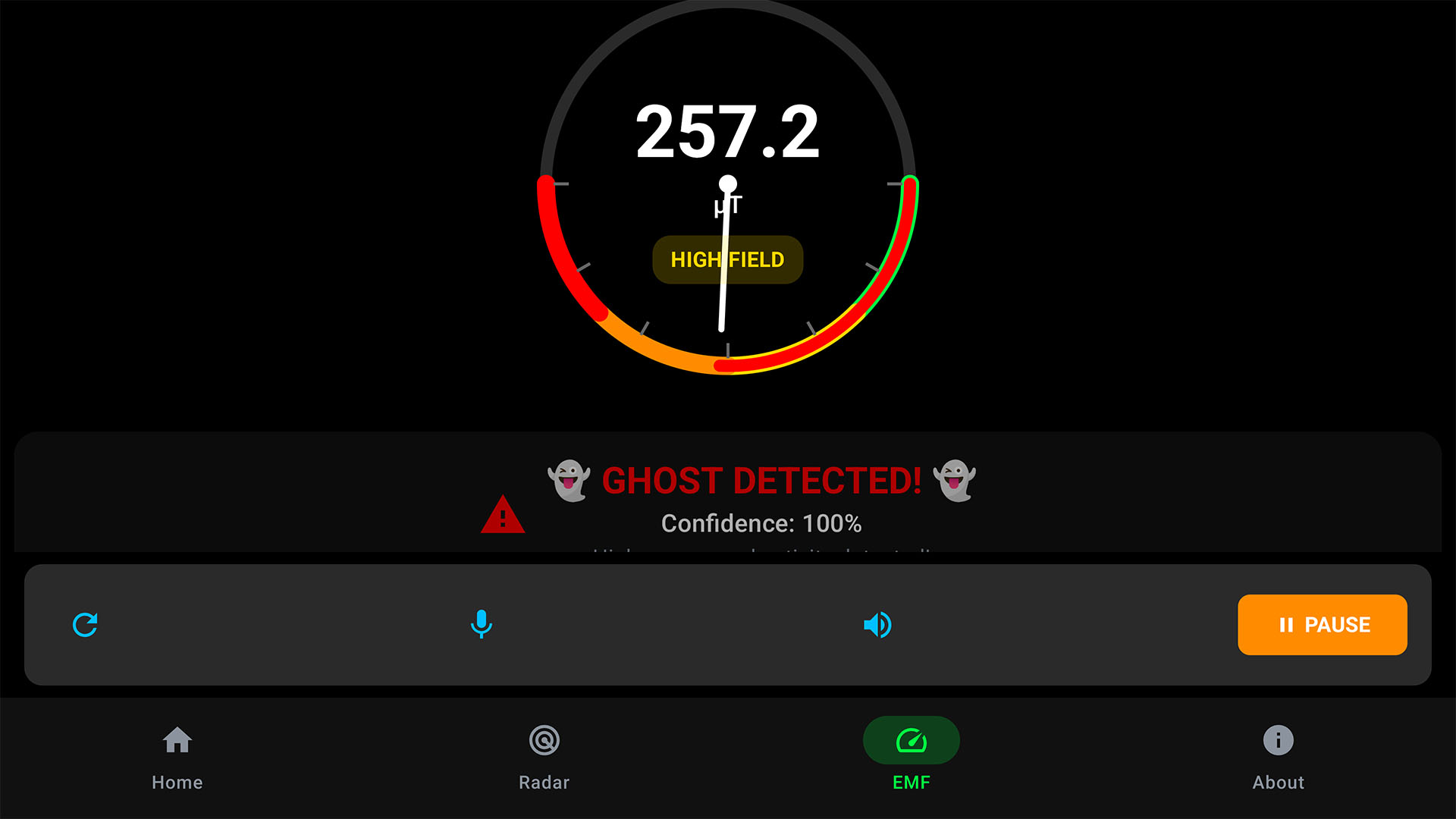
To briefly resolve the ambiguity: apps that claim to detect actual ghosts (spirits) via EMF (Electromagnetic Field) meters or "Spirit Boxes" are for entertainment purposes only. While they use real hardware sensors—like the magnetometer or microphone—there is no scientific evidence that these sensors can detect paranormal activity. These apps use algorithms to generate random words or static patterns designed to trigger pareidolia, the human tendency to see patterns in random data. They are "real" software, but their claims to detect the supernatural are not scientifically verified.
Frequently Asked Questions
Can ghost apps be hidden from the "Settings" menu?
No. While an app can hide its icon from the home screen and app drawer, it must appear in the system settings under "Apps" or "Applications" to comply with Android and iOS security protocols. If you suspect a ghost app, the Settings menu is the most reliable place to find the full list of installed software.
Are ghost apps illegal?
In most jurisdictions, ghost apps are perfectly legal to own and use. They are considered privacy tools. However, using them to hide illegal content or using "stalkerware" versions to monitor someone without their consent can lead to criminal charges or civil litigation.
Do ghost apps work on iPhones?
Yes, but they are more limited than on Android. Apple's "sandboxing" prevents apps from seeing other apps. Therefore, an iPhone ghost app usually functions as a private vault for photos and web browsing rather than an "app hider" that conceals other installed applications like Facebook or Tinder.
Can a factory reset remove ghost apps?
Yes. A factory reset wipes all user-installed applications and data, including ghost apps and hidden partitions. However, it will also delete any hidden data that was not backed up to a separate cloud service.
Why does my phone say an app is installed when I can't see it?
This usually happens if the app has been "disabled" or moved to a hidden folder using the system's native settings. In 2026, both Android and iOS allow users to "Remove from Home Screen" without deleting the app. You can find these in the App Library (iOS) or by searching the App Drawer (Android).
Expert Recommendation: Privacy vs. Secrecy
If you are seeking privacy for legitimate reasons—such as protecting financial documents or private photos—it is generally safer to use the built-in privacy features of your device's operating system rather than third-party ghost apps. Features like Apple's "Locked Folder" in Photos or Android's "Private Space" are integrated into the system's security architecture, offering better encryption and a lower risk of malware.
For those concerned about the presence of ghost apps on a family member's device, the best approach is open communication combined with the detection steps mentioned above. Technology can hide data, but it rarely hides the behavioral patterns—such as excessive battery drain or unusual data spikes—that reveal its presence.