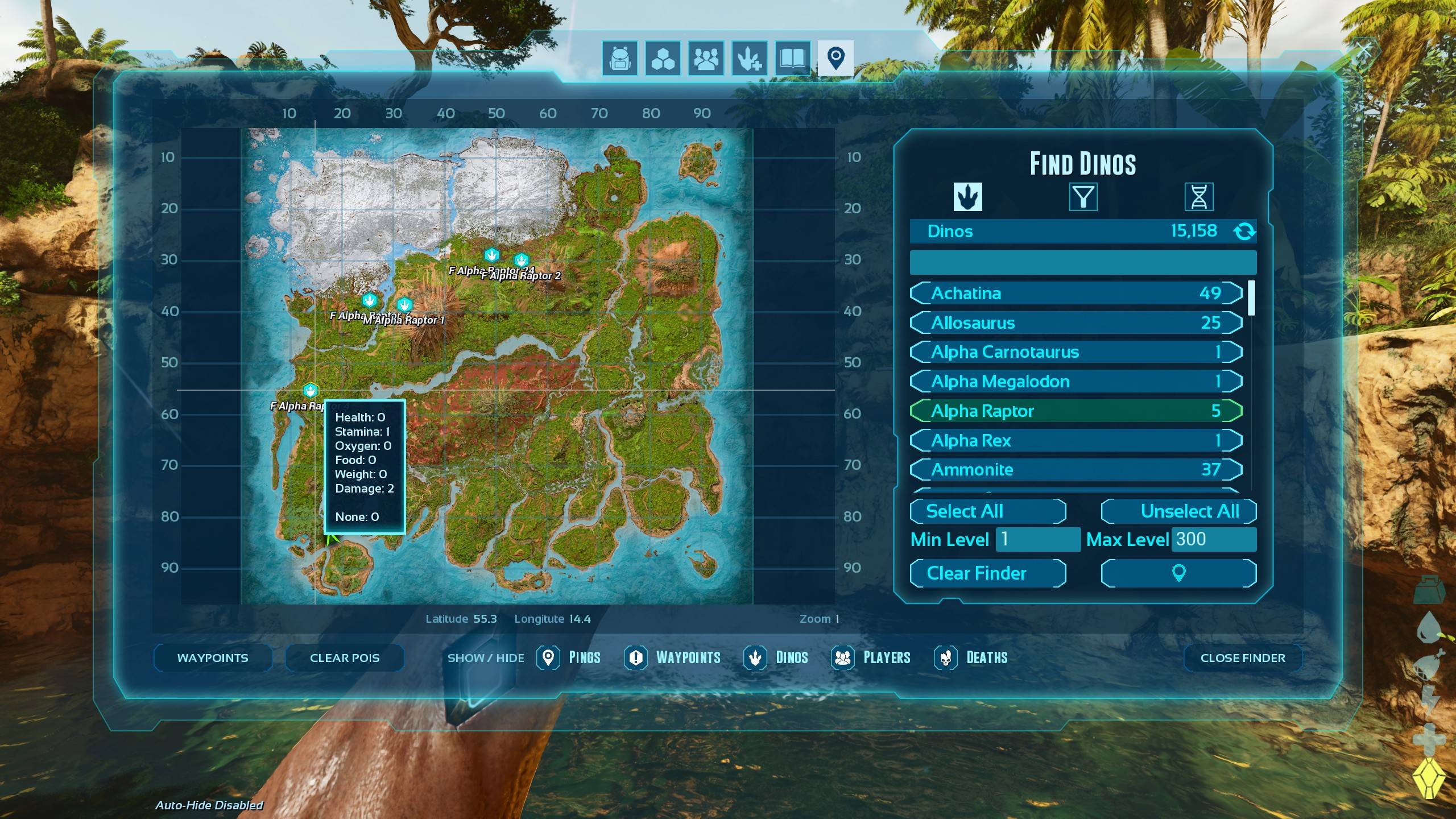
To summon a tamed creature in ARK: Survival Evolved or ARK: Survival Ascended, the most efficient method is the GMSummon command. By typing admincheat gmsummon "BlueprintPath" Level into the console, you instantly spawn a tamed version of the specified dinosaur at your current location with an additional 50% "taming bonus" added to its base level.
In the world of ARK, whether you are playing the classic Survival Evolved or the remastered Survival Ascended, time is the most valuable resource. Manual taming can take hours, requiring constant vigilance, narcotic management, and protection from predators. For server administrators, content creators, or players in single-player "Creative" sessions, the ability to bypass this grind is essential. As of 2026, the command console remains the primary tool for managing game environments, allowing for precise control over entity spawning.
Understanding the Admin Console and Prerequisites
Before you can execute a spawn command, you must ensure that your game environment allows for administrative cheats. The process differs slightly depending on your platform and whether you are hosting a local game or playing on a dedicated server.
Enabling the Console
On PC, the console is typically accessed by pressing the Tab key. On consoles (PlayStation and Xbox), you generally need to pause the game and press a combination of buttons (usually LB+RB+X+Y or L1+R1+Square+Triangle simultaneously) to bring up the command bar.
Admin Authentication
If you are on a dedicated server, you cannot simply type commands. You must first authenticate your session using the server password.
- Open the console.
- Type
enablecheatsand press Enter. - For all subsequent commands, you may need to prefix them with
admincheat(e.g.,admincheat gmsummon...).
In single-player modes, the admincheat prefix is often optional, but it is good practice to include it to ensure the command registers correctly across different versions of the game engine.
The GMSummon Command: The Gold Standard
The GMSummon command is the most powerful spawning tool because it combines two actions: spawning the creature and automatically applying the "tamed" status. Unlike the basic Summon command, which brings a wild creature into existence, GMSummon puts the creature under your control immediately and prompts you to give it a name.
Syntax Breakdown
The syntax must be exact for the game to recognize the entity:
admincheat gmsummon "BlueprintClassID"
- BlueprintClassID: This is the internal string the game uses to identify the creature. It must be enclosed in double quotation marks. For example, a Rex is
"Rex_Character_BP_C". - Level: This is the base level you want the creature to be before taming bonuses.
The Taming Bonus Logic
When you use GMSummon, the game treats the creature as if it were "Perfect Tamed" (100% taming effectiveness). In ARK, a perfect tame grants an extra 50% levels on top of the base level. If you spawn a level 100 creature using this command, the final result will be a level 150 tamed creature. This is critical to remember if you are trying to match specific server level caps or testing balance.
Finding Blueprint Paths and Creature IDs
The most common point of failure for players is using the wrong ID. ARK uses two types of identifiers: Character IDs and Blueprint Paths. The GMSummon command specifically requires the Blueprint Class ID.
Below is a table of common creature IDs used in both Survival Evolved and Survival Ascended as of 2026.
| Creature Name | Blueprint Class ID (Use inside " ") | Common Use Case |
|---|---|---|
| Tyrannosaurus Rex | Rex_Character_BP_C |
Boss fights and heavy combat. |
| Giganotosaurus | Gigant_Character_BP_C |
High-tier raiding and meat gathering. |
| Carcharodontosaurus | Carcha_Character_BP_C |
Rapid-kill streaks and mobility. |
| Argentavis | Argent_Character_BP_C |
Resource hauling and aerial transport. |
| Quetzal | Quetz_Character_BP_C |
Mobile base building and platforming. |
| Pteranodon | Ptero_Character_BP_C |
Early-game scouting and speed. |
| Therizinosaurus | Therizino_Character_BP_C |
Resource harvesting (Fiber, Wood). |
| Wyvern (Fire) | Wyvern_Character_BP_Fire_C |
High-damage aerial assault. |
| Shadowmane | LionfishLion_Character_BP_C |
Stealth and utility (Genesis 2/Fjordur). |
| Rhyniognatha | Rhynio_Character_BP_C |
Heavy lifting and resin combat. |
Where to Find Specific IDs
If the creature you want isn't listed above, you can find the complete list on the Official ARK Wiki. Always look for the "Blueprint Class" column. These IDs are case-sensitive in some server configurations, so it is best to copy the capitalization exactly as shown.
Alternative Methods: Summon and ForceTame
Sometimes, the GMSummon command might not fit your specific needs, particularly if you want to spawn a creature at an exact level without the 50% bonus, or if you want to spawn a creature that is normally untamable (like a Boss) to see how it behaves.
Method 1: Summon
The Summon command is simpler but less controlled.
admincheat summon
Note that Summon does not require quotation marks and uses the shorter Character ID (e.g., Rex_Character_BP_C). However, this spawns a wild creature at a random level. Once spawned, you must look at the creature and use the admincheat forcetame command to bring it under your control.
Method 2: SpawnDino
If you need maximum precision—such as spawning a creature at a specific distance from you or at a specific level without bonuses—the SpawnDino command is used.
admincheat SpawnDino
Example:
admincheat SpawnDino "Blueprint'/Game/PrimalEarth/Dinos/Rex/Rex_Character_BP.Rex_Character_BP'" 500 0 0 150
This command is much more complex and requires the "Full Blueprint Path," which includes the file directory. It is generally reserved for advanced server scripting or modding. After using this, the dino will still be wild, requiring a forcetame or dotame command.
Critical Troubleshooting for Spawn Commands
If you type a command and nothing happens, or you receive an error, check the following common issues:
- The Quotation Marks:
GMSummonabsolutely requires the ID to be in double quotes. In many console interfaces, especially on PlayStation, the keyboard might use "smart quotes" (slanted) instead of "straight quotes." The game only recognizes straight quotes. - The "_C" Suffix: Almost every Blueprint Class ID in ARK ends in
_C. If you omit this, the command will fail because the engine won't find the class. - Entity Caps: If your server or local game has reached its maximum dino count, the command may execute but fail to render the creature. You may need to use
admincheat destroywilddinosto clear space. - Admin Logging: Some servers have "Admin Logging" enabled. This means every command you type will be broadcast in the global chat. If you are trying to spawn creatures discreetly, check your server settings first.
- Dino-Specific Maps: If you are on a map like Scorched Earth and try to spawn a creature exclusive to Genesis, it will usually work, but sometimes the game may crash if the assets for that creature aren't loaded into the current map's memory.
Spawning Creatures in ARK: Survival Ascended (ASA)
With the release of ARK: Survival Ascended (the Unreal Engine 5 remaster), the command system remains largely unchanged from Survival Evolved. However, there are a few quality-of-life updates to keep in mind for 2026:
- Integrated Mod Support: If you are spawning creatures from mods (like those from the CurseForge integration), the Blueprint ID will follow the same logic but will include the mod creator's folder path. You must find the specific ID provided by the mod author.
- Console Access: ASA has a more streamlined UI. You can often find a "Console" tab in the pause menu settings that allows you to toggle the console's visibility on or off, which is helpful if the Tab key isn't working.
- Visual Confirmation: In ASA, the lighting and particle effects when a creature is summoned are more taxing on hardware. If you are on a lower-end system, spawning multiple high-level Gigas at once may cause a temporary frame drop.
Practical Uses for Spawn Commands
While some view spawning as "cheating," it is an indispensable tool for several legitimate gameplay scenarios:
Testing Breeding Lines
Before spending weeks breeding Rexes for a boss fight, players often use GMSummon to test different stat distributions. By spawning a level 150 Rex, you can see the "natural" stat rolls and determine if your breeding goals are realistic for the Alpha Broodmother or Megapithecus.
Recovering from Bugs
ARK is a massive, complex game, and creatures can occasionally be lost to "mashing" (falling through the world geometry) or server crashes. Admins frequently use GMSummon to replace a player's lost mount, restoring the level and species to maintain fairness after a technical glitch.
Creating Server Events
Server owners use these commands to populate "Battle Arenas" or "Raid Bases" for community events. You can spawn several tamed creatures, set them to aggressive, and challenge players to clear an area for rewards.
Photographic and Content Creation
For those making YouTube videos or cinematic trailers, the GMSummon command allows for the quick setup of scenes without the logistical nightmare of moving dozens of tamed animals across the map.
Comparison of Spawning Commands
| Command | Results in Tamed? | Level Control | Difficulty | Best For |
|---|---|---|---|---|
| GMSummon | Yes (Instant) | High (Base + 50%) | Easy | Daily use, quick mounts. |
| Summon | No (Wild) | None (Random) | Very Easy | Random encounters, testing wild AI. |
| SpawnDino | No (Wild) | Absolute (Exact) | Hard | Server scripts, precise testing. |
| SDF | Yes/No | High | Medium | Fast spawning (Short for SpawnDinoFull). |
Summary of Next Steps
To begin summoning, first identify the Blueprint ID of the creature you want. Start with a simple test, such as spawning a low-level Raptor:
admincheat gmsummon "Para_Character_BP_C" 10
Once you confirm the command works and the creature appears tamed in front of you, you can move on to more complex entities. Always remember to save your world (admincheat saveworld) after spawning important creatures to ensure they aren't lost if the game closes unexpectedly.
Frequently Asked Questions
Can I spawn a tamed boss using GMSummon?
While you can use the command admincheat gmsummon "SpiderL_Character_BP_C" 100 to spawn a Broodmother, most bosses are not designed to be tamed. They may not have a saddle slot, may not follow commands, and often disappear (despawn) after a short period. To keep a boss tamed indefinitely, you often need specific mods.
Why did my GMSummon dino spawn at level 225 when I typed 150?
This is due to the 50% taming bonus. The command GMSummon simulates a perfect tame. A level 150 wild creature with 100% taming effectiveness gains 75 levels (150 * 0.5), resulting in a level 225 creature. If you want a final level of 150, you should input 100 as your level parameter.
Is there a way to spawn a dino with specific colors?
The GMSummon command selects colors randomly from the creature's natural palette. To change colors after spawning, you must use the setTargetDinoColor command while looking at the creature. There is no single "spawn with color" command that is as simple as GMSummon.
Does GMSummon work on all maps?
Yes, you can spawn any creature on any map, provided the creature's data exists in the game files. For example, you can spawn a Snow Owl on the Scorched Earth map even though they do not naturally occur there. The only exceptions are certain "Mission" variants in the Genesis maps which may have restricted AI.
Can I use these commands on official servers?
No. Admin commands only work on servers where you have the admin password or in local single-player/non-dedicated sessions. On Official ARK servers, you do not have administrative privileges, and these commands will do nothing.