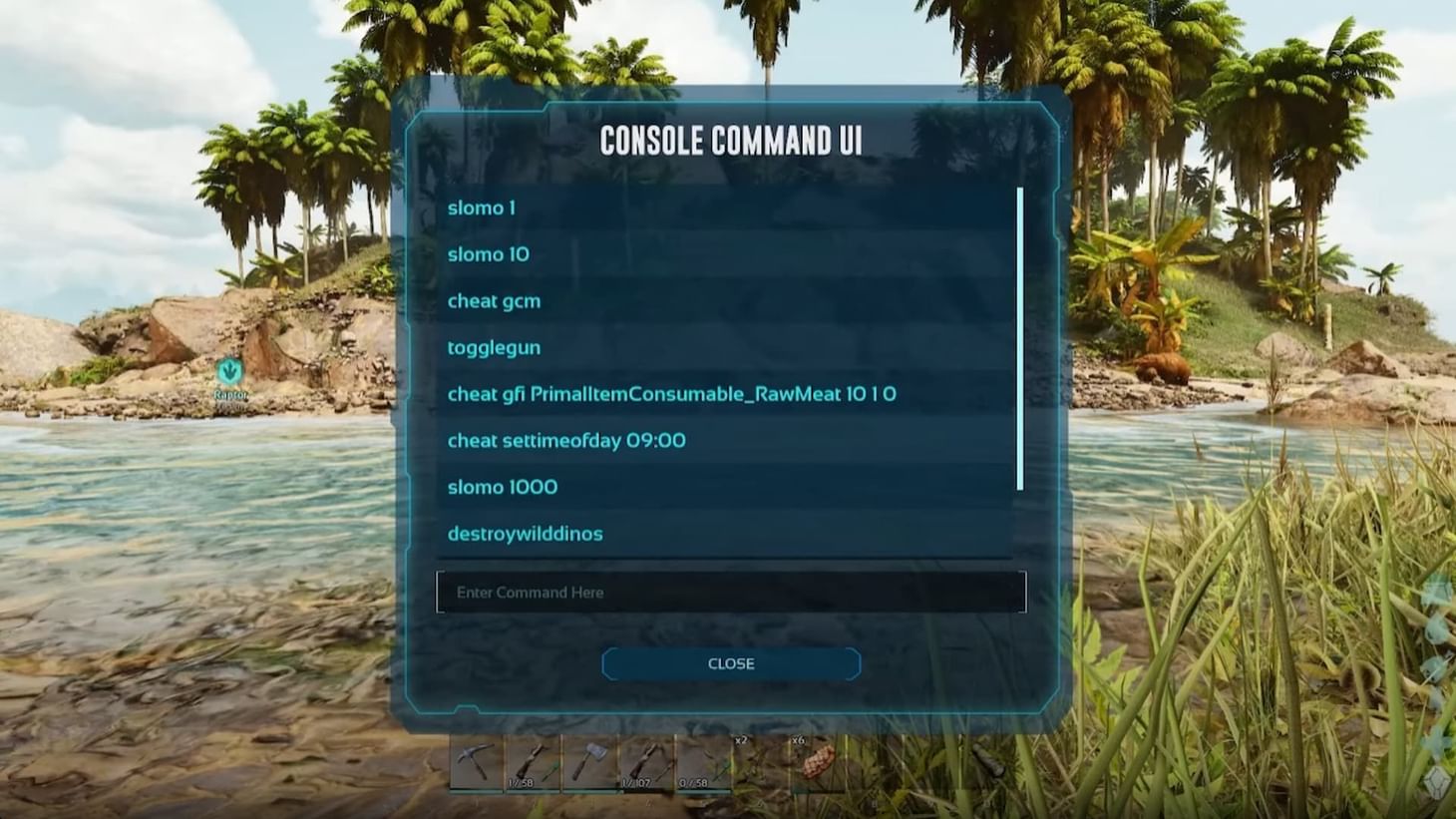
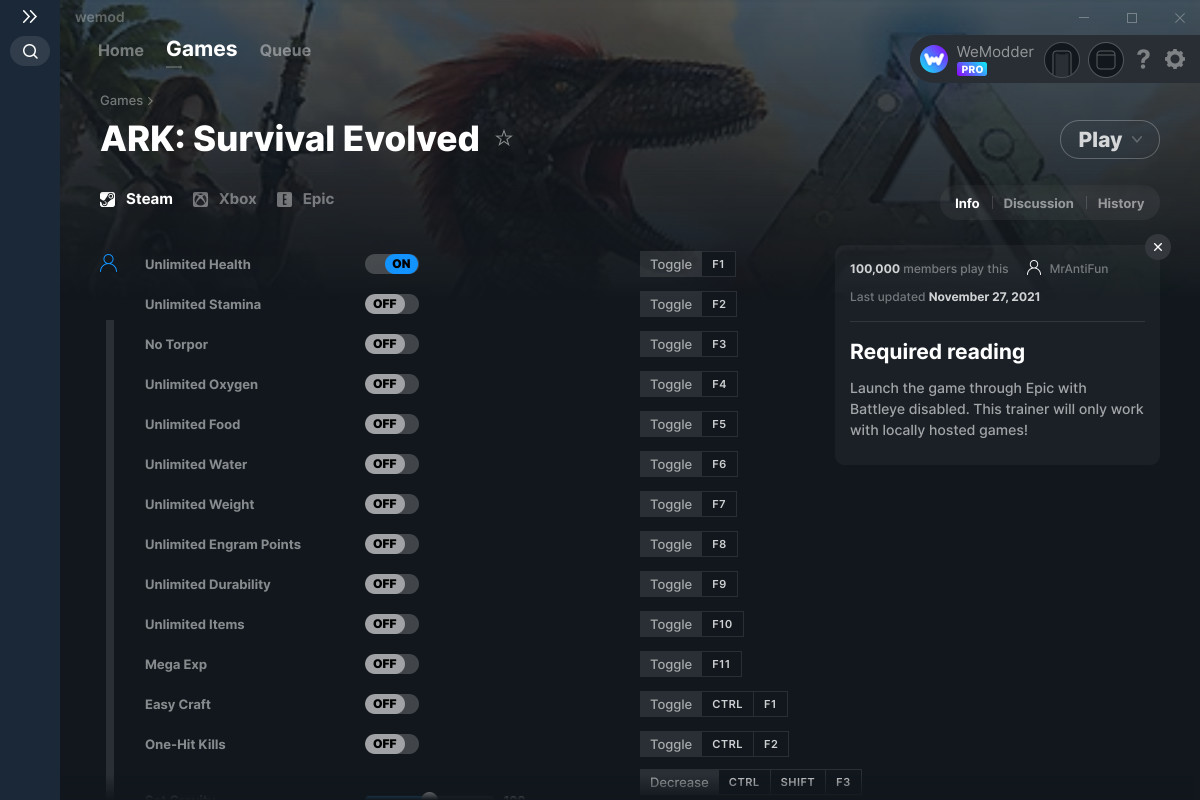
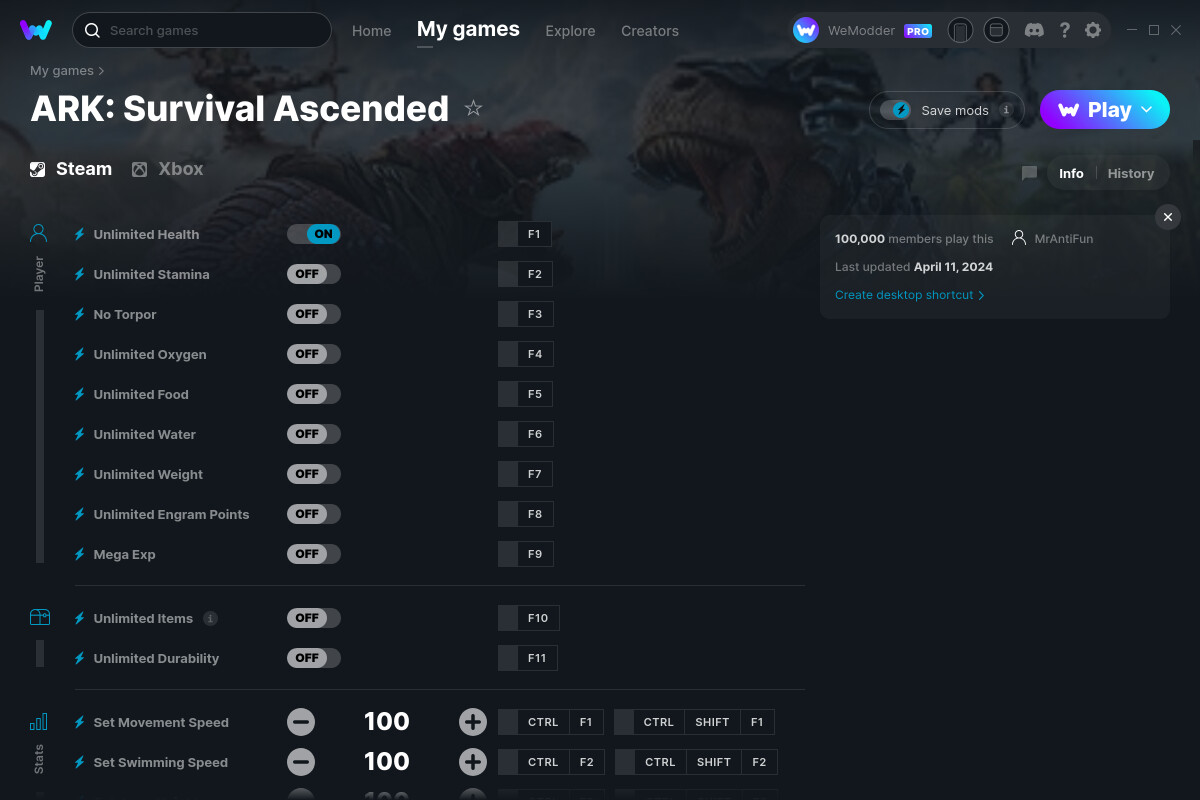
Admin cheats in ARK: Survival Evolved and ARK: Survival Ascended are console commands used to modify gameplay, manage servers, or bypass survival mechanics. To use them, players must access the console—typically using the Tab key on PC—and enter the EnableCheats [Password] command on hosted servers before executing specific codes like God, GCM, or GiveItem.
Admin commands, frequently referred to as "cheats" by the community, are the fundamental tools for server administrators and solo players. In 2026, with the maturity of both ARK: Survival Evolved (ASE) and the Unreal Engine 5-powered ARK: Survival Ascended (ASA), these commands remain the primary method for resolving glitches, testing base builds, and maintaining server health. Whether you are recovering a lost character or managing a massive multiplayer cluster, understanding the syntax and limitations of these commands is essential for effective gameplay management.
Accessing the Admin Console Across Platforms
The method for accessing the command line depends entirely on the platform and the version of the game being played. Since the transition to the cross-platform environment in ARK: Survival Ascended, the interface has become more streamlined, but the input methods remain distinct.
PC (Steam and Windows Store)
For PC players, the process is straightforward. Pressing the Tab key opens a narrow text bar at the bottom of the screen. Pressing Tab a second time opens a larger console window that shows the history of previous commands, which is invaluable for debugging complex scripts or checking command feedback.
Xbox Series X|S and PlayStation 5
On consoles, the process requires a specific button combination while the game is paused.
- Xbox: Pause the game and press LB + RB + X + Y simultaneously.
- PlayStation: Pause the game and press L1 + R1 + Square + Triangle simultaneously.
Once the text box appears, you can enter commands using the on-screen keyboard or a connected physical USB keyboard. For ARK: Survival Ascended users, there is often an "Admin Console" toggle within the Advanced Settings menu that must be enabled before the bar will appear.
The Hierarchy of Authentication: EnableCheats
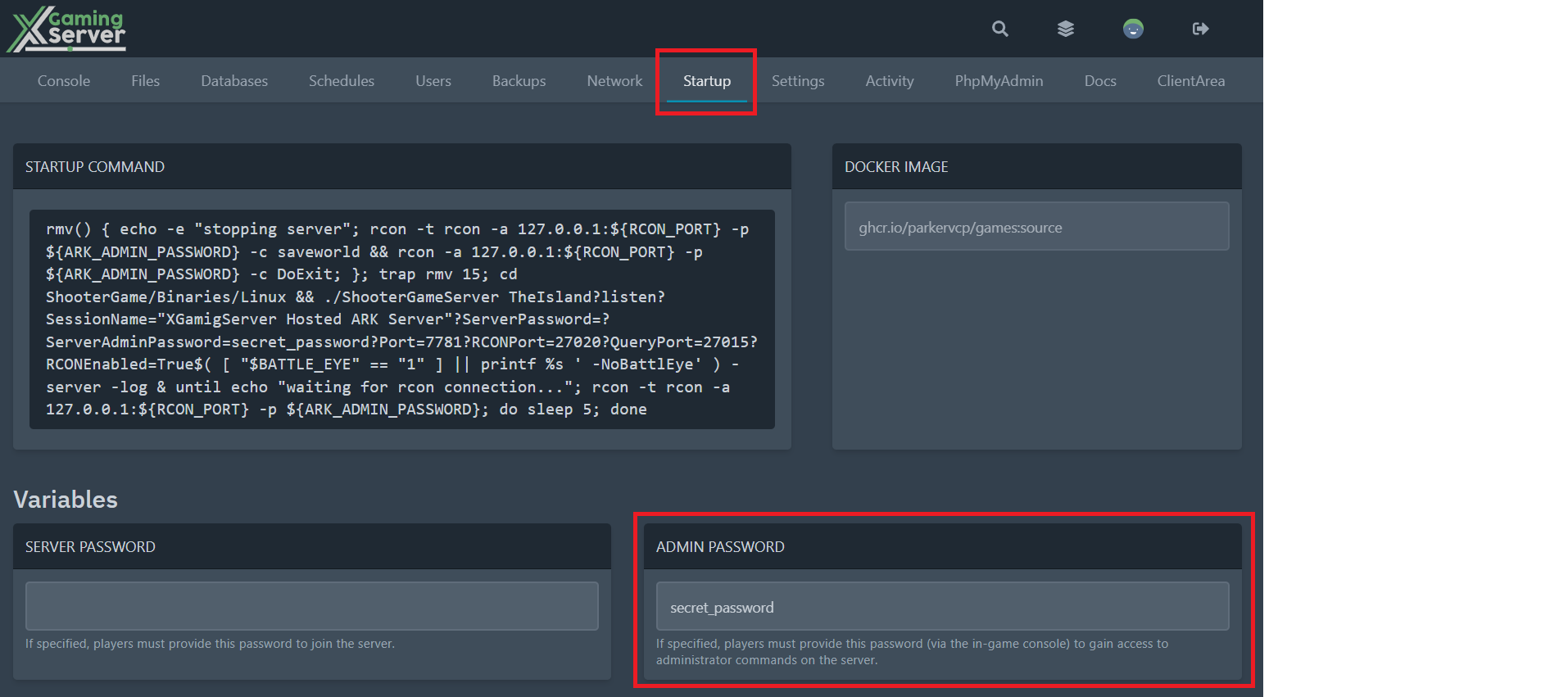
Before any "cheat" can be executed on a dedicated or non-dedicated server, the user must authenticate as an administrator. This is not required in Single Player mode, as the player is granted admin privileges by default.
To authenticate, you must use the command:
EnableCheats
If the server does not have a password set, the command may not be necessary, or it may require a specific admin password defined in the server's .ini configuration files. Once enabled, most commands on a multiplayer server require the prefix admincheat (e.g., admincheat God), whereas in Single Player, the prefix can usually be omitted (e.g., God).
Essential Survival and Movement Commands
Movement commands are the most frequently used cheats for building and exploration. These allow players to bypass the physical constraints of the ARK maps, such as the verticality of Aberration or the vast oceans of The Center.
God and InfiniteStats
The God command makes the player character invulnerable to most forms of damage, including attacks from wild dinosaurs and fall damage. However, it does not prevent drowning or death from extreme weather conditions. For total immunity, InfiniteStats is preferred, as it freezes health, stamina, oxygen, food, and water at maximum levels.
Fly, Walk, and Ghost
- Fly: This command allows the player to move through the air. It is the primary tool for overhead base inspection and rapid travel.
- Walk: Use this to disable the Fly or Ghost commands and return the player to the ground.
- Ghost: This is a more advanced version of Fly. It toggles noclip, allowing the player to pass through walls, terrain, and structures. This is vital for retrieving lost items that have glitched through the map geometry.
GCM (GiveCreativeMode)
In modern ARK play, GCM is the "gold standard" for administrators. Entering this command grants the player flight, infinite stats, and a "Crafting Tool" that unlocks all engrams in the game. It also allows the player to craft any item in their inventory without the required resources. When GCM is active, the player also gains a massive increase in building range and the ability to instantly destroy structures.
Advanced Item Spawning Syntax
Spawning items in ARK is more complex than simple word commands. The game uses Blueprint Paths or Item IDs. While IDs are shorter, Blueprint Paths are more reliable across different mods and game updates.
The standard syntax for spawning an item is:
GiveItem
- BlueprintPath: The internal file path for the item (e.g.,
"Blueprint'/Game/PrimalEarth/CoreBlueprints/Resources/PrimalItemResource_Stone.PrimalItemResource_Stone'"). - Quantity: How many items you want.
- Quality: A numerical value (0–100) representing the item tier (Primitive to Ascendant).
- IsBlueprint: A boolean (1 or 0). Setting this to 1 gives you a craftable blueprint instead of the finished item.
Common Resource Commands
If you do not want to use long blueprint strings, the command GiveResources provides 50 units of every basic resource in the game to the player's inventory. For specific items, many players utilize the GiveItemNum command, which uses a shorter numerical ID, though these IDs are gradually being phased out in newer DLCs in favor of the full strings.
Dinosaur Management and Taming Commands
Managing the creature population is a significant part of an admin's role, especially when a specific species fails to spawn or a player loses a mount due to a server crash.
Summon and SpawnDino
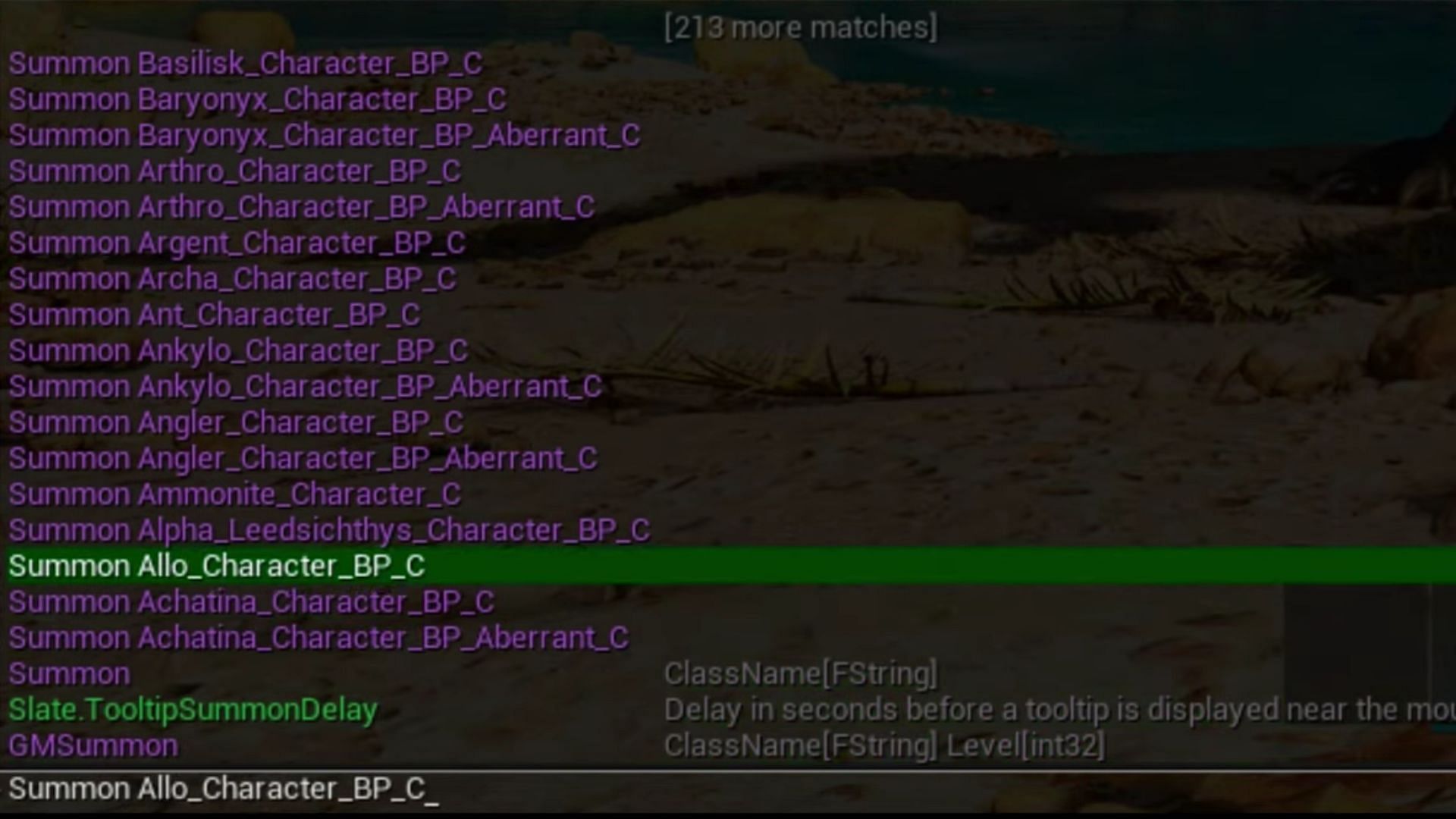
- Summon : Spawns a creature of a random level at the player's location. For example,
Summon Rex_Character_BP_Cwill spawn a Tyrannosaurus. - SpawnDino : This allows for precise control over the level and location of the creature.
ForceTame and DoTame
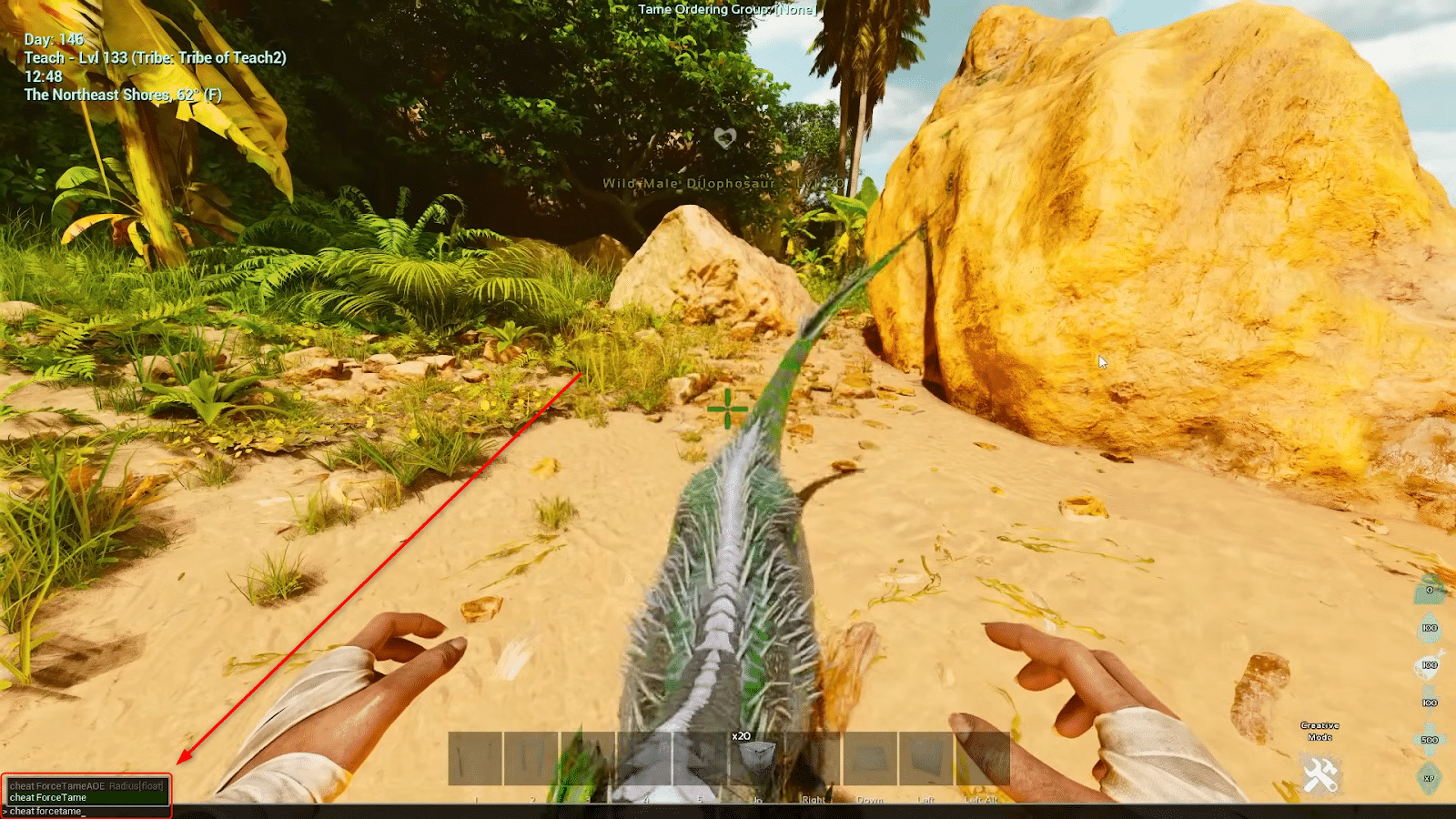
- ForceTame: Instantly tames the dinosaur the player is looking at. A "ForceTamed" creature does not require a saddle to be ridden.
- DoTame: This command simulates a perfect natural tame. It grants the dinosaur the maximum possible taming effectiveness bonus, but it still requires a saddle for the player to ride it.
DestroyWildDinos
This is perhaps the most important command for server health. Over time, the distribution of creatures on a server can become unbalanced, or certain spawns can become "stuck" in the terrain. Running DestroyWildDinos wipes every untamed creature from the map, forcing a complete respawn of the ecosystem. This is standard procedure after a seasonal event starts or ends.
Comprehensive Command Reference Table
The following table summarizes the most critical commands used in ARK for daily administration and troubleshooting.
| Command Category | Console Command | Primary Effect |
|---|---|---|
| Authentication | EnableCheats [Password] |
Activates admin privileges on a server. |
| Survival | God |
Toggles invulnerability to damage. |
| Survival | InfiniteStats |
Refills and locks all survival meters (Health, Food, etc.). |
| Movement | Fly / Walk |
Enables or disables the ability to fly through the air. |
| Movement | Ghost |
Allows movement through solid objects and terrain. |
| Utility | GCM |
Grants Creative Mode (Engrams, Flight, Infinite Stats). |
| Creature | ForceTame |
Instantly tames the target; no saddle required. |
| Creature | DestroyWildDinos |
Clears all untamed creatures to refresh spawns. |
| World | SetTimeOfDay [HH:MM] |
Changes the server time to the specified hour. |
| World | Slomo [Multiplier] |
Adjusts the speed of game time (e.g., Slomo 2 for double speed). |
| Management | KickPlayer [PlayerID] |
Disconnects a specific player from the server. |
| Management | BanPlayer [PlayerID] |
Permanently bars a player from re-entering the server. |
Technical Considerations and Troubleshooting
Using admin cheats is not without risk. In ARK: Survival Ascended, the move to a more advanced engine has increased the sensitivity of the game world to sudden changes in state.
World Corruption Risks
Excessive spawning of items or creatures can lead to "buffer overflows" or server lag. If an admin spawns 10,000 units of stone directly into their inventory, the server may freeze as it calculates the weight and inventory updates. Similarly, spawning hundreds of dinosaurs in a single location can cause the physics engine to crash as the entities collide.
Log Transparency
On many unofficial servers, "Admin Logging" is enabled. This means every command entered by an administrator is broadcast in the global chat. This feature is used to prevent "Admin Abuse"—the practice of using cheats to gain an unfair advantage in PvP scenarios. If you are an admin on a competitive server, be aware that your use of GiveItem or ForceTame may be visible to all players.
Command Success Verification
ARK does not always provide a "Command Successful" message. To verify a command has worked:
- Check the player's status bar for the "God" or "Fly" icons.
- Open the inventory to see if spawned items have appeared.
- Use the GetChat command to see a log of recent server activity if you are unsure if a kick or ban command was processed.
Practical Advice for New Administrators
If you are new to managing an ARK environment in 2026, start with a "test world" before applying commands to a live server. The complexity of blueprint paths means it is easy to make a typo that results in no action.
Next Action: For those managing a dedicated server, your first step should be to secure your ServerAdminPassword in the GameUserSettings.ini file. Once secured, use the DestroyWildDinos command regularly (once every 24–48 hours) to ensure the server's creature population remains diverse and glitch-free.
Frequently Asked Questions
Can I use admin cheats on Official Servers?
No. Admin cheats are strictly reserved for the operators of the server. On Official Servers, only Studio Wildcard employees (Game Masters) have access to these commands. Players on Official Servers must play the game according to the standard survival mechanics without console assistance.
What is the difference between "Summon" and "SpawnDino"?
The Summon command is simpler but less precise; it spawns a creature at a random level relative to the server's difficulty. The SpawnDino command is a technical tool that allows you to specify the exact level and the exact coordinates (relative to your character) where the creature should appear.
Why aren't my commands working on my rented server?
Ensure you have typed EnableCheats followed by your specific admin password first. If you are on a multiplayer server, remember that most commands require the admincheat prefix. Also, verify that "Admin Logging" or "Cheat Access" is not disabled in your server provider's control panel (e.g., Nitrado, G-Portal).
Does using cheats disable achievements?
In Single Player mode, using console commands generally does not disable Steam Achievements or Console Trophies for ARK: Survival Evolved or ARK: Survival Ascended. This allows players to use commands to "teleport" to artifact locations or summon bosses to quickly complete achievement requirements.
How do I find the Blueprint Path for a specific modded item?
Most mod creators provide a "Spawn Code" list on their Steam Workshop page or Discord server. Because modded items use unique file paths (e.g., "/Game/Mods/ModName/Item_BP_C"), you cannot guess these paths using standard game logic. Always refer to the mod's official documentation.