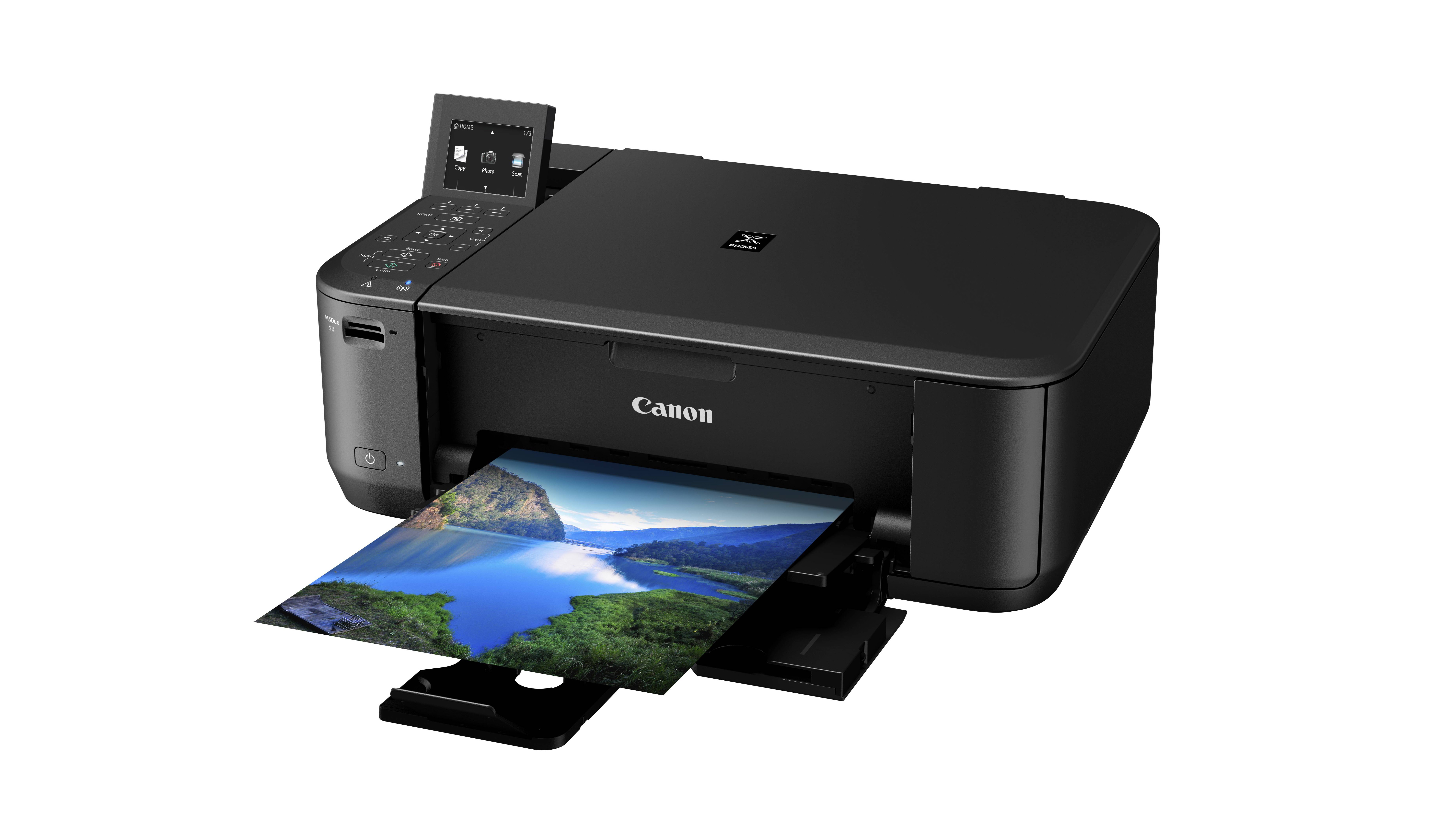
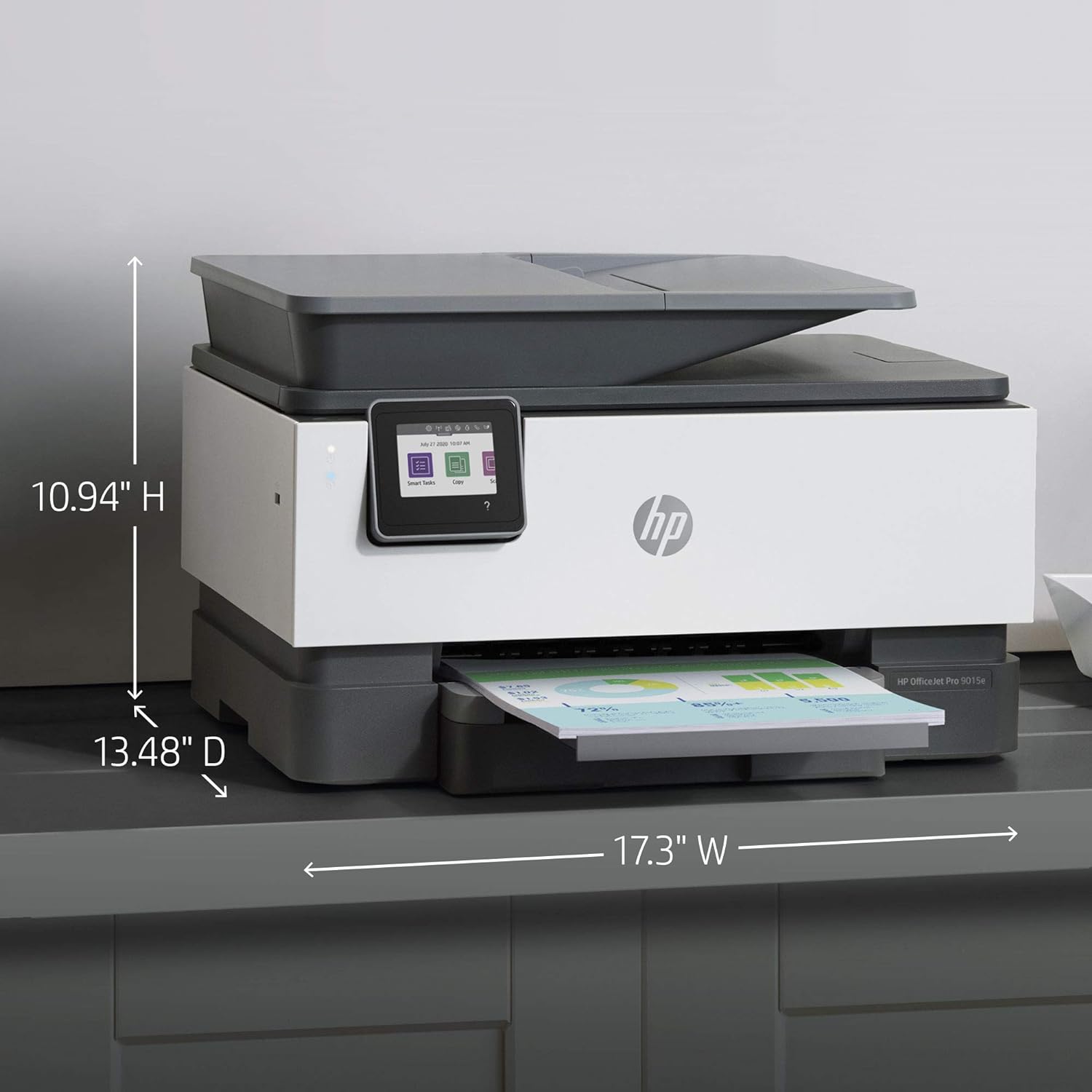
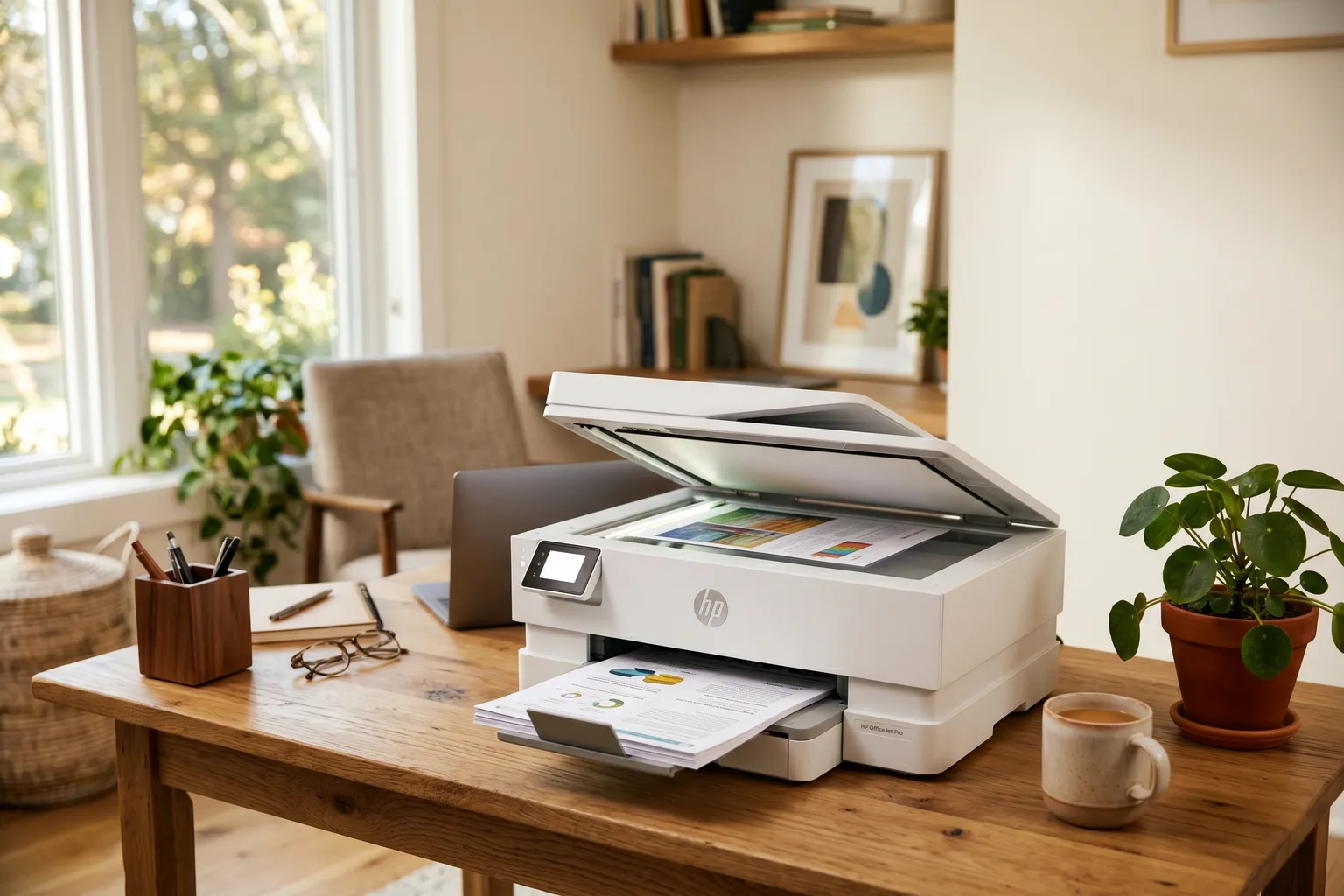
An all-in-one printer, often referred to as a multi-function printer (MFP), is a single peripheral device that integrates printing, scanning, copying, and faxing capabilities into one unit. By consolidating these four essential office functions, these machines save physical space, reduce energy consumption, and streamline document management for home offices and large enterprises alike.
The landscape of document processing has shifted significantly as we move through 2026. While the "paperless office" has been a goal for decades, the physical-to-digital bridge remains a critical necessity. All-in-one (AiO) printers serve as that bridge, acting not just as output devices but as sophisticated input hubs for cloud-based workflows. Understanding the nuances of these machines requires looking beyond the basic marketing labels to evaluate the underlying technology, long-term costs, and specific hardware configurations that dictate their performance.
The Four Pillars of All-in-One Functionality
To understand an all-in-one printer, one must examine the specific components that make up its multi-functional nature. Most modern units are built around a central engine—either inkjet or laser—surrounded by specialized hardware for imaging and communication.
1. The Printing Engine
The primary purpose of any printer is to produce physical copies of digital documents. In the AiO category, this is typically handled by either thermal inkjet technology or electrophotographic (laser) technology. Inkjets excel at high-resolution color reproduction and photo printing, while lasers are prized for their speed and sharp text. In 2026, the industry has largely pivoted toward high-capacity ink tank systems, which replace traditional cartridges with refillable reservoirs to lower the cost per page.
2. Digital Scanning
The scanner is what transforms an ordinary printer into an AiO. Most units utilize a Contact Image Sensor (CIS) or, in higher-end models, a Charged-Coupled Device (CCD). The scanner is responsible for capturing the visual data of a physical document and converting it into a PDF, JPEG, or TIFF file. Modern AiO scanners are deeply integrated with the cloud, allowing users to send scans directly to platforms like Google Drive, Microsoft OneDrive, or specialized medical and legal document management systems.
3. Copying Capabilities
Copying is technically a hybrid function of the scanner and the printer. When you press the "Copy" button, the machine scans the document into its internal memory and immediately sends that data to the print engine. The quality of a copy depends on both the optical resolution of the scanner and the precision of the print heads. Advanced AiO models include features like "ID Card Copy," which automatically arranges both sides of a driver's license onto a single side of a sheet of paper.
4. Faxing and Communication
Despite the prevalence of email and secure portals, faxing remains a legal and regulatory requirement in sectors like healthcare, law, and government. An AiO printer includes a modem and a phone line jack (or an internet-based "e-fax" protocol) to transmit documents over telephony networks. In 2026, many AiOs have moved toward IP-Faxing, which uses the internet to send secure transmissions without requiring a traditional analog phone line.
Laser vs. Inkjet: Which Core Technology Fits Your Needs?
Choosing an all-in-one printer begins with deciding between the two dominant printing technologies. This decision impacts everything from the initial purchase price to the speed at which you can finish a project.
Inkjet All-in-One Printers
Inkjet printers work by spraying microscopic droplets of liquid ink through tiny nozzles onto the paper. They are generally more versatile than lasers because they can handle a wider variety of media, including glossy photo paper, cardstock, and even some fabrics.
- Pros: Exceptional color accuracy, lower upfront hardware cost, and a smaller physical footprint.
- Cons: Slower print speeds (measured in Pages Per Minute or PPM), and the potential for ink to clog if the printer is left unused for long periods.
- Ideal for: Home users, students, and creative professionals who need high-quality color visuals.
Laser All-in-One Printers
Laser printers use a laser beam to create an electrostatic image on a rotating metal drum. A dry powder called toner is then attracted to the charged areas of the drum and fused onto the paper using heat.
- Pros: Extremely fast output, smudge-proof text, and a lower cost-per-page for black-and-white documents. Laser toner is a dry powder, meaning it won't dry out or clog over time.
- Cons: Higher initial cost, larger size, and generally inferior photo printing capabilities compared to high-end inkjets.
- Ideal for: Small businesses, home offices with high document volume, and anyone who primarily prints text-heavy reports and shipping labels.
Critical Hardware Features to Consider
When comparing different all-in-one models, specific hardware features will dictate the daily user experience. A printer that looks good on paper might be frustrating to use if it lacks basic automation.
Automatic Document Feeder (ADF)
An ADF is a tray that sits atop the scanner. It allows you to place a stack of documents (usually 20 to 50 sheets) into the machine, which then pulls them through the scanner one by one. Without an ADF, you must manually lift the lid and place every single page on the glass platen—a tedious task for multi-page reports. In 2026, look for Single-Pass Duplex ADFs, which have two scanning sensors to capture both sides of a page simultaneously.
Duplexing (Two-Sided Printing)
Automatic duplexing allows the printer to flip the paper internally to print on both sides without manual intervention. This is a critical feature for reducing paper waste and creating professional-looking booklets. Most modern AiOs include duplex printing as a standard feature, but only mid-to-high-range models include duplex scanning.
Connectivity and Smart Integration
The days of connecting a printer via a grey USB cable are largely over. Modern AiOs rely on:
- Wi-Fi 6E/7: Provides stable, high-speed connections even in congested home networks.
- Bluetooth LE: Used for quick setup and discovery via mobile apps.
- Ethernet: Essential for office environments where a wired, stable connection is required for security and speed.
- Cloud Protocols: Support for Apple AirPrint, Mopria, and proprietary apps (like HP Smart or Epson Smart Panel) that allow for remote printing from anywhere in the world.
Total Cost of Ownership (TCO) and The "Tank" Revolution
The sticker price of an all-in-one printer is often the least important number. The true cost is found in the Total Cost of Ownership (TCO) over three to five years. Historically, manufacturers sold printers at a loss and made profits on expensive ink cartridges—a model often compared to the "razor and blade" strategy.
By 2026, the market has split into two distinct economic models:
- The Subscription Model: Users pay a monthly fee (e.g., HP Instant Ink) based on the number of pages they print. The printer automatically orders its own ink or toner before it runs out. This lowers the upfront cost of the machine but requires a constant internet connection and a recurring bill.
- The Tank System (Continuous Ink Supply): Models like Epson EcoTank or Canon MegaTank use large, refillable vats of ink rather than small cartridges. While these printers cost more upfront, the cost per page is a fraction of a cent. For high-volume users, a tank-based AiO can pay for itself in ink savings within the first year.
Comparison Table: AiO Technology Breakdown
| Feature | Standard Inkjet AiO | Ink Tank (CISS) AiO | Laser/LED AiO |
|---|---|---|---|
| Upfront Price | Low ($60 - $150) | Mid-High ($200 - $500) | Mid-High ($250 - $700) |
| Consumable Cost | High (Cartridges) | Very Low (Bottled Ink) | Moderate (Toner) |
| Best Use Case | Occasional home use | High-volume home office | Professional text docs |
| Text Quality | Good | Good | Excellent/Crisp |
| Photo Quality | Excellent | Very Good | Fair |
| Print Speed | 8 - 15 PPM | 10 - 20 PPM | 25 - 50+ PPM |
| Maintenance | High (Risk of clogging) | Moderate (Needs usage) | Low (Long shelf life) |
The Impact of Software and Security
In 2026, an all-in-one printer is essentially a networked computer with a print head. This makes software and security paramount. Advanced AiOs now feature Firmware Integrity Checks to ensure that hackers cannot use the printer as a gateway into a home or corporate network.
Furthermore, the "Explained" aspect of these devices must include Optical Character Recognition (OCR). OCR is software that takes the image of a scanned document and "reads" the text, converting it into a searchable and editable Word or PDF document. Many modern AiOs perform this processing locally or via a tethered cloud service, making it easy to find a specific invoice or contract buried in years of digital files.
Common Troubleshooting and Maintenance
To keep an all-in-one printer running efficiently, users should adhere to a basic maintenance schedule. For inkjets, this means printing a "Nozzle Check" page at least once every two weeks to prevent liquid ink from drying in the print head. For lasers, maintenance usually involves cleaning the corona wire or replacing the waste toner box after several thousand pages.
Paper jams remain the most common physical issue. These are often caused by "paper dust" buildup or using the wrong paper weight for the tray settings. Most AiO printers now feature modular paths, allowing users to open the back or bottom of the unit to clear obstructions without tools.
Choosing the Right All-in-One for Your 2026 Workflow
Selecting the perfect device requires a realistic assessment of your habits. If you print fewer than 20 pages a month, a budget inkjet is likely sufficient, despite higher ink costs. However, if you are a remote worker handling hundreds of pages of documentation, the investment in a laser or ink tank system is mathematically superior.
Consider the physical space as well. All-in-one printers have become more compact, but "Wide Format" models (which can scan and print 11x17 inch documents) still require a significant desk footprint. Always check the Duty Cycle of a machine—the manufacturer’s rating for how many pages the printer can reliably handle per month—to ensure your workload won't burn out the motor prematurely.
Frequently Asked Questions
Can I still use the scanner if the printer is out of ink?In many older or budget-constrained models, manufacturers "lock" the entire device if a cartridge is empty. However, due to consumer pressure and "Right to Repair" regulations prevalent in 2026, most mid-range and premium all-in-one printers now allow for independent scanning and faxing functions even when ink or toner levels are depleted. Always check the specific manufacturer's policy before purchasing if this is a concern.
What is the difference between "Optical Resolution" and "Interpolated Resolution" in scanners?Optical resolution refers to the actual physical pixels the scanner's hardware can see. Interpolated resolution uses software algorithms to guess what the pixels in between would look like to "upscale" the image. For professional archiving, always rely on the optical resolution (usually 600 or 1200 DPI), as interpolation often adds blurriness or digital artifacts to the scan.
Do all-in-one printers support 5GHz Wi-Fi?As of 2026, almost all new AiO printers support dual-band (2.4GHz and 5GHz) or even Wi-Fi 6/7. Older or very cheap models may still be limited to 2.4GHz, which can cause connection issues in modern smart homes. If your router is high-performance, ensure your printer specifies "Dual-Band Wi-Fi" to avoid bottlenecking your network.
Is faxing still necessary in an all-in-one printer?While most consumers rarely use it, the inclusion of a fax modem is a "legacy essential" for many. If you do not have a landline, look for an AiO that supports Mobile Fax or Cloud Fax. This allows the machine to send the scanned document to a digital service that then transmits it as a standard fax to the recipient, bypassing the need for a physical phone cord.
What is a "User Replaceable Maintenance Box"?In many inkjet and tank printers, excess ink from cleaning cycles is pumped into a waste pad. In the past, when this pad was full, the printer would stop working and require a professional repair. Modern AiOs often feature a user-replaceable maintenance box or "waste ink tank" that you can swap out yourself for a small fee, significantly extending the machine's lifespan.
Practical Recommendation
For the average household or home office in 2026, the most balanced choice is a color ink tank all-in-one printer with a duplexing ADF. This configuration provides the lowest long-term cost of operation, handles both photos and text competently, and automates the most tedious aspects of scanning and copying. Only opt for a laser printer if your work is strictly text-based and speed is your absolute highest priority. Before buying, verify that the printer's mobile app is compatible with your current operating system to ensure a seamless "plug-and-play" experience.