Apple CarPlay is available on the 2017 Honda Accord, but its inclusion depends strictly on the trim level. It is standard on the EX, EX-L, and Touring trims for both the Sedan and Coupe models, as well as all Hybrid trims. The base LX, Sport, and LX-S trims do not support it.
The 2017 Honda Accord remains a benchmark in the midsize sedan category, even as we look back from 2026. As one of the final years of the ninth-generation Accord, it represented the pinnacle of that era's engineering. However, for many modern drivers, the most critical "performance" metric isn't horsepower or torque—it is smartphone integration. The 2017 model year was a transitional period for Honda, where high-end trims received advanced digital interfaces while base models retained more traditional, analog-heavy systems.
Understanding the Honda Display Audio System
To understand why some 2017 Accords have CarPlay and others do not, one must look at the dashboard architecture. Honda utilized two distinct infotainment setups for this model year.
The higher-tier trims feature a dual-screen layout. This configuration includes an 8-inch "Intelligent Multi-Information Display" (i-MID) positioned high on the dashboard near the windshield and a second 7-inch capacitive touchscreen located lower in the center stack. This lower touchscreen is the "Display Audio" unit, and it serves as the primary interface for Apple CarPlay.
In contrast, the base trims (LX and Sport) feature a single-screen setup. This system lacks the capacitive touch technology and the internal processing power required to run the CarPlay software handshake. Because the hardware is fundamentally different, CarPlay cannot be added to these base trims through a simple software update.
2017 Accord CarPlay Availability by Trim Level
Whether you are currently owning a 2017 Accord or shopping for one in the used market in 2026, identifying the trim is the fastest way to verify CarPlay compatibility.
Sedan Models
- LX: Not Available. This trim uses a basic 160-watt AM/FM/CD audio system with a single 8-inch screen controlled by buttons and a dial.
- Sport: Not Available. Despite its popularity for its aesthetics and dual exhaust, the Sport trim shares the basic audio hardware of the LX.
- EX: Standard. This is the entry point for CarPlay. It introduces the 7-inch Display Audio touchscreen.
- EX-L: Standard. Includes the premium 360-watt audio system with 7 speakers, fully compatible with CarPlay.
- EX-L V6: Standard.
- Touring: Standard. The top-of-the-line trim includes navigation and the full smartphone integration suite.
Coupe Models
- LX-S: Not Available. The entry-level coupe lacks the necessary touchscreen interface.
- EX: Standard.
- EX-L: Standard.
- Touring: Standard.
Hybrid Models
- Hybrid (Base): Standard. Unlike the gasoline-only LX, even the entry-level Hybrid for 2017 included the 7-inch Display Audio system.
- Hybrid EX-L: Standard.
- Hybrid Touring: Standard.
| Trim Level | Body Style | CarPlay Status | Screen Type |
|---|---|---|---|
| LX | Sedan | No | Single 8" Non-Touch |
| Sport | Sedan | No | Single 8" Non-Touch |
| LX-S | Coupe | No | Single 8" Non-Touch |
| EX | Sedan/Coupe | Yes | Dual Screen (7" Touch) |
| EX-L | Sedan/Coupe | Yes | Dual Screen (7" Touch) |
| Touring | Sedan/Coupe | Yes | Dual Screen (7" Touch) |
| Hybrid (All) | Sedan | Yes | Dual Screen (7" Touch) |
Hardware Requirements and Connection Logic
For the trims that support it, Apple CarPlay in the 2017 Accord is a wired-only affair. While wireless CarPlay became more common in Honda vehicles in the early 2020s, the 2017 hardware requires a physical connection via a USB cable.
The Smartphone USB Port
Not every USB port in the 2017 Accord is capable of transmitting data for CarPlay. Most models have a USB port located in the "cubby" at the bottom of the center stack, forward of the gear shifter. This port is typically labeled with a smartphone icon or a higher amperage rating (1.5A). Using the USB port inside the center console armrest may charge the phone but often will not trigger the CarPlay interface.
The Role of Siri
Apple CarPlay requires Siri to be enabled on your iPhone. If Siri is disabled in your phone's "Siri & Search" settings, the Accord's head unit will recognize the device as an iPod or a simple USB drive rather than launching the CarPlay environment.
How to Set Up CarPlay in a 2017 Accord
If you have a compatible trim, the setup process is designed to be "plug and play." However, there are specific steps to ensure a stable connection.
- Use a High-Quality Cable: Use an Apple-certified Lightning cable. By 2026, many older cables have degraded, and cheap third-party cables are the most common cause of "Connection Failed" errors in 9th-generation Accords.
- Unlock Your iPhone: The first time you connect, your iPhone will prompt you to "Allow CarPlay with 'Honda Accord' while phone is locked." Select "Allow."
- Enable on the Head Unit: On the Accord’s 7-inch lower touchscreen, a prompt may appear asking if you want to enable smartphone integration. Select "Always Enable."
- Access the Interface: Once connected, the "Smartphone" icon on the home screen will change to the Apple CarPlay logo. Tapping this will transition the screen into the familiar iOS-style interface.
One unique feature of the 2017 Accord is how it utilizes the dual screens. While the CarPlay interface lives on the lower 7-inch touchscreen, certain information—such as turn-by-turn directions from Apple Maps or "Now Playing" metadata—can often be displayed on the upper 8-inch i-MID screen, allowing the driver to keep their navigation info higher in their line of sight.
Retrofitting CarPlay to LX and Sport Trims
If you own an LX or Sport trim, you are not entirely out of luck. Because the 2017 Accord uses a standard "Double-DIN" space behind the dashboard panels, the aftermarket community has developed robust solutions to add CarPlay.
Aftermarket Head Units
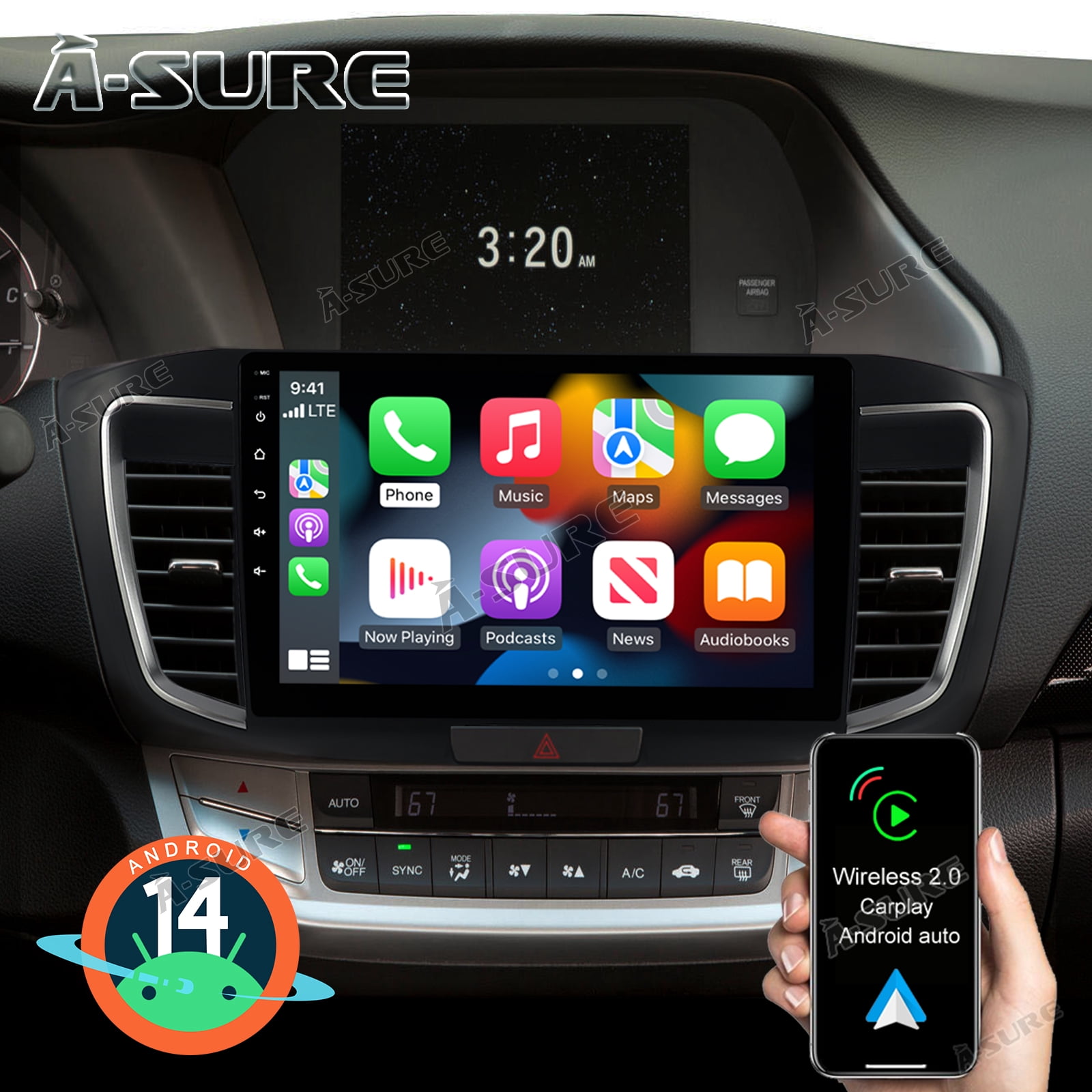
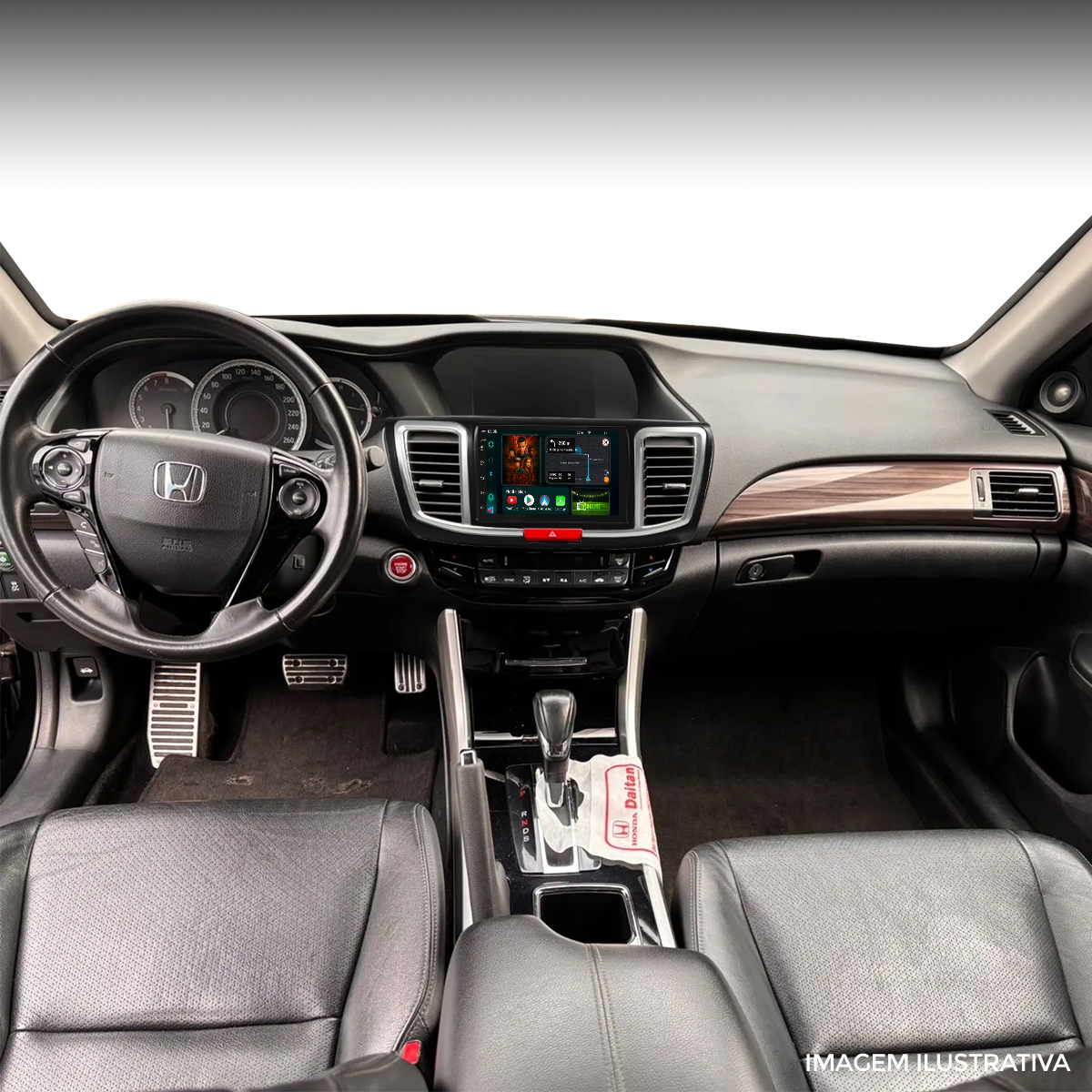
The most effective way to get CarPlay in a base-model 2017 Accord is to replace the factory radio with an aftermarket unit from manufacturers like Sony, Alpine, or Pioneer. In 2026, these units are highly advanced, offering features the 2017 factory system never had, such as Wireless CarPlay and high-definition capacitive screens.
- Dash Kits: Companies like Metra and Scosche produce dash kits that match the factory plastic texture and color, allowing an aftermarket radio to look integrated.
- Interface Modules: To keep your steering wheel audio controls and the factory backup camera working, you will need an interface module such as the iDatalink Maestro. This allows the new radio to "talk" to the Accord's existing computer systems.
- The "Dual-Screen" Challenge: When replacing the radio in an LX or Sport, the upper 8-inch i-MID screen usually remains functional for vehicle settings and the clock, though it will no longer display radio station information from the new head unit.
Retrofit Cost Considerations
As of 2026, a professional installation of a CarPlay-enabled head unit in a 2017 Accord typically costs between $500 and $900, depending on the quality of the head unit and whether you opt for wireless capabilities. While this is a significant investment, it can vastly improve the resale value and daily usability of the vehicle.
Troubleshooting Common CarPlay Issues
Even in compatible trims, users may encounter glitches. Given that the hardware in the 2017 Accord is now nearly a decade old, certain wear-and-tear issues are more prevalent.
System Freezing or Lag
The 2017 Honda Display Audio system is powered by an older version of the Android operating system (which runs the CarPlay "container"). If the screen becomes unresponsive:
- Hard Reboot: Hold the audio power button (the physical volume knob or the touch "Power" button) for approximately 10 seconds. The system will ask if you want to reboot. Select "Yes."
- Factory Reset: If glitches persist, navigate to Settings > System > Factory Data Reset. Note that this will erase all saved Bluetooth phones and radio presets.
Disconnection While Driving
If CarPlay disconnects when you hit a bump or move the phone, the issue is almost certainly physical.
- Lint in Port: Check the Lightning or USB-C port on your iPhone for pocket lint. This prevents the cable from seating deeply enough for a stable data connection.
- Worn USB Port: The USB port in the Accord's cubby can become loose over time. If the cable feels wobbly, the port assembly may need to be replaced by a technician.
The Long-Term Value of CarPlay in Older Accords
In the automotive landscape of 2026, the 2017 Accord remains highly sought after for its reliability. The availability of CarPlay is often the deciding factor for buyers choosing between a 2015 model (which lacked it entirely) and the 2017 model.
By offloading the "intelligence" of the infotainment system to the user's phone, the 2017 Accord avoids the obsolescence that plagues other cars from the same era. As long as Apple continues to support CarPlay in iOS, a 2017 Accord EX or Touring will remain "modern" because the maps, music apps, and voice recognition are updated on the phone, not the car's aging hardware.
For those with the LX or Sport trims, the 2017 Accord's simple interior layout makes it one of the easiest cars to modernize with aftermarket parts, ensuring that "CarPlay availability" is a problem that can be solved regardless of the original factory specifications.
Relevant Technical Specifications
- USB Standard: USB 2.0 (High Speed).
- Power Output: 1.5 Amperes (Smartphone Port).
- Operating System: Honda Display Audio (Android-based).
- Display: 7-inch Capacitive Touchscreen (EX and above).
Frequently Asked Questions
Can I upgrade my 2017 Accord Sport to factory CarPlay?
No, you cannot simply swap the software or the screen from an EX into a Sport trim. The wiring harnesses and the Active Noise Cancellation (ANC) modules are different between the trims. The most cost-effective path for Sport owners is an aftermarket head unit from a reputable brand.
Does the 2017 Honda Accord support Wireless CarPlay?
Factory-equipped 2017 Accords do not support wireless CarPlay. However, you can purchase a third-party "Wireless CarPlay Dongle." These devices plug into the USB port and act as a bridge between your phone and the car via Bluetooth/Wi-Fi. These have become highly reliable by 2026 and are a popular way to modernize the experience.
Why doesn't my iPhone recognize the 2017 Accord when plugged in?
First, ensure you are using the correct USB port (the one in the front cubby). Second, check that Siri is enabled on your iPhone. Finally, try a different "MFi Certified" cable. The 2017 Accord is particularly sensitive to cable quality and length; cables longer than 3-6 feet often experience data loss.
Will CarPlay work with the V6 engine models?
Yes, CarPlay availability is tied to the trim level (EX, EX-L, Touring), not the engine. Both the 2.4L 4-cylinder and the 3.5L V6 versions of those trims come standard with CarPlay.
Does Apple CarPlay show maps on the upper screen?
In the 2017 Accord, the main Apple CarPlay interface—including the interactive map—is restricted to the lower 7-inch touchscreen. However, some basic navigation prompts (like "Turn Right in 500 feet") can occasionally be mirrored to the upper i-MID screen depending on the version of iOS and the specific navigation app being used.
Final Recommendation
If you are looking for a 2017 Honda Accord and smartphone integration is a priority, target the EX trim or higher. The seamless integration of Apple CarPlay into the dual-screen dashboard provides a driving experience that feels surprisingly current even in 2026. For owners of the LX or Sport trims, an aftermarket upgrade is a highly recommended investment that restores the car’s competitive edge in technology and convenience.