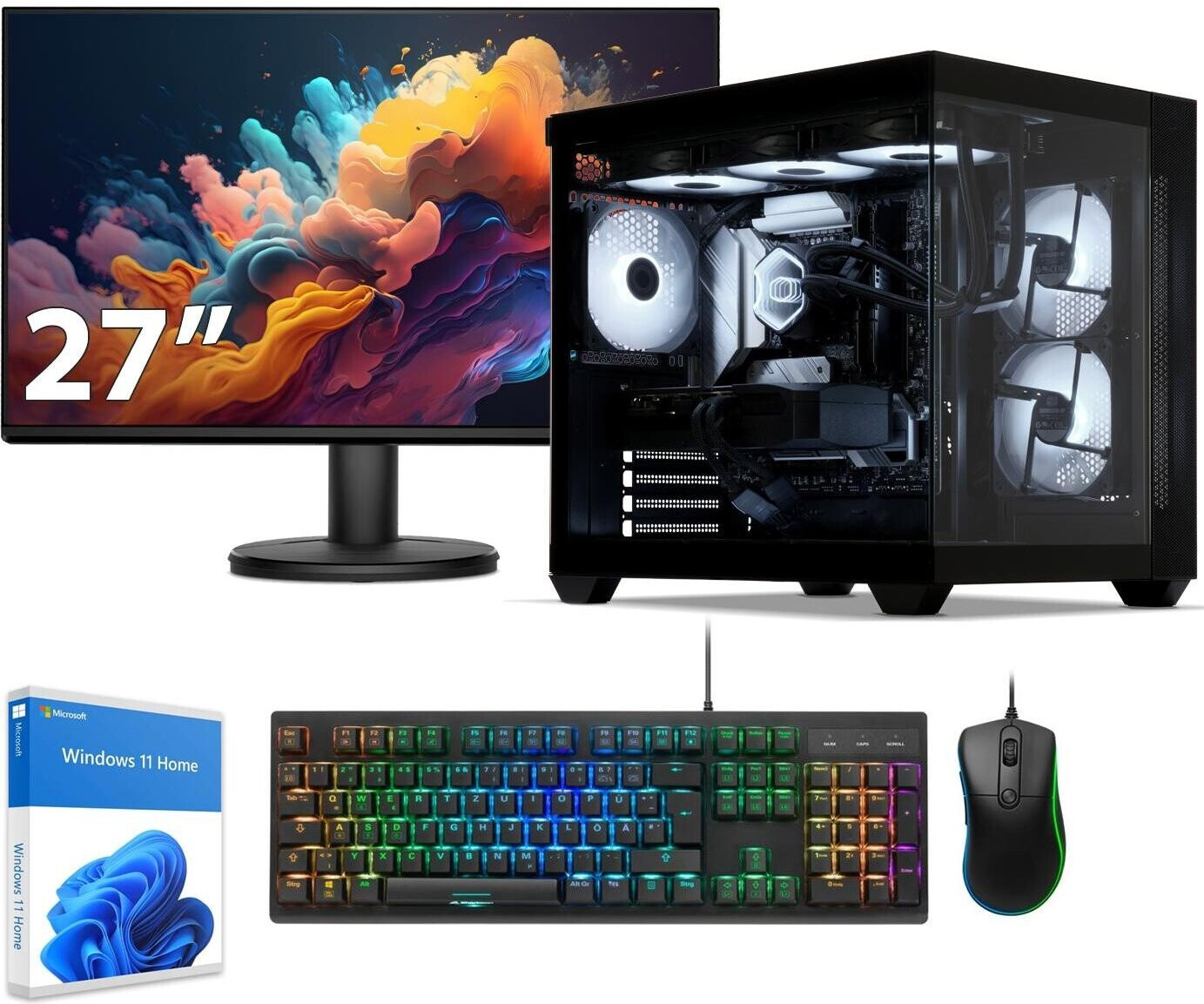
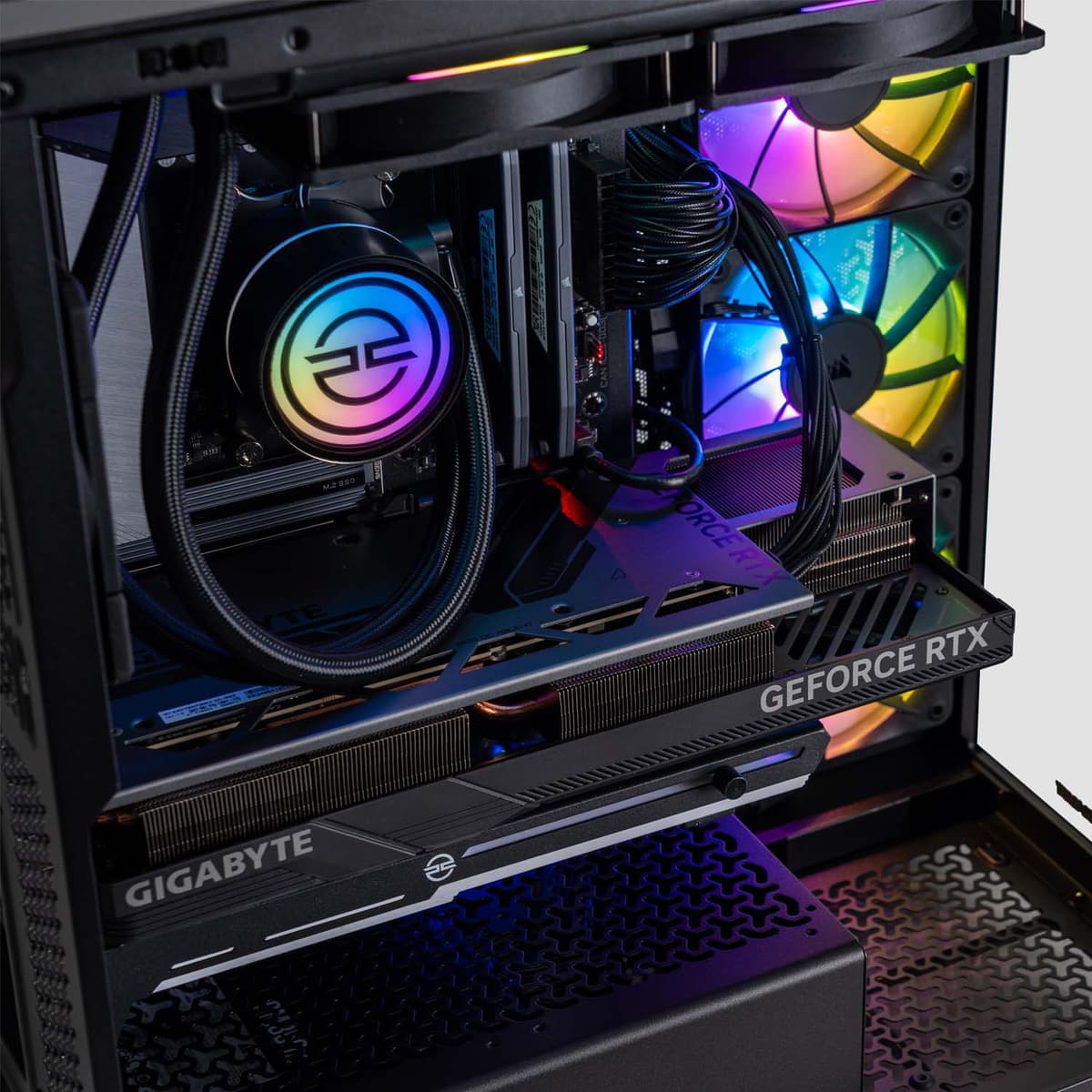
For the vast majority of gamers in 2026, a 2TB SSD provides an ideal balance between capacity and cost, allowing for a substantial library of modern AAA titles without the immediate need for frequent uninstalls. While power users with massive, rotating game libraries may still find reasons to push into 4TB territory, 2TB serves as the functional "sweet spot" for most gaming builds.
The Evolution of Game Install Sizes
In 2026, the storage landscape for gaming has been defined by the increasing complexity of game assets. As graphical fidelity pushes toward higher resolutions and textures, the space required on your drive has grown significantly.
Several years ago, a 1TB drive was considered luxurious. Today, many popular open-world titles, when combined with their day-one patches, high-resolution texture packs, and subsequent expansion content, can easily occupy between 150GB and 250GB. When you consider that your storage drive also hosts your operating system, background applications, and personal media, the "usable" space on a 1TB drive often shrinks below the 800GB threshold.
A 2TB drive effectively doubles this headroom. It provides enough breathing room to keep 10 to 15 massive, "heavyweight" titles installed simultaneously, alongside a selection of smaller indie games. This capacity allows players to transition between different genres without the "download tax"—the time spent waiting for a game to reinstall when the urge to play it strikes.
Understanding Usable Capacity and Drive Health
It is a common point of confusion among consumers that a "2TB" drive does not provide exactly 2,000GB of usable space. This discrepancy arises from two factors: binary conversion and system overhead.
Binary vs. Decimal
Storage manufacturers typically define a terabyte as 1,000,000,000,000 bytes. However, operating systems (like Windows 11) calculate storage in binary (gibibytes), where 1GB equals 1,024MB. Consequently, a drive labeled as 2TB will typically show approximately 1.81TB of formatted, usable space once connected to your computer.
The Performance Ceiling
Beyond capacity, there is the issue of drive health. Solid State Drives (SSDs) suffer from performance degradation when they reach near-maximum capacity. When an SSD is filled beyond 85-90% of its total capacity, the controller struggles to find clean blocks to write data, leading to a noticeable drop in read/write speeds.
For a 2TB drive, this means you should ideally aim to keep at least 200GB to 300GB of space free at all times to maintain peak performance. With 2TB of total space, this leaves you with roughly 1.5TB to 1.6TB of effective, "safe" storage for your games and files.
Comparative Storage Needs by User Profile
To determine if 2TB is enough for your specific needs, you must analyze your gaming habits. The following table illustrates how different user profiles consume storage.
| User Profile | Typical Game Library Size | Primary Storage Strategy | Recommended Capacity |
|---|---|---|---|
| Casual Gamer | 3–5 AAA titles, many indie games | Keep only currently played games | 1TB |
| Mainstream Enthusiast | 10–15 AAA titles, moderate backlog | Keep active library installed | 2TB |
| Library Hoarder | 30+ AAA titles, massive backlog | Install everything; rarely delete | 4TB+ |
| Content Creator | Games + raw video capture files | Tiered storage (SSD + HDD) | 2TB SSD + 4TB HDD |
The "Active Library" Strategy
The most efficient way to manage storage is to adopt an "active library" philosophy. If you are the type of player who plays one massive game to completion before moving to the next, 2TB is more than enough. You could potentially use 1TB, but the 2TB option offers long-term sustainability as game updates continue to increase in size throughout their lifecycle.
If you are a multiplayer gamer who rotates between four or five "live-service" titles (which often receive massive bi-monthly updates) and you like to keep a few single-player games on the side for variety, 2TB is the minimum threshold for a stress-free experience.
Technical Considerations: NVMe vs. SATA
In 2026, the NVMe (Non-Volatile Memory express) protocol is the gold standard for gaming. When selecting a 2TB drive, ensure you are choosing an M.2 NVMe SSD rather than a traditional SATA SSD or an external drive.
- Load Times: NVMe drives significantly reduce level-load times and eliminate "texture pop-in" in high-fidelity games, particularly those utilizing DirectStorage technology.
- Thermal Management: 2TB drives can generate significant heat during sustained heavy use. When installing a high-capacity drive, ensure your motherboard provides an integrated M.2 heatsink or consider purchasing a standalone heatsink to prevent thermal throttling, which can degrade the life of the drive.
- Endurance (TBW): Total Bytes Written (TBW) is a measure of a drive's lifespan. A higher-capacity drive, like a 2TB model, generally has a higher TBW rating than its 1TB counterpart because the wear is distributed across more flash cells. This makes a 2TB drive a better long-term investment for a gaming PC.
FAQ: Common Questions on 2TB Gaming Storage
1. Does a faster SSD help with game frame rates?
Generally, no. An SSD primarily impacts load times, asset streaming, and texture loading. While an extremely slow drive might cause stuttering in open-world games, moving from a standard NVMe to a "pro" tier drive will have negligible impacts on your actual frames-per-second (FPS). Focus your budget on capacity first.
2. Can I use an external 2TB SSD for my games?
You can, but it is not recommended for modern AAA titles. Even with USB 3.2 or Thunderbolt speeds, external connections can introduce latency and disconnect issues. Internal M.2 NVMe storage is vastly more reliable and necessary for the performance standards of games released in 2026.
3. Should I partition my 2TB drive?
Partitioning your drive (splitting it into a C: drive for Windows and a D: drive for games) was popular in the past to protect data during OS reinstalls. Today, it is largely unnecessary for gaming performance and can actually make storage management more difficult, as you might run out of space on one partition while having plenty on the other.
4. How do I clear space effectively?
If you find yourself hitting the limit on your 2TB drive, look for "hidden" space hogs. This includes shader caches, temporary update files, and media folders. Using tools like "Storage Sense" in Windows or third-party analyzer software can help you identify large, forgotten folders quickly.
5. Is 2TB enough for a game developer or content creator?
If you are recording gameplay in 4K or editing game footage, 2TB will be consumed rapidly by raw video files. In this case, use the 2TB SSD for your OS and active games, but pair it with a large-capacity SATA SSD or internal HDD specifically for archival and video project storage.
Final Recommendations for Your Build
If you are currently building a gaming PC or looking to upgrade your console, 2TB is the most recommended capacity for a primary drive in 2026. It prevents the constant cycle of deleting and re-downloading games, provides better longevity through higher TBW ratings, and avoids the performance penalties associated with filling a drive to capacity.
If you are on a strict budget, you may start with 1TB, but look for a motherboard that includes a second M.2 slot. This allows you to easily add a second drive later without needing to migrate your operating system or reconfigure your entire library. For most users, however, the "buy once, cry once" approach of purchasing a single high-quality 2TB NVMe drive remains the most sensible path for a premium gaming experience.