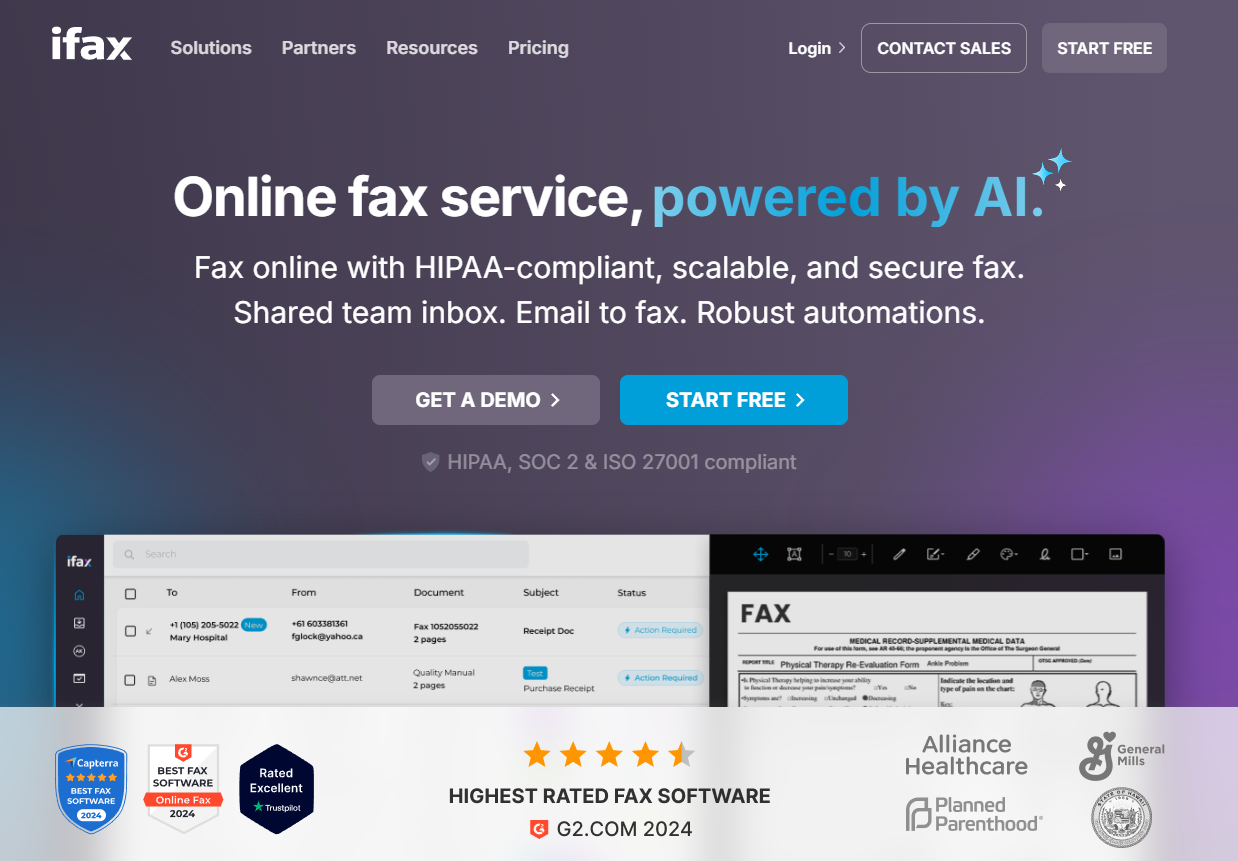
Sending and receiving faxes for personal tasks—such as signing lease agreements, submitting medical records, dealing with insurance companies, or managing estate documents—rarely requires owning a physical fax machine. Online fax services bridge the gap between legacy paper-based communication and modern digital workflows by letting you transmit documents directly from your computer, smartphone, or tablet via email or web browser.
Selecting the right online fax service for personal use involves balancing monthly costs, page limits, ease of use, and security features. Unlike high-volume corporate environments, personal users typically require low-page allowances, mobile accessibility, and intuitive interfaces rather than complex user-management dashboards or advanced API integrations.
Understanding Online Fax Services for Personal Use
An online fax service (often called cloud fax or internet fax) acts as an intermediary between digital files and traditional analog fax machines. When you send a document, the platform converts your PDF, Word document, or image into standard telephonic audio frequencies or transmits it directly over digital lines to a destination fax machine or another cloud fax inbox. Conversely, incoming faxes are received by a dedicated phone number assigned to you, converted into a digital file (usually a PDF or TIFF), and delivered instantly to your email inbox or an online user dashboard.
For personal users, transitioning away from physical fax machines or third-party storefronts—such as office supply stores—saves considerable time and money. However, understanding the core operational mechanics helps ensure you choose a platform that fits your exact workflow without paying for enterprise-grade features you will never touch.
Key Factors to Evaluate for Personal Needs
- Page Volume Allowances: Personal use is usually sporadic. Most entry-level personal plans provide between 100 and 300 combined incoming and outgoing pages per month. Exceeding these limits often triggers per-page overage fees ranging from $0.05 to $0.15 per page.
- Local vs. Toll-Free Numbers: Ensure the provider offers local numbers if you want recipients to call a nearby area code, or verify whether toll-free numbers are included without extra monthly charges.
- Mobile and Web Accessibility: Look for dedicated iOS and Android applications, responsive web portals, and seamless email-to-fax integration so you can snap a photo of a document and transmit it on the go.
- Security and Compliance: Even for personal documents, encryption in transit (TLS) and at rest (AES 256-bit) is vital when transmitting sensitive medical histories, tax documents, or financial statements.
The 5 Best Online Fax Services Reviewed
Evaluating the market requires examining transparency in pricing, user experience, reliability, and specific utility for individuals who only need to fax a few times a month.
1. HelloFax (by Dropbox)
HelloFax is widely recognized for its clean, modern interface and deep integration with cloud storage providers, making it a favorite for individuals already entrenched in digital ecosystems like Google Drive, Dropbox, and Box.
- Core Experience: HelloFax relies heavily on a web-based dashboard where users can drag and drop documents, type text directly onto forms, and add legally binding electronic signatures.
- Pros: Extremely user-friendly layout; exceptional cloud storage integrations; allows multiple recipients easily; reliable delivery notifications.
- Cons: Entry-level pricing can be higher than competitors if you only need to send a single fax per month; lacks a robust standalone mobile app compared to dedicated mobile-first competitors.
- Best Suited For: Individuals who store their personal documents in the cloud and frequently need to sign and return PDF forms.
2. Fax.Plus
Fax.Plus strikes a strong balance between advanced security features and straightforward personal usability, offering a reliable infrastructure backed by cross-platform accessibility.
- Core Experience: Users receive a modern dashboard alongside well-designed mobile applications for iOS and Android. It supports email-to-fax and fax-to-email configurations natively across almost all plan tiers.
- Pros: Generous free trial tier for very low-volume needs; HIPAA-compliant infrastructure (useful if you handle complex personal medical records); highly responsive mobile apps with built-in document scanning.
- Cons: Lower-tier plans restrict the number of pages per month quite strictly; porting an existing personal fax number away from them can involve administrative oversight.
- Best Suited For: Smartphone-heavy users who need reliable, secure document scanning and transmission on mobile devices.
3. eFax
As one of the oldest and most established names in the digital fax industry, eFax offers robust reliability and an expansive network of local phone numbers, though its interface leans traditional.
- Core Experience: eFax delivers faxes directly to your email as attachments while providing a web portal for sending documents. Their software client also allows electronic signatures.
- Pros: Massive database of local and toll-free numbers globally; highly established corporate backing ensures high delivery success rates; solid customer support infrastructure.
- Cons: Higher price point for entry-level tiers compared to newer cloud-native competitors; cancellation processes can sometimes be cumbersome.
- Best Suited For: Users who prioritize brand longevity, extensive local number availability, and traditional customer service options.
4. MyFax
MyFax is engineered for simplicity and affordability, making it an ideal entry point for individuals who find feature-heavy enterprise platforms overwhelming.
- Core Experience: The platform focuses on an email-centric workflow. You compose an email, attach your document, type the destination fax number followed by the service domain into the "To" field, and hit send.
- Pros: Very straightforward pricing with minimal hidden fees; excellent for occasional users who primarily want to send faxes straight from their personal email client without logging into a web app.
- Cons: Web interface looks dated compared to newer competitors; fewer advanced document-editing and electronic signature tools built directly into the dashboard.
- Best Suited For: Minimalist users who want a pure "email-to-fax" experience without learning a new software interface.
5. RingCentral Fax
RingCentral Fax (often bundled with corporate voice solutions but available standalone) provides enterprise-grade reliability scaled down for power users who manage substantial personal paperwork.
- Core Experience: Offers integration with Microsoft Office applications, Google Workspace, and robust cloud storage platforms alongside dedicated desktop and mobile apps.
- Pros: Exceptional uptime and delivery confirmation tracking; highly scalable if personal needs suddenly expand into small business or freelance requirements.
- Cons: Overkill for casual users who only send one or two faxes a year; interface can feel cluttered with communication tools irrelevant to pure faxing.
- Best Suited For: Freelancers, consultants, or individuals managing complex personal enterprises who need advanced archiving and high-volume reliability.
Comparison of Top Online Fax Services for Personal Use
| Service | Best For | Typical Monthly Price Range | Free Trial / Tier | Mobile App Availability |
|---|---|---|---|---|
| HelloFax | Cloud storage users & digital signing | Moderate | No free tier (limited trials vary) | Web-optimized (No dedicated app) |
| Fax.Plus | Mobile scanning & security | Budget-friendly to Moderate | Free tier (limited pages) | iOS & Android |
| eFax | Extensive local numbers & reliability | Premium | 30-day trial (select offers) | iOS & Android |
| MyFax | Simple email-to-fax workflows | Budget-friendly | 30-day trial | iOS & Android |
| RingCentral Fax | Power users & heavy paperwork | Moderate to Premium | Limited trial options | iOS, Android, Desktop |
Step-by-Step Guide: How to Send Your First Online Fax
Sending an online fax takes only a few minutes once you select a provider and establish an account. Follow these operational steps to ensure your transmission goes through successfully on the first attempt:
- Prepare and Format Your Document: Convert your physical paperwork into a clean digital format. Supported file types typically include PDF, DOC, DOCX, TIFF, JPEG, and PNG. If using a smartphone, use your provider's app or a scanning app to ensure proper contrast and alignment.
- Log In or Open Your Email Client: Depending on your provider, either navigate to the service's web dashboard and click "Send Fax," or open your personal email client (e.g., Gmail, Outlook, Apple Mail) if utilizing email-to-fax.
- Enter the Destination Number: Input the recipient's full fax number including the country code and area code (e.g.,
+15551234567@faxproviderdomain.comfor email-to-fax, or directly into the recipient field of the web dashboard). - Attach the Document: Upload your prepared files. You can typically attach multiple files to send them as a single multi-page fax transmission.
- Include a Cover Page (Optional): Fill out the subject and message fields if the platform generates a digital cover page, which helps the recipient identify who the document is from.
- Send and Verify: Click "Send." Wait a few minutes for the system to process the transmission. Check your email or dashboard for a delivery confirmation report verifying that the transmission was successful.
Common Mistakes to Avoid
- Ignoring Overage Fees: Selecting the cheapest monthly plan without checking page limits can result in steep unexpected fees if you accidentally transmit a massive, multi-page medical file. Always review the combined incoming and outgoing page caps.
- Forgetting Area Codes: Entering a ten-digit number without the country code (+1 in North America) on email-to-fax gateways frequently causes transmission failures.
- Poor Document Contrast: Snapping a quick, dimly lit photo of a document with a smartphone often results in illegible faxes that recipients will reject. Always use high-contrast document scanning modes.
- Overlooking Cancellation Policies: Some providers require manual cancellation via phone or hidden account settings, so review subscription renewal terms before entering payment details for trial accounts.
Frequently Asked Questions
Do I need a dedicated phone line to use an online fax service?
No. Online fax services operate entirely through the cloud via internet protocols and email gateways. Your provider assigns you a virtual fax number, meaning your home telephone line remains completely free for regular voice calls.
Can I keep my existing personal fax number?
Yes, most reputable online fax providers support number porting. You can submit a Letter of Authorization (LOA) to transfer your existing analog fax number or traditional landline number over to your digital cloud provider, though this process can take anywhere from a few days to a couple of weeks.
Are online fax services secure enough for medical and financial documents?
Leading online fax services utilize robust encryption standards, including TLS encryption during transmission and AES 256-bit encryption for stored files at rest. Many platforms are also HIPAA-compliant, making them secure enough for personal medical records and tax documents, provided you maintain secure passwords on your email and account dashboards.
What happens if a fax transmission fails?
If a transmission fails due to a busy signal or network timeout, the online fax service will typically attempt automatic redialing over a set period. If it ultimately fails, the platform sends a failure notification to your inbox, and most services do not deduct pages from your monthly allowance for unsuccessful transmissions.
Can I send faxes for free?
While a few providers offer restricted free tiers (such as Fax.Plus), truly free online options are generally limited to sending a handful of pages total or include intrusive advertisements and watermarks. For reliable personal use, a low-cost monthly subscription or pay-as-you-go credit bundle is recommended.
Final Recommendation
For most individuals needing occasional personal faxing capabilities, choosing a service with a balance of mobile accessibility, clean document management, and fair pricing is ideal. If you want seamless mobile scanning and a free entry tier, Fax.Plus serves as an exceptional starting point. If you prefer a streamlined interface deeply integrated with cloud storage for signing digital documents, HelloFax offers the most frictionless user experience. Evaluate your monthly page volume requirements and select the plan that prevents costly overages while keeping your personal paperwork secure.