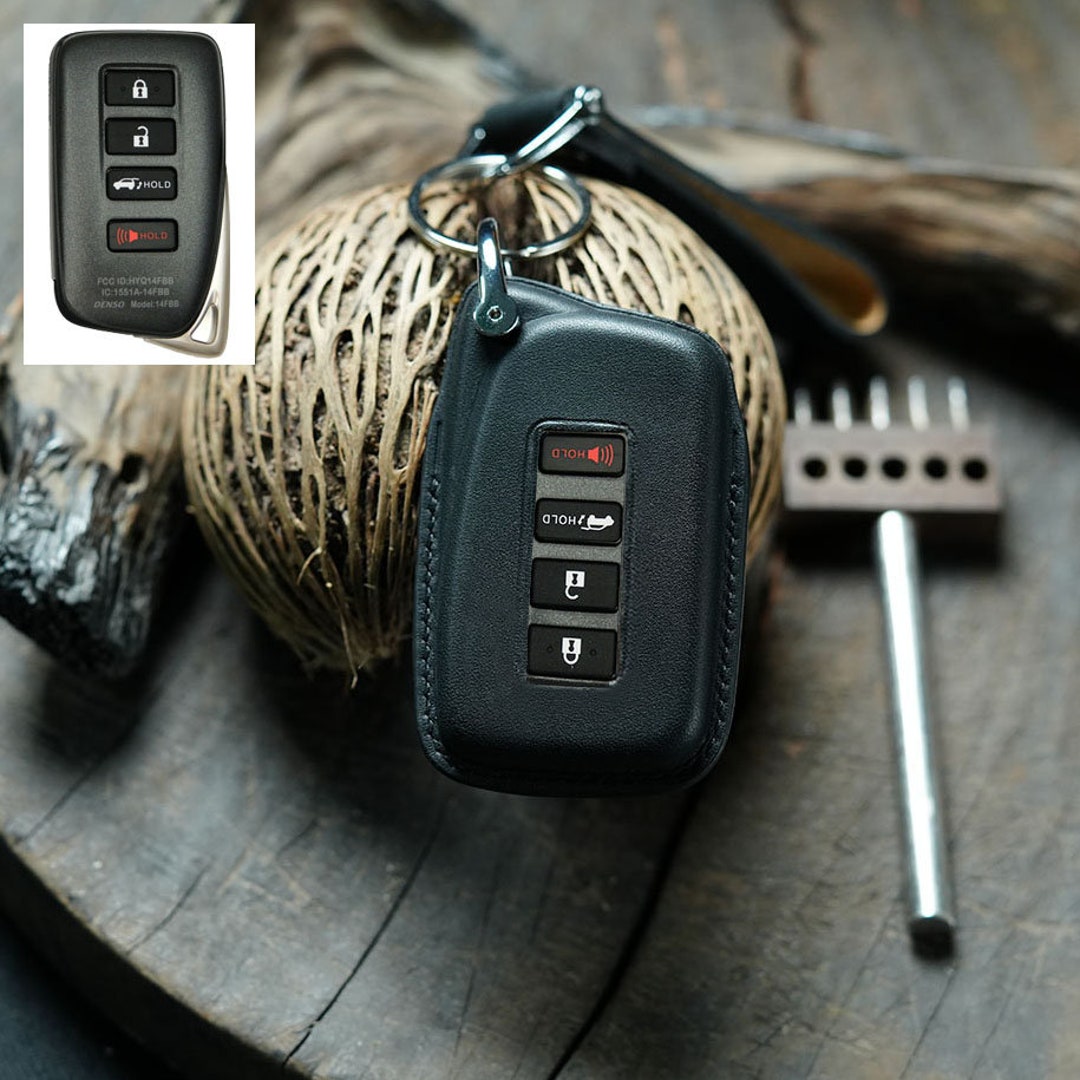
Replacing the battery in a Lexus RX 350 key fob is a straightforward maintenance task that can be completed in minutes using only a flathead screwdriver or a small pry tool. By opening the fob casing, removing the depleted CR2032 or CR1632 coin-cell battery, and inserting a fresh one with the positive side facing up, you can restore full functionality to your vehicle’s remote entry system without needing professional assistance.
Understanding the Lexus RX 350 Key Fob System
The Lexus RX 350 utilizes a sophisticated proximity-based keyless entry and ignition system. The key fob functions as a transmitter that communicates with your vehicle’s onboard computer via radio frequencies. When the battery in this fob begins to lose its charge, the vehicle may exhibit signs of struggle, such as a delayed response when pressing the lock or unlock buttons, the need to hold the fob closer to the door handle, or the "Key Battery Low" warning appearing on the Lexus multi-information display.
As of 2026, it is helpful to note that Lexus has refined its key design over several generations. While the internal circuitry has evolved, the physical process for replacing the battery remains largely consistent across the RX 350 model lineup. Understanding that your fob is essentially a low-power electronic device helps demystify the process; the battery is a standard consumer-grade lithium coin cell, and the housing is designed to be user-serviceable.
Prerequisites and Necessary Tools
Before beginning the replacement, ensure you have the correct battery type. Most Lexus RX 350 models, particularly those produced in the last decade, utilize a CR2032 3-volt lithium coin battery. However, some earlier iterations may require a CR1632. You can verify the specific battery size by checking the back of the fob or consulting your vehicle owner’s manual.
Tools required:
- A precision flathead screwdriver: A small jeweler’s screwdriver is ideal, but a standard flathead can work if used carefully.
- A replacement battery: Always use a reputable brand to ensure longevity. Avoid budget-tier batteries, as they often have lower capacity and higher rates of leakage, which can damage the internal contacts of your key fob.
- A clean, dry workspace: Electronics are sensitive to debris and moisture. A kitchen counter or desk is sufficient.
Step-by-Step Replacement Procedure
Follow these steps carefully to ensure the integrity of the key fob casing and internal components.
- Remove the Mechanical Key: Locate the small release button on the side or bottom of the key fob. Slide the button and pull out the internal mechanical key. This key is your manual override for the driver’s side door.
- Open the Fob Casing: With the mechanical key removed, you will see a small indentation or slot where the key was housed. Use your flathead screwdriver or a specialized plastic prying tool to gently lever the two halves of the key fob apart. Apply pressure slowly to avoid cracking the plastic housing.
- Access the Battery: Once the cover is off, you will see the circuit board and the battery compartment. Note the orientation of the existing battery. It is typically held in place by a small metal clip. Gently nudge the old battery out of its housing using the edge of the screwdriver.
- Install the New Battery: Take your new battery and place it into the slot with the positive side (+) facing upward. Ensure that it sits flat and is securely captured by the metal retaining clip.
- Reassemble the Fob: Align the two halves of the key fob cover and press them together firmly until you hear a audible "snap." Ensure that the gaps between the two halves are even and that no internal components are pinched.
- Reinsert the Mechanical Key: Slide the metal key back into its original position until the release button clicks into place.
Troubleshooting and Verification
After you have replaced the battery, it is essential to verify that the fob is functioning correctly before walking away from your vehicle. Approach the driver’s door and attempt to lock and unlock the vehicle using the buttons on the fob. If the lights flash and the doors cycle, the replacement was successful.
If the fob does not work, consider the following troubleshooting steps:
- Battery Orientation: Did you place the battery in upside down? Ensure the positive side is facing up toward you.
- Contact Issues: Sometimes the metal contact points inside the fob can become flattened. If the battery is loose, use the tip of your screwdriver to very gently lift the metal tab so that it makes firmer contact with the battery.
- Resetting the Fob: On some Lexus models, if the battery has been dead for an extended period, the fob may need to be "re-learned" by the vehicle. This is rare, but if the fob still fails to unlock the doors, try holding the key fob directly against the "Start" button while pressing it to initiate an emergency ignition sequence.
Battery Comparison and Selection Guide
Choosing the right battery is the most critical decision in the replacement process. Below is a comparison to help you understand your options.
| Feature | Lithium Coin (CR2032) | Lithium Coin (CR1632) |
|---|---|---|
| Voltage | 3.0V | 3.0V |
| Diameter | 20mm | 16mm |
| Typical Usage | Standard Lexus RX 350 Fob | Select Legacy Lexus Models |
| Capacity | Higher (Longer Life) | Lower (Compact Size) |
Always purchase batteries from reputable retailers. Low-quality batteries often feature thin casing that is prone to venting chemicals. If you notice a white, powdery residue inside your key fob when you open it, this is evidence of previous battery leakage. Clean this gently with a Q-tip dipped in a small amount of isopropyl alcohol before inserting the new battery.
Frequently Asked Questions
How long should a Lexus RX 350 key fob battery last? Typically, a high-quality CR2032 battery in a Lexus key fob will last between two and three years. This duration can vary based on usage frequency and environmental factors, such as extreme cold, which can temporarily reduce the chemical efficiency of the battery.
Will I lose my vehicle settings if I change the battery? No. Replacing the key fob battery will not affect your vehicle’s settings, such as seat position, memory mirrors, or infotainment presets. The fob itself does not store these data points; they are saved in the vehicle’s onboard memory (ECU).
Do I need to reprogram the fob after replacing the battery? In the vast majority of cases, no. The fob’s identity code is stored on a non-volatile memory chip inside the remote. Replacing the battery does not clear this memory. If your fob is functioning but simply has weak signal strength, you will not need to perform any complex re-pairing procedures.
What should I do if the "Key Battery Low" warning persists? If you have replaced the battery and the warning remains on your dashboard, ensure the battery is seated correctly. If the warning still persists, try driving the vehicle for a short distance or pressing the start button with the fob to refresh the handshake between the key and the immobilizer system.
Are there specialized tools required for this, or will household items work? A precision screwdriver is highly recommended to avoid damaging the delicate plastic housing. Using a butter knife or a heavy-duty screwdriver often leads to chipped plastic edges. Always prioritize non-marring plastic pry tools if available to maintain the aesthetic appearance of your key fob.
Final Recommendations
For long-term reliability, keep a spare battery in your glove compartment. While the mechanical key allows you to enter the vehicle, starting the car with a dead key fob can be an inconvenience. By keeping a fresh CR2032 battery on hand, you avoid the need for emergency roadside assistance. Always dispose of your old batteries at a local recycling center, as they contain heavy metals that should not be discarded in standard household trash.