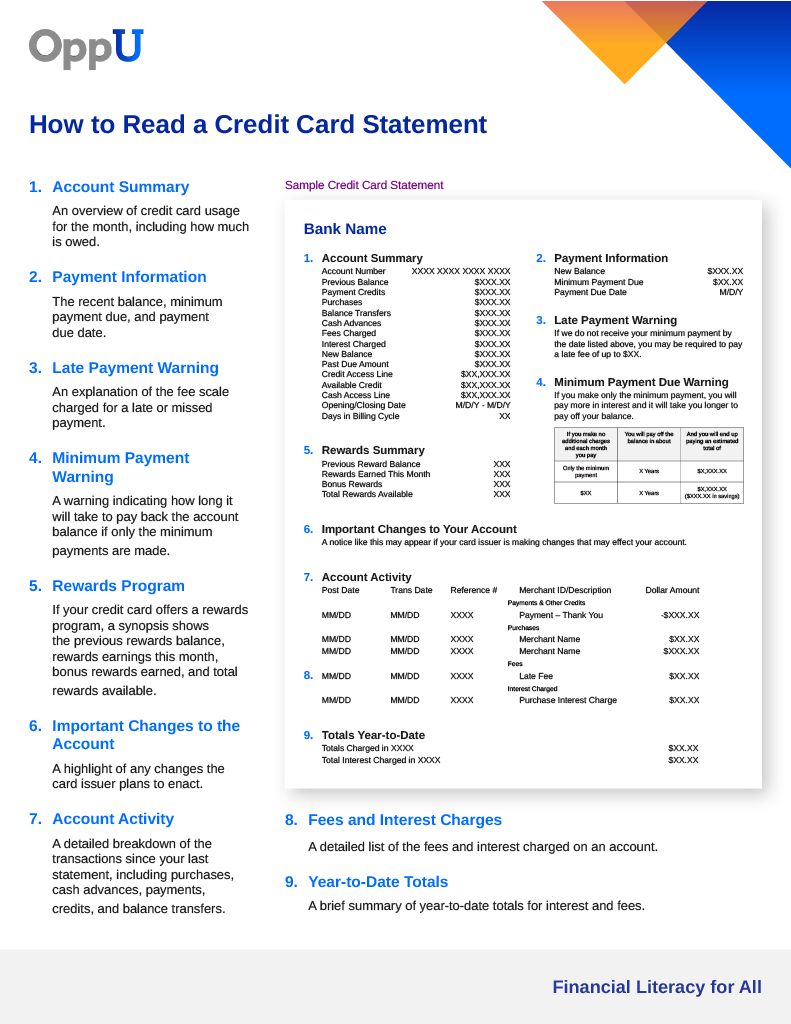
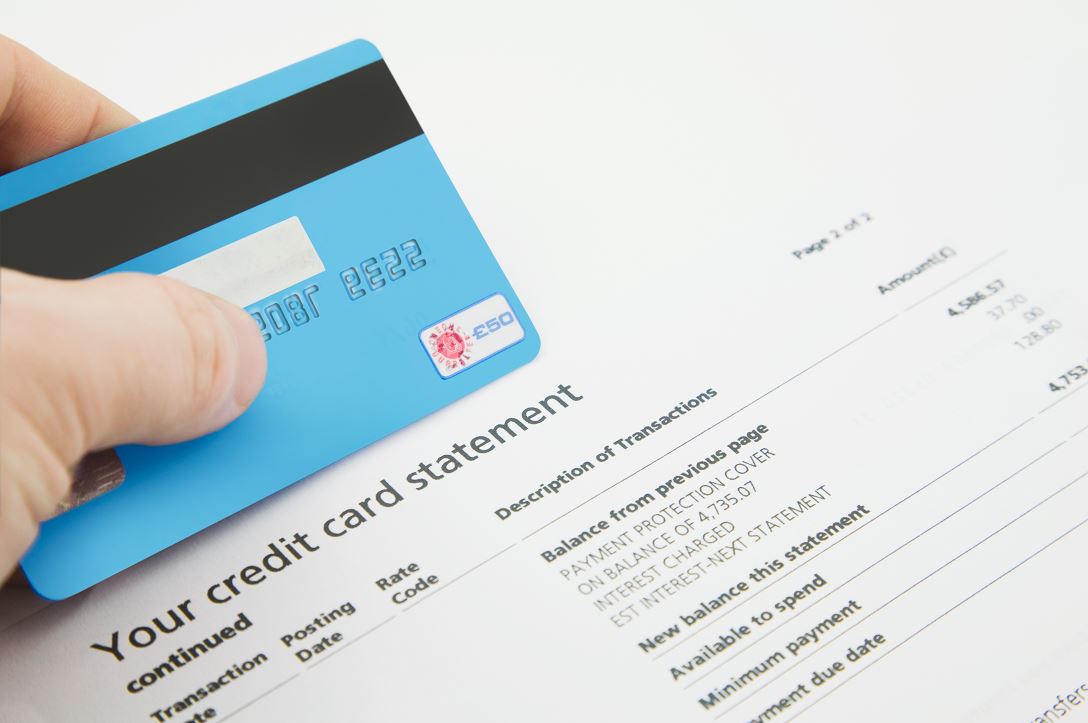
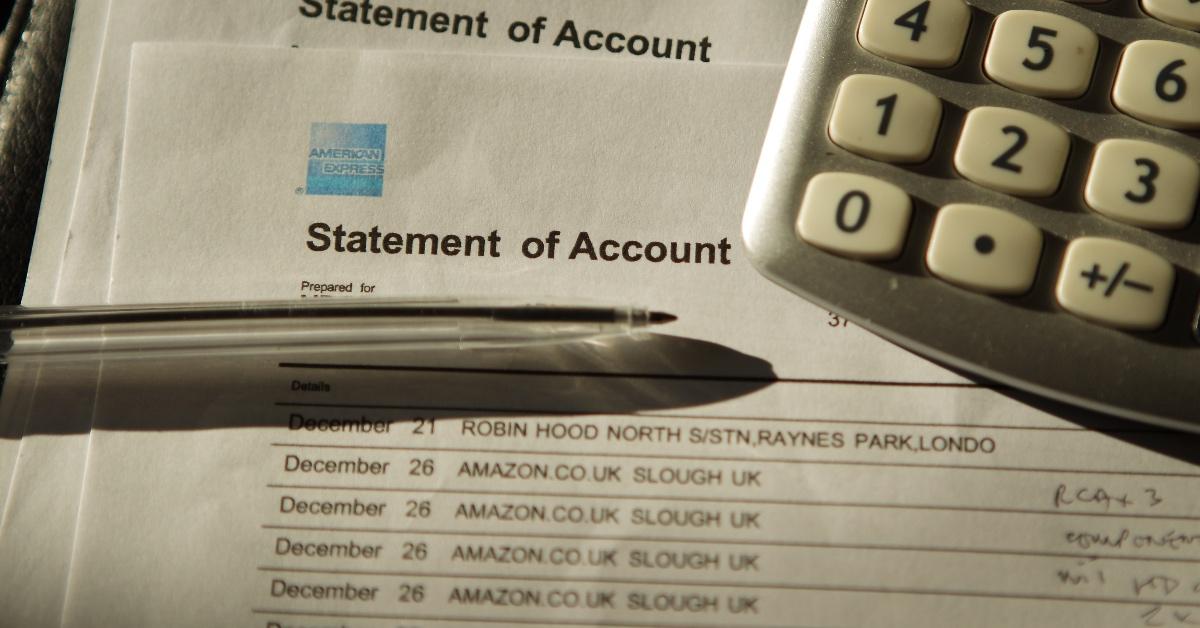
An Amazon mark on your credit card statement is a transaction descriptor used to identify purchases, subscriptions, or temporary authorizations made through Amazon's ecosystem. These codes, such as AMZN MKTP US or Amazon Prime, indicate whether the charge originated from a direct sale, a third-party marketplace seller, a digital subscription, or a specialized service like Amazon Pay.
Seeing an unfamiliar alphanumeric string next to the word "Amazon" on your monthly financial summary can be a source of immediate anxiety. In 2026, as the digital retail landscape continues to diversify, Amazon’s billing descriptors have become more specific yet more numerous. Whether you are seeing a small recurring fee or a large lump sum, understanding how to decode these marks is the first step toward managing your personal finances and identifying potential fraud.
Decoding Common Amazon Statement Descriptors
When you look at your credit card or bank statement, the "merchant description" field is limited by the banking system's character constraints—usually between 20 and 25 characters. Amazon uses this space to provide as much data as possible.
AMZN MKTP US (Amazon Marketplace)
One of the most frequent marks is AMZN MKTP US (or variations like AMZN Marketplace). This signifies that you purchased an item from a third-party seller rather than from Amazon's own inventory. While Amazon handles the payment processing, the funds are eventually routed to an independent merchant. These charges often appear separately from items sold directly by Amazon, even if they were part of the same "checkout" session.
Amazon.com* [Order ID or Alphanumeric Code]
Charges for items sold directly by Amazon often appear as Amazon.com followed by a sequence of numbers or letters. These letters are frequently internal reference codes or a partial Order ID. In 2026, Amazon’s billing system often integrates a unique transaction hash that allows their customer service bots to instantly locate the specific shipment associated with that charge.
Prime Video and Digital Services
If you see Prime Video, Amzn Digital, or Amazon Digital, the charge is likely for a non-physical good. This includes movie rentals, Kindle book purchases, or software subscriptions. It is important to note that digital charges are processed almost instantly upon "clicking" buy, whereas physical goods are usually not charged until the moment they leave the fulfillment center.
Amazon Pay
Amazon Pay is a service that allows you to use your Amazon payment methods on external, third-party websites. If you bought shoes from an independent boutique and selected "Check out with Amazon," the mark on your statement will often read Amazon Pay or AMZN Pay followed by the name of the actual merchant. This can be confusing because the name of the boutique might be truncated, leaving you wondering why Amazon is charging you for a price point that doesn't match your recent Amazon.com history.
Why Do Multiple Charges Appear for a Single Order?
One of the primary reasons consumers search for "Amazon mark on my credit card" is the appearance of multiple smaller charges that do not match the total shown in their order confirmation email. This is not an error; it is a result of Amazon’s sophisticated logistics and billing logic.
The "Charge on Shipment" Rule
Amazon’s standard policy remains that your credit card is not officially charged until the item is shipped. If you place an order for five different items, and those items are located in five different warehouses across the country, they will ship at different times. Consequently, your credit card statement will show five individual "marks" instead of one large one.
Pre-Authorizations vs. Final Settlements
When you first place an order, Amazon may contact your bank to ensure the funds are available. This is known as a pre-authorization or a "pending" charge. This mark might reflect the total cost of the order. However, as items ship, the pre-authorization is replaced by actual "settled" charges for the individual items. For a few days, it may look like you have been double-charged, but the pending amount will eventually drop off according to your bank’s specific processing timeline.
Subscription "Stacking"
Many users forget that they have opted into "Subscribe & Save" for household essentials. These charges occur on a set monthly cycle. If your subscription date aligns with a manual purchase you made, the two marks may appear together, making the total daily expenditure look higher than expected.
How to Verify Unrecognized Amazon Charges
If you see a mark that you do not recognize, do not immediately file a chargeback with your bank. Amazon’s fraud detection systems are aggressive; filing an unjustified chargeback can lead to your entire Amazon account—including access to Kindle libraries, AWS instances, and Prime Video—being permanently suspended. Instead, follow these verification steps.
1. Check Your Order History
Log into your account and go to Returns & Orders. Use the search function or the "Year" filter to look for the specific dollar amount. Remember to look at the "Order Total" including tax and shipping, as the mark on your statement will always be the "all-in" price.
2. Review "Transactions" under Payments
Amazon provides a specific "Transactions" view that is separate from the "Orders" view.
- Go to Your Account.
- Select Your Payments.
- Click on the Transactions tab. This view is specifically designed to mirror your credit card statement. It will show you exactly which shipment or subscription corresponds to the specific date and dollar amount on your bank's website.
3. Account for Amazon Household
If you are part of an Amazon Household, multiple adults share payment methods. It is common for a spouse or partner to make a purchase that appears on your statement. Check with other members of your household before assuming the mark is fraudulent.
4. Digital Order History
Digital purchases (apps, music, books, and rentals) are often hidden in a separate sub-menu. In 2026, navigate to Account > Content & Devices > Digital Orders to see a list of these small, often forgotten transactions.
Amazon Billing Codes Reference Table
| Statement Mark | Category | Likely Source |
|---|---|---|
| AMZN MKTP US | Marketplace | Third-party seller purchase. |
| Amazon Prime | Subscription | Annual or monthly Prime membership fee. |
| AMZN Digital | Digital Goods | Kindle books, App Store purchases, or Prime Video rentals. |
| Amazon.com | Direct Sale | Items sold and shipped directly by Amazon. |
| AMZN Pay | External Payment | Purchase made on a non-Amazon website using Amazon Pay. |
| AWS | Cloud Services | Amazon Web Services (often for business or developer use). |
| Audible | Subscription | Monthly audiobook membership or individual book purchase. |
| WholeFd | Grocery | In-store or online purchase from Whole Foods Market. |
The Role of Hidden Subscriptions
Recurring marks are a frequent source of confusion. Many Amazon services offer "free trials" that automatically convert into paid memberships if not cancelled. In 2026, these subscriptions are more granular than ever.
- Kindle Unlimited: Often appears as a ~$10-15 charge.
- Amazon Music Unlimited: Can be confused with Prime, but is a separate higher-tier audio service.
- Paramount+ / Max / Discovery+: If you subscribe to "Channels" through Prime Video, the mark on your statement might still say "Amazon," even though the service is provided by another company.
- Blink or Ring: If you own Amazon-branded security cameras, the cloud storage subscription fees will appear as Amazon marks.
To manage these, you must visit the Memberships & Subscriptions section of your account. This page provides a comprehensive list of every "leak" in your wallet associated with the Amazon ecosystem.
Identifying and Reporting Fraudulent Amazon Marks
While most unrecognized marks are simply forgotten orders or household members' spending, credit card fraud remains a reality in 2026. Criminals often "test" a stolen card with a small, inconspicuous Amazon mark—usually under $5.00—to see if the card is active before making a larger purchase.
Indicators of Actual Fraud
- No matching Order ID: If the transaction does not appear in your "Your Payments > Transactions" tab after 48 hours, it likely did not originate from your account.
- Geographic Discrepancies: If you see "AMZN MKTP UK" or "AMZN MKTP JP" and you have never shopped on the UK or Japanese versions of the site, this is a red flag.
- Multiple "Test" Charges: A series of small, identical charges occurring within minutes of each other is a hallmark of automated fraud scripts.
Next Steps for Fraud
If you have verified that the charge is not from your account or your household:
- Contact your bank: Request to freeze the card and dispute the transaction.
- Contact Amazon: Use the "Help" center to report that your card is being used on another account. Amazon can often "blackhole" the fraudulent account even if they cannot give you the details of who used it due to privacy laws.
- Update Security: Enable Two-Factor Authentication (2FA) on your Amazon account and change your password.
Advanced Technical Insights: The Payment Gateway Lifecycle
To truly understand the "mark" on your statement, it helps to understand the technical path a payment takes. When you click "Place Order," Amazon sends a request to a Payment Gateway. This gateway communicates with the Card Networks (Visa, Mastercard, etc.) and your Issuing Bank.
The initial mark is often a "Merchant Name" sent via the ISO 8583 standard—a global message format for electronic transactions. This is why the names are often truncated or use abbreviations like "AMZN." By the time the transaction "settles" (usually 24-48 hours after shipping), the bank may update the descriptor with more detail, such as a phone number (e.g., 888-280-4331, which is Amazon's general support line).
In 2026, some high-end banking apps use Enriched Transaction Data. These apps look at the "AMZN" string and automatically replace it with the Amazon logo and a link to the Amazon app. If your bank does not offer this, you are left looking at the raw, often cryptic, string of characters provided by the payment processor.
Frequently Asked Questions
Why does my statement show a charge from Amazon for $0.00 or $1.00?
This is a "Card Verification" or "Account Verification" hit. It is common when you add a new credit card to your Amazon account or when you sign up for a free trial. Amazon is checking with your bank to ensure the card is valid and hasn't been reported lost or stolen. These marks usually disappear from your statement within 3 to 7 business days and never turn into actual charges.
I cancelled my order, so why is there still an Amazon mark on my card?
When you place an order, the bank "earmarks" the funds (the pre-authorization mentioned earlier). Even if you cancel the order one minute later, the bank has already placed a temporary hold on those funds. Amazon does not "take" the money, but the bank hasn't "released" it back to your available balance yet. This process is handled by the bank, not Amazon, and can take up to a full billing cycle in some cases, though usually only a few days.
What is the "AMZN MKTP US* [Random Letters]" code?
The random letters following the "AMZN MKTP US" mark are typically a unique transaction identifier used for internal reconciliation. In the event of a dispute, this code is what allows a customer service representative to match your bank's record with their internal ledger. It does not usually correspond to a specific product name.
Can I change how Amazon marks appear on my statement?
No. The descriptors are set by Amazon’s merchant accounts and the banking protocols they use. However, you can make your own record-keeping easier by using the "Notes" feature in most modern 2026 banking apps to label the transaction once you have identified it through your Amazon Order History.
Why did I get a charge from "Amazon Web Services" when I don't have a website?
AWS charges are often related to cloud storage or specialized services. If you are a student, a developer, or a small business owner, you may have an AWS account that is billing you for storage (S3) or computing power (EC2). If you truly have no connection to web development, this is a high-priority fraud indicator, as AWS is a common target for hackers using stolen credentials to mine cryptocurrency.
Practical Recommendation
To resolve any confusion regarding an Amazon mark, your first action should always be to visit the "Your Payments" section on the Amazon website (specifically the Transactions tab). This is the "source of truth" that reconciles what Amazon thinks they charged you with what your bank actually shows. If the charge appears there, it is legitimate; if it does not, and you have checked with all household members, it is time to contact your financial institution to report unauthorized use.