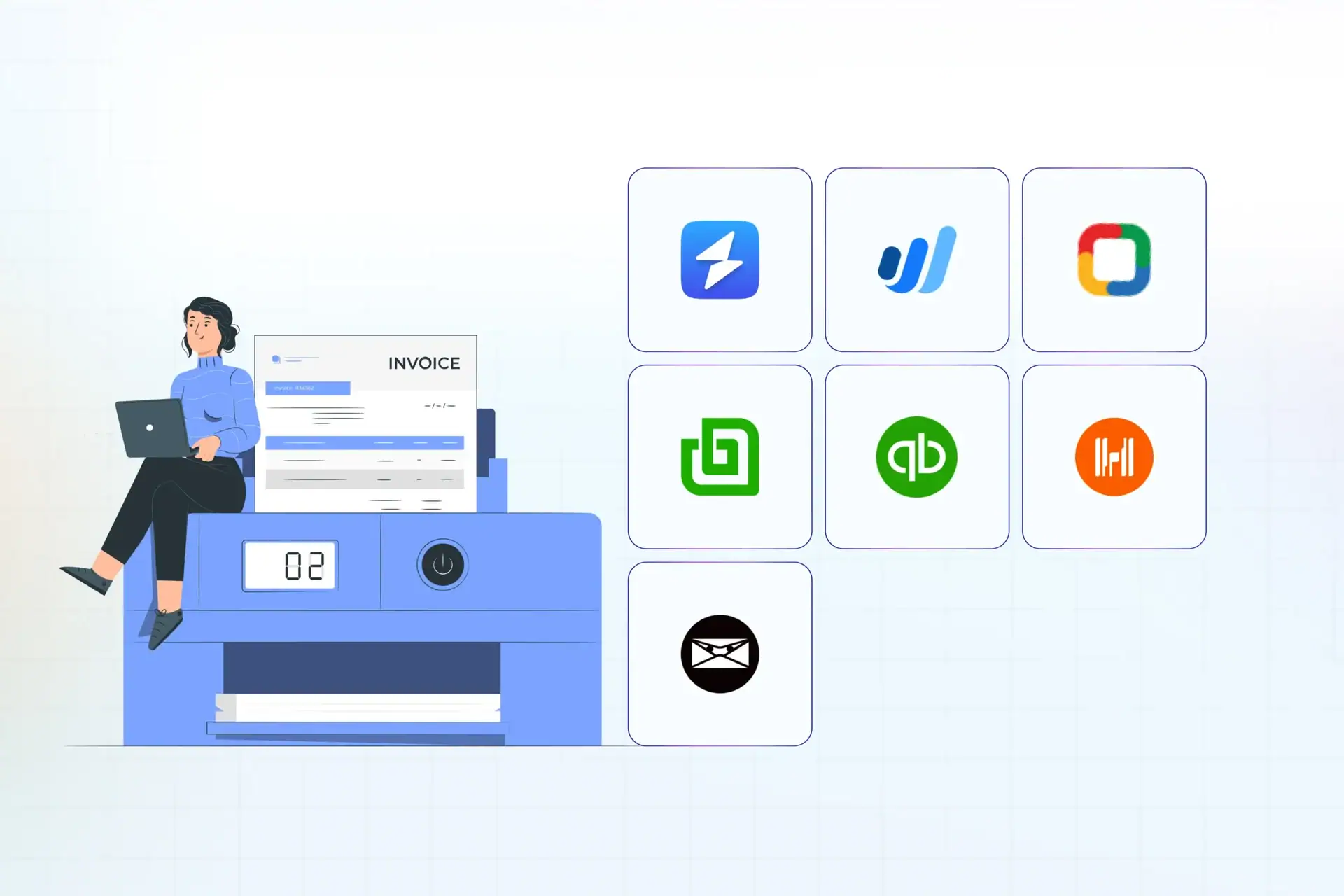
Choosing the right online invoicing platform is essential for freelancers, small business owners, and growing enterprises looking to maintain healthy cash flow, automate recurring billing, and present a professional image to clients. The best platforms streamline the entire billing lifecycle by combining time tracking, expense management, secure payment gateway integrations, and automated payment reminders into a single, user-friendly interface.
Understanding the Shift Toward Digital Invoicing
The modern business environment demands faster turnaround times from billing to payment. Traditional paper invoicing and manual PDF generation introduce friction, human error, and unnecessary delays in cash collection. Contemporary online invoicing platforms solve these operational bottlenecks by utilizing cloud infrastructure, enabling businesses to issue bills from anywhere, track whether a client has opened an invoice, and accept payments via credit card, ACH, or digital wallets with a single click.
Transitioning to a dedicated platform also reduces administrative overhead. Features such as automated recurring billing for retainer clients, client portals for history tracking, and automated follow-up sequences eliminate the need for manual tracking via spreadsheets. Furthermore, modern platforms integrate seamlessly with popular accounting software, simplifying tax preparation and financial reporting at the end of the fiscal year.
Key Features to Evaluate in Invoicing Software
Before selecting a platform, decision-makers must evaluate several core capabilities to ensure the software aligns with their business model. Not all invoicing tools are built equally; some cater strictly to freelancers who need simple bill generation, while others serve enterprise environments requiring complex inventory tracking and multi-currency support.
- Payment Gateway Integration: The ability to accept credit cards, debit cards, bank transfers, and digital payment methods directly through the invoice.
- Automation and Recurring Billing: Tools that automatically generate and send invoices for subscription or retainer-based services on a scheduled basis.
- Time and Expense Tracking: Built-in timers or expense-logging features that allow users to pull billable hours and project costs directly into an outgoing invoice.
- Client Portals: Secure web links where clients can view their complete billing history, download past PDFs, and pay open balances.
- Reporting and Analytics: Dashboards that track outstanding receivables, aging reports, cash flow trends, and revenue by client.
Comparison of the 7 Best Online Invoicing Platforms
To help identify the ideal solution for your specific operational workflow, the following comparison table evaluates seven leading platforms across key features, pricing models, and primary target audiences.
| Platform | Primary Target Audience | Key Strength | Payment Processing | Standout Limitation |
|---|---|---|---|---|
| FreshBooks | Service-based small businesses & agencies | Time tracking & client communication | Integrated (FreshBooks Payments) | Limited inventory tracking features |
| Wave | Freelancers & solopreneurs | Free core invoicing & accounting | Pay-per-use processing fees | Customer support options are limited on free tiers |
| Zoho Invoice | Budget-conscious growing businesses | Robust free tier & multi-currency support | Multiple gateway integrations | Steeper learning curve for advanced settings |
| QuickBooks Online | Small to mid-sized businesses | Comprehensive end-to-end accounting | Integrated QuickBooks Payments | Higher subscription pricing tiers |
| Invoice2go | Mobile-first contractors & field service providers | On-the-go mobile app functionality | Integrated options available | Basic reporting compared to full accounting suites |
| Bonsai | Freelancers & independent agencies | Contract-to-invoice workflow automation | Stripe, PayPal, and ACH integration | Less suitable for inventory-heavy product sales |
| Square Invoices | Retail, service, and omnichannel businesses | POS and in-person payment syncing | Native Square ecosystem integration | Best utilized within the broader Square hardware ecosystem |
Detailed Review of the Top 7 Platforms
1. FreshBooks
FreshBooks stands out as a premier choice for service-based businesses, consultants, and creative agencies. Beyond clean, professional invoice creation, the platform excels at project management, expense tracking, and billable hour logging. Users can easily convert tracked time logs into invoices with a few clicks.
The software includes automated payment reminders that gently nudge clients before and after due dates, significantly reducing average collection times. While its accounting features are robust, FreshBooks is deliberately designed to keep financial management accessible to non-accountants, though larger businesses with complex inventory needs may find its product cataloging somewhat restrictive.
2. Wave
Wave has earned a strong reputation among freelancers, contractors, and micro-business owners due to its permanently free core invoicing and accounting software. Users can send unlimited invoices, track expenses, and accept online credit card payments without paying a monthly subscription fee.
Revenue for Wave comes primarily from per-transaction processing fees when clients pay via credit card or bank transfer. While the platform offers robust double-entry accounting tools, businesses that scale rapidly may eventually outgrow its reporting depth and lack of advanced inventory management.
3. Zoho Invoice
Zoho Invoice is a versatile, free-to-use platform tailored for small businesses that require multi-currency support and robust customization options. Part of the broader Zoho ecosystem, this software allows users to customize invoice templates extensively, set up recurring billing profiles, and manage client retainers effortlessly.
The platform supports multiple payment gateways, including Stripe, PayPal, and Razorpay. Although Zoho Invoice is free, users transitioning from simpler apps may experience a learning curve when configuring automated workflows and connecting peripheral third-party tools.
4. QuickBooks Online
QuickBooks Online is the industry standard for small-to-medium businesses that require a comprehensive accounting system alongside their invoicing operations. It offers advanced features such as inventory tracking, detailed financial reporting, mileage tracking, and robust tax preparation support.
Invoices generated within QuickBooks automatically update general ledger accounts, making bank reconciliation seamless. The primary drawbacks are its higher monthly subscription cost compared to standalone invoicing apps and a more complex interface that can overwhelm absolute beginners.
5. Invoice2go
Invoice2go is built specifically for contractors, mobile service providers, and field professionals who manage their businesses primarily from smartphones or tablets. The platform emphasizes speed, allowing users to create estimates, convert them into invoices on-site, and capture digital signatures immediately.
Its mobile application is polished and intuitive, featuring map integrations for service calls and simple expense logging via receipt photography. While it handles basic invoicing exceptionally well, complex financial reporting and multi-layered inventory tracking are outside its core scope.
6. Bonsai
Bonsai is engineered specifically for freelancers, consultants, and independent agencies who need an all-in-one suite covering the entire client lifecycle—from proposals and legally binding contracts to project tracking and final invoicing.
The platform automates much of the administrative burden associated with freelance work. Once a proposal is accepted, project milestones automatically trigger recurring invoices. While its pricing is structured around subscription tiers tailored for solo operators, its specialized contract-to-payment workflow saves significant time for independent professionals.
7. Square Invoices
Square Invoices is the ideal solution for businesses that operate both online and in-person, such as retailers, local service providers, and hospitality brands. Because it ties directly into the broader Square ecosystem, users can synchronize physical point-of-sale (POS) transactions with digital invoices sent via email or text message.
Clients can pay invoices securely through a hosted payment page. While transaction fees apply when processing payments through Square, the platform eliminates the need to reconcile separate systems for digital and physical sales.
Cost Considerations and Hidden Fees
When selecting an online invoicing platform, reviewing the total cost of ownership is vital. Many platforms advertise low or zero monthly subscription fees, but hidden costs often reside in payment processing markups.
- Subscription Fees: Monthly or annual flat rates grant access to core software features, user seats, and client limits. Free tiers are available, but they often restrict advanced automation or multi-user access.
- Transaction Fees: Payment gateways typically charge a percentage plus a fixed cent amount per transaction (e.g., 2.9% + $0.30 for credit cards). Some platforms charge an additional platform fee on top of processor rates unless you use their proprietary payment system.
- Add-On Costs: Extra features such as advanced payroll integration, multi-currency conversion tools, or dedicated client portal branding may require upgrading to higher pricing tiers.
Common Mistakes to Avoid When Choosing Invoicing Software
Business owners frequently make avoidable errors when adopting new billing platforms. Being aware of these pitfalls ensures a smoother implementation process.
- Ignoring Scalability: Choosing a platform solely based on current needs without considering future growth can force an expensive and disruptive migration later.
- Overlooking Integration Capabilities: Selecting software that does not integrate with your existing CRM, bank accounts, or tax software creates manual data entry bottlenecks.
- Failing to Test the Client Experience: Neglecting to test how an invoice looks, feels, and processes from the client's perspective can lead to payment friction and delayed remittances.
- Neglecting Mobile Accessibility: Choosing a desktop-only platform when your workflow requires generating bills in the field or on the go.
Final Recommendations for Selection
The ideal online invoicing platform depends entirely on your specific business structure. If you are a solo freelancer seeking an all-in-one proposal and billing workflow, Bonsai or FreshBooks provides excellent value. If you operate on a strict zero-budget model, Wave and Zoho Invoice offer powerful free tiers. For established businesses requiring full accounting integration, QuickBooks Online remains the gold standard, whereas mobile contractors will benefit most from the streamlined app experience of Invoice2go. Assess your operational bottlenecks, calculate expected transaction volumes, and test a platform's trial version before committing to an annual subscription.