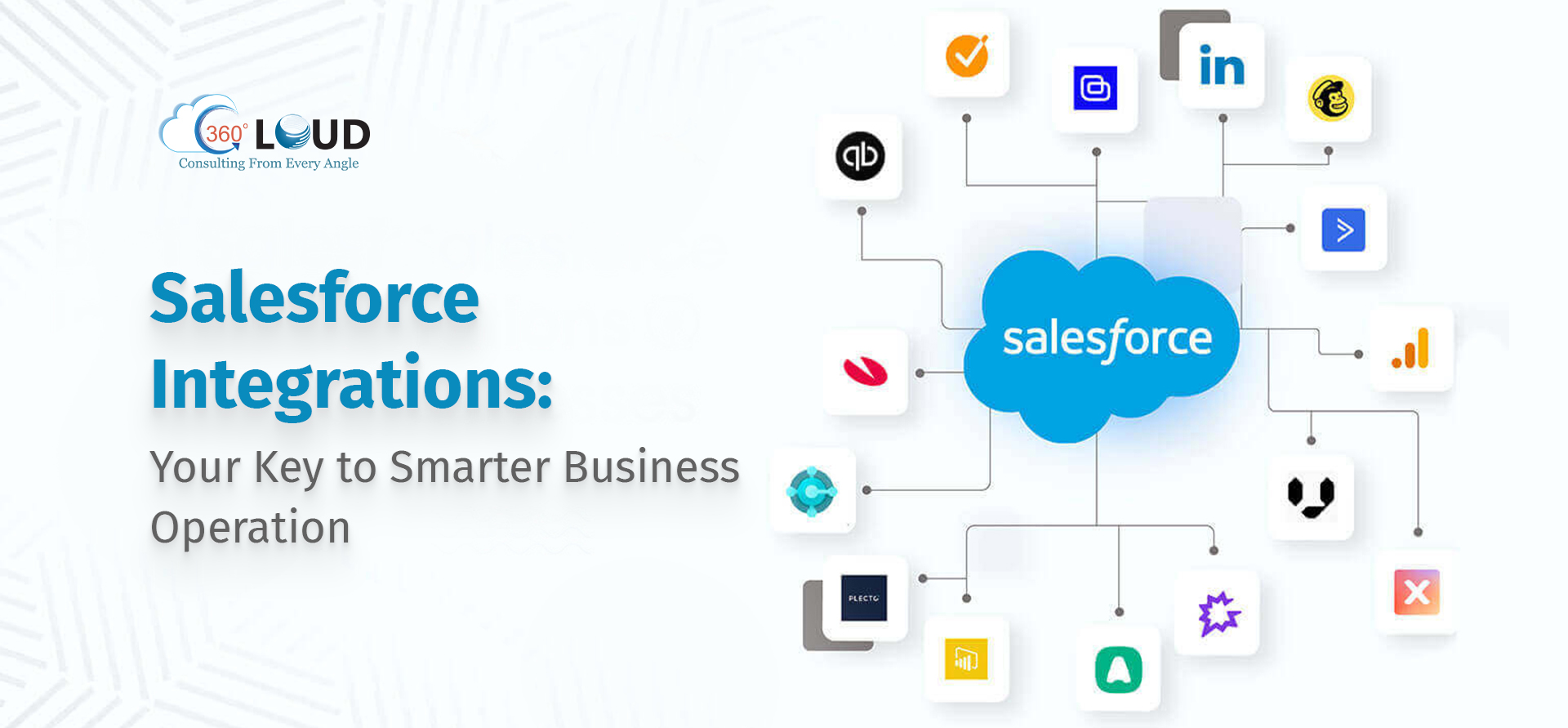
The Radian6 Salesforce integration allows organizations to bridge the gap between social media intelligence and customer relationship management by funneling social listening data directly into the Salesforce platform. This connectivity enables marketing, sales, and support teams to convert social media mentions, sentiment analysis, and engagement insights into actionable CRM records, thereby streamlining customer service workflows and enhancing lead management processes.
Evolution and Context of Radian6 within the Salesforce Ecosystem
Radian6 entered the Salesforce portfolio following its acquisition in 2011, fundamentally altering how the company approached Social Customer Service. By integrating deep social listening capabilities—such as monitoring brand mentions, tracking industry keywords, and performing sentiment analysis across millions of web sources—into the Salesforce interface, businesses gained the ability to treat social media interaction with the same level of administrative rigor as email or telephone inquiries.
In the current landscape of 2026, many organizations continue to leverage the principles established by this integration to manage their social presence. While the branding of Salesforce products has evolved toward the broader Marketing Cloud and Service Cloud umbrellas, the functional requirement—translating public social data into private, identifiable customer profiles—remains a cornerstone of professional social media management strategy.
Understanding the integration requires a foundational knowledge of how external data streams are ingested into the Salesforce environment. The process typically involves an API-driven handshake where social signals are filtered based on criteria defined in the listening tools and then routed into Salesforce objects like Leads, Contacts, or Cases.
Core Architecture and Data Flow
The technical backbone of this integration is the mapping of social media engagement to Salesforce data structures. When a user interacts with a brand on a public channel, the integration platform identifies the post based on pre-set keywords. Once identified, the system creates a "Case" or a "Lead" within Salesforce.
- Ingestion: Radian6 monitors social sources (blogs, forums, news sites, and social networks).
- Filtering: Using specific rules, the system determines which posts meet the threshold for intervention.
- Routing: The data is pushed into Salesforce via secure API protocols.
- Action: The CRM associates the social interaction with an existing record or creates a new entry for a customer service representative to manage.
This workflow is essential for "Social Listening," a proactive strategy where companies identify potential issues before they escalate. By converting a social post into a support ticket, businesses ensure that social media inquiries are assigned a unique tracking number, an owner, and a status—removing the risk of losing critical customer feedback in the noise of social feeds.
Prerequisites for Successful Integration
Before initiating the connection between your social listening tools and Salesforce, your organization must satisfy several technical and operational requirements. Failing to audit these prerequisites often leads to data silos or "noisy" CRM environments where low-value social data overwhelms your actual customer records.
Organizational Readiness
- Defined Social Governance: Establish clear rules regarding which types of mentions warrant the creation of a Salesforce Case. Not every tweet needs to be a database entry; prioritize based on sentiment, user reach, and intent.
- Service Workflow Alignment: Ensure your support team is trained to handle social media communication, which often requires a faster, more conversational tone than traditional ticketing systems.
Technical Prerequisites
- Salesforce Permission Sets: You must have administrative access to configure API integrations and define the mapping between custom social objects and standard Salesforce objects.
- API Limits: Large volumes of social data can consume API calls quickly. Evaluate your organization’s current Salesforce API limits to ensure that high-frequency social monitoring does not interfere with other mission-critical integrations.
- Mapping Strategy: Before turning on the "firehose," define how you will map social metadata (e.g., source name, post URL, influencer score) to Salesforce fields.
Benefits of Bridging Social and CRM
The integration serves as a bridge between the "public" world of social media and the "private" world of your CRM. This transition provides three primary benefits that directly impact the bottom line.
Enhanced Customer Intelligence
When a customer reaches out on social media, they may have a history of previous support tickets or purchases in your CRM. By integrating these platforms, a representative viewing a social case can immediately see that the user has an open warranty claim or is a high-value client. This context prevents redundant requests and fosters a more personalized service experience.
Proactive Reputation Management
Sentiment analysis allows businesses to tag posts as "Positive," "Neutral," or "Negative." By routing only "Negative" or "Urgent" posts into Salesforce, companies can identify potential public relations crises early. An integrated system allows for a prioritized queue, ensuring that the most critical issues are addressed first by the appropriate teams.
Unified Reporting
Reporting becomes significantly more cohesive when social interactions are unified with CRM data. You can track the ROI of social media campaigns by connecting a social interaction directly to a "Lead" that eventually closes into a deal. This attribution modeling is impossible if your social data remains in a separate tool without a direct pipeline to your sales data.
Comparison Table: Integrated vs. Manual Social Management
| Feature | Manual Management | Integrated Workflow |
|---|---|---|
| Visibility | Siloed in social apps | Visible in CRM/Case view |
| Accountability | Difficult to track owners | Ticket assigned to rep |
| Customer History | Missing context | Full history available |
| Speed to Response | Reactive/Manual search | Automated alerts |
| Reporting | Fragmented | Unified business dashboard |
Common Implementation Mistakes to Avoid
The most frequent error observed in these integrations is "Data Overloading." When administrators configure the integration to capture every mention of a brand, the CRM is quickly flooded with irrelevant or low-priority data. This creates significant friction for sales and support teams.
- Failing to use filters: Never sync raw data without applying sentiment, intent, or influencer scoring filters.
- Ignoring Duplication Rules: If a customer mentions your brand five times in one hour, your system should be intelligent enough to append those comments to a single Case record rather than creating five separate tickets.
- Neglecting PII Compliance: Ensure that the data being ingested into Salesforce complies with regional privacy regulations (such as GDPR or CCPA). Social media data often contains personally identifiable information (PII) that requires careful handling under modern data protection laws.
Troubleshooting Your Integration
If you find that data is not flowing from your listening tool to Salesforce, focus your troubleshooting efforts on these three areas:
- Authentication Tokens: API credentials expire or become revoked frequently. Refresh your OAuth tokens if the connection has been inactive.
- Field Mapping Mismatches: If you have recently updated your Salesforce schema (adding mandatory fields, for example), the integration may fail because it lacks the necessary data to populate those new fields. Review your mapping configuration.
- API Thresholds: Use the Salesforce Setup menu to check your API usage. If you are hitting your limits, you may need to reduce the frequency of your social data polling or upgrade your Salesforce instance capacity.
Future-Proofing Your Social Strategy
As of 2026, the complexity of social data continues to grow. Trends such as video-first content, ephemeral posts, and private community groups (such as Discord or private Slack channels) present new challenges for traditional monitoring.
While the fundamental Radian6 integration model remains valid, modern social strategies require more robust AI-driven filtering. As you refine your approach, consider augmenting your social listening with Natural Language Processing (NLP) to detect sarcasm or nuance, which legacy keyword-matching systems often miss. Ensure your team maintains a periodic audit of the "Listening Rules" in your dashboard to ensure you are capturing the most relevant discourse in an evolving online landscape.
Frequently Asked Questions
Can I integrate social data into existing Salesforce Cases? Yes. You can configure your integration to append social interactions to an existing Case if the user is identified by a matching email address or social handle, preventing the creation of duplicate tickets.
Does this integration support all social media platforms? The integration relies on the underlying APIs of the social platforms themselves. If a platform restricts API access to private comments or specific post types, those elements may not be available for ingestion into Salesforce.
How do I manage API usage limits? Prioritize high-value mentions. Use sentiment analysis and influencer scoring to define exactly what triggers a Salesforce record creation. This prevents low-priority "noise" from consuming your API quotas.
Is it possible to reply to social posts directly from Salesforce? The integration allows for bidirectional communication in many configurations. By utilizing the Service Cloud console, agents can often respond to social posts directly through the CRM, maintaining a unified audit trail of the conversation.
What security measures protect the ingested data? Salesforce maintains rigorous security standards for all API integrations. Ensure that your API user profile has the "Least Privilege" necessary to perform its functions and utilize secure tokens rather than hard-coded passwords.
How often should I audit my social integration rules? Perform a rule audit at least quarterly. Social media trends change rapidly; a term that was irrelevant six months ago may suddenly become a high-priority sentiment driver for your brand today.
Final Recommendations
To maximize the impact of your integration, start by defining a clear "Social-to-CRM" policy. Determine which team members are responsible for monitoring the social queue, set specific SLAs (Service Level Agreements) for social response times, and establish a recurring meeting to review the quality of the data flowing into your CRM. If your current integration feels sluggish or overwhelmed, begin by pruning your keyword lists and implementing stricter sentiment-based filters. This focused approach ensures that your Salesforce instance remains a source of truth rather than a repository for unmanageable social noise.