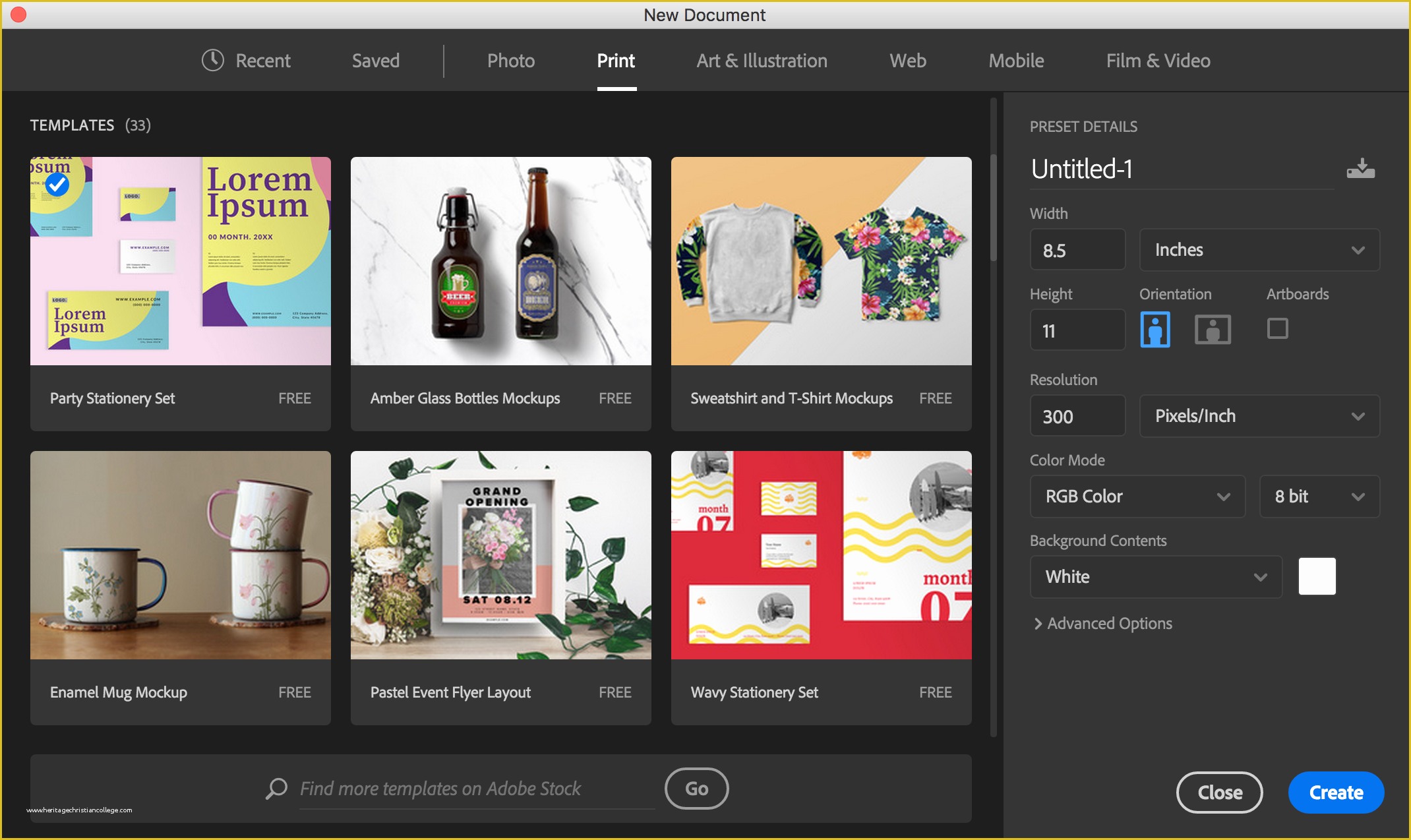
Adobe Stock provides a robust "Free" collection featuring over 1,000,000 professionally curated assets, including high-resolution photos, vectors, videos, and design templates. These assets are legally cleared for commercial use under the Adobe Stock Standard License and are accessible to anyone with a registered Adobe ID, requiring no active paid subscription.
As we move through 2026, the landscape of digital content creation has shifted toward a hybrid of human-made and AI-enhanced media. Adobe Stock remains a cornerstone for creators who need reliable, high-quality imagery without the legal ambiguities often found on public domain sites. While many users associate the Adobe brand exclusively with premium subscriptions and high-cost creative suites, the expansion of the Adobe Stock free tier has democratized access to professional-grade assets. This guide explores how to navigate this collection, the licensing intricacies you must understand, and how these free assets compare to their paid counterparts.
The Evolution of the Adobe Stock Free Collection
The Adobe Stock Free Collection was originally launched to bridge the gap between hobbyist creators and professional agencies. Historically, finding high-quality "free" images meant scouring sites with varying degrees of legal protection. Adobe changed this dynamic by curating a specific segment of its massive library—contributed by professional photographers and artists—and making it available at no cost to the end-user.
In 2026, this collection has matured significantly. It is no longer just a repository for "leftover" content. Instead, it serves as a strategic entry point for the Adobe ecosystem. By providing over a million assets for free, Adobe ensures that students, small business owners, and independent freelancers can produce professional-looking work without an initial financial barrier. The assets found here undergo the same rigorous vetting process as the paid collection, ensuring high technical standards regarding focus, noise, composition, and legal clearances for recognizable people and property.
How to Access and Navigate Free Assets on Adobe Stock
Accessing the free collection is straightforward, but it requires a strategic approach to search filters to ensure you are not accidentally looking at premium content.
- Create or Sign In to an Adobe ID: You do not need a Creative Cloud subscription (like Photoshop or Premiere Pro) to download free assets. However, you must have a registered Adobe ID. This account tracks your "purchases" (even at $0.00) and stores your license history.
- Navigate to the Free Tab: On the main Adobe Stock website, the navigation bar typically features a dedicated "Free" section. Clicking this will automatically apply a filter to your search results, showing only assets that cost zero credits.
- Using Search Filters: If you are on the general search page, you can look at the left-hand sidebar under "Price." Selecting the "Free" filter will narrow your results. You can further refine these by asset type (Photos, Illustrations, Vectors, Videos, Templates, 3D).
- Licensing the Asset: Once you find an image or video, click the "License for free" button. The system will process this as a transaction, and the asset will then be available in your "License History." From there, you can download the high-resolution file as many times as needed.
Technical Specifications and Asset Types
The diversity of the free collection is one of its strongest selling points. Unlike competitors that might only offer low-resolution photos for free, Adobe provides a wide range of file formats and media types.
Photography and Illustrations
The free photo collection includes high-resolution JPEGs suitable for both web and print. These are not resized or watermarked versions; they are the full-fidelity files. Illustrations and vectors are often provided in AI, EPS, or SVG formats, allowing for infinite scalability—a critical requirement for graphic designers working on large-scale branding or signage.
Video Content
Adobe Stock is one of the few major providers that offers a significant library of free HD and 4K video loops and clips. These are particularly valuable for social media managers and video editors who need B-roll footage but lack the budget for premium stock video, which can often cost $70 to $200 per clip.
Design Templates and 3D
For users of Photoshop, Illustrator, and InDesign, the free collection includes "Motion Graphics templates" (.mogrt files) and layout templates. These allow users to jump-start projects like flyer design or YouTube intros. Additionally, as 3D workflows become more integrated into standard design in 2026, Adobe has included 3D models, lights, and materials in the free tier to support Adobe Substance 3D and Dimension users.
Understanding the Legal Framework: The Standard License
A common misconception is that "free" means "public domain" or "Creative Commons Zero (CC0)." This is not the case with Adobe Stock. Free assets are governed by the Adobe Stock Standard License. This is a crucial distinction for professional use.
The Standard License allows you to:
- Use the asset in advertising, marketing, and promotional projects.
- Incorporate the asset into websites, social media, and digital software.
- Print the asset up to 500,000 times (e.g., in books, magazines, or brochures).
- Use the asset in broadcast or film, provided the budget is below a certain threshold (typically $10,000 USD).
However, the Standard License has limitations. You cannot use the assets for "Products for Resale" where the asset is the primary value (e.g., printing a free Adobe Stock photo on a T-shirt and selling it). For those use cases, an Extended License is required, which usually involves a fee, even if the asset was originally in the free collection. Furthermore, you cannot claim ownership or copyright over the original asset, and you cannot redistribute the file as a standalone stock item.
Comparing Access Tiers: Free vs. Paid
While the free collection is expansive, it is important to understand where the boundaries lie compared to the subscription and credit-based models.
| Feature | Free Collection | Subscription (Standard) | Credit Packs (Premium/Video) |
|---|---|---|---|
| Cost | $0 | Monthly/Annual Fee | Pay-as-you-go |
| Asset Count | 1,000,000+ | 350,000,000+ | Full Library Access |
| Asset Types | Photos, Vectors, Video, Templates | All Standard Assets | Premium, 4K Video, Editorial |
| Licensing | Standard License | Standard License | Standard or Extended |
| Exclusivity | Lower (Widely used) | Moderate | High (Premium Content) |
| AI Integration | Firefly Standard | Firefly Priority Credits | High-priority Processing |
In 2026, the primary differentiator remains exclusivity and volume. The premium collection contains billions of assets, including the "Premium" and "Editorial" sections, which feature world-class photography and current events coverage not available for free.
The Role of Generative AI in the Free Tier
By 2026, Adobe Firefly—Adobe's family of creative generative AI models—has become deeply integrated into Adobe Stock. This has two major impacts on the free collection.
First, Adobe now includes AI-generated images within the free section. These assets are carefully screened to ensure they meet ethical AI standards, meaning they are trained on Adobe Stock's own library and are safe for commercial use without the risk of infringing on other artists' intellectual property.
Second, the "free" aspect of Adobe Stock often extends to Generative Credits. Users with an Adobe ID often receive a monthly allotment of free credits to use Firefly features like "Text to Image" or "Generative Fill" directly within the Adobe Stock interface or connected Creative Cloud apps. This allows users to create a custom "free" asset if they cannot find exactly what they need in the existing curated library.
Why Do Contributors Provide Assets for Free?
A frequent question from users is why professional photographers would allow their work to be given away. Adobe manages this through a "Free Collection" nomination process. Adobe periodically invites successful contributors to place specific assets into the free library for a set period (usually one year).
In exchange, Adobe pays these contributors an upfront fee for each asset accepted into the free collection. This provides the artist with guaranteed income regardless of how many times the file is downloaded. For the artist, it also serves as a marketing tool; users who download a free photo may follow the artist's profile and eventually purchase their premium work. This ecosystem ensures that the "free" content remains high-quality because it is essentially "subsidized" by Adobe to keep the platform competitive.
Common Pitfalls and How to Avoid Them
Even though the assets are free, improper use can lead to legal complications. Users should be aware of several common mistakes:
- Ignoring Property Releases: While Adobe vets images, some assets may have "Illustrative Use Only" restrictions if they contain recognizable logos or landmarks that haven't been fully cleared for commercial endorsement. Always check the asset details page for "Property Release" and "Model Release" status.
- Assuming Extended Rights: As mentioned, you cannot print a free image on 1,000 posters and sell them. Always verify if your project constitutes "Resale" before using a free asset.
- Mixing with Editorial Content: Be careful not to confuse "Free" assets with "Editorial" assets. Editorial content (news photos, celebrities) often appears in search results but has very strict rules: it cannot be used for commercial or promotional purposes at all.
Frequently Asked Questions
Do I need a credit card to download free assets?
No. To download assets from the Adobe Stock free collection, you only need an Adobe ID. If you are only "licensing" free items, Adobe does not require you to have a credit card on file or an active paid subscription. You simply click the "License for free" button, and the download begins.
Can I use Adobe Stock free assets for client work?
Yes, you can use these assets for client projects. Under the Standard License, you are permitted to use the licensed asset for the benefit of a client. However, if the client intends to use the asset in a way that exceeds the Standard License limits (like a print run over 500,000), they or you would need to purchase an Extended License for that specific asset.
Will the images have a watermark?
Once you click the "License for free" button, the version you download is the high-resolution, unwatermarked file. Watermarks only appear on the preview images during the search and discovery phase to prevent unauthorized scraping of the site’s database.
Does the "Free" status of an asset ever expire?
Once you have licensed an asset for $0.00, your right to use that asset under the Standard License does not expire. Even if Adobe moves that specific image back into the "Premium" (paid) category later, your license history proves you acquired it legally while it was free, and you can continue to use it in your projects indefinitely.
Are free videos available in 4K resolution?
Yes, many of the videos in the Adobe Stock free collection are available in 4K resolution. Adobe does not artificially limit the resolution of free assets; if the contributor uploaded a 4K file and it was accepted into the free tier, you receive the full 4K file upon licensing.
Can I use free assets in a logo?
No. Under the Standard License (and even the Extended License), you cannot use any Adobe Stock asset—free or paid—as part of a trademark or logo. This is because you do not own the exclusive rights to the image, and a logo must be unique and ownable by the entity it represents.
Practical Recommendation
For creators looking to maximize their budget in 2026, the best strategy is to search the Free Collection first before committing to a subscription. By building a library of licensed free assets, you can cover the majority of your "utility" visual needs—such as website backgrounds, social media icons, and generic B-roll. Reserve your paid credits for "hero" images or highly specific niche content that requires the exclusivity of the premium library. Always ensure you are signed in to your Adobe ID before searching to make the "License for free" workflow seamless.