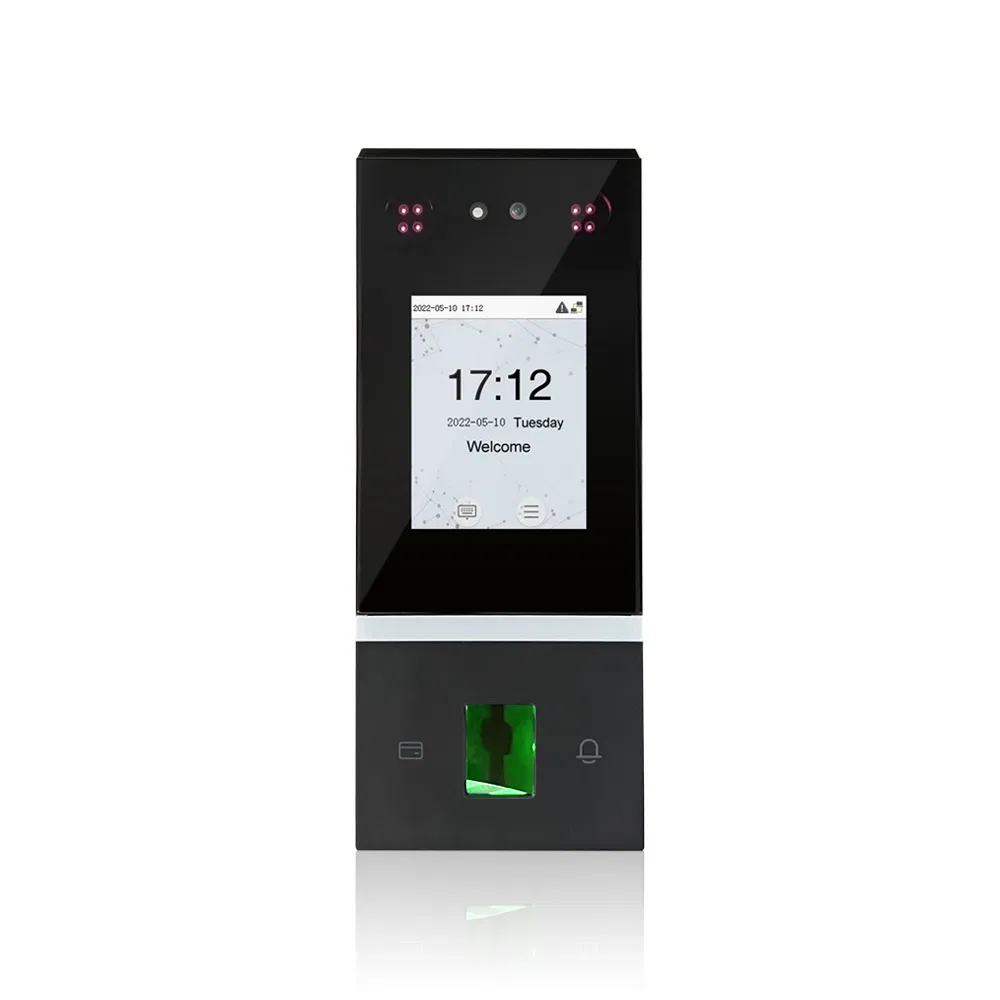
Selecting a secure biometric cloud server involves balancing sophisticated authentication protocols with compliance, latency, and data residency requirements. These platforms leverage encrypted biometric templates—never raw images—to provide robust identity verification in a cloud-native architecture, ensuring that sensitive physical characteristics remain protected while facilitating scalable, real-time access management across global digital infrastructures.
Understanding the Architecture of Biometric Cloud Servers
Biometric cloud servers are specialized backend infrastructures designed to store, manage, and verify digital representations of biological traits. Unlike traditional password-based systems, these servers utilize "feature extraction" algorithms that convert physical characteristics—such as facial geometry, iris patterns, or fingerprint minutiae—into encrypted mathematical templates.
When a user authenticates, the biometric sensor performs the extraction, sends the template to the server, and the server compares it against the stored data using a matching algorithm. A secure cloud environment ensures that this communication is encrypted end-to-end, typically using TLS 1.3 or higher, and that the biometric databases are siloed from other business data to mitigate the risk of cross-platform exposure.
Key Security Criteria for Biometric Storage
Before integrating a biometric cloud solution, organizations must evaluate the server's security posture against industry standards. The primary concern is not just the encryption of the data at rest, but the integrity of the matching process itself.
Encryption and Key Management
The server must support Hardware Security Modules (HSMs) or Trusted Execution Environments (TEEs). Encryption should be performed using AES-256 or better, with key rotation managed through a centralized Key Management Service (KMS).
Liveness Detection (Presentation Attack Detection)
A secure server is only as strong as its input validation. High-end servers must implement rigorous Presentation Attack Detection (PAD) to distinguish between a live user and a spoofing attempt, such as a high-resolution photograph, 3D mask, or deepfake video.
Compliance and Data Sovereignty
In 2026, data privacy regulations like GDPR, CCPA, and regional biometric privacy acts (such as BIPA in Illinois) dictate where biometric data can be stored and for how long. Servers must provide audit logs and the ability to implement "right to be forgotten" protocols, where biometric templates can be purged upon request.
Top 7 Secure Biometric Cloud Servers
The following list represents platforms that have demonstrated maturity, security certifications, and enterprise-grade reliability in handling biometric workloads.
| Server Platform | Primary Strength | Compliance Focus |
|---|---|---|
| AWS Rekognition | Scalable API Integration | SOC 1/2/3, ISO, FedRAMP |
| Microsoft Azure AI Vision | Identity & Access Management | GDPR, HIPAA, HITRUST |
| Google Cloud Vision API | ML-Driven Liveness Detection | ISO/IEC 27001, FISC |
| IDEMIA Biometric Hub | Governmental-Grade Security | NIST Certified Algorithms |
| NEC NeoFace Cloud | High-Accuracy Matching | FIPS 140-2 |
| Thales Trusted ID Cloud | End-to-End Encryption | FIPS 201, Common Criteria |
| BioID Connect | Privacy-by-Design | GDPR, eIDAS |
1. AWS Rekognition
Amazon’s offering is highly favored for its integration with the broader AWS ecosystem. It excels in large-scale facial verification and provides automated liveness checks. Because it operates within the AWS cloud, security teams can leverage IAM (Identity and Access Management) roles to ensure that only authorized services can trigger a biometric match request.
2. Microsoft Azure AI Vision
Azure’s biometric capabilities are deeply integrated into Active Directory. This makes it an ideal choice for enterprises already utilizing Microsoft 365. Its strength lies in its "Face" API, which supports attribute detection and person grouping, coupled with the rigorous security controls inherent to Azure’s data centers.
3. Google Cloud Vision API
Google’s platform provides massive compute power, essential for high-throughput environments where thousands of verifications occur simultaneously. It is frequently deployed for fraud prevention and identity verification in financial services, relying on Google's global, high-speed fiber network to minimize latency during the matching process.
4. IDEMIA Biometric Hub
Often used in high-security government and transportation sectors, IDEMIA focuses on interoperability. Their cloud server architectures are designed to handle multi-modal biometrics (e.g., combining fingerprints with facial recognition) to reduce the False Acceptance Rate (FAR) to near-zero levels.
5. NEC NeoFace Cloud
NEC is recognized for its high-accuracy algorithms, consistently ranking at the top of NIST (National Institute of Standards and Technology) testing benchmarks. Their cloud solution is optimized for environments where precision is non-negotiable, such as border control or critical infrastructure access.
6. Thales Trusted ID Cloud
Thales specializes in digital identity and security hardware. Their cloud biometric server is distinct because it often integrates directly with their hardware security modules. This provides a "hardened" path for biometric data, ensuring that the processing environment is physically and logically isolated from the general public cloud compute.
7. BioID Connect
BioID provides a cloud-based authentication service specifically designed to replace passwords. It is built on a "privacy-by-design" philosophy, ensuring that biometric data is not stored in a way that allows for reverse-engineering. It is widely used in regulated industries requiring strong proof of identity.
Implementing Biometric Cloud Solutions: A Strategic Workflow
Adopting a biometric server is not merely a software deployment; it is a fundamental shift in how identity is verified. Organizations should follow this sequence to ensure security and adoption.
- Assess Regulatory Risk: Before choosing a server, document the legal requirements of your operating region. Certain jurisdictions prohibit the collection of biometric data without specific, explicit consent.
- Define Biometric Policy: Establish how long templates will be stored and the procedure for revoking access.
- Perform Pilot Testing: Use a closed-loop environment to test the "False Rejection Rate" (FRR) and "False Acceptance Rate" (FAR) under various lighting and environmental conditions.
- Integrate Security Layers: Use multi-factor authentication (MFA) as an additional layer alongside biometrics. Never rely on biometrics as the only form of authentication.
- Audit and Monitor: Configure real-time alerting for failed attempts. A sudden spike in failed biometric verifications may indicate an attempted spoofing attack.
Common Mistakes to Avoid
A frequent pitfall is over-reliance on the server’s "default" settings. Many cloud platforms ship with security configurations optimized for convenience rather than maximum protection. Organizations often fail to disable unused features, expanding the "attack surface" unnecessarily.
Another common error is failing to update the client-side biometric capture software. The cloud server can only match what it receives; if the capture device is easily fooled by a high-resolution image, the security of the server becomes irrelevant. Always ensure that the endpoint capture device possesses adequate liveness detection capabilities to complement the server-side analysis.
Frequently Asked Questions
Are biometric templates stored on the cloud server actual images?
No. Reputable biometric servers convert raw images into mathematical templates or vector hashes. These templates cannot be used to reconstruct a person's physical image, providing a critical layer of privacy even if the database were hypothetically breached.
How does a cloud server handle biometric updates?
Most systems allow for "template refreshing." If a user's biometric characteristics change slightly over time (such as aging or scarring), the system can be configured to update the template periodically, provided the initial authentication is successfully verified.
Can a cloud server perform biometric verification offline?
Generally, no. The definition of a "cloud server" implies that the matching logic resides in a centralized, remote environment. For offline or edge-case needs, organizations typically use "edge biometrics" where the template is stored locally on a secure smart card or an encrypted local database.
What happens if the biometric server goes down?
Enterprise-grade cloud providers typically guarantee 99.99% uptime or higher through redundant, geographically distributed nodes. However, organizations should always maintain a secondary authentication method—such as hardware security keys (FIDO2) or traditional MFA—to maintain business continuity.
Are these servers GDPR compliant?
Yes, provided they are configured correctly. GDPR requires data minimization and strict access controls. By using reputable providers that allow for data residency (storing data in specific regions) and secure deletion, compliance is achievable, though legal counsel should be consulted for specific regional implementations.
How do I know if the server is performing liveness detection?
You must check the API documentation provided by the vendor. Liveness detection is often an optional feature or a specific API endpoint that must be enabled. Ensure your developer integrates the liveness check as a prerequisite to the actual template matching.
Final Recommendation for Implementation
For organizations seeking the most robust security, a hybrid approach is recommended. Utilize one of the top-tier cloud servers—such as those from AWS, Microsoft, or Thales—to store and manage your identity database, but insist on implementing FIDO2-compliant physical authenticators as a secondary requirement. This ensures that even in the unlikely event of a cloud-side authentication compromise, a physical token is still required to finalize the user identity, effectively neutralizing the risk of a remote biometric breach. Always prioritize platforms that offer clear audit trails and granular control over the data life cycle.