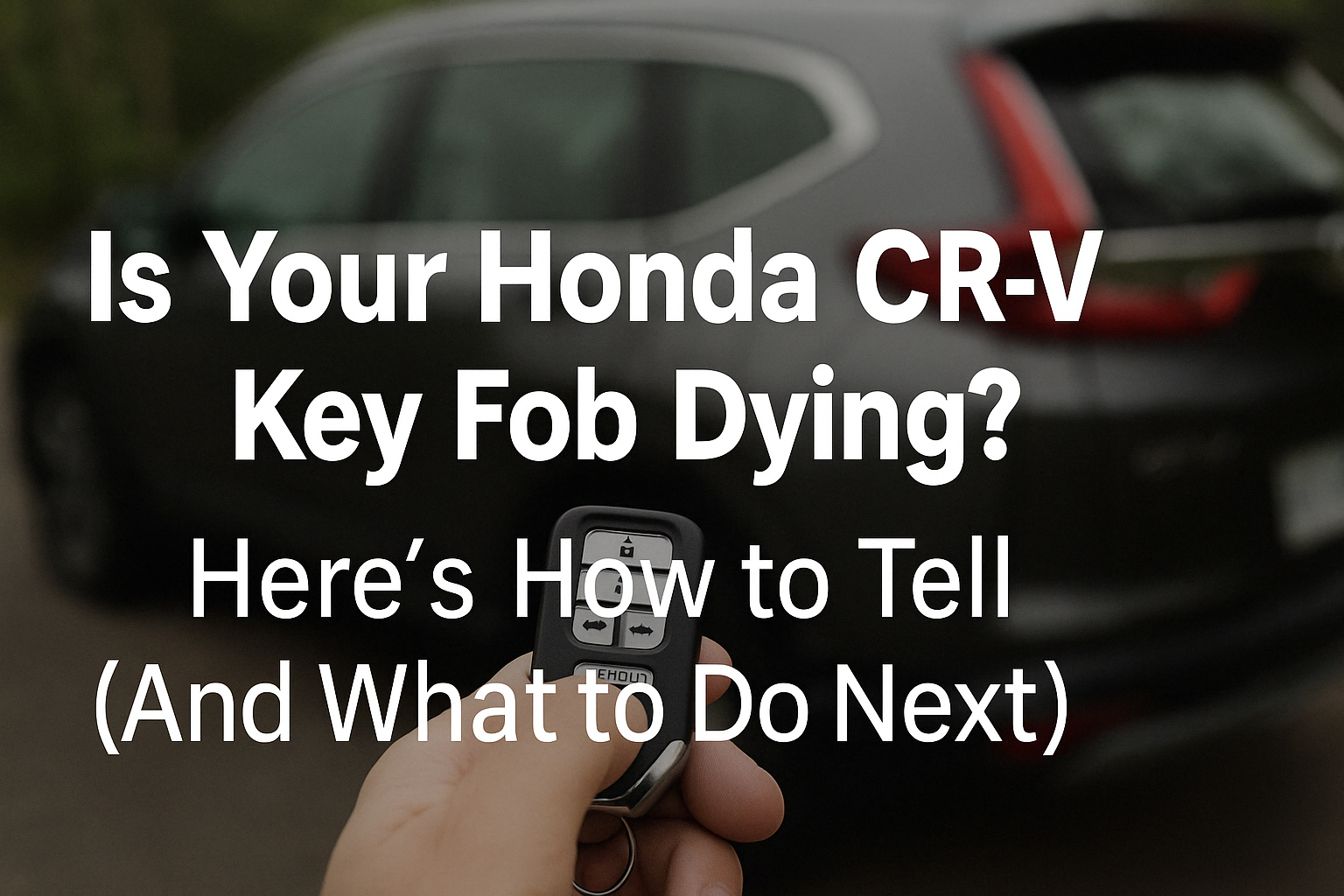
Replacing the battery in your 2019 Honda CR-V key fob is a straightforward process that requires only a CR2032 coin cell battery and a small flat-head screwdriver. By gently prying open the fob casing, removing the depleted battery, and inserting a new one with the positive side facing up, you can restore full functionality to your vehicle’s remote entry system in just a few minutes.
Understanding Your 2019 Honda CR-V Key Fob
The 2019 Honda CR-V utilizes a proximity keyless entry system, which relies on a sophisticated remote transmitter commonly referred to as a "smart key" or "key fob." This device communicates with your vehicle via radio frequency to allow for remote unlocking, locking, and, in many trim levels, push-button ignition. Because the fob is constantly emitting a low-power signal or "handshaking" with the vehicle, the internal battery is subject to gradual drainage over time.
Most owners find that the key fob battery lasts between two and four years, depending on usage frequency and environmental factors. When the battery begins to lose its charge, you might notice that the effective range of the fob decreases, or that the vehicle requires multiple button presses to respond. Eventually, the battery will lose enough power that it can no longer send a signal strong enough for the vehicle's computer to recognize, leaving you unable to start the car or unlock the doors remotely.
Recognizing the Signs of a Dying Battery
Before you attempt a physical replacement, it is helpful to confirm that the battery is indeed the culprit for your issues. Honda vehicles are equipped with an onboard diagnostic system that will often provide a visual warning on the instrument cluster.
- Dashboard Alerts: When your fob battery voltage drops below a specific threshold, a "Battery Low" warning message typically appears on the Driver Information Interface (the digital display behind your steering wheel).
- Reduced Range: If you find yourself having to stand right next to the driver’s side door to unlock it—whereas you previously could do so from twenty feet away—this is a primary indicator of a weakening battery.
- Inconsistent Response: Occasional failure to lock or unlock the doors upon pressing the button is another symptom. If the light on the key fob fails to blink when you press a command button, the power is likely insufficient to trigger the transmitter.
It is critical to note that if your key fob is unresponsive but you have already verified the battery is new, the issue may lie with the fob’s internal circuitry or the vehicle’s receiver module. In such cases, a professional diagnostic check at a service center may be necessary.
Prerequisites and Safety Precautions
Before starting the replacement process, ensure you have the correct equipment. Using the wrong tools can damage the delicate plastic housing of the fob, which is expensive to replace.
- Replacement Battery: The 2019 Honda CR-V key fob requires a CR2032 3V lithium coin battery. You can purchase these at most hardware stores, grocery stores, or automotive parts retailers. Ensure the packaging is unopened to guarantee a full charge.
- Tooling: A precision flat-head screwdriver is the ideal tool. If you do not have one, a thin butter knife or even a sturdy guitar pick can work, though these may be slightly more difficult to maneuver.
- Work Surface: Perform this task on a clean, flat surface, such as a workbench or a table covered with a soft cloth. This prevents the small internal components from scratching or getting lost if they happen to slide out during the disassembly process.
Step-by-Step Replacement Procedure
Follow these steps carefully to ensure the integrity of your key fob is maintained throughout the battery swap.
1. Extract the Mechanical Key
On the back or side of your key fob, there is a small release button. Press this button and slide out the integrated metal key. This mechanical key is essential because it allows you to access the interior of the fob casing.
2. Open the Fob Housing
With the metal key removed, you will see a small groove or indentation where the key was housed. Insert your flat-head screwdriver into this slot. Gently twist the screwdriver handle to pop the two halves of the plastic casing apart. Do not apply excessive force, as the plastic clips holding the housing together can become brittle over time. Move slowly around the edges if necessary until the two pieces separate.
3. Remove the Depleted Battery
Once the casing is open, you will see the circuit board and the battery held in place by a small metal clip or a snug circular tray. Use your screwdriver or a fingernail to carefully pry the old CR2032 battery out of its housing. Take care not to touch the circuit board directly, as oils from your skin can potentially cause oxidation or minor electrical interference.
4. Install the New Battery
Take your new CR2032 battery and insert it into the same orientation as the old one. Typically, the positive side (+) with the text should be facing upward. Ensure it is firmly seated in the compartment. If there is a small metal contact arm, ensure it is resting properly on top of the battery surface to facilitate a clean electrical connection.
5. Reassemble and Test
Align the two halves of the key fob casing and press them together firmly until you hear a audible "click," signaling that the plastic clips have re-engaged. Slide the mechanical key back into its slot. Finally, test the fob by pressing the lock and unlock buttons within range of your vehicle to ensure the system is working correctly.
Comparison of Key Fob Maintenance Tasks
| Task | Frequency | Required Tools | Complexity |
|---|---|---|---|
| Battery Replacement | 2–4 Years | Flat-head screwdriver | Low |
| Fob Re-syncing | Rarely (only after battery change/loss) | None/Vehicle Ignition | Low |
| Case/Button Repair | As needed | Small screwdriver/Replacement kit | Medium |
| Full Fob Reprogramming | Only if new fob purchased | Honda Diagnostic Tool | High (Requires Dealer) |
Troubleshooting Common Issues
If the key fob fails to function after you have replaced the battery, consider the following troubleshooting steps:
- Incorrect Orientation: Check that you did not accidentally install the battery upside down. The positive (+) terminal must face the correct direction to complete the circuit.
- Poor Contact: If the battery was loose, use a small tool to gently push the metal battery contact prong slightly inward so that it makes a tighter connection with the battery.
- Residual Charge: Sometimes, the vehicle's onboard computer needs to be "woken up." If the fob does not work immediately, place the fob against the Start/Stop button and press it to attempt a start. This can sometimes trigger a proximity handshake that recalibrates the fob-to-car connection.
- Debris: If the fob was dropped in dirt or liquid, the contact points inside might be dirty. Use a small amount of electronics-grade contact cleaner on a cotton swab to gently wipe the interior terminals.
Frequently Asked Questions
Does replacing the battery wipe the memory of my key fob? No. Replacing the battery will not cause your key fob to lose its programming. The code that links your specific fob to your 2019 Honda CR-V is stored on a non-volatile memory chip on the internal circuit board, which does not require a constant power source to maintain its data.
Will I have to reprogram my key fob after this? In almost every case, no. Replacing the battery is a maintenance task that does not interfere with the security handshake between your fob and the vehicle. If your fob was working perfectly before the battery died, it will function immediately upon installing the new battery.
Can I use a rechargeable battery? No, you must use a standard CR2032 lithium battery. Rechargeable versions of this form factor often have different voltage outputs or physical thicknesses that can damage the internal components or fail to make proper contact with the terminal pins.
What happens if I lose my only key fob? If you lose all copies of your key fob, you will be unable to start the vehicle. You will need to contact a Honda dealership or a certified automotive locksmith who has the equipment to program a new transponder key to your vehicle's Engine Control Unit (ECU). This is a significantly more expensive process than a simple battery replacement.
Is there a specific brand of battery I should buy? While any reputable brand (such as Duracell, Energizer, or Panasonic) will work, it is important to avoid generic, unbranded batteries found in discount bins. These often have inconsistent voltage outputs and shorter lifespans, which can cause the "Battery Low" alert to appear much sooner than expected.
Final Recommendations
For the best results, keep a spare CR2032 battery in your glove box. This ensures that if your fob dies unexpectedly while you are away from home, you can perform the replacement on the spot without needing assistance. If you are ever unsure about the internal state of your fob or if you see signs of physical corrosion on the circuit board, consult a local Honda service professional to avoid permanent damage to the transmitter.