Performing a 2014 Honda Odyssey oil life reset is a straightforward process completed via the steering wheel controls and the multi-information display, requiring no special tools or diagnostic equipment. After completing an oil change, you must manually reset the Maintenance Minder system to clear the wrench icon and the oil life percentage warning from your dashboard.
Maintaining a vehicle involves much more than simply swapping out old fluid and replacing a spin-on filter. Modern family transport vehicles, such as the fourth-generation Honda Odyssey produced from 2011 through 2017, rely heavily on computer algorithms to track the degradation of engine oil. When the oil life indicator on your dashboard drops down to 15 percent, a yellow wrench illuminates to signal that routine maintenance is approaching. Once it drops to 5 percent or zero, the system warns you that service is overdue. However, simply changing the oil does not automatically wipe this memory clean. If you perform your own maintenance or take your minivan to an independent service center that forgets to clear the system, you will need to perform the reset procedure yourself to keep your service intervals accurate and to clear the annoying dashboard alert.
Understanding the Honda Maintenance Minder System
The 2014 Honda Odyssey is equipped with the Honda Maintenance Minder system rather than a static mileage-based sticker reminder. This sophisticated system monitors engine operating conditions, including engine revolutions, cold starts, total operating time, and ambient operating temperatures. By analyzing these data points, the computer calculates the actual thermal and mechanical breakdown of the engine oil.
When the oil life reaches specific thresholds, warning codes appear on the Multi-Information Display (MID). These include main codes (such as code A or code B) alongside sub-codes (such as codes 1 through 6) that indicate specific multi-point inspection items or fluid replacement tasks.
| Maintenance Code | Description / Required Service | Typical Associated Mileage |
|---|---|---|
| A | Replace engine oil only. | 5,000 – 7,500 miles |
| B | Replace engine oil and filter, inspect brakes, suspension, and steering. | 10,000 – 15,000 miles |
| Sub-code 1 | Rotate tires and check tire pressures. | Every 5,000 – 7,500 miles |
| Sub-code 2 | Replace air cleaner element, dust and pollen filter, check drive belts. | Every 15,000 – 30,000 miles |
| Sub-code 3 | Replace transmission fluid and transfer fluid (if applicable). | Variable based on driving conditions |
| Sub-code 4 | Replace spark plugs, valve clearance inspection, water pump check. | 105,000 miles |
| Sub-code 5 | Replace engine coolant. | 120,000 miles initially, 60,000 after |
Recognizing what these codes mean prevents unnecessary confusion. When you perform a 2014 honda odyssey oil life reset, you are telling the onboard computer that fresh engine oil (and potentially associated service items) has been installed, resetting the algorithm back to 100 percent.
Prerequisites Before Clearing the Warning
Before attempting to clear the oil life warning on your 2014 Honda Odyssey, verify that the physical maintenance has actually been completed. Resetting the computer without changing the oil and filter defeats the entire purpose of the Maintenance Minder, leading to extended intervals where degraded oil can cause varnish buildup, increased friction, and potential mechanical wear on variable cylinder management (VCM) components.
Furthermore, ensure that you are working with the correct vehicle trim level configurations. The 2014 Odyssey comes in several trims—LX, EX, EX-L, Touring, and Touring Elite. While most trims utilize identical steering wheel button layouts, understanding your dashboard configuration ensures you interpret the multi-information display correctly.
- Gather necessary supplies: Fresh oil, a new oil filter, a crush washer, an oil filter wrench, and a catch pan if you are doing the service yourself.
- Park the vehicle on a flat, level surface and engage the parking brake.
- Turn the ignition switch to the ON position without starting the engine. If your Odyssey features a push-button start system, press the Engine Start/Stop button twice without pressing the brake pedal.
Step-by-Step Guide: Resetting the Oil Life on a 2014 Honda Odyssey
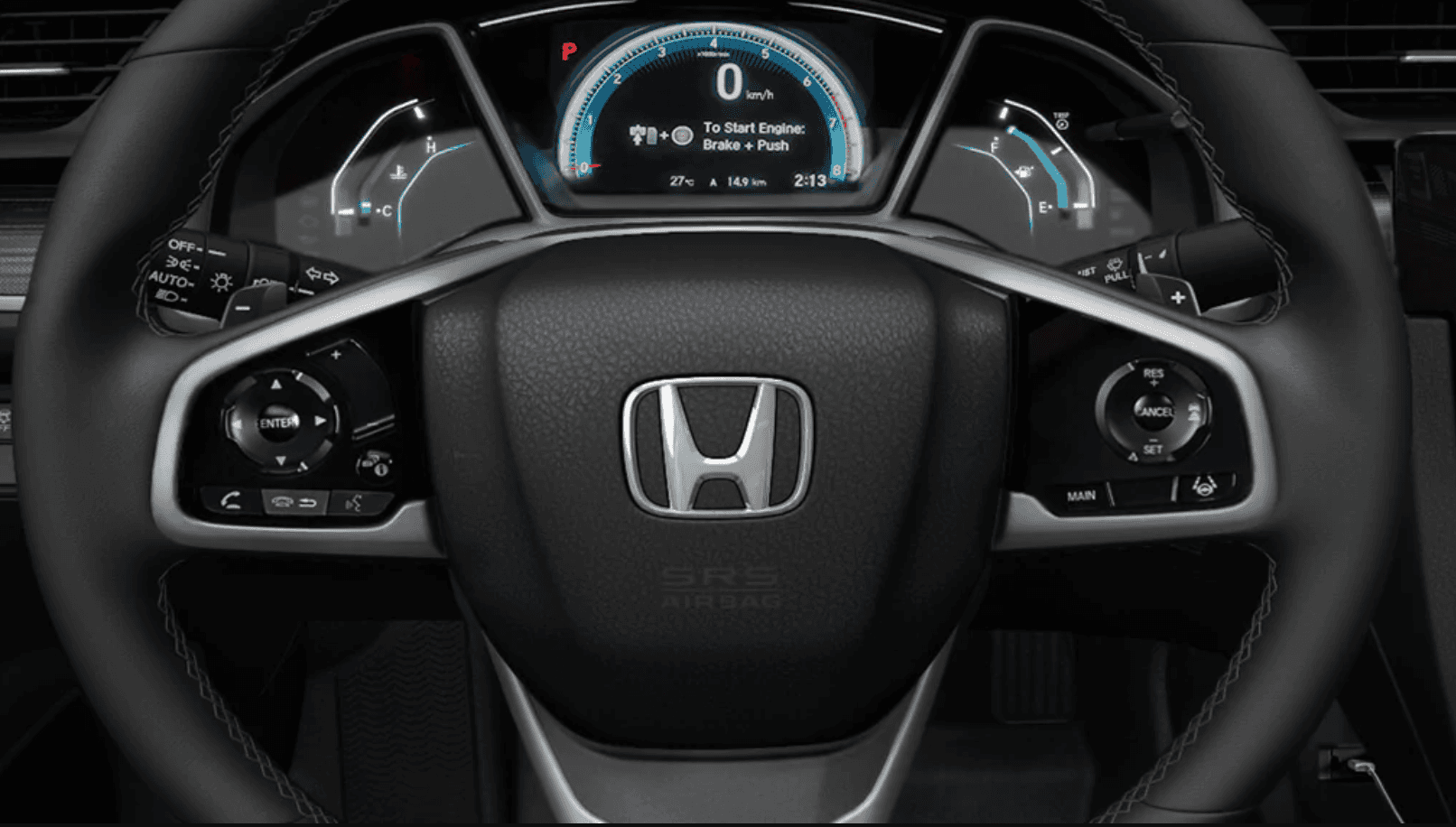
The reset procedure utilizes the directional control pad located on the right side of the steering wheel. Follow these precise sequential steps to clear the warning message successfully.
- Ignition ON / Engine OFF
- Press "Home" or "Info" on Steering Wheel
- Navigate to "Vehicle Settings"
- Select "Maintenance Info"
- Press and Hold "Enter" until Reset Menu Appears
- Confirm Reset to 100%
Step 1: Turn on the Vehicle Electronics
Insert your key and turn it to the ON position, or press the push-button start twice without putting your foot on the brake pedal. All dashboard warning lights should illuminate, and the infotainment screen will power on. Do not start the engine, as the vehicle will lock you out of certain configuration menus while running.
Step 2: Navigate to Vehicle Settings
Locate the control pad on the right spoke of the steering wheel. Press the Source or Menu button, or use the directional up and down arrows to cycle through the options on the multi-information display located in the instrument cluster or upper dashboard screen, depending on your specific trim level. You want to navigate to the Customize Settings or Vehicle Settings menu.
Step 3: Access the Maintenance Info Screen
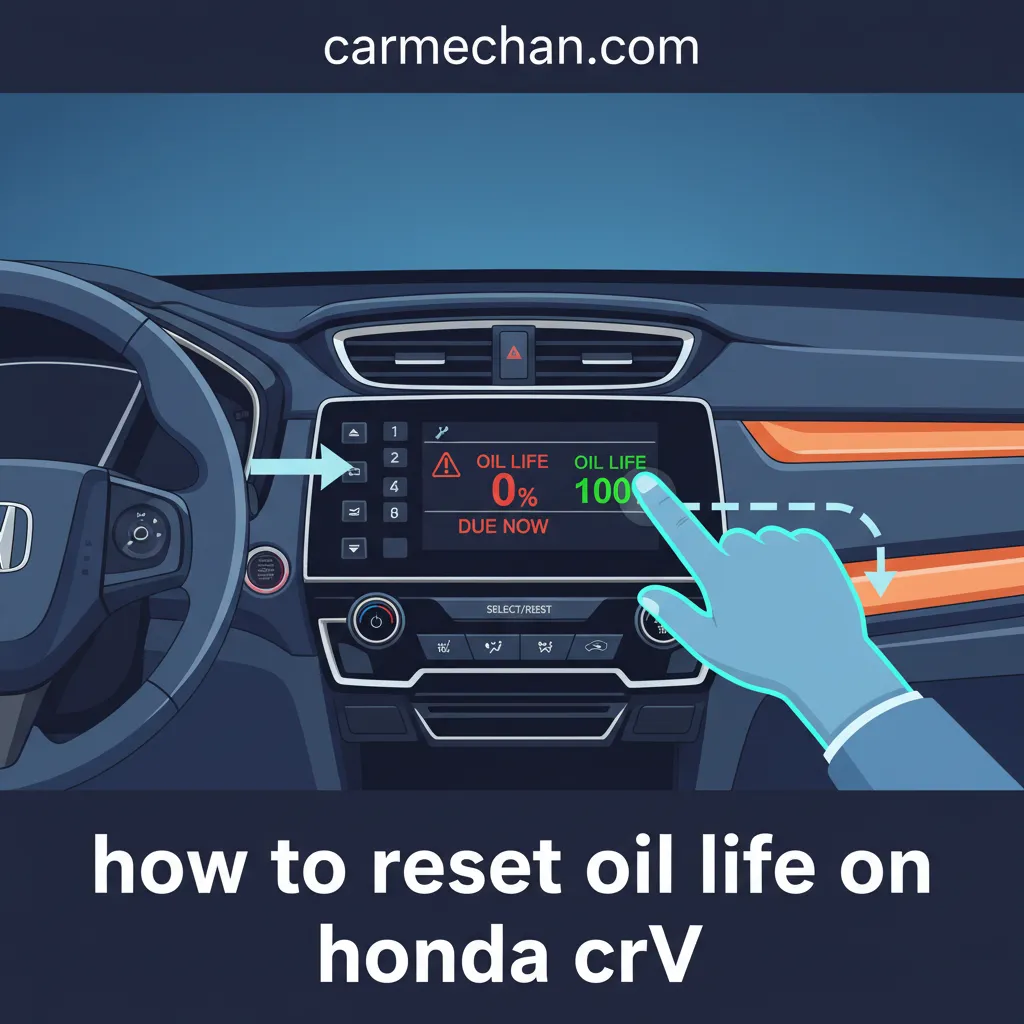
Once inside the settings menu, use the directional arrow buttons to highlight Maintenance Info or Meter Setup, and press the Enter button (located in the center of the directional pad) to select it. The display will show the current oil life percentage, alongside any active sub-codes that were triggered during the previous service interval.
Step 4: Initiate the Reset Sequence
Press and hold the Enter button on the steering wheel control pad for approximately 5 to 10 seconds. On some trims, simply holding Enter will immediately reset the value, while other trims will cause the display to flash and prompt a secondary confirmation screen asking if you want to clear the data.
Step 5: Confirm the Reset
If a sub-menu appears asking you to select items to reset (such as oil-only or specific sub-codes), use the directional arrows to highlight the correct item and press Enter to confirm. Watch the multi-information display as the oil life indicator updates to 100%. Turn off the ignition, then restart the vehicle to verify that the wrench icon and warning message have completely disappeared.
Troubleshooting Failed Resets and Common Mistakes
Many vehicle owners attempt the reset procedure only to find that the oil life percentage refuses to change or the warning light remains illuminated. This typically stems from minor procedural errors or underlying hardware glitches.
- Engine is Running: If the engine is running while you attempt the procedure, the vehicle safety protocols will lock out the configuration menu. Turn the engine off and return the ignition to the ON position.
- Using the Wrong Buttons: Ensure you are using the steering wheel controls rather than the touchscreen infotainment buttons or the trip odometer stick protruding from the instrument cluster. The 2014 Odyssey relies entirely on the steering wheel directional pad for this menu.
- Not Holding Long Enough: The system requires a sustained press of the Enter button. Merely clicking it will not trigger the reset mode. Hold it firmly until the display changes or flashes.
- Stuck Maintenance Codes: If you serviced only the oil, but left a sub-code unaddressed (such as a neglected transmission fluid change or tire rotation), the system may retain specific warning alerts until those individual tasks are manually addressed or cleared.
Frequently Asked Questions
Can I reset the oil life on a 2014 Honda Odyssey without steering wheel controls?
No. The fourth-generation Honda Odyssey relies exclusively on the steering wheel-mounted directional pad and the multi-information display to access the internal vehicle settings menu. If your steering wheel buttons are damaged or unresponsive, you will need to resolve that switch issue before the reset can be performed.
What should I do if the wrench icon stays on after a successful reset?
If the oil life displays 100 percent but the wrench icon persists, it usually indicates that an auxiliary maintenance sub-code (such as a required brake inspection or filter change) has expired. You must navigate back into the Maintenance Info menu and clear the remaining individual service items.
Does disconnecting the car battery reset the Honda Odyssey oil life?
No. Disconnecting the 12-volt vehicle battery cuts power to the electrical systems, but the Maintenance Minder data is stored in non-volatile memory (EEPROM) within the instrument cluster or body control module. Removing the battery terminals will preserve your oil life percentage and history.
Will changing the oil automatically reset the computer?
No. Independent quick-lubricate shops, DIY mechanics, and dealerships must manually trigger the reset procedure using the dashboard controls or a compatible OBD-II diagnostic scan tool. The vehicle has no physical sensors capable of measuring oil chemical degradation directly; it relies entirely on algorithmic estimation.
How often should the oil be changed on a 2014 Honda Odyssey?
While the Maintenance Minder system often permits intervals between 5,000 and 7,500 miles depending on driving habits, many automotive technicians recommend changing the engine oil and filter every 5,000 miles—particularly for V6 engines utilizing Variable Cylinder Management to mitigate potential oil consumption tendencies.
Next Actions
Now that you have successfully completed your 2014 Honda Odyssey oil life reset, record the current odometer reading and the date in your vehicle maintenance logbook. Keep receipts for the oil and filter in a safe place if you perform your own maintenance, as well-documented service histories preserve vehicle resale value and protect engine longevity over years of reliable family transportation.