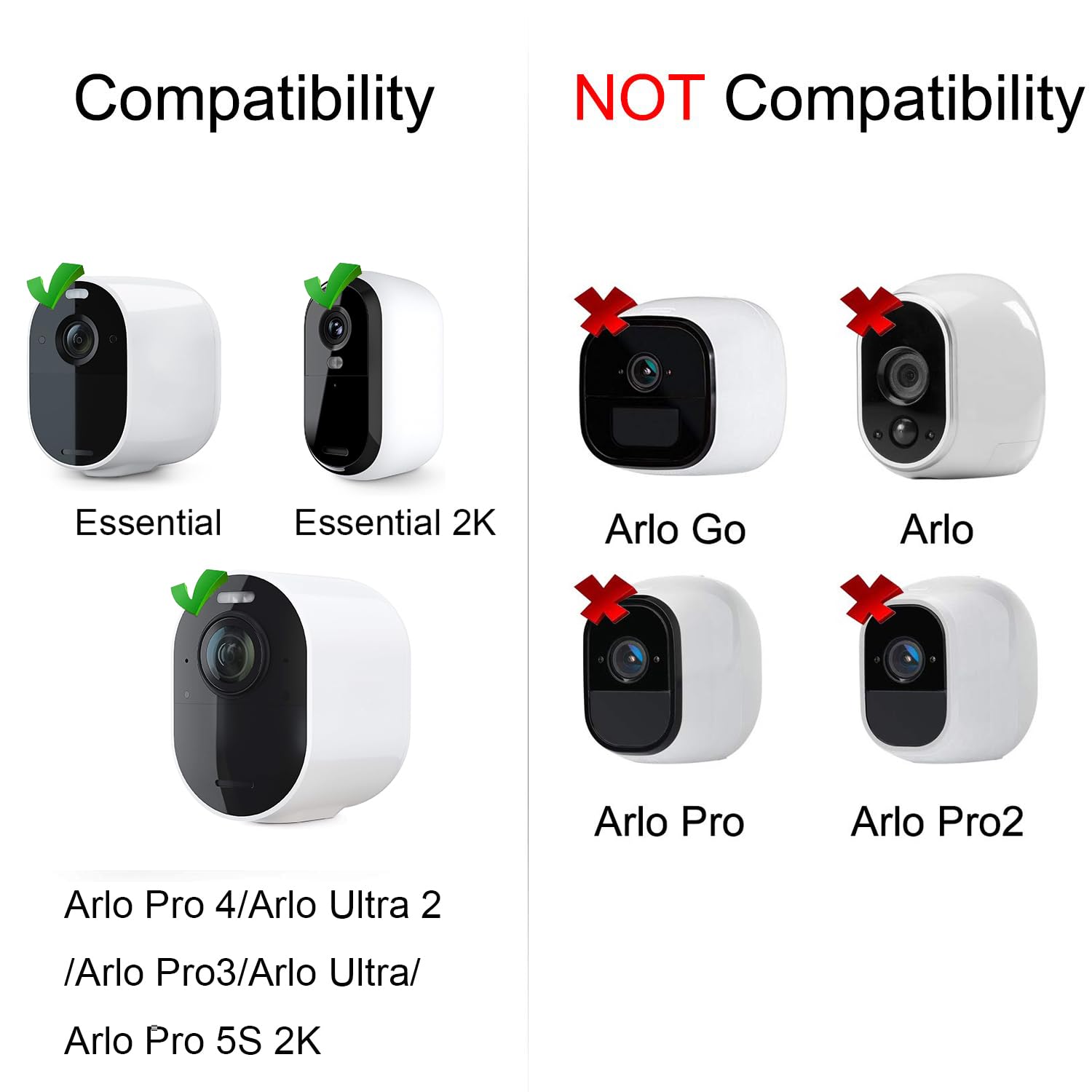
The Arlo Pro 3 battery typically lasts between three to six months on a single charge under optimal conditions. In real-world scenarios, heavy motion detection, weak signal strength to the SmartHub, and frequent use of the integrated spotlight or 2K live streaming can reduce this duration to approximately one to two months.
Reliable home security depends on consistent uptime. For owners of the Arlo Pro 3, the battery life is often the most discussed technical specification because it varies so significantly based on environment and configuration. While the official marketing materials often highlight a "six-month" lifespan, achieving that benchmark requires a very specific set of circumstances that many residential properties do not naturally provide.
As of 2026, the Arlo Pro 3 remains a staple in many security setups due to its 2K HDR video and wire-free versatility. Understanding the nuances of its power consumption is essential for maintaining a secure perimeter without the frustration of constant recharging cycles.
The Manufacturer’s Benchmark vs. Real-World Expectations
When Arlo specifies a six-month battery life for the Pro 3, the calculation is generally based on a specific usage profile: approximately five minutes of recorded footage per day. This assumes the camera is placed in a low-traffic area, has a strong connection to the Arlo SmartHub, and is operating in temperate weather.
In a standard residential setting, a camera facing a front porch or a driveway may trigger 20 to 50 times a day. Each trigger involves the camera waking from a low-power "sleep" state, engaging the image sensor, establishing a high-bandwidth data stream to the hub, and potentially activating the IR sensors or the integrated LED spotlight. This "wake-up" cycle is the most power-intensive part of the camera's operation. If your camera is capturing 15 to 20 minutes of video daily, you should realistically expect to recharge every 6 to 10 weeks.
Primary Factors That Drain the Arlo Pro 3 Battery
Understanding what pulls power from the VMA5400 rechargeable battery allows you to make informed trade-offs between security depth and maintenance frequency.
1. Signal Strength and Connectivity
The most overlooked cause of rapid battery drain is poor signal strength. The Arlo Pro 3 communicates with an Arlo SmartHub or Base Station (though some firmware allows direct Wi-Fi connection). If the camera is at the edge of the hub's range, or if there are thick walls and electronic interference between the two, the camera must increase its radio power to maintain the connection.
Furthermore, if the connection is frequently dropped, the camera will constantly "search" for the hub, which prevents it from entering its deep-sleep power-saving mode. A camera with "one bar" of signal strength will often deplete its battery two to three times faster than a camera with a full-strength connection, even if they record the same amount of footage.
2. Frequency of Motion Triggers and Recording Length
Every time the Passive Infrared (PIR) sensor detects heat-based motion, the camera activates. If you have the recording length set to "Record until activity stops," a busy street or swaying branches can keep the camera active for minutes at a time. High-traffic areas are the enemy of wire-free battery life. Arlo’s AI-driven "Smart Notifications" help filter what you see in your app, but the camera still has to wake up and send the video to the cloud for the AI to analyze it, meaning the battery is consumed regardless of whether you receive a notification.
3. Integrated Spotlight and Night Vision
The Arlo Pro 3 features an integrated LED spotlight that allows for color night vision. While this is a premium security feature, LEDs are significant power consumers. If the spotlight is set to trigger with every motion event at night, the battery will drain significantly faster during the winter months when nights are longer. Standard infrared (IR) night vision is more power-efficient but results in black-and-white footage.
4. Video Resolution and Features
Recording in 2K resolution with High Dynamic Range (HDR) enabled requires more processing power and higher data transmission speeds than 1080p. Similarly, features like "Auto Track and Zoom," where the camera digitally follows a moving object, require continuous digital processing during the recording, which adds a marginal but cumulative tax on the battery life.
The Impact of Temperature on Lithium-Ion Chemistry
The Arlo Pro 3 uses a lithium-ion battery, which relies on chemical reactions to move ions between the anode and cathode. Cold weather slows these chemical reactions. When temperatures drop below 32°F (0°C), the internal resistance of the battery increases, making it less efficient at delivering power.
In extreme cold (below -4°F or -20°C), the battery may stop functioning entirely to protect its internal chemistry. Even in moderate winter climates (30°F to 40°F), users often report a 30% to 50% reduction in total capacity. It is also important to note that Arlo batteries will not charge in temperatures below freezing. If you use a solar panel or a wired outdoor cable, the system will pause charging until the battery temperature rises to a safe level.
Comparative Battery Performance Scenarios
To help you gauge your own setup, the following table illustrates how different configurations impact the expected time between charges.
| Usage Intensity | Daily Triggers | Key Settings | Expected Battery Life |
|---|---|---|---|
| Minimal | 3–5 events | Spotlight Off, 1080p, Strong Signal | 5–6 Months |
| Typical | 10–15 events | Spotlight Auto, 2K Res, Moderate Signal | 3–4 Months |
| High Traffic | 30–50 events | Spotlight High, 2K HDR, Weak Signal | 3–6 Weeks |
| Extreme | 75+ events | Continuous Live Streaming, Cold Weather | 1–2 Weeks |
Strategies for Extending Arlo Pro 3 Battery Life
If you find yourself climbing a ladder to recharge your cameras more often than you'd like, there are several software and hardware adjustments that can significantly extend the interval between charges.
Optimize Motion Detection and Activity Zones
The most effective way to save power is to prevent the camera from recording unnecessary events. By using Activity Zones, you can tell the camera to ignore motion in specific areas of the frame (like a public sidewalk or a tree moving in the wind).
Note: In 2026, it remains true that Activity Zones on the Arlo Pro 3 generally require either an Arlo Secure subscription or the camera to be plugged into a continuous power source to function at the hardware level. If running on battery alone, the camera still "wakes up" to check if the motion is inside the zone, but it will stop recording immediately if it is not, which saves some energy.
Adjust Power Management Settings
Within the Arlo app, you can navigate to the Device Settings and find the "Power Management" section. You are typically given three choices:
- Best Video: Prioritizes 2K resolution and higher bitrates.
- Optimized: A balance between clarity and battery.
- Best Battery Life: Reduces video quality and bitrate to conserve energy.
Switching from "Best Video" to "Optimized" is often enough to gain an extra two to three weeks of usage without a noticeable loss in security effectiveness.
Manage the Integrated Spotlight
If you have sufficient ambient street lighting or separate motion-activated floodlights, consider disabling the Arlo Pro 3’s integrated spotlight. You can do this in the "Video Settings" under "Night Vision." By switching to standard Infrared Night Vision, you eliminate the power draw of the LED array while still maintaining clear black-and-white visibility at night.
Improve the Connection Quality
If your camera reports a weak signal, consider moving your SmartHub to a more central location. If the hub is tucked inside a metal cabinet or placed directly next to a high-power Wi-Fi router, signal interference can cause the camera to struggle. Moving the hub even three feet away from other electronics or higher up on a shelf can improve the "handshake" efficiency between the camera and the base.
Hardware Upgrades for Perpetual Power
For cameras located in inaccessible areas or high-traffic zones where battery depletion is inevitable, hardware additions can remove the need for manual charging.
- Arlo Solar Panel (VMA5600): This is the most popular solution for the Pro 3. In 2026, solar efficiency has made these panels even more reliable. Provided the panel receives at least 3 to 4 hours of direct sunlight daily, it can keep the battery topped off indefinitely.
- Arlo XL Rechargeable Battery: Arlo offers an "XL" battery and housing kit that effectively doubles the physical size of the camera but provides twice the milliamp-hour (mAh) capacity. This is ideal for cold climates or remote areas where solar isn't an option.
- Outdoor Charging Cable: If an electrical outlet is within 25 feet, using an Arlo outdoor-rated magnetic charging cable converts the Pro 3 into a wired camera. This not only eliminates battery concerns but also unlocks features like "Look Back" (which captures a few seconds of footage before a motion event is triggered).
Troubleshooting Rapid Battery Drain
If your Arlo Pro 3 battery is draining in less than a week, it usually indicates a technical fault rather than a settings issue. First, check for a "stuck" PIR sensor. If the camera is recording non-stop with no visible motion, the sensor may be faulty or there may be a heat source (like an AC vent) directly in its field of view.
Secondly, ensure your firmware is up to date. Arlo frequently releases patches that optimize radio efficiency and power management. Finally, inspect the battery contacts for any corrosion or debris. A poor physical connection can cause inefficient power delivery and excessive heat, leading to rapid discharge.
Frequently Asked Questions
Does 2K resolution significantly decrease battery life?
Yes, recording in 2K resolution requires more processing power and a more stable, high-speed data upload than 1080p. While it is one of the primary reasons to own a Pro 3, switching to 1080p can extend battery life by roughly 15-20% in high-traffic installations.
Why does my battery drain faster in the winter?
Lithium-ion batteries rely on liquid electrolytes that become more viscous in cold temperatures, slowing down the movement of ions. This creates internal resistance, causing the battery to work harder to provide the same amount of power. Additionally, chemical capacity physically shrinks in the cold, meaning the battery holds less "total" energy than it does in the summer.
Can I use third-party batteries in my Arlo Pro 3?
While third-party batteries are available, it is generally discouraged. The Arlo Pro 3 uses a sophisticated charging circuit that communicates with the battery's internal management system. Non-OEM batteries may lack proper thermal protection or may not report accurate charge percentages to the Arlo app, potentially leading to camera damage or unexpected shutdowns.
How long does it take to fully charge the Arlo Pro 3 battery?
Using the standard magnetic charging cable and a 5V/2A power adapter, a fully depleted VMA5400 battery takes approximately 3.5 to 4 hours to reach 100%. If you are using the Arlo Dual Charging Station, charging times are slightly faster as the station can provide more consistent amperage to two batteries simultaneously.
Does the Arlo Pro 3 drain battery when I am live-viewing?
Absolutely. Live-viewing is one of the most taxing activities for the battery because it requires the camera to maintain a constant, high-definition stream without the benefit of the power-saving "buffer" used during standard recording. Frequent or long-duration live-viewing sessions will significantly shorten the time between charges.
Final Recommendation for Users
To get the most out of your Arlo Pro 3 battery, begin by placing the camera in its permanent location and monitoring the signal strength in the app for 24 hours. If the signal is low, prioritize moving the SmartHub before adjusting any other settings. For any camera that records more than 20 events per day, the addition of an Arlo Solar Panel is the most cost-effective and practical way to ensure your security system remains online without constant manual intervention. By balancing your motion sensitivity and utilizing Activity Zones, you can achieve a "set and forget" security perimeter that lasts through every season.