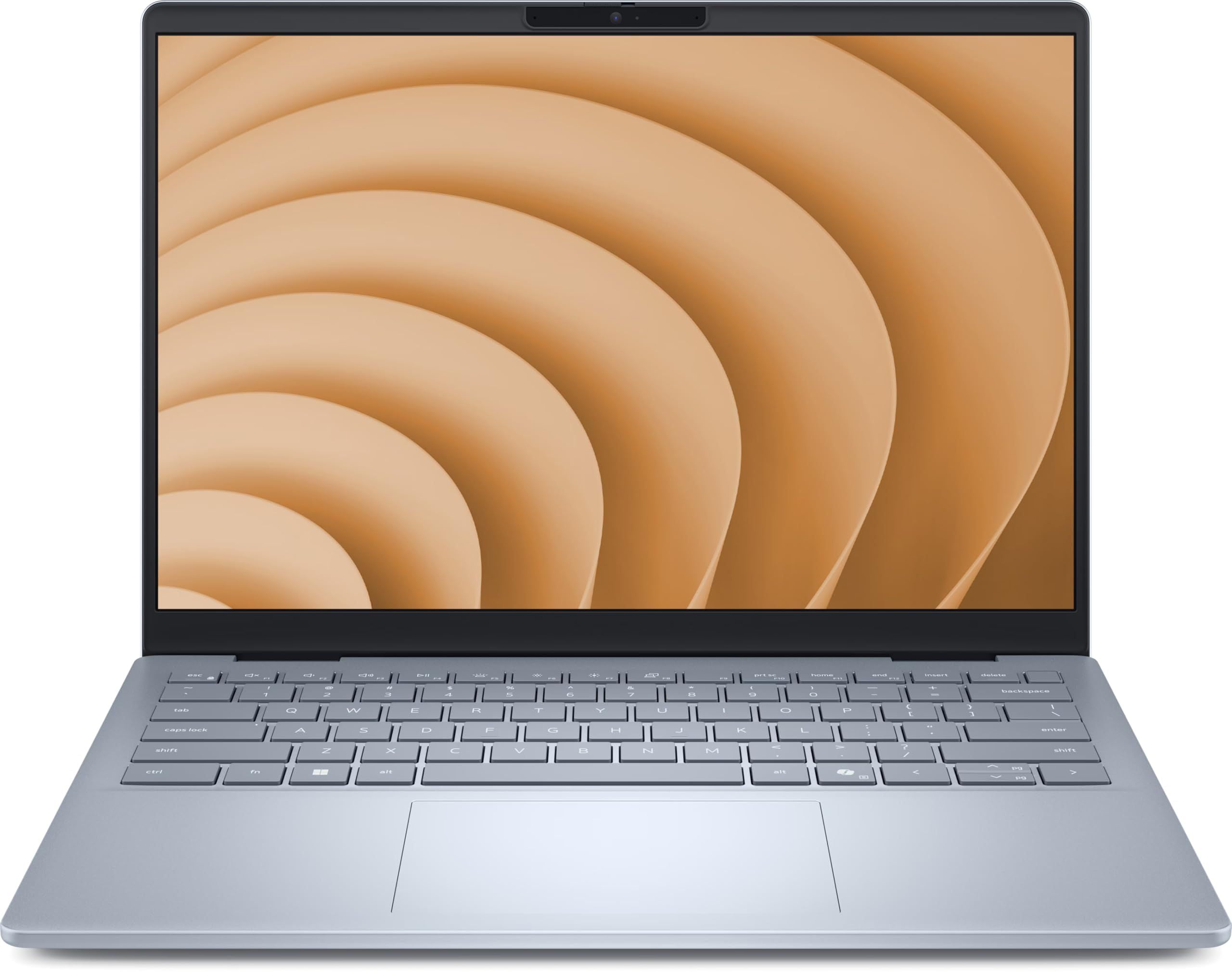
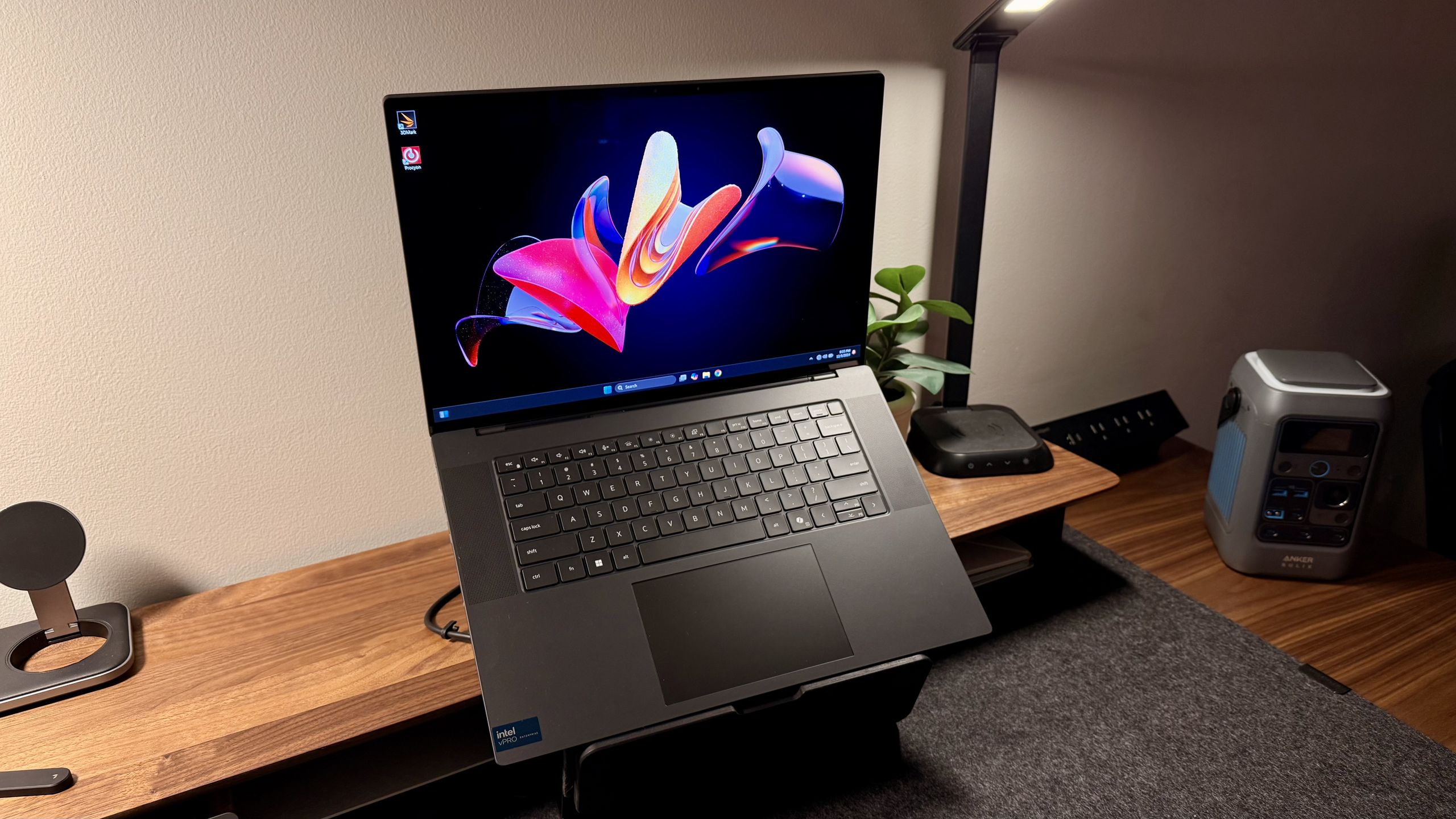
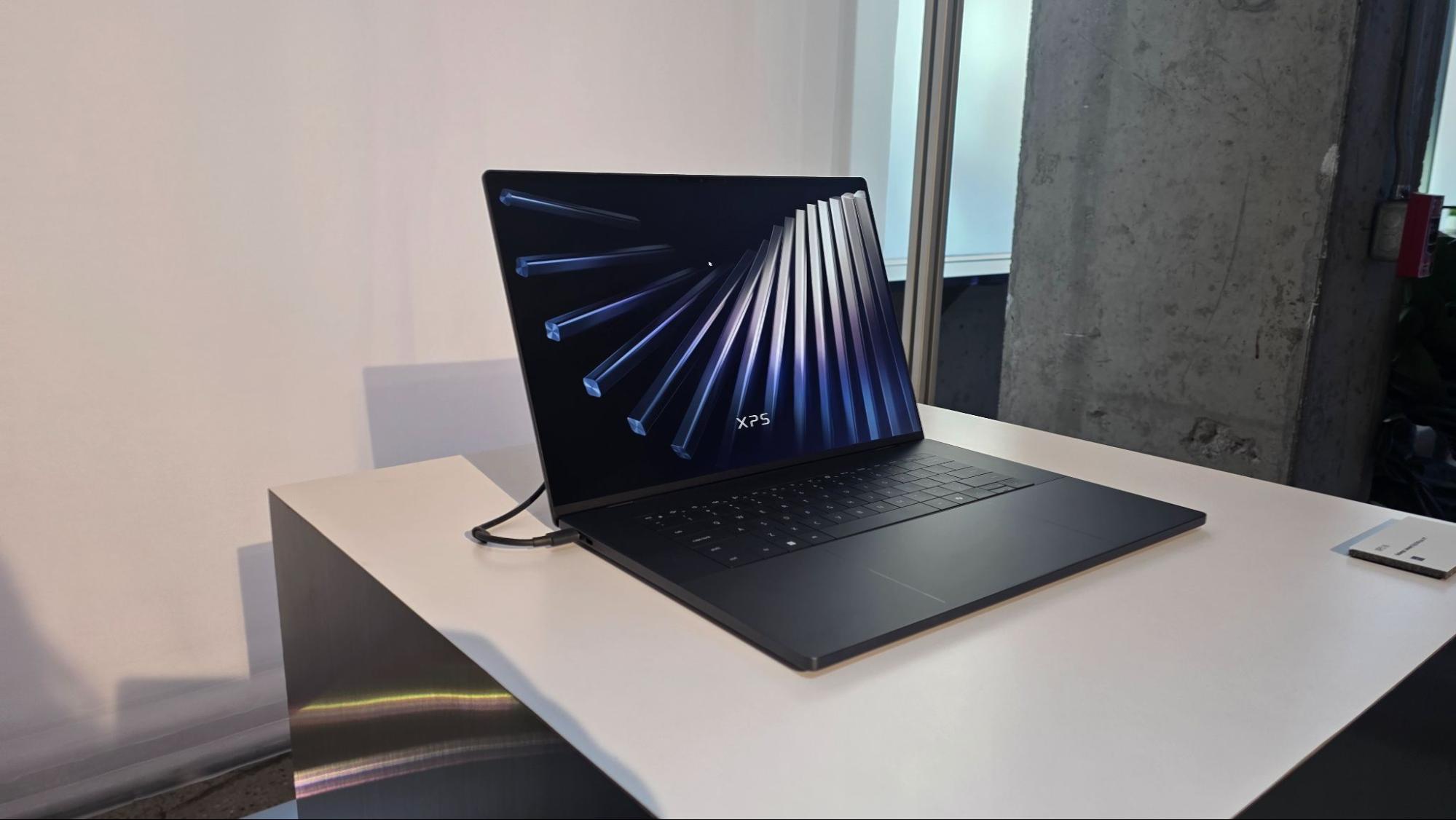
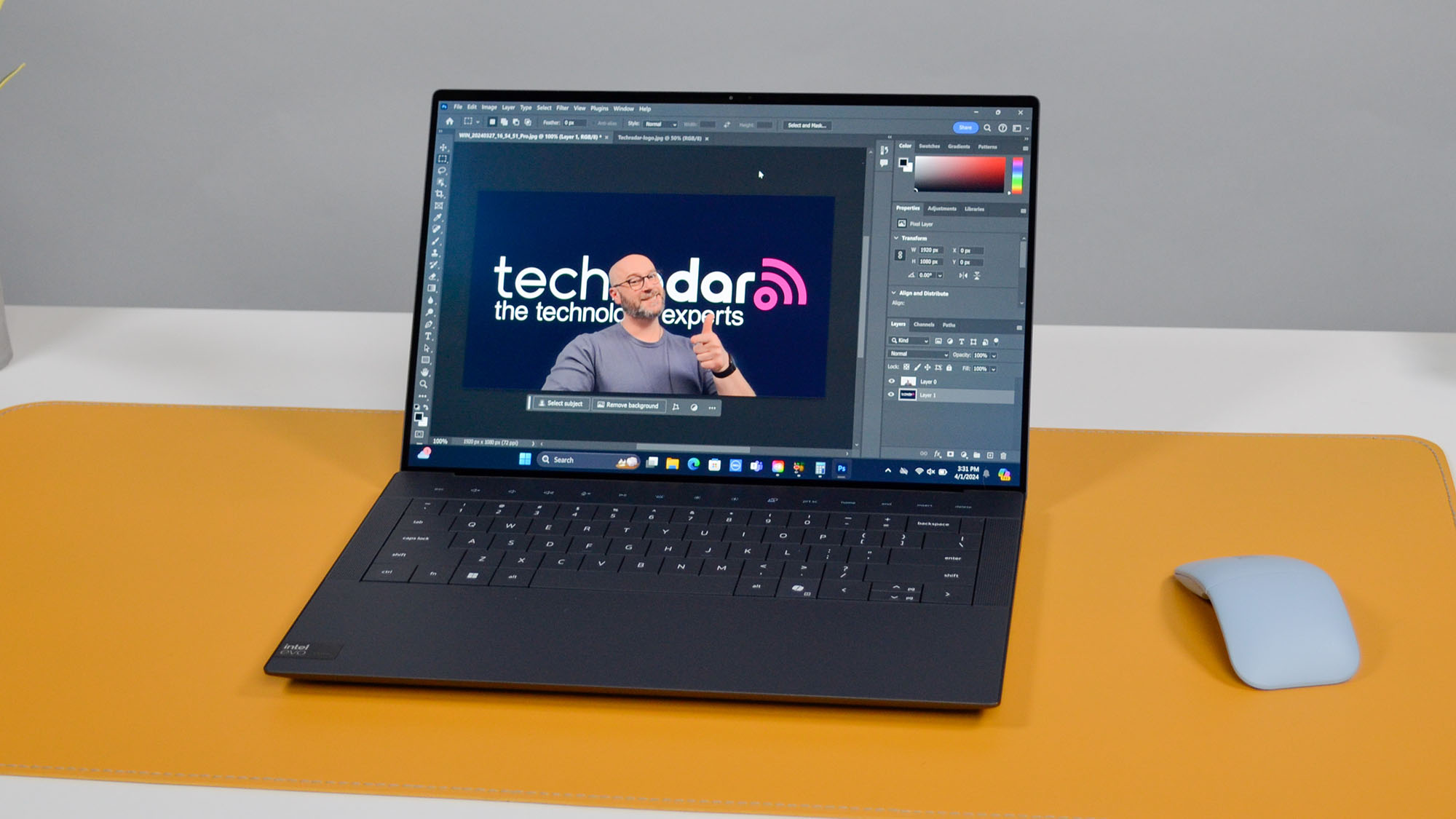
Choosing the right work laptop involves balancing processing power, battery life, portability, and enterprise-grade security features. Dell offers one of the most reliable and versatile hardware ecosystems for professionals, ranging from ultra-thin mobile workstations to rugged enterprise daily drivers designed to handle heavy multi-tasking, data analysis, software development, and everyday office productivity.
Understanding Dell’s Professional Laptop Ecosystem
Dell organizes its business and professional laptops into distinct product families, each tailored to specific operational requirements and user profiles. Before evaluating individual models, it helps to understand how Dell structures its lineup to match hardware capabilities with professional workflows.
Latitude Series: The Enterprise Standard
The Latitude lineup forms the backbone of Dell's enterprise offerings. Built for corporate deployments, remote workers, and traveling executives, Latitude laptops prioritize security, durability, and manageability. These machines undergo rigorous MIL-STD 810H durability testing, ensuring they withstand the physical demands of frequent transit. They also feature advanced hardware security options such as Dell SafeID, SafeBIOS, and integrated smart card or fingerprint readers.
XPS Series: Premium Power and Design
While historically marketed toward creative professionals and prosumers, the XPS line has evolved into a premier choice for power users who demand high-end performance housed in an ultra-sleek, premium chassis. XPS laptops feature stunning high-resolution displays, powerful multi-core processors, and robust graphics capabilities, making them ideal for data-heavy spreadsheets, presentation design, and light content creation.
Precision Series: Mobile Workstations
For engineers, data scientists, 3D modelers, and video editors, the Precision mobile workstation line delivers desktop-class performance in a portable form factor. These laptops are certified by Independent Software Vendors (ISVs) for professional software like AutoCAD, Adobe Creative Cloud, and SolidWorks, featuring professional-grade graphics options (such as NVIDIA RTX graphics) and support for Error-Correcting Code (ECC) memory.
The 5 Best Dell Laptops for Work in 2026
The following selections represent the top-performing Dell work laptops available, categorized by use case, portability, and power requirements.
1. Dell Latitude 7450 UltraLight: Best Overall for Mobile Professionals
The Latitude 7450 UltraLight strikes an ideal balance between featherlight portability and enterprise-grade performance. Weighing in at just under 2.5 pounds, it is built for professionals who spend significant time traveling, moving between conference rooms, or working remotely.
- Processor: Intel Core Ultra 7 processor equipped with an integrated Neural Processing Unit (NPU) for localized AI workloads.
- Display: 14-inch 16:10 QHD+ anti-glare display providing ample vertical screen real estate for documents and spreadsheets.
- Battery Life: Exceptional all-day endurance, regularly exceeding 12 hours of mixed productivity use.
- Security: Features an enhanced privacy shutter, capacitive fingerprint reader, and Control Vault 3+ for hardware-isolated credential protection.
2. Dell XPS 14 (2026 Edition): Best for Creative and Power Users
For professionals who require a blend of aesthetic elegance and high-octane processing horsepower, the XPS 14 stands out. It features Dell’s modern capacitive touch function row, a seamless glass haptic trackpad, and edge-to-edge lattice keyboard design.
- Processor: Intel Core Ultra 7 paired with optional NVIDIA GeForce RTX graphics.
- Display: 14.5-inch OLED Touch display with a 3.2K resolution and vibrant color accuracy (100% DCI-P3).
- Performance: Handles heavy compilation tasks, local LLM execution, and high-resolution media editing without thermal throttling.
- Trade-off: The sleek design results in a slightly heavier footprint than the Latitude UltraLight, and port selection relies primarily on Thunderbolt 4 USB-C ports.
3. Dell Latitude 5550: Best for Productivity and Data-Heavy Workflows
If your daily workflow involves managing massive Excel spreadsheets, financial modeling, or database management, screen space and a dedicated number pad are essential. The Latitude 5550 is a robust 15.6-inch enterprise notebook built for desk-bound professionals who still require mobility.
- Display: 15.6-inch FHD+ (1920 x 1200) display with comfort-view plus hardware-based low blue light emission.
- Keyboard: Full-size keyboard complete with a dedicated numeric keypad, drastically accelerating data entry tasks.
- Connectivity: Features a comprehensive array of legacy and modern ports, including RJ45 Ethernet, multiple USB-A ports, USB-C/Thunderbolt 4, and an HDMI output, reducing the immediate need for external dongles.
- Sustainability: Built with a high percentage of post-consumer recycled plastics and recycled aluminum components.
4. Dell Precision 5490: Best Mobile Workstation for Engineers and Analysts
The Precision 5490 packs workstation-tier performance into a sleek 14-inch chassis, making it a rare find for engineers and technical professionals who refuse to carry a bulky, heavy laptop.
- Graphics: Certified NVIDIA RTX professional graphics optimized for CAD, DCC, and scientific applications.
- Memory: Configurable with up to 64GB of LPDDR5x RAM running at high memory bandwidth speeds.
- Thermal Management: Dual opposite-outlet fans and advanced thermal graphs maintain sustained performance during intense rendering or simulation workloads.
- ISV Certification: Guaranteed compatibility and stability with industry-standard professional software suites.
5. Dell Latitude 3450: Best Budget-Friendly Enterprise Laptop
For organizations deploying machines at scale, or independent contractors seeking reliable business-class performance without the premium cost of flagship models, the Latitude 3450 offers a cost-effective, dependable entry point.
- Build: Durable composite chassis designed to withstand everyday office use and transport.
- Manageability: Full support for Dell Client Command Suite and Microsoft Intune for seamless IT deployment and remote management.
- Value: Delivers essential security features, solid battery performance, and modern Wi-Fi 6E connectivity at a highly competitive price point.
Comparison of Top Dell Work Laptops
| Model | Screen Size | Primary Use Case | Weight | Standout Feature |
|---|---|---|---|---|
| Dell Latitude 7450 UltraLight | 14.0 inches | Mobile Professionals / Travel | ~2.5 lbs | Ultra-portable chassis with long battery life |
| Dell XPS 14 | 14.5 inches | Creative / Power Users | ~3.8 lbs | Stunning OLED display & dedicated GPU options |
| Dell Latitude 5550 | 15.6 inches | Data Entry / Spreadsheet Work | ~4.0 lbs | Full numeric keypad & robust legacy port selection |
| Dell Precision 5490 | 14.0 inches | Engineering / CAD / Data Science | ~3.5 lbs | ISV-certified professional graphics |
| Dell Latitude 3450 | 14.0 inches | Small Business / Budget Deployment | ~3.4 lbs | Cost-effective enterprise security and manageability |
Key Factors to Consider When Buying a Work Laptop
Selecting the optimal machine requires looking beyond raw specifications to evaluate how hardware aligns with your day-to-day operational environment.
1. Processor (CPU) and AI Capabilities
Modern work laptops increasingly rely on neural processing units (NPUs) built into recent Intel Core Ultra and AMD Ryzen processors. These NPUs offload AI-driven tasks—such as background blur during video conferences, real-time transcription, and local AI assistant queries—saving CPU cycles and extending battery life. Ensure your chosen model includes an NPU if your workflow relies heavily on modern productivity and collaboration tools.
2. Portability Versus Screen Real Estate
Screen size directly impacts weight and usability. A 13-inch or 14-inch laptop (such as the Latitude 7450) is ideal for professionals who travel frequently or work in confined spaces like airplanes and coffee shops. Conversely, a 15.6-inch laptop (like the Latitude 5550) provides expansive viewing areas and physical keyboards with numpads, though at the expense of added weight and bulk.
3. Security and IT Manageability
Enterprise environments require robust endpoint security. Look for laptops equipped with hardware-rooted security features, such as TPM 2.0 (Trusted Platform Module), vPro remote management capabilities, and biometric login options (fingerprint readers and IR cameras supporting Windows Hello). These tools protect sensitive corporate data and simplify fleet management for IT departments.
Frequently Asked Questions
Which Dell laptop series is best for remote work?
The Dell Latitude series is generally considered the best choice for remote work due to its enterprise-grade security features, durable build quality, reliable Wi-Fi connectivity, and long battery life. Models like the Latitude 7450 UltraLight offer the portability needed for hybrid schedules, while maintaining the security protocols demanded by corporate IT departments.
Do Dell work laptops come with built-in AI features?
Many current Dell work laptops powered by Intel Core Ultra processors feature integrated Neural Processing Units (NPUs). These hardware components accelerate AI-driven applications locally—such as noise cancellation, advanced webcam framing, and localized machine learning tools—without draining your battery or relying entirely on cloud processing.
Are Dell Precision laptops necessary for standard office work?
No. Dell Precision laptops are specifically engineered as mobile workstations for power users, engineers, architects, and video editors who require Independent Software Vendor (ISV) certifications and high-end discrete graphics. For standard office tasks, word processing, email management, and spreadsheet analysis, a Dell Latitude or XPS model provides more than enough performance at a lighter weight and lower cost.
How do I choose between the Latitude and XPS lines for work?
Choose the Latitude line if your priorities are enterprise security, durability, physical port variety (like RJ45 Ethernet or HDMI), and easy IT manageability. Choose the XPS line if you value premium aesthetics, high-resolution displays (such as OLED touch panels), superior multimedia performance, and sleek design above traditional corporate enterprise features.
Can Dell work laptops handle gaming outside of office hours?
While business laptops are engineered for productivity and stability rather than gaming, models equipped with discrete graphics—such as the Dell XPS 14 or Dell Precision series—can comfortably handle casual gaming or esports titles. However, Latitude models with integrated graphics are generally unsuited for modern 3D gaming due to thermal and graphical limitations.
Final Recommendation
Choosing the right Dell work laptop ultimately depends on matching your physical mobility requirements with your computational needs. If you travel constantly and prioritize lightweight design alongside enterprise security, the Dell Latitude 7450 UltraLight is the premier choice. For professionals who manage extensive financial models and require a physical number pad, the Dell Latitude 5550 delivers exceptional ergonomic value. Meanwhile, creative professionals, data analysts, and engineers should look toward the Dell XPS 14 or Dell Precision 5490 for advanced processing power and graphical fidelity. Assess your daily software demands, travel habits, and budget to select the model that will best elevate your professional productivity.