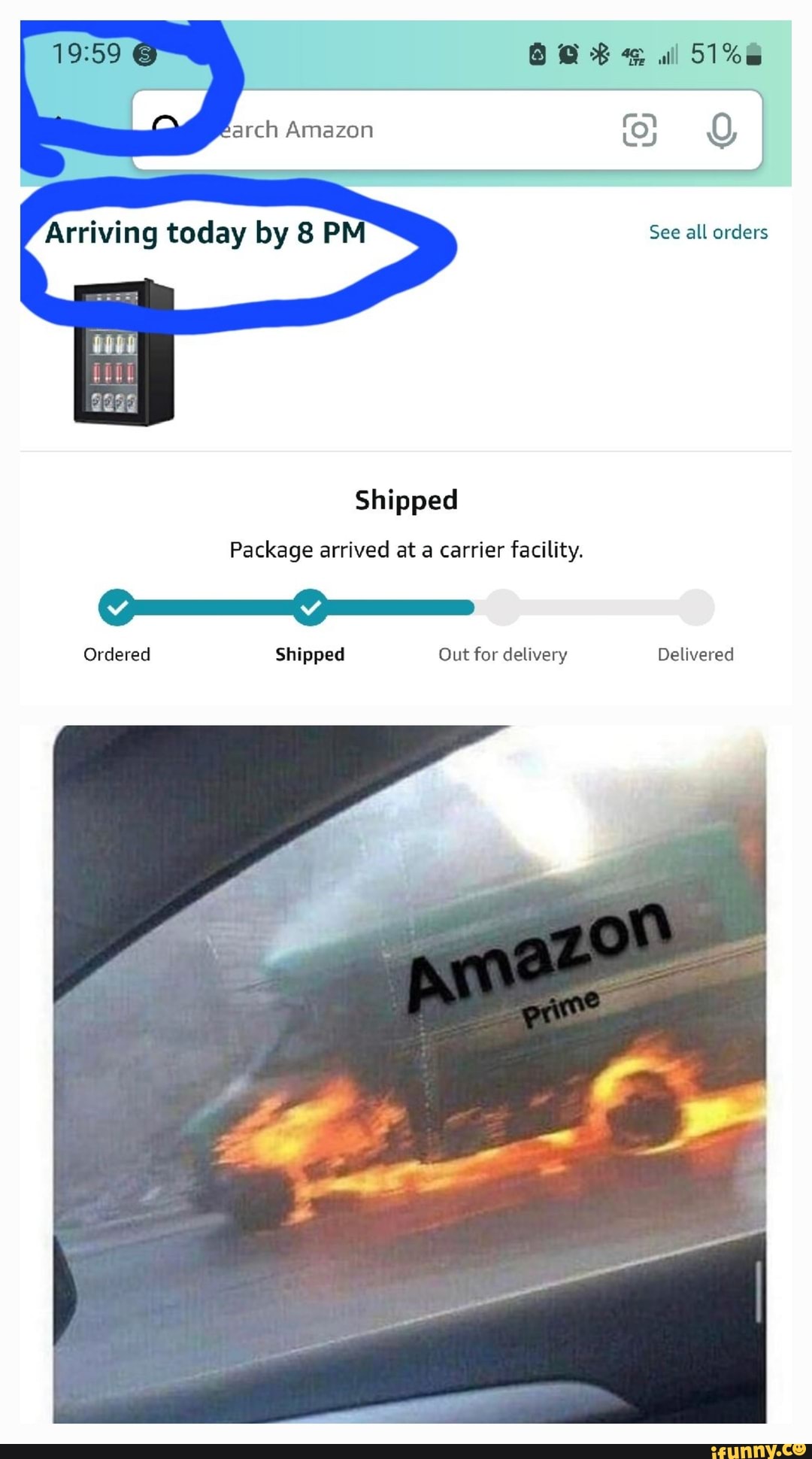
If your Amazon order is listed as "Arriving Today" but hasn't updated to "Shipped," it usually means the item is at a local fulfillment center near your address. Amazon’s internal logistics often skip the traditional "shipped" notification when the item moves directly from a nearby hub to a delivery vehicle for same-day arrival.
The frustration of seeing a stagnant "Preparing for Shipment" or "Not Yet Shipped" status on a day you expect a delivery is a common experience for Amazon customers. As of 2026, Amazon’s logistics network has become incredibly dense, utilizing a sophisticated web of regional sortation centers and micro-fulfillment hubs. This infrastructure often allows for a "teleportation" effect where an item goes from a warehouse shelf to your doorstep in a matter of hours, frequently bypassing the status updates that customers historically relied on to track their packages.
Understanding the Amazon Tracking Status Discrepancy
To understand why your order appears stuck, it is essential to distinguish between the physical location of your package and the digital representation of that location in the Amazon system. The tracking dashboard is fed by scans performed at various nodes in the supply chain. If a node is skipped or if the data sync is delayed, the status will not reflect reality.
The Role of Local Micro-Fulfillment Centers
In 2026, Amazon has significantly expanded its "Sub-Same Day" (SSD) facilities. These are smaller, highly automated warehouses located within major metropolitan areas. When you order an item stocked at one of these facilities, the "shipping" process is fundamentally different from a cross-country transit.
Because the distance between the facility and your home might only be ten or fifteen miles, the package does not need to be handed over to a long-haul carrier like UPS or FedEx. Instead, it is assigned to an Amazon Flex driver or a dedicated Amazon Delivery Service Partner (DSP). In many cases, the package is not scanned as "Shipped" until it is actually loaded onto the final delivery van, which might not happen until 10:00 AM or even 2:00 PM on the day of delivery.
System Latency and API Delays
The Amazon interface relies on various Application Programming Interfaces (APIs) to pull data from internal logistics databases and third-party carriers. During high-volume periods—such as Prime Day, Black Friday, or seasonal sales—these systems can experience latency. A package might have been scanned out of a facility three hours ago, but the customer-facing dashboard may take time to update. This creates a window where the system displays "Arriving Today" based on the original promise date, even though the status hasn't caught up to the physical movement.
Common Reasons for the "Not Shipped" Status
There are several specific scenarios that lead to an order being labeled as arriving today despite a lack of shipping confirmation.
1. Proximity to the Delivery Station
If you live near an Amazon Sortation Center or a Last-Mile Delivery Station, your item is likely sitting in a "staged" area. It has been picked and packed, but it won't be marked as shipped until it is physically moved from the staging area to a vehicle. Since the transit time is negligible, the system maintains the "Arriving Today" promise because the logistical window for delivery is still wide open.
2. The "Shipping Now" Loop
Sometimes, an order enters a "Shipping Now" state. This means the shipping label has been generated, and the package is boxed, but it hasn't received its first "departure scan." On the day of delivery, this usually indicates that the package is part of a morning or afternoon "wave" of deliveries that will be handled by Amazon’s own fleet.
3. Third-Party Sellers (Fulfillment by Merchant)
If you purchased an item from a third-party seller who handles their own shipping (FBM), the tracking information is dependent on that seller manually entering a tracking number or the carrier’s system updating Amazon. If the seller uses a smaller courier or a specialized delivery service, the integration might be poor. The "Arriving Today" notice might be based on the seller's estimated delivery window rather than real-time GPS data.
4. Software Glitches and Ghost Tracking
Rarely, a package may be lost or delayed at the warehouse, but the automated system fails to update the delivery estimate. The "Arriving Today" text is often a "target" rather than a confirmed status. If it is 8:00 PM and the status still says "Arriving Today" but "Not Shipped," the system has likely failed to trigger a delay notification.
Comparing Order Status vs. Reality
The following table outlines what is likely happening behind the scenes based on the status you see on your screen on the day of expected delivery.
| Status Displayed | Likely Physical Status | Likelihood of On-Time Delivery |
|---|---|---|
| Preparing for Shipment | Item is boxed and waiting in a local staging area. | High (if near a hub) |
| Shipping Now | Label is printed; item is being sorted for a delivery van. | Very High |
| Not Yet Shipped | Potential inventory issue or pending local transfer. | Moderate/Low |
| Arriving Today (No Location) | Data sync error; item is likely in transit with no scans. | High |
| Out for Delivery | Package is on the final vehicle for your route. | Guaranteed (usually) |
Steps to Take When Your Order is "Stuck"
If the clock is ticking and you are concerned about your delivery, follow these steps to verify the situation.
Verify the Carrier and Tracking ID
Go to your Amazon "Your Orders" page and click "Track Package." Look for the tracking ID. If it starts with "TBA," it is being handled by Amazon Logistics. You can often see a more detailed map view once the package is actually out for delivery. If it is a carrier like UPS or DHL, visit their official website and paste the tracking number there. Often, the carrier's direct site has more granular updates than the Amazon interface.
Check the "Order Details" for Hidden Updates
Sometimes the summary page is slower than the detailed "See all updates" view. Click into the specific order to see if there was a "Package arrived at a carrier facility" scan that didn't trigger a status change to "Shipped."
The 5:00 PM Rule
In the world of Amazon logistics, the "last mile" window is surprisingly late. Amazon drivers often work until 9:00 PM or 10:00 PM. If your status has not changed by 5:00 PM on the day of delivery, the probability of a delay increases significantly. This is usually the time when the system realizes a package didn't make it onto the final van and will update the status to "Expected by [New Date]."
Consumer Rights and Late Delivery Compensation
As of 2026, Amazon’s policies regarding late deliveries remain a combination of automated customer service and standard retail protections.
Requesting a Refund or Credit
If your "Arriving Today" package does not show up, you are often entitled to compensation, especially if you are a Prime member. While Amazon no longer guarantees a free month of Prime for every late package as they once did, they frequently offer:
- Promotional Credits: Typically $5 to $15 for the inconvenience.
- Shipping Fee Refunds: If you paid for expedited or overnight shipping.
- Full Refunds: If the item is delayed by more than 48 hours, you can often request a full refund and may be told to keep the item if it eventually arrives (depending on the item's value).
Federal Trade Commission (FTC) Rules
In the United States, the FTC’s Mail, Internet, or Telephone Order Merchandise Rule requires sellers to have a reasonable basis for claiming they can ship within a certain timeframe. If a seller cannot ship within the promised time, they must notify you, provide a revised shipping date, and give you the option to cancel for a full refund.
How Amazon’s 2026 Logistics Impacts Tracking
The shift toward "Predictive Shipping" has made tracking more opaque. Amazon's AI now predicts what customers in a specific ZIP code will buy and moves that inventory to nearby hubs before the customer even clicks "Buy."
Because the item is already so close to the end-user, the "Shipping" phase is compressed. For the consumer, this means the package stays in a "Ordered" or "Preparing" state for 90% of the timeline, only transitioning to "Shipped" and "Out for Delivery" in the final 10% of the window. This "just-in-time" delivery model is efficient for Amazon but creates anxiety for users who are accustomed to seeing a package travel across several states.
FAQs
Why does Amazon say it's arriving today if it hasn't even left the warehouse?
This usually occurs because the "warehouse" is a local delivery station only a short distance from your home. The system knows the package can be delivered within a 2-hour window once it leaves that station, so it maintains the "Arriving Today" promise. The status will likely jump straight from "Preparing" to "Out for Delivery" once the driver scans the package onto their van.
Is "Arriving Today by 9 PM" a guarantee?
It is a delivery estimate based on current logistics data. While Amazon has a high success rate, it is not a legal guarantee. If the package does not arrive by the stated time, it is officially considered "Late," and you can contact customer support for a potential credit or refund.
Can I cancel an order that says "Arriving Today but Not Shipped"?
Generally, no. Once an order reaches the "Arriving Today" stage, it is usually "too far along in the shipping process" to be canceled through the website. You will typically have to wait for it to arrive and then initiate a return, or refuse the delivery when the driver arrives.
Does "Not Yet Shipped" mean the item is out of stock?
Not necessarily. It usually means the order hasn't been picked from the shelf yet or is being transferred from one internal warehouse to another. If there were a permanent stock issue, Amazon would typically send an email regarding a "Delay" or "Cancellation" rather than showing an "Arriving Today" status.
What should I do if my package is marked "Delivered" but isn't here?
Wait at least 24 hours. In 2026, many delivery drivers pre-scan packages as "Delivered" while they are still in the van to meet efficiency quotas. Additionally, check with neighbors or look in unusual spots around your property. If it hasn't appeared after 24 hours, contact Amazon Support immediately to report a missing package.
Final Recommendation
If your Amazon order is listed as "Arriving Today" but shows as "Not Shipped," the best course of action is to wait until at least 7:00 PM. In the vast majority of cases, the package is already at a local facility and will be delivered by an Amazon-branded vehicle during the evening route. If the status does not update to "Out for Delivery" by late afternoon, use the "Chat with us" feature in the Amazon app to speak with an automated assistant. This often triggers a manual refresh of the tracking data and can provide a more accurate update on whether a delay has occurred.