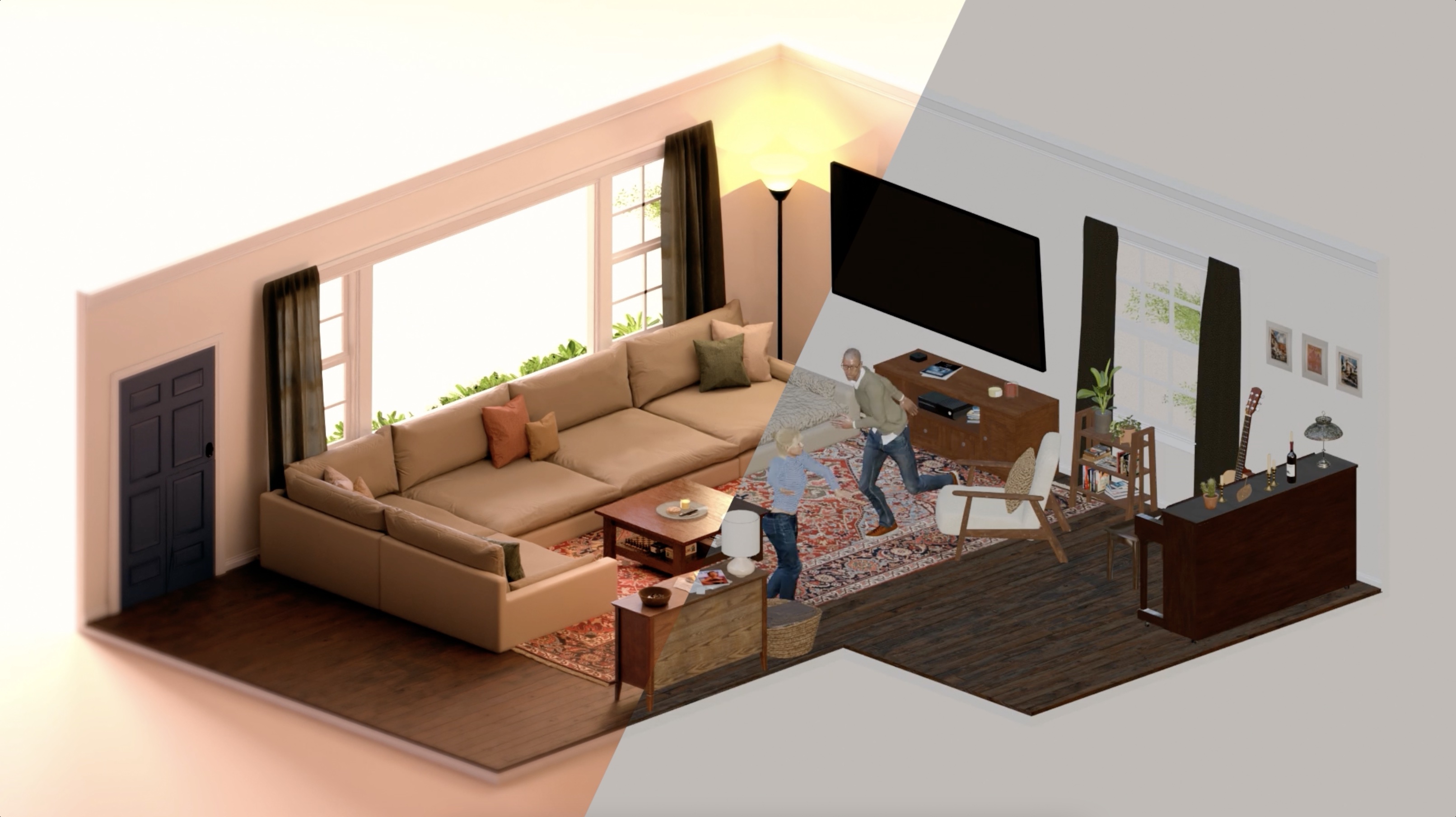
Airbnb animations refer primarily to Lottie, an open-source library created by Airbnb’s design and engineering teams that renders After Effects animations in real time. By converting complex motion graphics into lightweight JSON files, Lottie allows developers to implement high-quality, scalable animations on web, iOS, and Android platforms without the performance overhead of traditional video or GIF formats.
For years, digital product designers faced a significant hurdle: the "handoff gap." Designers would create beautiful, fluid animations in tools like Adobe After Effects, but developers had to manually recreate those movements using code or settle for heavy, non-scalable GIFs. In 2017, Airbnb changed the industry by releasing Lottie. As of 2026, Lottie remains the gold standard for UI/UX motion, having evolved into a massive ecosystem that powers micro-interactions for millions of applications worldwide.
The Evolution of Motion: Why Airbnb Created Lottie
Before the advent of "Airbnb animations" (Lottie), adding motion to an app was a trade-off between quality and performance. Traditional methods included:
- GIFs: These are large in file size, do not support alpha transparency (leading to jagged edges), and are not resolution-independent.
- PNG Sequences: While higher quality than GIFs, they are extremely heavy on memory and storage.
- Video (MP4/WebM): Difficult to loop seamlessly and impossible to interact with or manipulate programmatically.
- Hard-coded Animations: Creating complex shapes and movements directly in CSS or Swift is time-consuming and often fails to capture the nuance of a designer’s vision.
Airbnb recognized that their brand identity relied heavily on "belonging" and "fluidity," which required a sophisticated motion language. They needed a way to ship high-fidelity animations that were as easy to load as a static image. The solution was a bridge: a tool that could export the mathematical data of a vector animation into a format that a mobile device or browser could "read" and draw on the fly.
Technical Foundations: How Lottie Animations Work
At its core, a Lottie animation is a text file. Specifically, it is a JSON (JavaScript Object Notation) file exported from Adobe After Effects via a plugin called Bodymovin.
The Bodymovin Connection
The process begins in After Effects, where a designer creates a vector-based animation. The Bodymovin plugin parses the layers, keyframes, and shapes of the composition and converts them into a structured JSON schema. This schema describes every movement, color change, and scale adjustment as a data point.
Real-Time Rendering
When the Lottie library receives this JSON file on a user’s device, it doesn't "play" a video. Instead, it uses the device's native rendering engine (Core Animation on iOS, Canvas or SVG on Web) to draw the vectors frame by frame. This results in several technical advantages:
- Resolution Independence: Because it is vector-based, the animation remains crisp on a low-end smartphone or a 5K monitor.
- Small Footprint: A complex 10-second animation can be as small as 20KB, whereas an equivalent GIF might be several megabytes.
- Dynamic Manipulation: Since it is data, developers can change the color of a "Buy Now" button or the speed of an icon's spin programmatically at runtime.
Comparative Analysis: Lottie vs. Traditional Formats
In 2026, choosing the right format is essential for maintaining app speed and SEO rankings. The following table compares Lottie (Airbnb animations) against the legacy formats still found in the wild.
| Feature | Lottie (JSON/dotLottie) | GIF | MP4 / WebM | SVG Animation (CSS/SMIL) |
|---|---|---|---|---|
| File Size | Extremely Small | Large | Medium/Large | Small |
| Scalability | Infinite (Vector) | Fixed (Pixelated) | Fixed (Pixelated) | Infinite (Vector) |
| Transparency | Full Alpha Support | Binary (On/Off) | Limited Support | Full Support |
| Interactivity | High (State-driven) | None | Limited | Medium |
| CPU Usage | Low to Moderate | High | Moderate | Low |
| Implementation | Library Required | Native Browser/OS | Native Browser/OS | Native Browser/OS |
The dotLottie Format: The 2026 Standard
By 2026, the ecosystem has moved toward the .lottie file format. While the original JSON structure was revolutionary, it wasn't optimized for bundling multiple animations or including external assets like small bitmapped images.
The dotLottie format is essentially a ZIP archive that contains the JSON data, any necessary images, and metadata. This format has reduced file sizes by an additional 30-50% compared to standard Lottie JSONs. For developers at Airbnb and beyond, this means faster TTI (Time to Interactive) metrics and smoother user experiences on slower 5G or satellite connections.
Implementation Workflow: From After Effects to Production
Building with "Airbnb animations" requires a collaborative pipeline between design and engineering. If you are looking to implement these in your project, follow this verified workflow.
1. Asset Preparation in After Effects
Not every feature in After Effects is supported by Lottie. To ensure the animation renders correctly, designers must:
- Use Shape Layers rather than imported Illustrator files where possible.
- Avoid complex effects like "Glow," "Gaussian Blur," or "Particle Systems," which are computationally expensive and often unsupported.
- Keep compositions organized with clear naming conventions for layers that will be targeted by developers later.
2. Exporting with Bodymovin or LottieFiles
Once the animation is ready, the designer uses the Bodymovin plugin or the LottieFiles for After Effects extension. The export process generates the JSON file. It is highly recommended to test the file immediately in the Lottie Creator to check for missing frames or broken paths.
3. Developer Integration
Developers then add the Lottie dependency to their project.
- Web: Use
lottie-webor framework-specific wrappers likereact-lottie. - iOS: Use the
lottie-ioslibrary via Swift Package Manager or CocoaPods. - Android: Use
lottie-androidvia Gradle.
The code required to load an animation is remarkably simple. On the web, it often looks like this:
lottie.loadAnimation({ container: document.getElementById('lottie-container'), renderer: 'svg', loop: true, autoplay: true, path: 'data.json' // The path to your Airbnb animation file });
Best Practices for UI Motion Design
While Lottie makes it easy to add animations, it is easy to overdo it. Airbnb's own design language emphasizes "meaningful motion."
Focus on Micro-interactions
The most effective use of Airbnb animations is in micro-interactions—small, functional animations that provide feedback to the user. Examples include:
- A heart icon that pops and fills with color when "Saved."
- A loading spinner that reflects the brand's personality.
- Checkmarks that animate upon successful form submission.
Performance Optimization
Even though Lottie is efficient, having fifty animations running simultaneously will drain a device's battery.
- Lazy Loading: Only load the animation when it enters the viewport.
- Hidden Animations: Use
pause()when the animation is not visible to the user to save CPU cycles. - Path Simplification: Reduce the number of vertices in your vector shapes. Fewer points mean a smaller JSON file and faster rendering.
Accessibility and Reduced Motion
In 2026, digital accessibility is not optional; it is a legal and ethical requirement. Some users suffer from vestibular disorders where motion can cause nausea.
- Respect System Settings: Check for the user’s "Reduced Motion" preference in their OS settings.
- Provide Controls: If an animation is long or complex, provide a play/pause button.
- Alt Text: Always provide descriptive text for functional animations so screen readers can interpret the "action" being performed.
Common Pitfalls and Troubleshooting
Even with the maturity of the Lottie ecosystem in 2026, teams often encounter specific hurdles during implementation.
Masking and Matte Issues
One of the most common "broken" animations occurs when designers use complex masks or track mattes in After Effects. While supported, these require significant processing power and can glitch on older Android devices. If an animation looks "stuttery," the first step is to simplify the masks or bake them into the shape paths.
Missing Expressions
Designers often use JavaScript-based expressions in After Effects to automate movements. While the Bodymovin plugin has improved, many complex expressions do not translate into the JSON format. It is best to convert expressions to keyframes before exporting.
Asset Path Errors
If you are using bitmapped images (like a .png) within your Lottie animation, the JSON file expects those images to be in a specific folder relative to the file. If they aren't found, the animation will show a "broken image" icon. This is why the .lottie bundle format is preferred in 2026, as it packages the images and JSON together.
The Future of Airbnb Animations: What’s Next?
Looking toward the latter half of the decade, the concept of "Airbnb animations" is expanding into State Machine logic. Platforms like Rive (a major competitor to Lottie) have pushed Airbnb to improve Lottie’s interactivity. We are now seeing animations that can react to mouse coordinates, scroll depth, and even real-time data inputs (like a weather icon that changes its "wind speed" based on actual local weather data).
Furthermore, AI-driven animation tools are now capable of taking a static brand logo and generating a Lottie-compatible JSON file in seconds, though hand-crafted motion from experienced designers remains superior for high-end brand storytelling.
FAQ
What is the difference between Airbnb animations and Lottie?
"Airbnb animations" is a colloquial term for the motion design style and the Lottie library. Lottie is the actual technology and open-source library created by Airbnb that enables these animations to run on different platforms.
Can I use Lottie animations for free?
Yes, the Lottie library itself is open-source and free to use under the Apache 2.0 license. You can find thousands of free animations on community platforms like LottieFiles, or create your own using After Effects and the free Bodymovin plugin.
Do Lottie animations impact SEO?
When used correctly, Lottie animations can improve SEO by increasing user engagement and time-on-page. Because the files are small and vector-based, they do not slow down page load times as much as videos, helping you maintain high Core Web Vitals scores.
Which software do I need to create Airbnb-style animations?
The industry standard is Adobe After Effects combined with the Bodymovin plugin. However, in 2026, other tools like Figma (with Lottie plugins) and specialized web-based editors have also become viable for creating and exporting Lottie data.
Is Lottie supported on all browsers?
Yes, Lottie is supported on all modern browsers (Chrome, Safari, Firefox, Edge). It uses standard web technologies like SVG and Canvas to render the animations, ensuring broad compatibility across desktop and mobile.
Summary Recommendation
If you are a developer or designer in 2026 looking to elevate your user interface, adopting the Lottie framework is the most effective path. Start by identifying high-value interaction points—such as your onboarding flow, success states, or navigation icons—and replace static assets with purposeful motion. Not only will this reduce your overall bundle size compared to traditional formats, but it will also provide a level of polish that users have come to expect from top-tier digital products. For those just starting, the official Lottie documentation remains the best resource for technical integration.