Adding a new vehicle to an existing Progressive auto insurance policy is a straightforward process managed through their online account portal, mobile app, or by speaking directly with a licensed insurance representative. You will need the new vehicle's Identification Number (VIN), current odometer reading, and lienholder information, if applicable, to ensure your coverage is updated accurately and remains compliant with state regulations.
Understanding the Process of Updating Your Policy
When you acquire a new vehicle, whether it is a replacement for an existing car or an additional vehicle to be added to your current household fleet, your insurance policy must reflect these changes promptly. Insurance coverage is tied specifically to the vehicles listed on your policy; driving a new, unregistered, or improperly covered vehicle can lead to gaps in protection, potential legal issues during traffic stops, and complications in the event of an accident.
Progressive provides several channels to perform this update, and the process generally involves adjusting your existing declaration page to include the new asset. Because insurance rates are calculated based on the risk profile of the driver, the location of the vehicle, and the specific make and model of the car, adding a new vehicle will inevitably result in a premium adjustment. Understanding these prerequisites and the documentation required ensures that the transaction goes smoothly without interrupting your continuous coverage.
Prerequisites: What You Need Before You Start
Before you navigate to the Progressive website or reach out to a support agent, gathering the necessary documentation will prevent delays. Missing information—such as the exact date you took possession of the vehicle—can lead to errors in your policy effective date.
Ensure you have the following information readily available:
- Vehicle Identification Number (VIN): This 17-character alphanumeric code is the primary identifier for your vehicle. It tells Progressive the exact make, model, trim, safety features, and engine specifications of your car.
- Current Odometer Reading: An accurate mileage count is required to establish the baseline for your vehicle’s usage.
- Lienholder or Leasing Company Details: If you are financing or leasing your new car, you must provide the name and address of the financial institution. This ensures they are correctly listed as a loss payee on your policy, as required by most loan agreements.
- Date of Acquisition: Your insurance must be effective from the moment you take legal possession of the vehicle.
- Garaging Address: Confirm the address where the vehicle will be parked overnight, as this significantly impacts your risk rating.
Step-by-Step Guide to Adding Your Vehicle
The most efficient way to manage your policy is through the digital self-service tools provided by Progressive. If you prefer, you may always contact a representative via telephone, but the online portal is available 24/7.
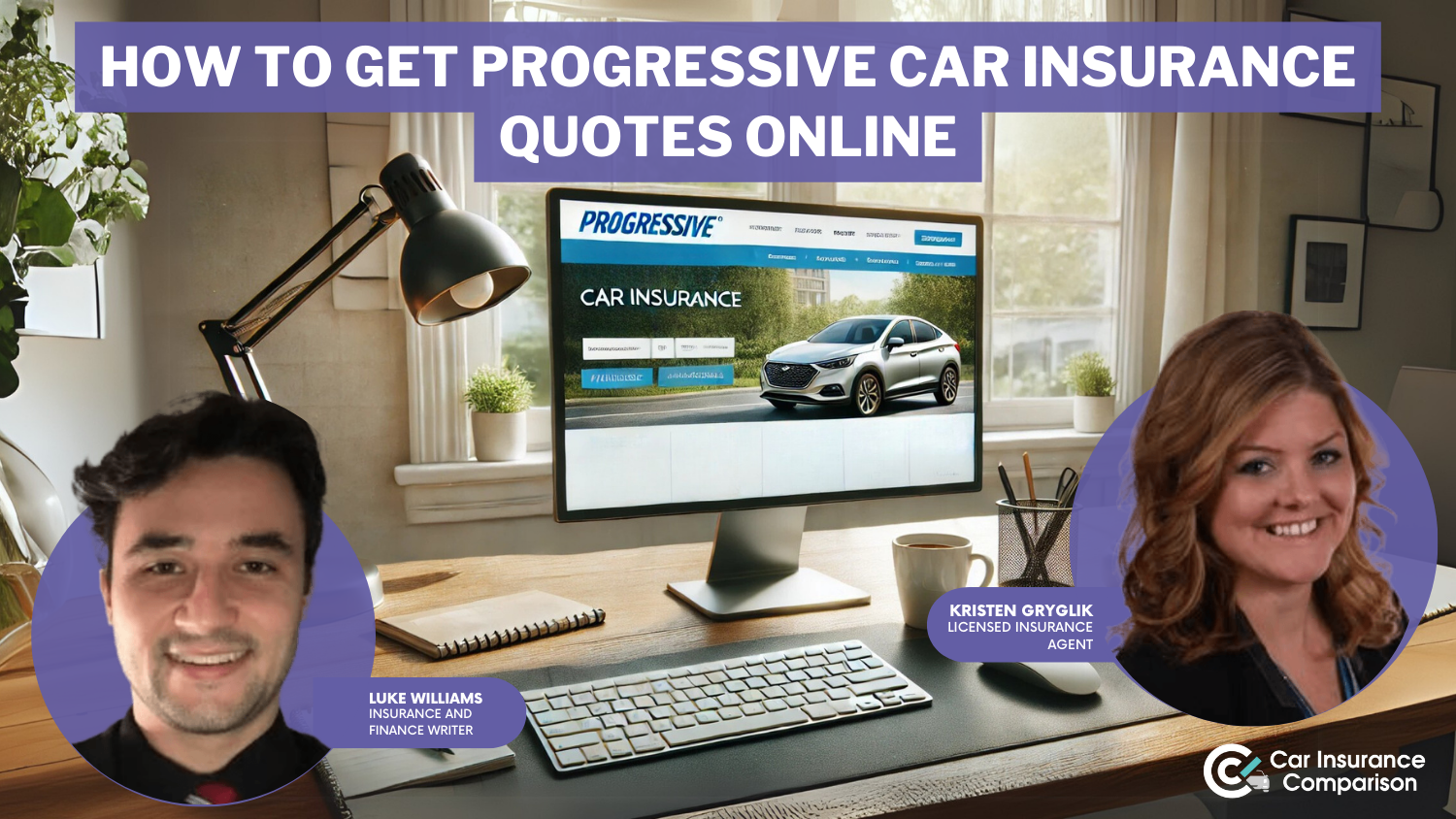
Option 1: Using the Progressive Website
- Log In: Navigate to the official Progressive website and log into your account using your username and password.
- Navigate to 'Manage Policy': Once logged in, select the policy you wish to update. Look for a link labeled "Add/Remove a Vehicle" or "Edit Vehicles."
- Input Vehicle Data: Follow the prompts to add a new vehicle. You will be asked for the VIN. Many systems will automatically populate the make, model, and year once the VIN is entered.
- Confirm Coverage: You will need to select the coverage limits for the new car. You may choose to match your existing policy coverage or select different options based on the vehicle's value.
- Review and Submit: Carefully review the changes. The system will provide a preview of your updated premium. Once submitted, you will receive a confirmation, and an updated insurance card will be available for download.
Option 2: Using the Progressive Mobile App
The app experience is similar to the website but optimized for mobile devices. Using the app can be particularly convenient if you are currently at a dealership and need to show proof of insurance immediately to complete the purchase. The "Documents" section in the app will update almost instantly once the change is processed.
Financial Considerations and Policy Adjustments
Adding a new car is a significant financial event. You should be prepared for changes in your premium, which are influenced by several factors:
- Vehicle Value and Repair Costs: A newer, high-end vehicle will generally cost more to insure than an older model due to the replacement value and the cost of specialized parts.
- Safety Features: Modern vehicles equipped with advanced driver-assistance systems (ADAS) or sophisticated anti-theft technology may qualify for specific discounts, partially offsetting the increase in premium.
- Multi-Vehicle Discounts: Adding a second or third car to your existing Progressive policy often triggers a multi-vehicle discount. While your total premium will rise, the cost per vehicle is typically lower than if you were to insure each car on a separate policy.
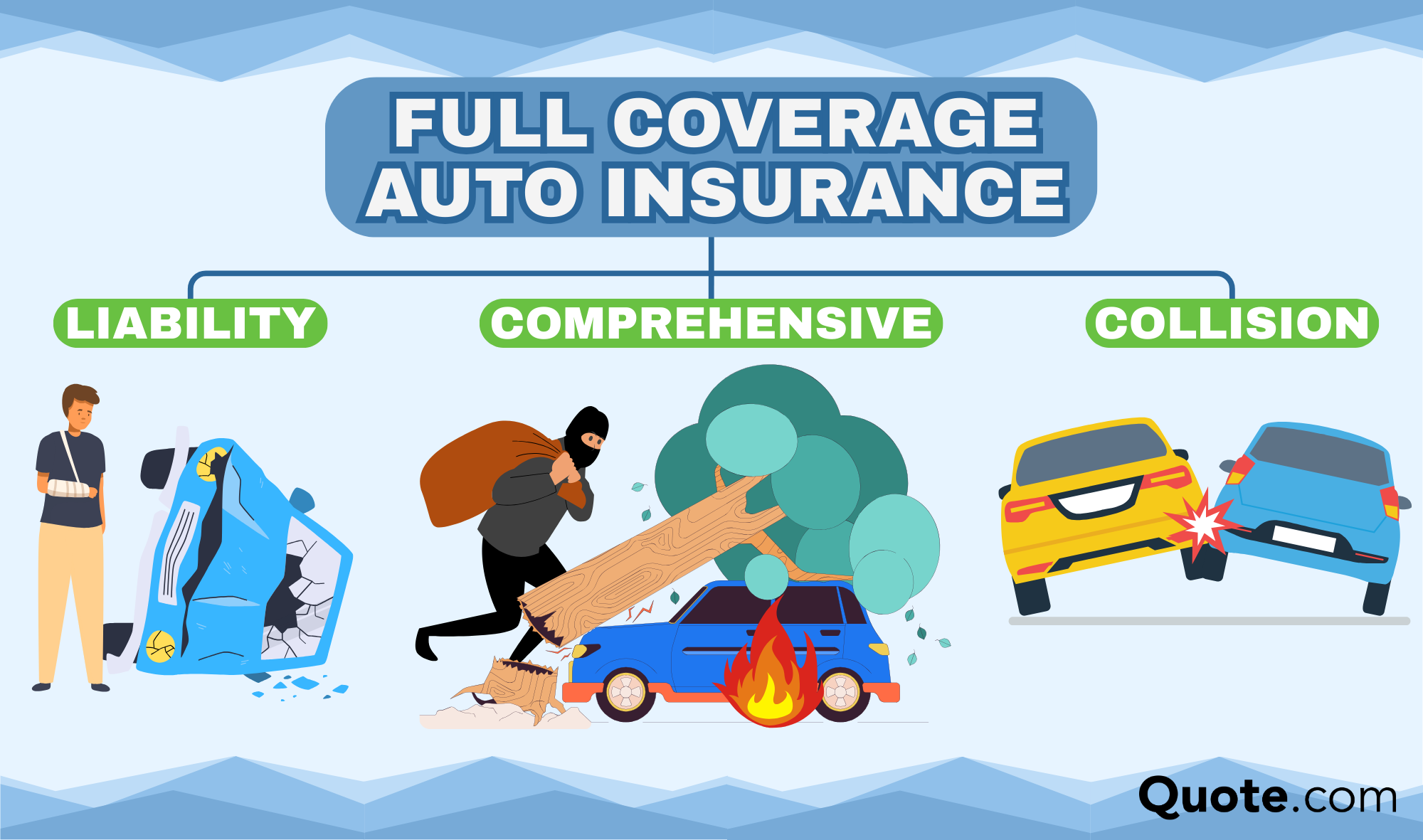
- Coverage Changes: If your new car is leased or financed, your lender will likely require "Full Coverage," which includes comprehensive and collision insurance. If you were previously carrying only state-mandated liability insurance, you will notice a more significant premium increase as you add these required coverages.
Comparison of Coverage Levels
When adding a vehicle, consider the following table to help decide on appropriate coverage levels.
| Coverage Type | Purpose | Requirement for New Cars |
|---|---|---|
| Liability | Covers injuries/damages to others | Mandatory in most states |
| Collision | Repairs your car after a crash | Often required by lenders |
| Comprehensive | Covers theft, fire, or vandalism | Often required by lenders |
| Gap Insurance | Pays the difference between loan and value | Recommended for new car loans |
| Roadside Assistance | Covers towing and battery jumps | Optional convenience coverage |
Common Mistakes and How to Avoid Them
Even with a streamlined process, policyholders often encounter pitfalls that cause headaches later.
- Delaying the Addition: Many people assume there is a "grace period" where their existing policy automatically covers a new car. While some policies provide very limited, temporary coverage for a few days, you should never rely on this. Update your policy the moment you become the legal owner.
- Incorrect Garaging Address: Providing an incorrect address to lower premiums is considered insurance fraud. Always ensure the "garaging address" is where the car is physically located the majority of the time.
- Miscalculating Annual Mileage: Be honest about your expected driving habits. If you underestimate your mileage to save money, it could complicate your claims process later if the insurer determines the vehicle's usage did not match the policy declaration.
Troubleshooting and Support
If you encounter errors, such as the system failing to recognize a VIN or the website showing an error message, do not force the submission.
- Check for VIN Typos: Ensure you haven't confused letters like "O" with the number "0" or "I" with "1."
- Verify New VIN Status: If the car is brand new, it may take a few days for the VIN to be entered into national databases used by insurance companies. If the system cannot find your car, select the option to "Enter Vehicle Manually."
- Contact Support: If you have trouble, use the "Contact Us" feature on the Progressive website to initiate a chat or find the direct phone number for their policy service department. A live agent can verify your information and ensure the VIN is entered correctly.
Frequently Asked Questions
Does my insurance automatically cover my new car the moment I buy it? Most policies provide limited coverage for a short period (usually 2–30 days) for a replacement vehicle. However, this coverage is often restricted to the levels of your current policy. It is critical to contact Progressive immediately to verify your specific policy terms and to officially add the vehicle to avoid any potential coverage gaps.
Will my premium go up immediately after adding a new car? Yes, adding a vehicle increases your total risk exposure, which results in a pro-rated premium adjustment. You will usually see a notice regarding your new billing cycle, and if you are on an installment plan, your future monthly payments will be adjusted to reflect the change.
Do I need to send proof of insurance to my lender? Yes. Once you add the car, download your new Insurance ID card from the Progressive portal and forward it to your financial institution. Some lenders have an automated system where Progressive sends these updates electronically, but it is your responsibility to confirm the lender has received proof of coverage.
Can I remove my old car at the same time? Yes. If you are selling or trading in an old vehicle, you should remove it from your policy at the same time you add the new one. This ensures you are not paying premiums for a vehicle you no longer own. Be prepared to provide the date the old vehicle was sold or transferred.
What is gap insurance, and should I add it to my new car? Gap insurance covers the "gap" between what your car is worth (the actual cash value) and what you owe on your loan or lease if the car is totaled. If you are putting little money down on a new vehicle, it is highly recommended to protect yourself from a large out-of-pocket loss.
Final Recommendations
Adding a new vehicle to your Progressive insurance is a standard administrative task, but it requires precision. Make sure you have your documentation ready before starting, and always double-check the coverage limits to ensure they align with any requirements from your lender. If you are unsure about whether your current coverage is adequate for your new asset, take the time to review your policy selections with an agent rather than simply transferring your old settings to the new car. Proper planning ensures that your new investment is fully protected from the first mile driven.