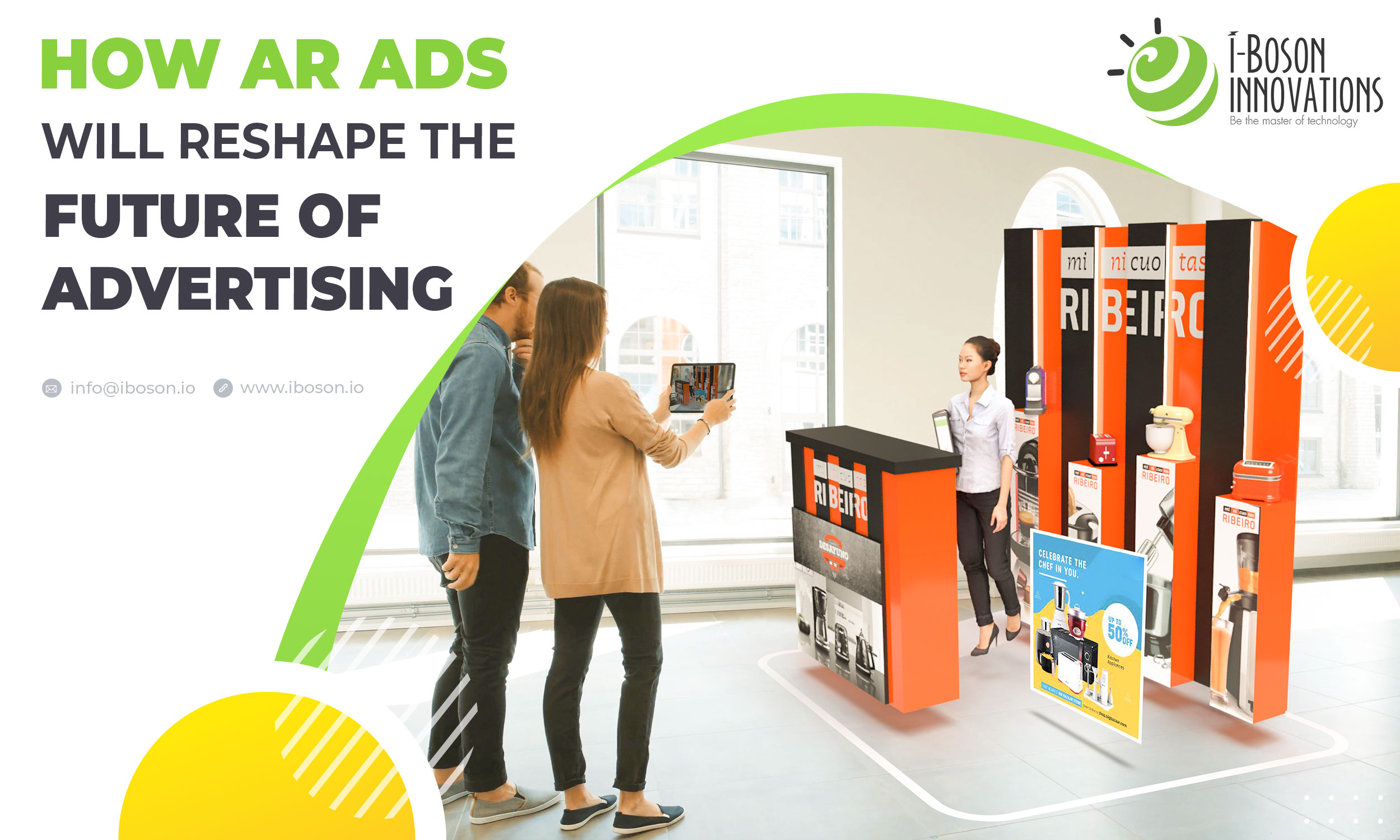
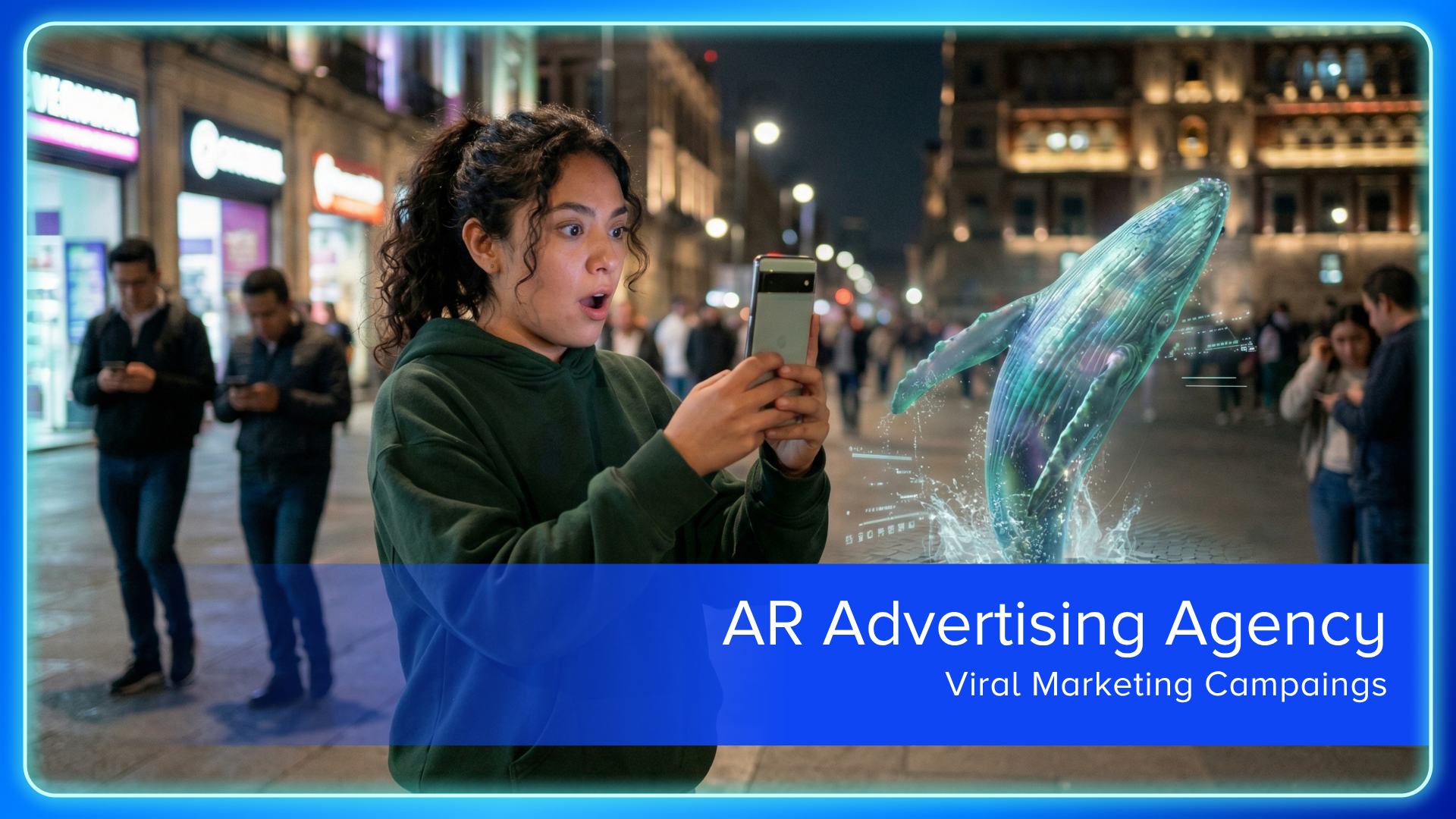
Augmented Reality (AR) advertising is a marketing strategy that overlays digital imagery, video, 3D models, or interactive data onto a user’s view of the physical world through a smartphone camera, tablet, or wearable device. By blending virtual elements with real-time surroundings, it transforms passive consumption into active, immersive engagement, allowing brands to demonstrate products or entertain users in a contextually relevant, spatial environment.
The Mechanics of AR Advertising
At its core, AR advertising relies on computer vision and Simultaneous Localization and Mapping (SLAM) technology. Unlike Virtual Reality (VR), which replaces the user’s environment entirely, AR keeps the user tethered to reality while enhancing it.
When a user triggers an AR experience—typically via a social media filter, a web-based portal, or a dedicated application—the device’s camera maps the physical space. It identifies planes (like a table or floor) and anchors digital objects onto them. For advertisers, this means an advertisement is no longer confined to a rectangular banner or a 30-second video clip. Instead, it becomes a persistent, interactive object that follows the laws of physics within the user’s camera view, such as a virtual couch that stays perfectly placed on a living room floor even when the user walks around it.
Core Delivery Formats
AR advertising manifests in several distinct formats, each serving different campaign objectives:
- Social AR Filters: Distributed via platforms like TikTok, Snapchat, and Instagram, these allow users to "wear" products, such as digital sunglasses or makeup, using facial tracking.
- Web-Based AR (WebAR): This is increasingly the industry standard for accessibility. Because it runs directly in a mobile browser, users do not need to download an application. A simple QR code or a link can launch an experience immediately, significantly reducing friction.
- App-Based AR: Used by major retailers, these experiences provide high-fidelity, complex interactions—such as deep catalog browsing or persistent home planning tools—that require more processing power than a browser can typically provide.
- AR-Enhanced Out-of-Home (OOH): This involves scanning a physical billboard or a product package to trigger an expanded digital experience, effectively turning static print media into a dynamic multimedia portal.
Why Brands Adopt AR Advertising
The shift toward spatial marketing is driven by a desire to bridge the gap between "trying" and "buying." Conventional digital ads suffer from high rates of ad fatigue, but AR provides utility.
- High Engagement Rates: Because users must actively interact with the content, dwell times are significantly longer compared to traditional digital media.
- Reduction in Product Returns: By allowing customers to visualize how an item fits or looks in their specific space before a transaction occurs, retailers often see a reduction in post-purchase returns.
- Viral Potential: High-quality AR filters are inherently shareable. When a user applies a branded filter, they often share that experience with their social network, providing the brand with authentic, user-generated content.
Strategic Prerequisites and Implementation
Launching an effective AR campaign is not a plug-and-play process; it requires technical foresight and creative planning.
Technical Prerequisites:
- Platform Selection: Choose the delivery method based on the goal. If the objective is massive reach, WebAR is the best choice. If the objective is a deep, high-fidelity brand experience, a dedicated app or a highly optimized social platform filter is preferred.
- Asset Optimization: 3D models must be optimized for mobile performance. A high-polygon model that looks great on a desktop will crash a mobile browser, destroying the user experience.
- Marker vs. Markerless: Decide if the AR experience requires a physical "marker" (like a logo on a package) to trigger the content, or if it should be "markerless" (using environmental planes). Markerless is more user-friendly but requires more sophisticated environmental lighting and geometry to look convincing.
Operational Steps:
- Define the Problem: What are you solving? Is it "Which size of chair fits my room?" or "How does this eyeshadow look on my skin tone?"
- Development: Utilize engines like Unity or platforms like 8th Wall to build the experience.
- Testing: Test on a wide range of devices. Fragmented hardware means an experience that runs perfectly on a 2026 flagship phone may stutter on an older model.
- Distribution: Embed the access point (QR code, link, or social channel) in the customer journey where the need for the AR visualization is greatest.
Comparison of AR Delivery Platforms
| Feature | WebAR | Social AR (Filters) | App-Based AR |
|---|---|---|---|
| Accessibility | High (No download) | Moderate (Needs App) | Low (Needs App) |
| Engagement | Moderate | High (Social) | Very High (Utility) |
| Development Cost | Moderate | Low to Moderate | High |
| Persistence | Session-based | Session-based | Persistent |
| Primary Use Case | Instant conversion | Brand awareness | Retail utility |
Overcoming Common Limitations
Despite the benefits, AR advertising faces significant hurdles that marketers must proactively manage. The most prevalent issue is "friction." Even with WebAR, if the loading time exceeds a few seconds, abandonment rates spike. Developers should ensure that the initial experience is lightweight, with high-fidelity assets loading in the background only as needed.
Lighting and occlusion also represent major technical barriers. Occlusion—the ability of virtual objects to disappear behind real-world objects—is critical for realism. If a virtual digital assistant appears "in front" of a person standing behind it, the illusion breaks. Advanced 2026 mobile hardware handles this better than in previous years, but creators must still design their scenes to minimize scenarios where occlusion failure ruins the visual impact.
Privacy and Data Considerations
In 2026, user privacy regarding camera access is paramount. Brands must ensure that they are not unnecessarily capturing or storing video data. The industry standard is to process AR imagery locally on the user's device. If a campaign requires capturing a user’s photo for a virtual "try-on," clear disclosure and explicit, granular consent must be obtained. Transparent communication about how the camera is being used is essential to maintain user trust and comply with global data protection regulations.
Frequently Asked Questions
1. Is an expensive app required for AR advertising? No. While custom apps offer the most control, WebAR technology has matured significantly. Brands can now deploy high-quality AR experiences directly through a mobile browser, removing the barrier of forcing users to download software to participate.
2. How do you measure the success of an AR campaign? Success is measured through interaction metrics, not just clicks. Track "Activation Rate" (how many users scanned the code), "Dwell Time" (how long they played with the model), and "Conversion Rate" (how many proceeded to purchase).
3. Does AR advertising work on all smartphones? Most modern smartphones released in the last four years support AR. However, performance varies. Always set your minimum requirements for the lowest common denominator in your target demographic to ensure the experience is functional for the majority of users.
4. What is the biggest mistake brands make with AR? The most common mistake is focusing on the "wow factor" rather than utility. AR should solve a friction point in the purchasing process. If the AR experience does not help the customer make a better informed decision, it is likely to be viewed as a gimmick rather than an effective ad.
5. How do I maintain brand consistency in an AR environment? Just as you would with print or digital, define a strict style guide for your 3D assets. Ensure lighting, texture, and scale are consistent across all AR touchpoints so that the virtual object feels like it belongs in the customer's world while maintaining the brand's visual identity.
Strategic Next Action
To begin incorporating AR into your marketing mix, audit your product catalog to identify items that require visual validation. Choose one high-intent product and develop a simple, markerless WebAR visualization tool. By focusing on a single, high-utility use case rather than a generic promotional filter, you can effectively measure the impact of AR on your conversion funnel before scaling your investment.