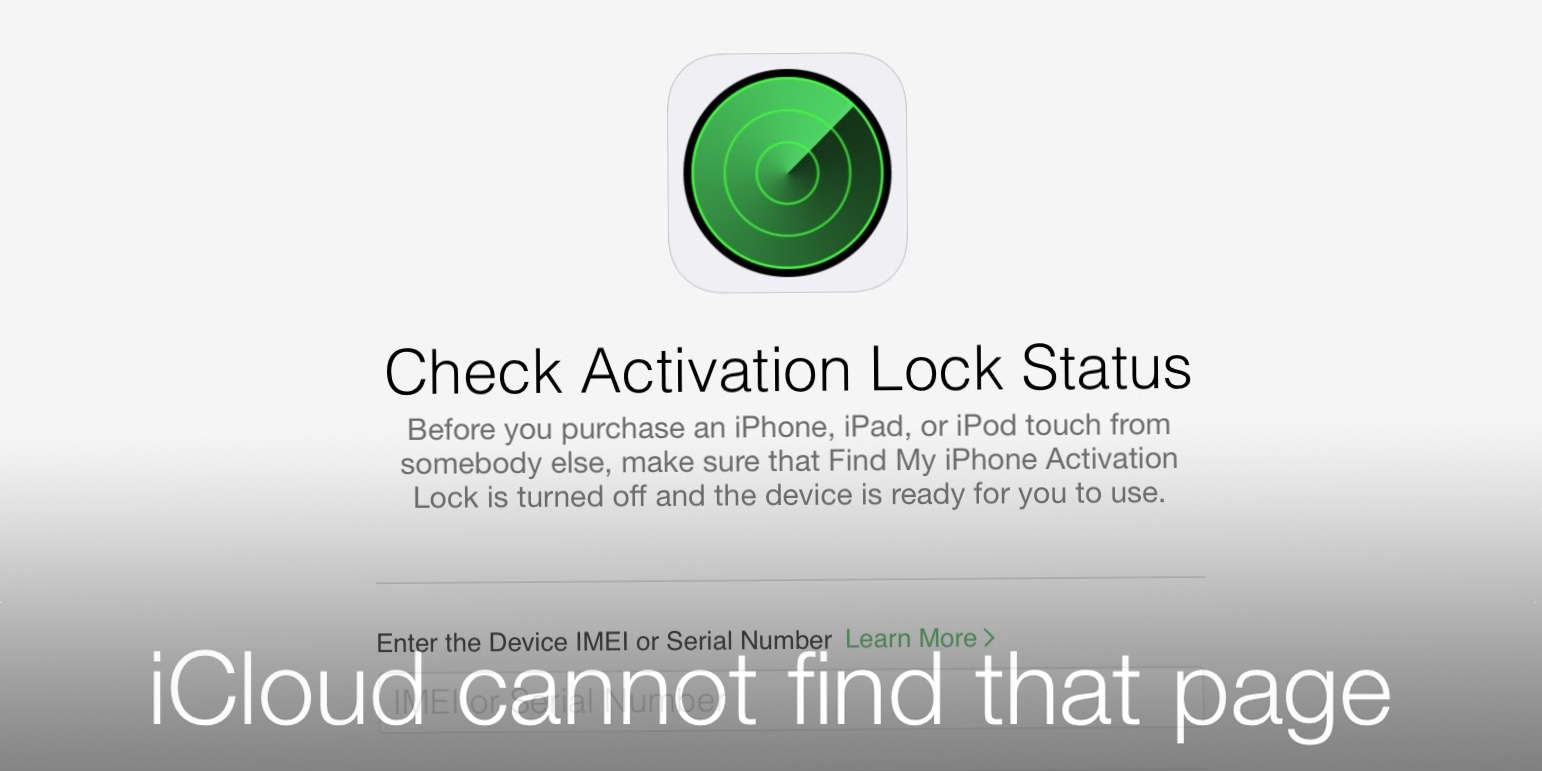
Activation Lock is a critical security feature integrated into Apple’s ecosystem, designed specifically to prevent unauthorized access to a device and to act as a significant deterrent against theft. By linking your specific hardware—such as an iPhone, iPad, Mac, or Apple Watch—to your personal Apple ID, the feature ensures that only you can erase, reactivate, or use the device if it is ever lost or stolen. When a device is protected by Activation Lock, it remains useless to anyone else who does not possess your Apple ID credentials, effectively rendering the device a "paperweight" to potential thieves.
The functionality relies on the servers at Apple; when "Find My" is enabled on your device, your unique device identifier (the serial number or IMEI) is securely mapped to your Apple ID on Apple’s activation servers. Even if a third party performs a factory reset or attempts to reinstall the operating system, the hardware will query these servers during the initial setup process. If the device is marked as locked, the system will immediately prompt for the original owner’s Apple ID and password before allowing the device to proceed to the home screen. This hardware-level integration provides a robust layer of protection that software-based passwords cannot offer alone.
The Purpose and Mechanics of Activation Lock
At its core, Activation Lock is a component of the "Find My" service. It was introduced to address the growing issue of smartphone theft by making stolen devices difficult to resell or use. Before the implementation of this feature, a simple factory reset was often enough to wipe a device and make it ready for a new user, which inadvertently incentivized the secondary market for stolen goods.
When you sign into iCloud on an Apple device and enable "Find My," Activation Lock is activated automatically. From that point forward, Apple’s servers track the state of that device. The security mechanism operates during the activation phase—the part of the setup flow that occurs after a device has been erased or wiped. During this phase, the device must connect to the internet to communicate with Apple’s servers. The servers verify if the device is currently associated with an Apple ID. If it is, the device forces the user to authenticate. Without the original owner's credentials, the device cannot be configured for a new user, meaning it cannot be used to make calls, browse the web, or access installed applications.
Key Requirements for Functionality
For Activation Lock to be effective, several conditions must be met:
- iCloud account sign-in: The device must have an Apple ID signed in.
- Find My enabled: The "Find My [Device]" service must be toggled on within the iCloud settings.
- Internet connectivity: Since the check happens via Apple’s servers, the device must have a stable Wi-Fi or cellular connection to verify the lock status during setup.
How to Check if Activation Lock is Enabled
Whether you are purchasing a used device or preparing to sell your own, it is vital to understand the status of Activation Lock. Apple provides a streamlined way to verify this status, though it is most effective when you have physical access to the device.
If you are buying a used device, the most important step is to ensure the seller has properly signed out of their account. A device that shows an "Activation Lock" or "iPhone Locked to Owner" screen upon powering it on is still tied to the previous owner's account. Never finalize a purchase for a device that has not been wiped and removed from the previous owner's "Find My" network.
If you already own the device and are troubleshooting, you can check the status by:
- Opening the Settings app.
- Tapping on your name at the top to open your Apple Account/iCloud settings.
- Selecting the Find My option.
- Looking for the status of Find My [Device]; if it is set to "On," Activation Lock is active.
Managing Activation Lock During Device Transfers
One of the most common points of confusion occurs when users pass devices to family members or sell them to third parties without properly disabling security features. To prevent a device from being locked to your account after you have handed it over, you must perform a clean sweep of your personal data and unlink the device from your profile.
Steps to Remove Activation Lock Before Selling or Giving Away
- Back up your data: Always ensure your photos, contacts, and documents are synced to iCloud or stored elsewhere before proceeding.
- Sign out of iCloud/Apple Account: Navigate to Settings > [Your Name] and select Sign Out. You will be prompted for your Apple ID password to disable "Find My."
- Factory Reset: Once signed out, go to Settings > General > Transfer or Reset [Device] > Erase All Content and Settings. This action removes all your personal data and disables the link between the device and your account.
If you have already given away or sold a device and realized you forgot to sign out, you do not necessarily need the device back in your hands. You can remove it remotely using your computer or another device by visiting iCloud.com/find. Select your device from the "All Devices" list, choose "Remove from Account," and confirm the action. This clears the Activation Lock from Apple’s servers.
Comparison of Security States
The following table summarizes the status of a device based on whether Activation Lock and other security settings are active.
| Scenario | Activation Lock Status | Device Usability |
|---|---|---|
| New from Retailer | Off | Ready for initial setup |
| Used (Signed out correctly) | Off | Ready for new user |
| Used (Not signed out) | On | Locked to previous owner |
| "Find My" disabled | Off | Device can be restored without credentials |
| Lost Mode enabled | On | Device is locked and displays contact info |
Troubleshooting Common Activation Lock Issues
Users often encounter frustration when they purchase a device that still bears the Activation Lock of a previous owner. If you find yourself in this position, your first course of action should always be to contact the seller. If you have the original receipt, Apple may be able to assist in removing the lock, but this is at their sole discretion and is not guaranteed.
Another common scenario involves users who have forgotten their own Apple ID password. If you have purchased a device legitimately and find it locked, you must recover your Apple ID credentials through Apple’s official account recovery process. Do not rely on third-party "unlocking" services; these are frequently scams that attempt to steal your payment information or personal data and will not successfully bypass Apple’s hardware-level security.
Limitations and Exceptions
Activation Lock is a security feature, not a data recovery tool. If you lose your Apple ID password and do not have your recovery key or access to trusted devices, you may lose access to the data on your device permanently. Apple’s security is designed to be difficult to circumvent, which protects your data but also places the responsibility of account security squarely on you.
Frequently Asked Questions
1. Does a factory reset remove Activation Lock?
No. Performing a standard factory reset (erasing content and settings) does not remove the Activation Lock. During the initial setup after a reset, the device will prompt for the original Apple ID and password to ensure that the person resetting the device is the authorized owner.
2. Can I bypass Activation Lock if I have the original receipt?
If you can provide proof of purchase, such as the original sales receipt that includes the device’s serial number and your name, you may be able to visit an Apple Store or contact Apple Support to have the lock removed. However, Apple reserves the right to deny this request if the documentation is insufficient or if the device is flagged as stolen.
3. Will third-party repair shops be able to unlock my device?
No, legitimate, Apple-authorized service providers cannot bypass Activation Lock without the proper credentials. Any entity claiming they can "unlock" your device for a fee is likely misleading you. The lock is tied to the hardware and is managed by Apple’s secure servers; it cannot be bypassed through physical hardware modifications.
4. What happens if I buy a stolen device?
If you inadvertently purchase a stolen device that is protected by Activation Lock, you will likely be unable to use it. Because the lock is tied to the previous owner's account, there is no way for you to bypass it. This is why it is essential to verify that "Find My" is disabled before paying for a second-hand device.
5. Does Activation Lock work on devices that aren't connected to the internet?
Activation Lock requires a connection to Apple's servers to verify your credentials. If you are stuck at the "Activation Lock" screen, you must connect the device to a Wi-Fi network or a cellular network to allow the device to communicate with Apple's servers and complete the unlocking process.
Final Recommendation
If you own an Apple device, the most important action you can take is to ensure that "Find My" is active and that you keep your Apple ID credentials secure. If you are ever in the position of selling your device, always perform a manual sign-out from iCloud and verify the device is removed from your list of active devices at iCloud.com. This simple set of steps ensures that you protect your data and provide a smooth experience for the next user of your hardware. If you are buying a pre-owned device, always verify that the "Activation Lock" screen does not appear during your initial test of the hardware.